Login
Login



Do You Need NZXT CAM Running All the Time?

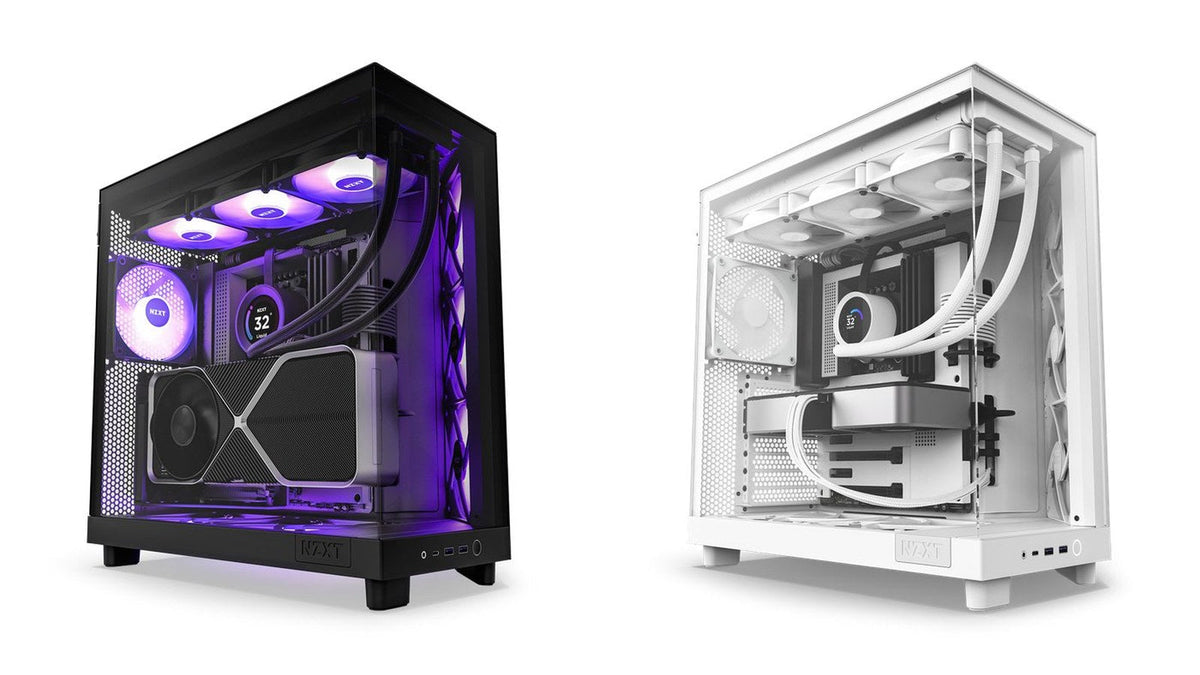
Short answer: It depends on the product. CAM-enabled Kraken coolers (Kraken Elite, Kraken Plus, Kraken 2023) will run without it, but fall back to fixed pump and fan speeds and a default screen, so you lose custom curves, RGB effects and display modes. The Kraken Core, Kraken 120 and Kraken X0 series do not use CAM for cooling at all. The H9 Flow RGB+ and the H6 RGB+ do need CAM, because of the controller each one ships with.
"Do I have to leave software running just to use my hardware" is a fair question, and the honest answer is that it varies across the lineup. Here is what actually changes when CAM is closed.
The quick version
| Product | Works without CAM? | What you lose |
|---|---|---|
| Kraken Elite series | Yes, in default mode | Custom display modes, RGB control, dynamic pump and fan curves |
| Kraken Plus series | Yes, in default mode | Display modes, dynamic pump and fan curves. Pump locks to roughly 80% |
| Kraken Core series | Yes | Not CAM-controlled for cooling |
| Kraken 120 | Yes | Not CAM-controlled for cooling. Lighting only, and only on an NZXT RGB header |
| H9 Flow / H9 Flow RGB | Yes | Nothing required. Fans can run from the motherboard or an ARGB controller |
| H9 Flow RGB+ | No | CAM is required to manage the included Control Hub |
| H6 RGB+ | No | CAM is required to manage the included Control Hub Lite |
| H6 / H6 Flow / H6 Flow RGB | Yes | Nothing required. Fans run from the motherboard or a compatible controller |
CAM-enabled Kraken coolers
This covers the Kraken models that CAM actually controls, and excludes the Kraken X0 series, Kraken 120 and Kraken Core.
These coolers work fine without CAM. What you do not get is anything customised. Without the software running in the background you lose custom cooling curves and profiles, RGB effects, and custom display modes on models with a screen. For the full experience, we recommend leaving CAM running. If CAM is installed but cannot see your cooler, work through what to do when NZXT CAM is not detecting your device.
Kraken Elite specifically
Without CAM the Kraken Elite runs in default mode: the screen shows liquid temperature, models with RGB features show white LEDs, and pump and fan speeds are locked to a fixed rate.
With CAM running you get:
- Customisable display modes, including real-time performance data, custom images and reactive effects (here is how to put a GIF on your Kraken screen)
- RGB lighting control for models with accent lighting or RGB fans
- Dynamic pump and fan speed control
Kraken Plus specifically
Same pattern, with one useful specific: in default mode the pump is locked at roughly 80% and the screen shows only liquid temperature.
With CAM you get customisable display modes including CPU and GPU temperature, load, or custom images, plus dynamic fan and pump curves that respond to CPU, GPU or liquid temperature.
Coolers that do not need CAM at all
Kraken 120
The Kraken 120 is a standalone cooler. It does not rely on CAM for control or monitoring, and it will not appear as a cooling device in CAM.
Lighting has two routes:
- Connect to a 4-pin NZXT RGB header, such as those on N series motherboards, the Control Hub, or the RGB & Fan Controller. This route is controllable in CAM.
- Use the included 5V ARGB adapter to connect to your motherboard's 3-pin ARGB header or a dedicated ARGB controller. Control then happens in your motherboard software instead.
For fan and pump speed, connect the cooler directly to the motherboard and control it through your UEFI/BIOS fan settings or your board's own software. Set the pump to 100% at all times and use a reactive curve for the fan based on your own noise preference.
Kraken Core
Also not CAM-controlled for cooling. As with the Kraken 120 and Kraken M22, we do not recommend running the pump below 100% for extended periods, because sustained low pump speed shortens pump life.
Cases and the Control Hub
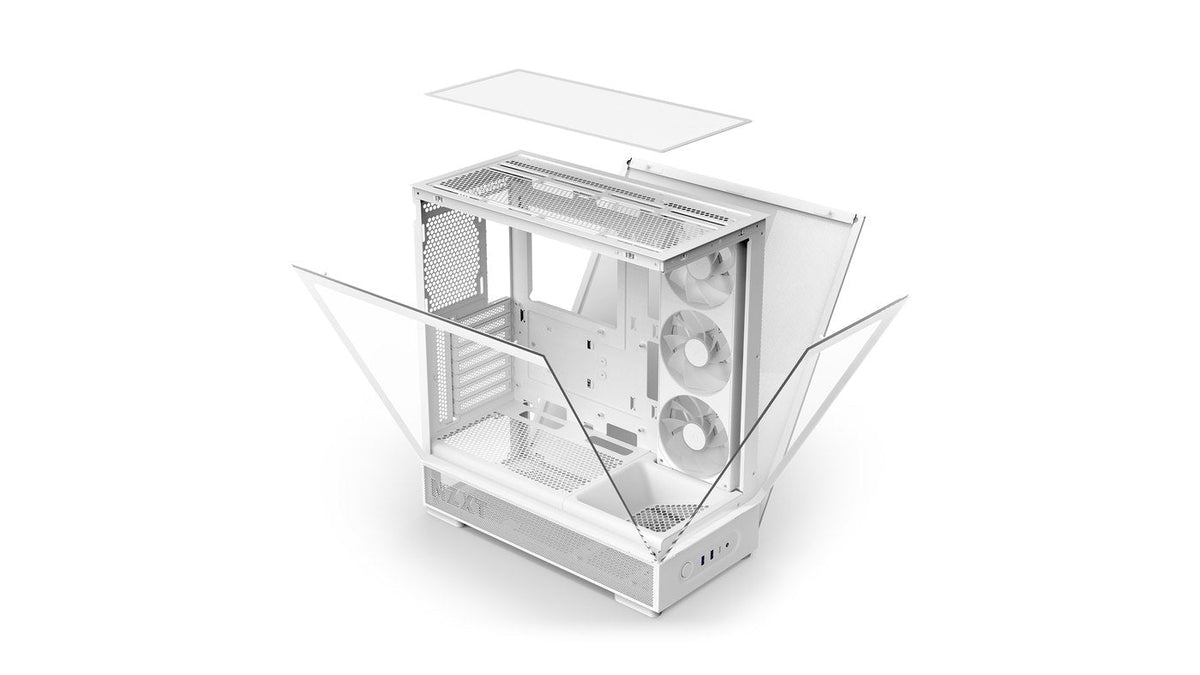
For the H9 Flow and H9 Flow RGB, CAM is not required. The fans can connect either to an NZXT controller or directly to a motherboard or compatible 5V ARGB controller.
The RGB+ models are the exception. The H9 Flow RGB+ ships with a Control Hub pre-installed and the H6 RGB+ ships with a Control Hub Lite, and CAM is required to manage either one. That is the trade for a build that is fully synchronised out of the box. The plain H6, the H6 Flow and the H6 Flow RGB have no controller, so nothing about them needs CAM.
So should you leave CAM running?
If you own a Kraken with a screen or RGB you want control over, yes, and that is what we recommend. It is the difference between a fixed pump speed with a temperature readout and a cooler that responds to what your system is doing.
If you own a Kraken Core or Kraken 120 and drive fan curves from your BIOS, you genuinely do not need it running for cooling. CAM is still useful for monitoring, but nothing breaks without it.
Frequently asked questions
Will my cooler stop working if I close CAM?
No. Every Kraken continues cooling without CAM. It falls back to a fixed default rather than switching off.
What pump speed does a Kraken run at without CAM?
A fixed rate. On the Kraken Plus that is roughly 80%. On the Kraken Core and Kraken 120 you set it yourself in the BIOS, and it should be 100%.
Why does my Kraken screen only show liquid temperature?
That is default mode, which means CAM is not running or not communicating with the cooler. Start CAM and the display modes become available.
Can I control my Kraken from my motherboard software instead?
For fan and pump speed on coolers connected directly to motherboard headers, yes. For screen and NZXT RGB features on CAM-enabled models, no, those need CAM.
Does CAM need to run for my H9 Flow RGB fans?
Not for the H9 Flow or H9 Flow RGB. The RGB+ models do need it: CAM manages the Control Hub in the H9 Flow RGB+ and the Control Hub Lite in the H6 RGB+.
My Kraken does not appear in CAM at all.
Check whether your model is CAM-controlled first, since the Kraken Core, Kraken 120 and Kraken X0 series will not appear as cooling devices by design. If yours should appear, the USB connection to the pump is the usual culprit.
Need a hand?
Tell us your exact cooler or case model and we will confirm what CAM does and does not control on it. Our team is at NZXT Support.