Zum Inhalt springen

Warenkorb

Dein Warenkorb ist leer

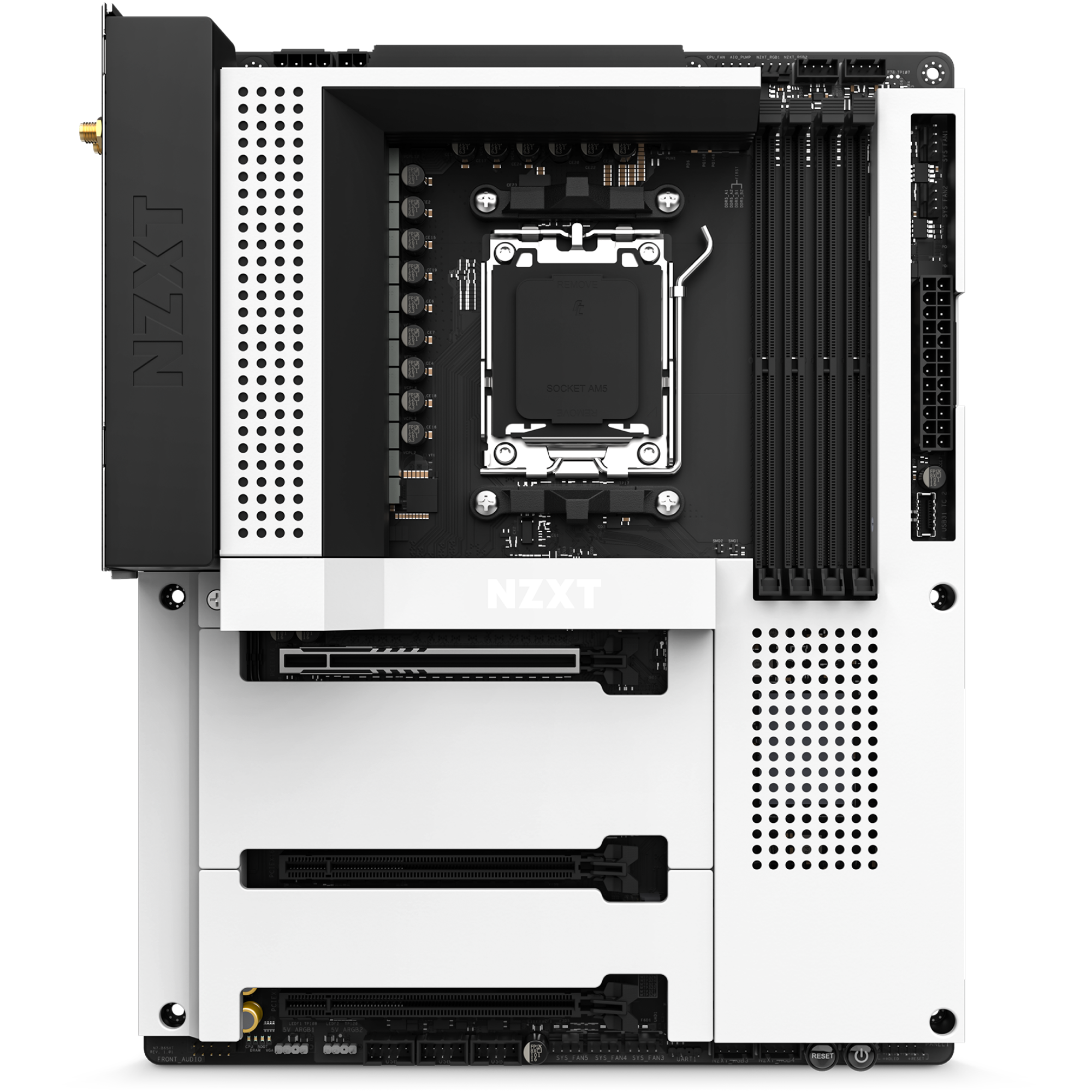
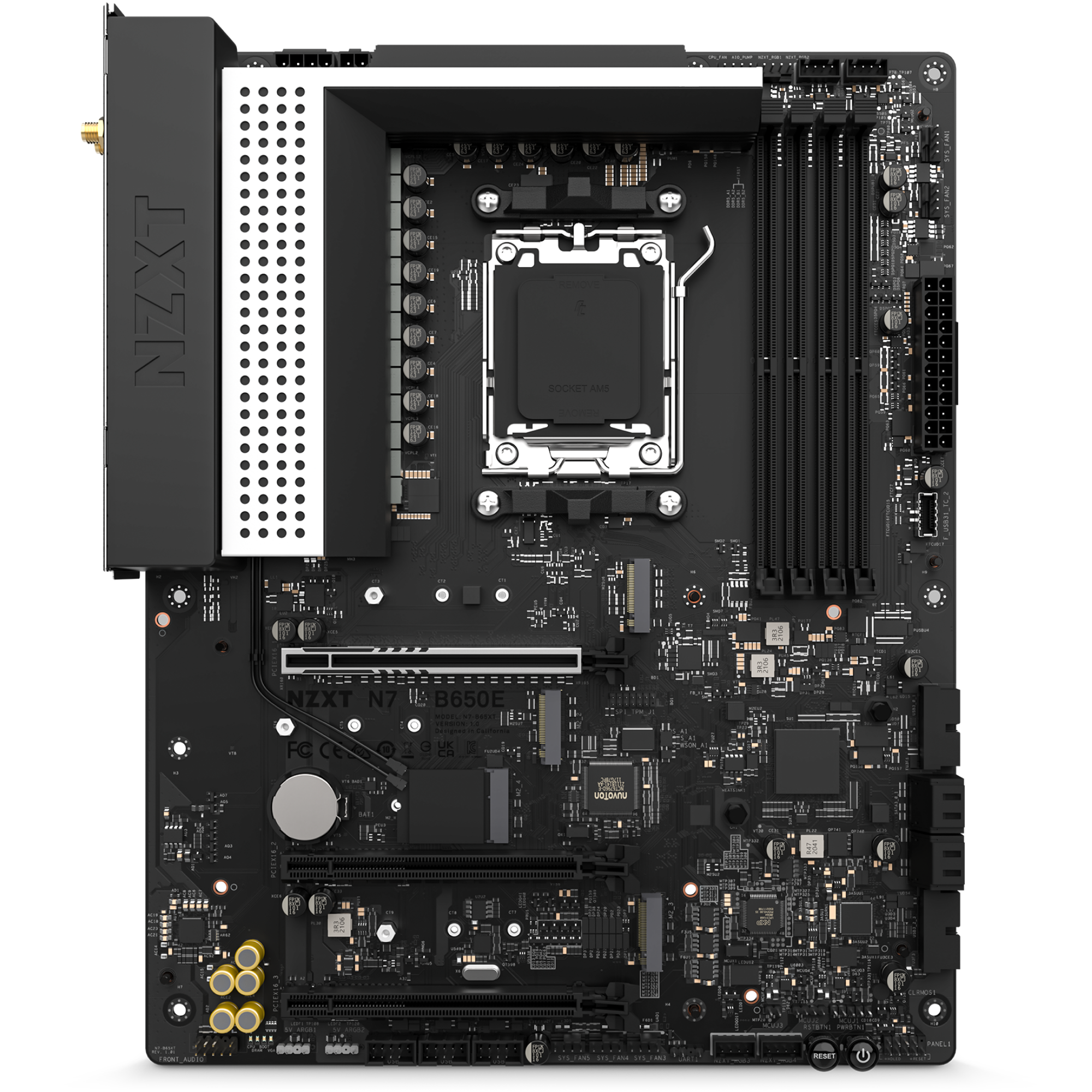
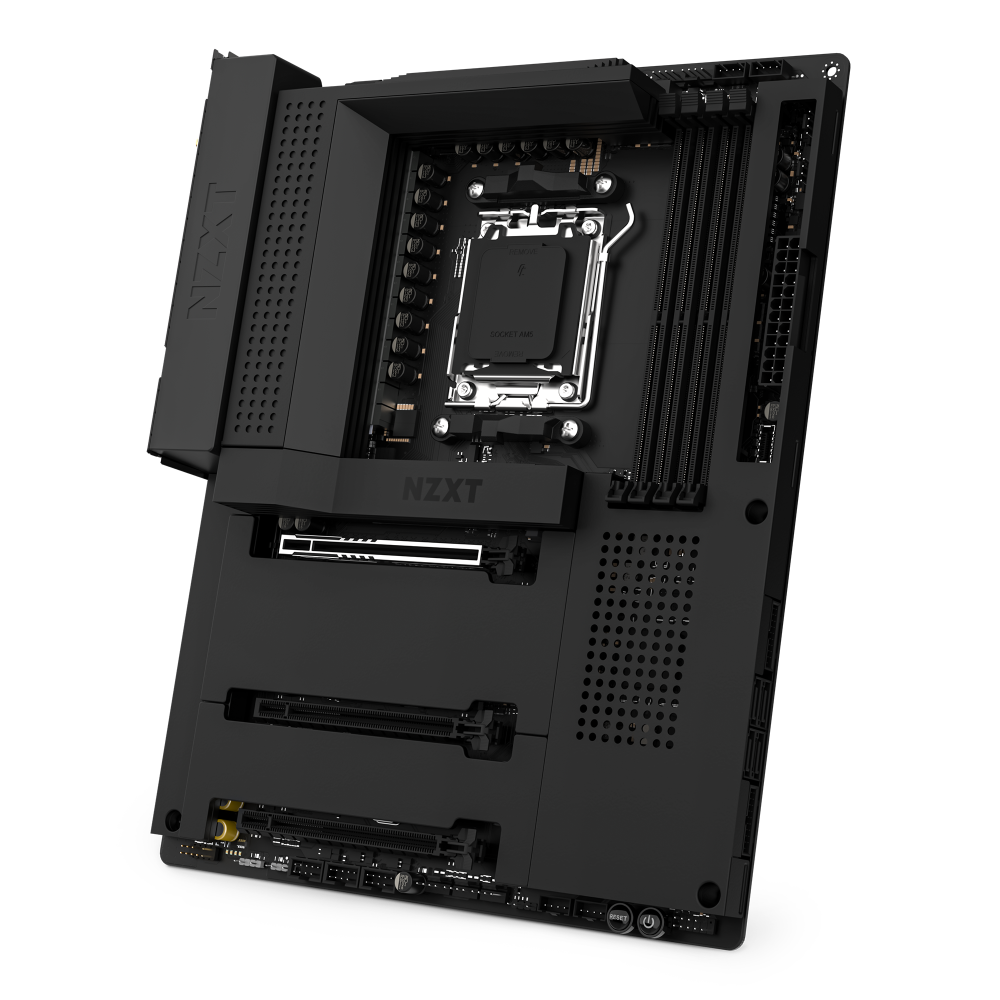
N7 B650E

AMD-Mainboard mit Wi-Fi und NZXT-CAM-Funktionen

3.6
Rated 3.6 out of 5 stars
3.6 Stars (21 Reviews)
Where to Buy

Your Prepay and Save Options

Choose the plan that works best for you.

Month-to-Month

Cancel and return anytime with no fees. This option provides maximum flexibility with no long-term obligations.

Prepaid Terms

Prepay for a multi-month term (3, 6, 12 months) and lock in a lower effective monthly rate.


When your term ends, you have simple options:

1

Month-to-Month: By default, your subscription automatically converts to the month to month rate requiring no action from you.

2

Prepay Again: Alternatively, you can choose to prepay for another 3, 6, or 12 month term.

3

End Subscription: Cancel and return with no fees.

Übersicht

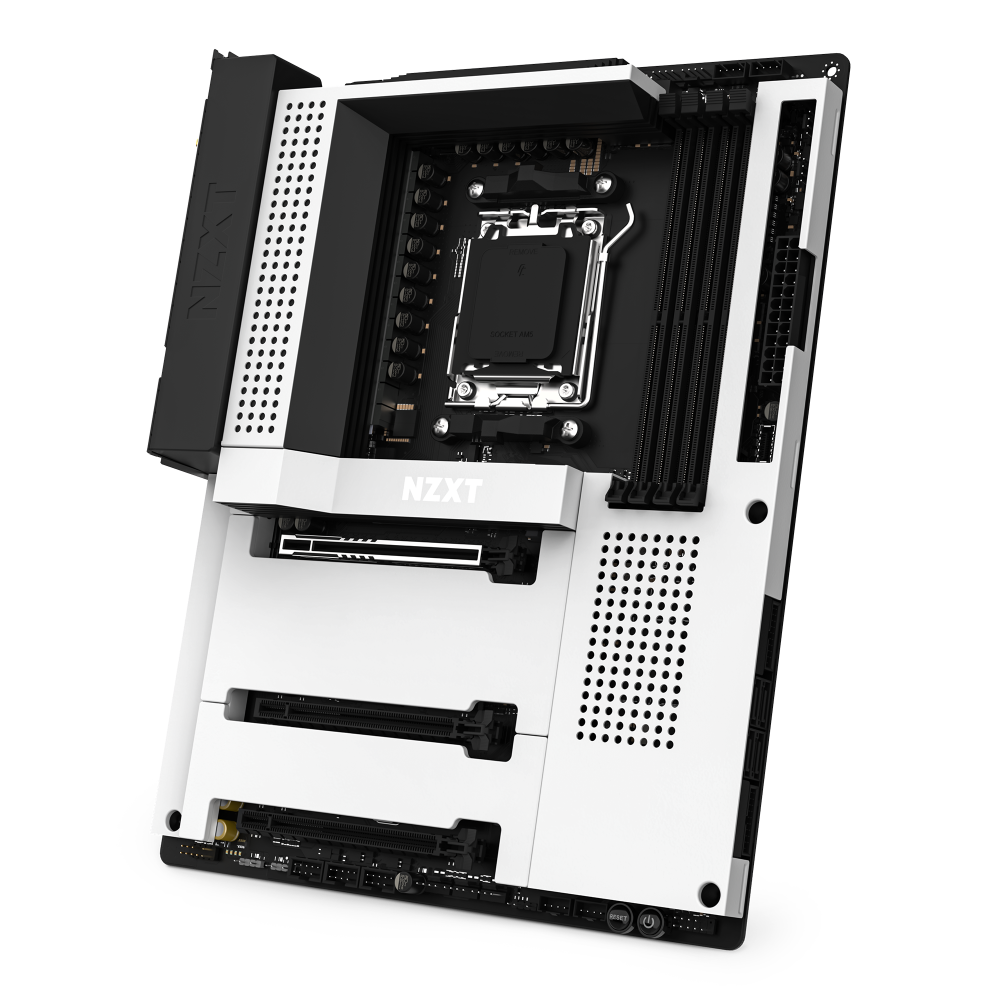
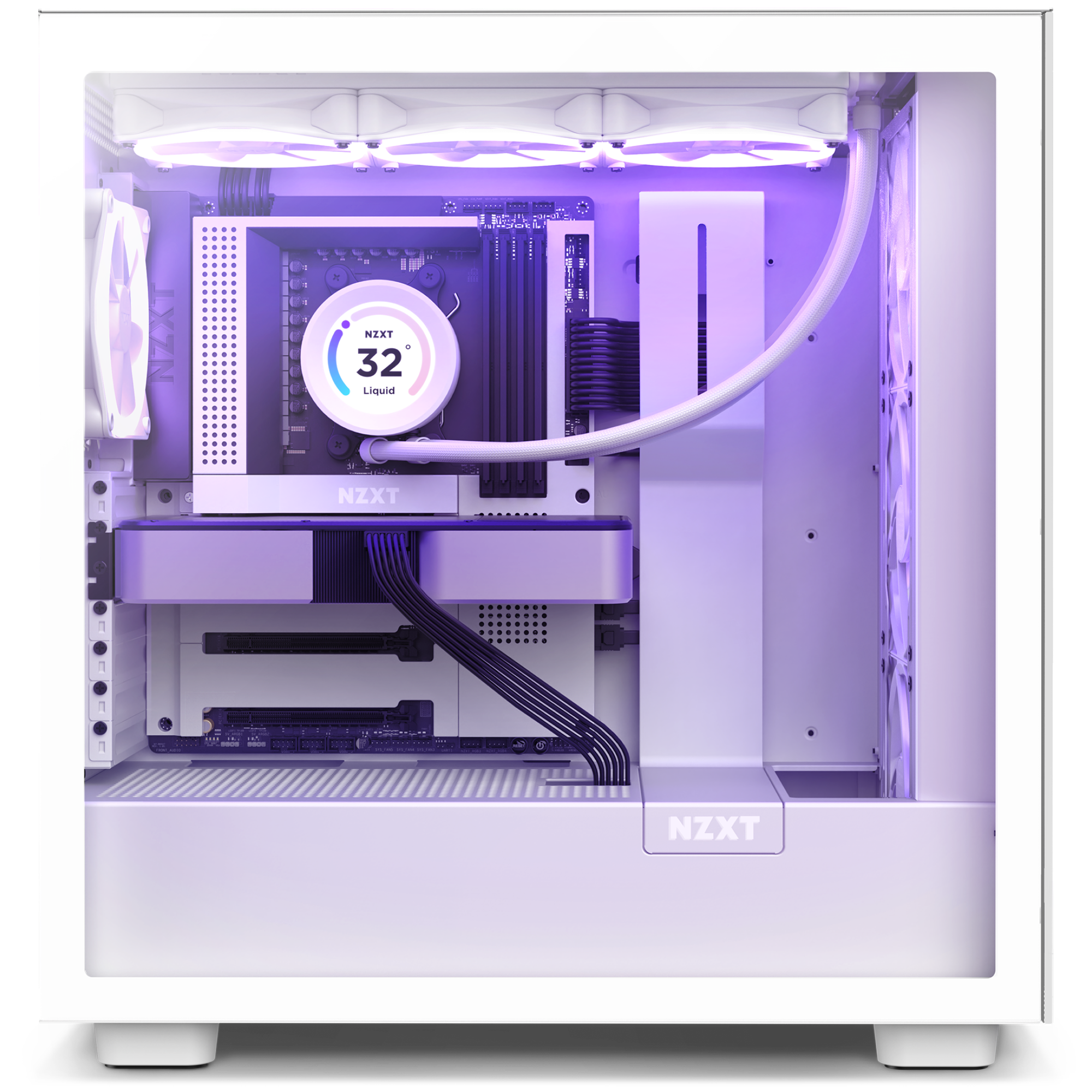
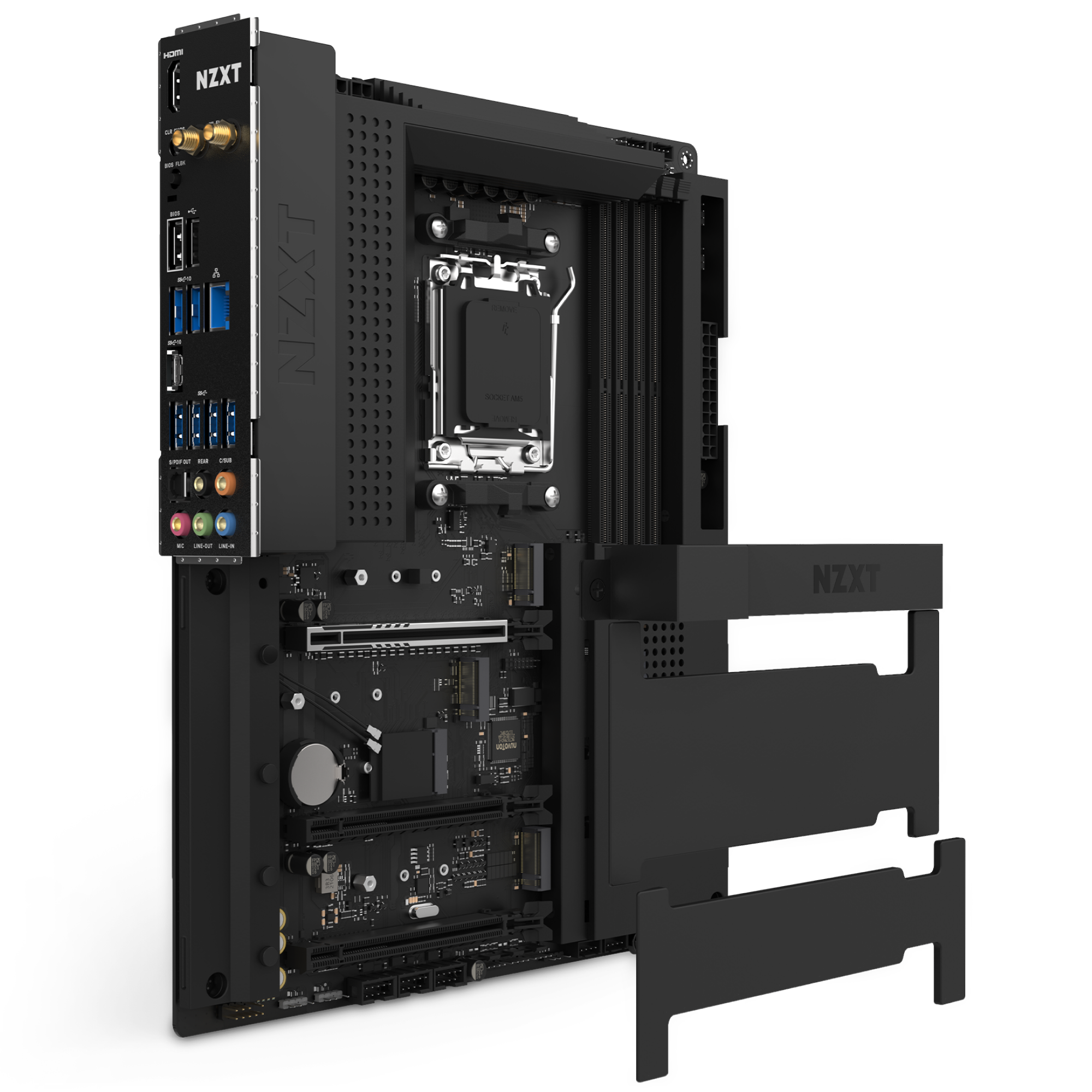
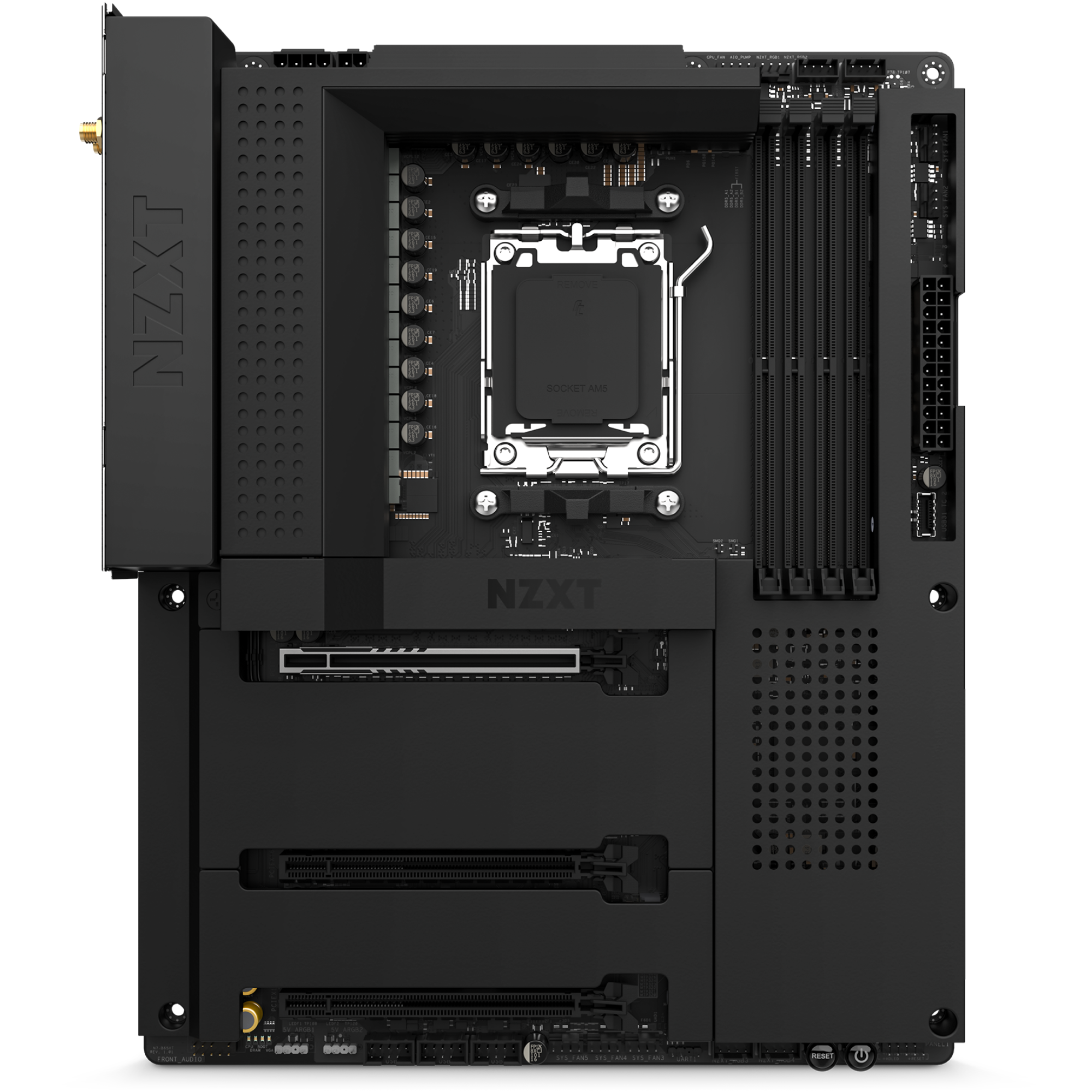
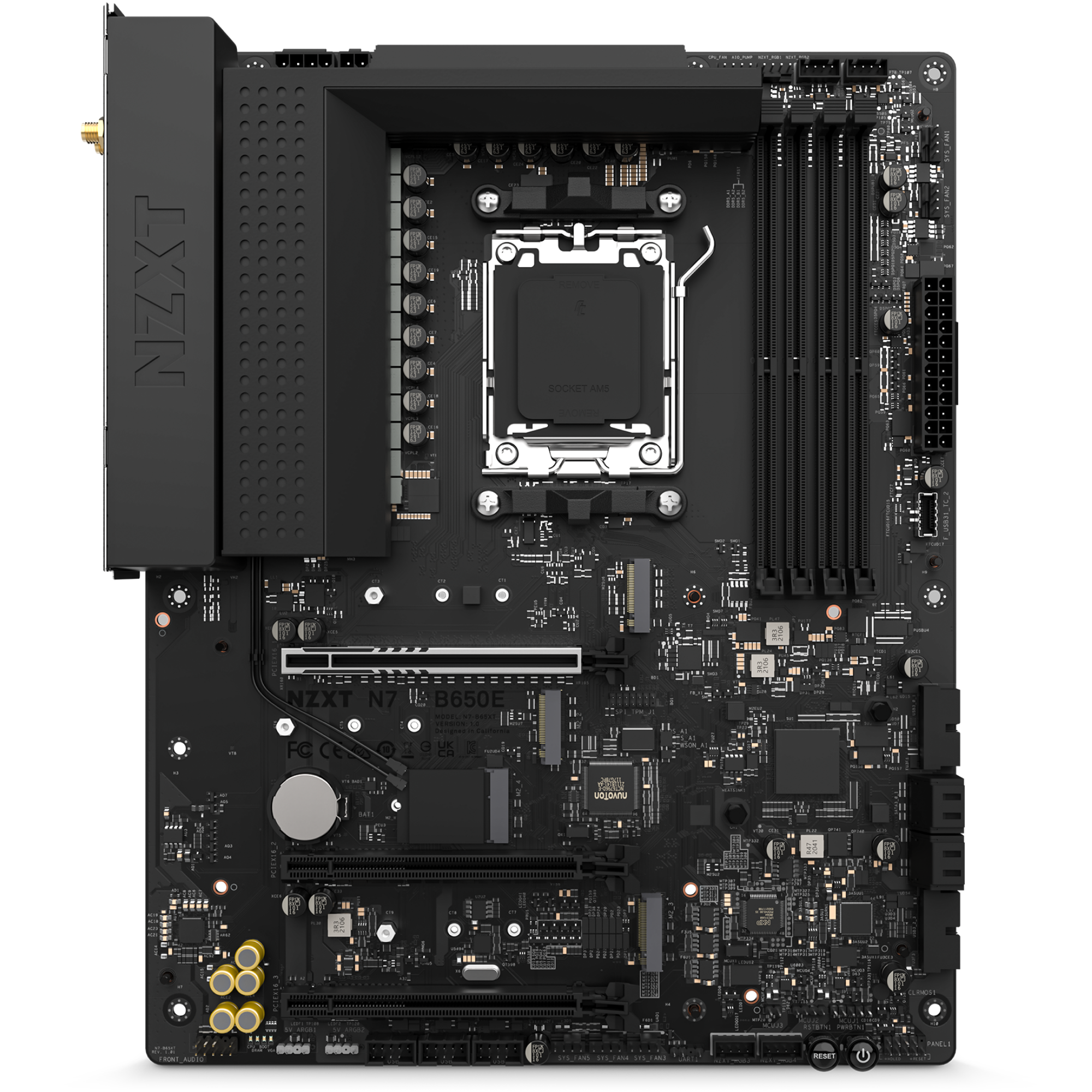
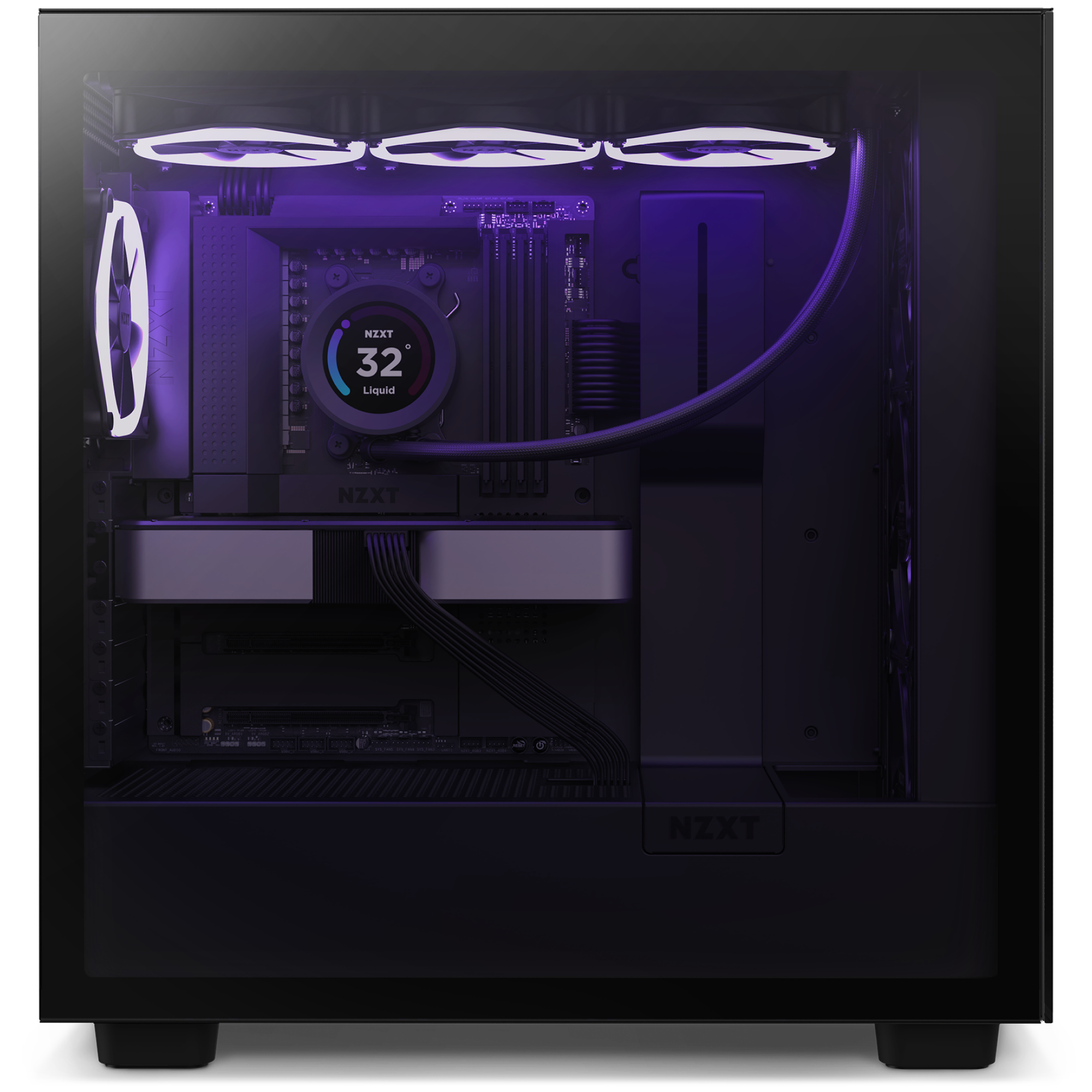
Nutze den vollen Wert deiner AMD Ryzen™ 9000, 8000- und 7000-Serie Prozessoren mit dem AMD B650 Chipsatz. Der N7 B650E bietet eine verbesserte Kompatibilität sowie N7-Favoriten wie digitale RGB- und Lüftersteuerung, Wi-Fi 6e und mehr.

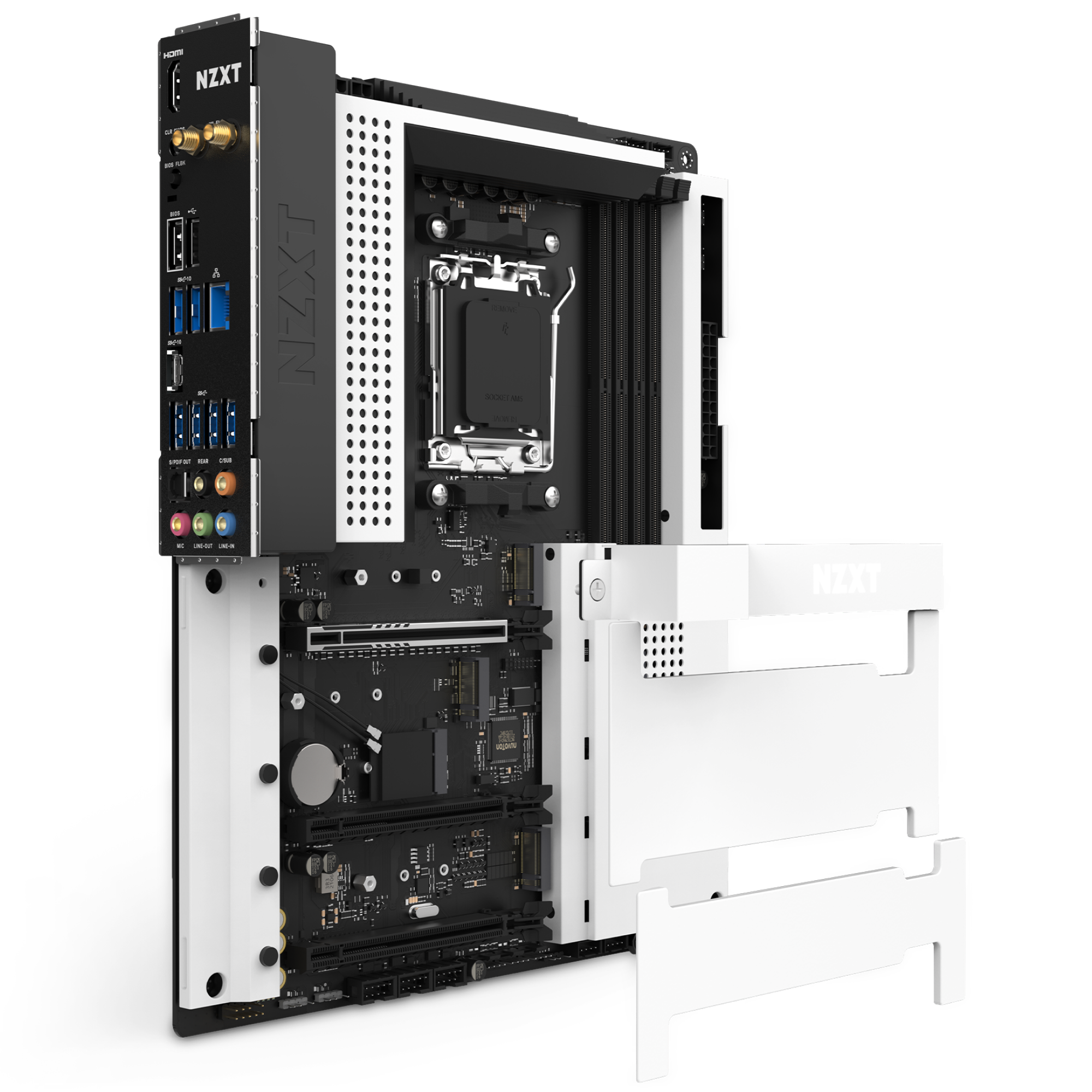
  • Nahtlose Abdeckung mit integriertem Heatspreader
  • Digitale RGB-Beleuchtungssteuerung über CAM
  • Digitale Lüftersteuerung für praktische Lüfterprofile mit sieben unabhängigen Lüfterkanälen
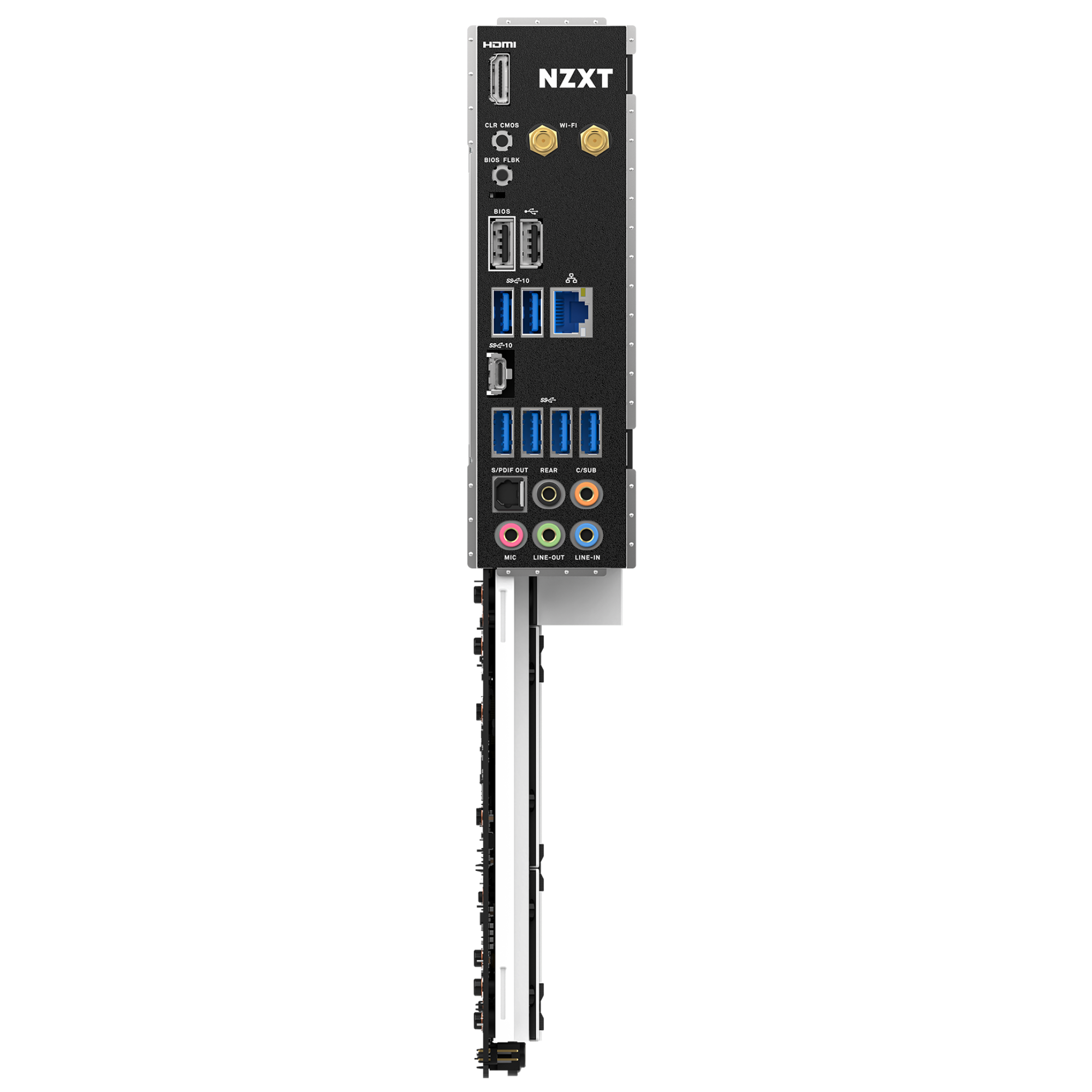
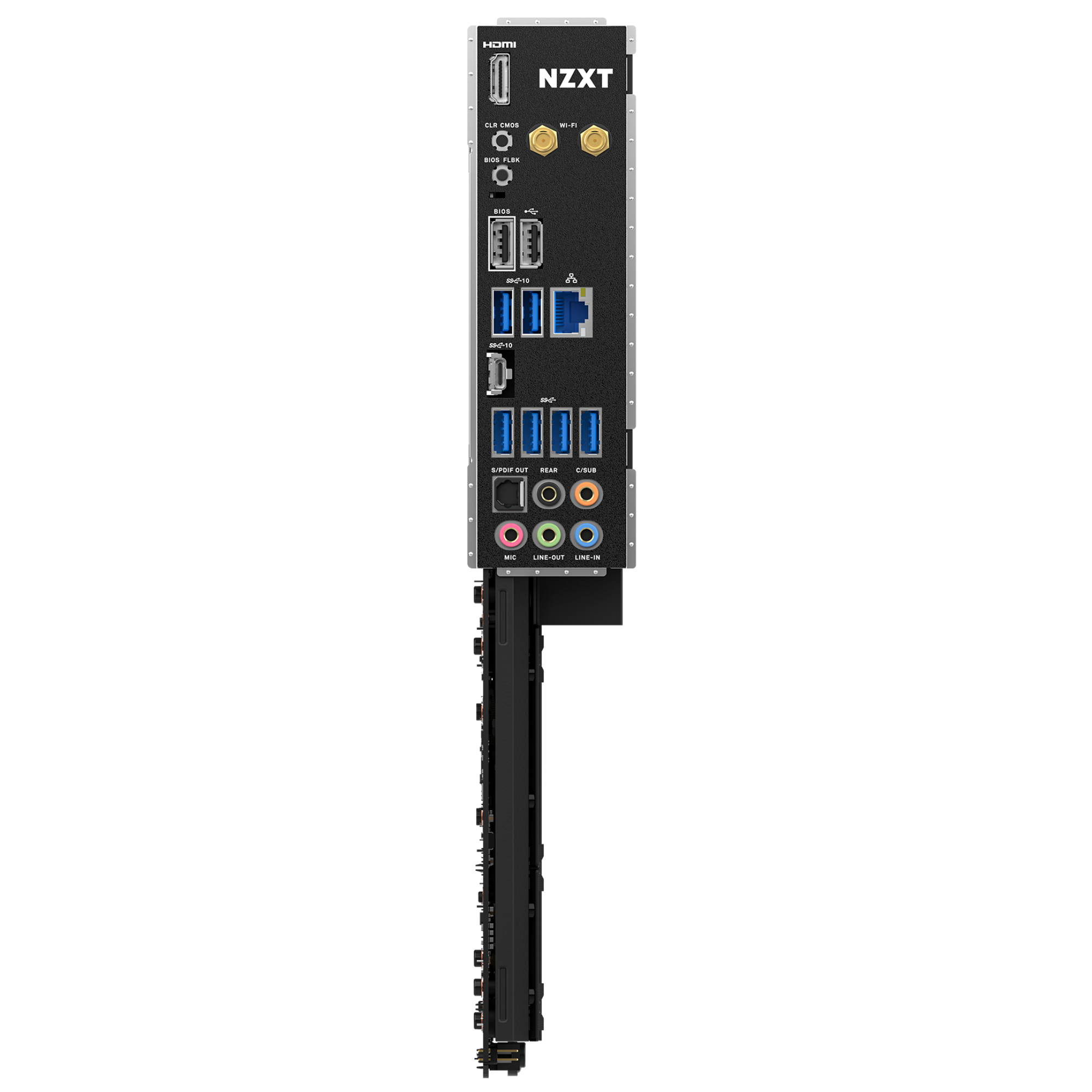
  • Integriertes I/O-Shield an der Rückseite und effizientes Layout
  • 16+2+1 Power Phase Design mit 90A Smart Power Stage (SPS)
  • CPU & Sockel: Unterstützt AMD Sockel AM5 für AMD Ryzen™ 9000, 8000- und 7000-Serie Prozessoren
Technische Daten
CPU
AMD Socket AM5 für AMD® Ryzen™ 9000, 8000, und 7000 Serie Prozessoren
Chipsatz
AMD® B650
DIMM-Steckplätze
4 x DDR5 only
Maximaler Arbeitsspeicher
128GB
Speicherarchitektur
Dual-Channel
OC-Frequenz
DDR5 Non-ECC, Un-buffered Memory bis zu 6000+ (OC)
Extreme Memory Profile (XMP)
Unterstützt
EXTended Profiles for Overclocking (EXPO)
Unterstützt
PCIe 5.0 x16-Steckplatz (PCIEX16_1)
1
PCIe 4.0 x16-Steckplätze (PCIEX16_2 und PCIEX16_3)
2
M.2-Sockel (Key E)
1 (Type 2230 Wi-Fi/BT PCIe Wi-Fi module)
M.2_1
Type 2242/2260/2280 (PCIe 5.0 x4 mode)
M.2_2
Type 2242/2260/2280 (PCIe 4.0 x4 mode)
M.2_3
Type 2242/2260/2280 (PCIe 4.0 x2 mode)
SATA-6Gb/s-Anschlüsse
4
RAID für SATA
0/1/10
RAID für M.2 NVMe
0/1/10
NVMe-SSD als Boot-Laufwerk
Unterstützt
LAN
Realtek® RTL8125BG 2.5G LAN
Dual-Band-Wi-Fi 6E
Unterstützt
Bluetooth
v5.2
Audio
Realtek® ALC1220 Audio Codec
SMA-Anschlüsse für WLAN-Antennen
2
HDMI™-Anschluss
1
USB-2.0-Anschlüsse
2
USB 3.2 Gen 2 Typ-C-Anschluss
1
USB 3.2 Gen 2-Anschlüsse
2
USB 3.2 Gen 1-Anschlüsse
4
Clear-CMOS-Taste
1
BIOS-Flashback-Taste
1
LAN-Anschluss (RJ45)
1
Audioanschlüsse
5
Optischer S/PDIF-Ausgang
1
24-Pin-ATX-Stromanschluss
1
8+4-Pin-ATX-12V-Stromanschluss
1
4-Pin-CPU_FAN-Anschluss
1
4-Pin-AIO_PUMP-Anschluss
1
4-Pin-SYS_FAN-Anschlüsse
5
NZXT RGB-LED-Anschlüsse
4
5V-ARGB-LED-Anschlüsse
2
USB-2.0-Header
3 (Bis zu 6 USB 2.0 ports)
USB 3.2 Gen1-Header
2 (Bis zu 4 USB 3.2 Gen 1 ports)
USB 3.2 Gen2x2 Front-Panel-Header
1 (For USB Type-C)
Front-Audio-Anschluss
1
Power-Taste
1
Reset-Taste
1
POST-LEDs
4
Betriebssystem
Windows® 11/10 64-bit
Formfaktor
ATX
Garantie
3 Jahre
Zertifizierungen
FCC, CE, WHQL, ErP/EuP Ready
Modellnummer
N7-B65XT-W1 (Weiß) / N7-B65XT-B1 (Schwarz)
UPC
810074842877 (Weiß) / 810074842884 (Schwarz)
EAN
5056547202815 (Weiß) / 5056547202822 (Schwarz)
3.6
Rated 3.6 out of 5 stars
Based on 21 reviews
67%would recommend this product
Total 5 star reviews: 11 Total 4 star reviews: 3 Total 3 star reviews: 0 Total 2 star reviews: 2 Total 1 star reviews: 5
21 reviews
  • R
    Risto
    Verified Reviewer
    I recommend this product
    Product Standouts Great Quality, Value for Money, Design, Ease of use, Graphics
    Rated 5 out of 5 stars
    1 month ago
    Most beautiful

    100% satisfied with this. Yes proper RAM setup took few updates but everything worked like a charm after first switch on. I have built many comps but nowdays i dont see point of overclocking so BIOS menus are enough , temps are good ,its easy to clean. Only problem i must point out are PCI-e slots are deeper in cover and some GPU-s wont go in without modifying ,which i had to do(for me it wasnt problem but for some sure is)

  • SN
    Sixten N.
    I do not recommend this product
    Rated 1 out of 5 stars
    3 months ago
    Please don’t buy this.

    This is the absolute worst motherboard in existence. First, the gpu retention is so awfully placed that you need to stick in a flathead screwdriver to remove the gpu. I got the gpu out one time but the next time it broke and my gpu was stuck and still is to that board, mind you that’s a 5070 ti that I bought second hand so I can’t get a replacement. Also, the ssd cover is placed so close to the socket that any aio except NZXTs must sitt over the ram with the tubes covering slot 1.

    And finally we have the absolute worst bios on a so high end board. There is no easy way to change fan curves unless you have more of nzxts products so you have to download atleast 20 different softwares. And this is supposed to give you better performance by overclocking your cpu. This is just wrong, the only thing this board does is taking more power.

    Do not buy any of this company’s products, it’s for the most part just over priced.

    N Profile picture for NZXT
    NZXT
    3 months ago

    Hi Sixten,

    Thank you for sharing your feedback on the NZXT N7 B650E. We're sorry to hear about the difficulties you experienced with the PCIe latch, cooler clearance, and BIOS controls.

    The board does support fan curve adjustments directly in the BIOS using the onboard PWM headers, and additional control through NZXT CAM is optional when using NZXT devices. Cooler fitment and GPU latch access can also vary depending on the case and GPU size.

    We appreciate you taking the time to share your experience, and our support team would be happy to help review the GPU latch situation if you’d like further assistance.

  • S
    Scott
    I do not recommend this product
    Rated 1 out of 5 stars
    4 months ago
    Don't buy this one - Poor Quality

    I purchased this motherboard a few years back. I'm using it with a AMD Ryzen 9 7950X3D. It would work great for about 8 months to a year, and then fail to power on. Totally dead. I isolated it to the MB. NZXT, to their credit, replaced the motherboard no problem. The replacement fixed it. 8 months to a year later, same thing. Fails to power on. NZXT replaced it again. All is well. 8 months to a year later, it happened a third time. I'm just buying a different brand at this point. Ultimately, this motherboard doesn't have good power management. I love my NZXT case and AIO cooler. Do not buy an NZXT motherboard.

  • S
    Scott
    Verified Reviewer
    I do not recommend this product
    Rated 1 out of 5 stars
    4 months ago
    This motherboard may not last with certain CPUs

    I purchased this motherboard a few years back. I'm using it with a AMD Ryzen 9 7950X3D. It would work great for about 8 months to a year, and then fail to power on. Totally dead. I isolated it to the MB. NZXT, to their credit, replaced the motherboard no problem. The replacement fixed it. 8 months to a year later, same thing. Fails to power on. NZXT replaced it again. All is well. 8 months to a year later, it happened a third time. I'm just buying a different brand at this point. Ultimately, this motherboard doesn't have good power management. I love my NZXT case and AIO cooler. Do not buy an NZXT motherboard.

  • J
    jordan
    I recommend this product
    Product Standouts Great Quality, Value for Money, Performance, Graphics, Design
    Rated 5 out of 5 stars
    5 months ago
    good motherbord

    it works fine just the bios menu is a little outdated

Häufig gestellte Fragen