

 Login
Login


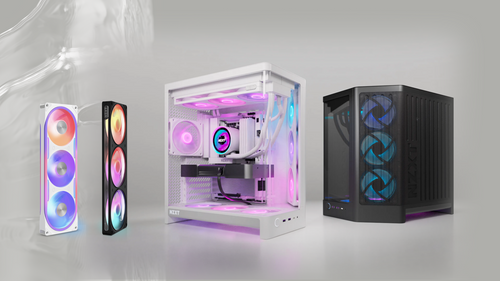
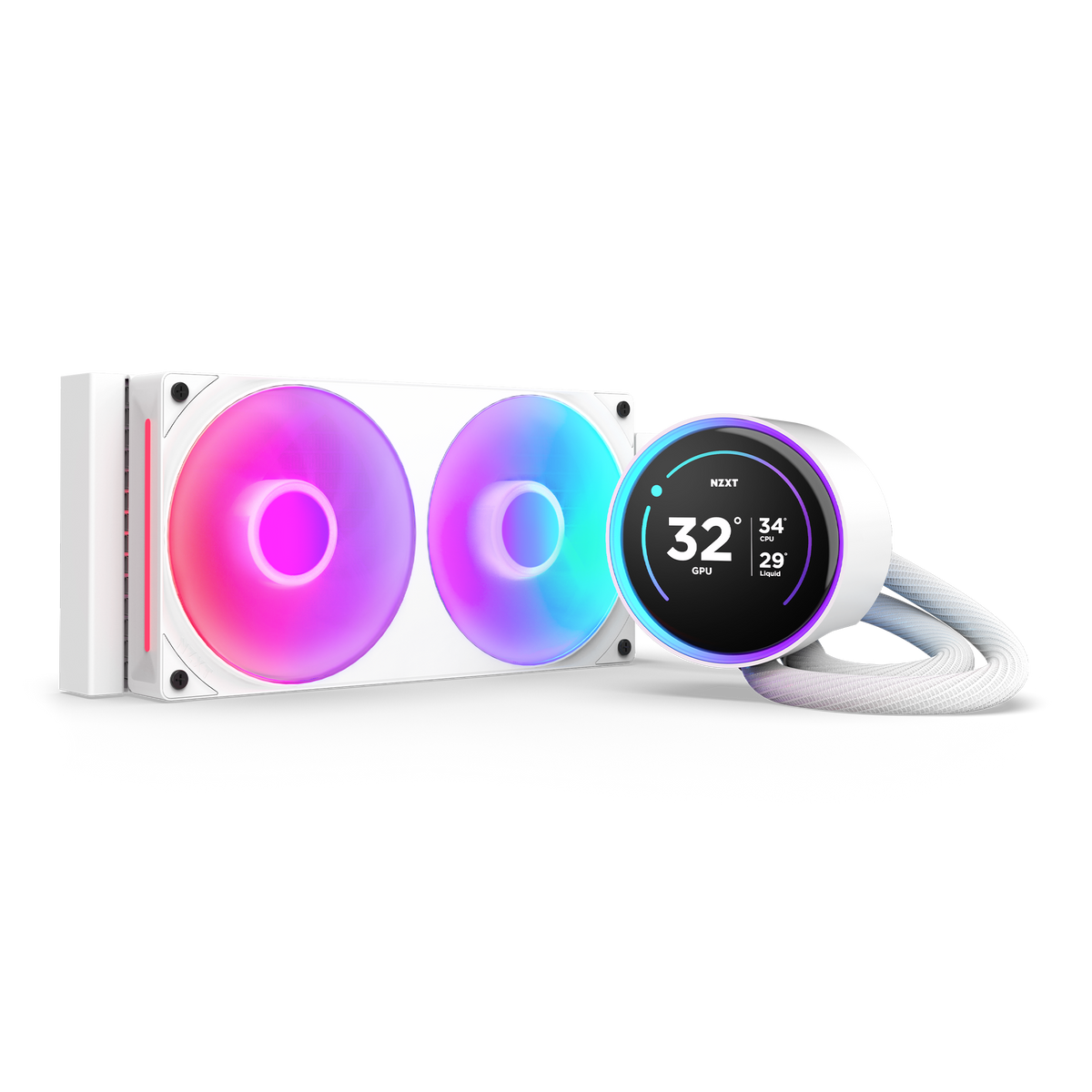
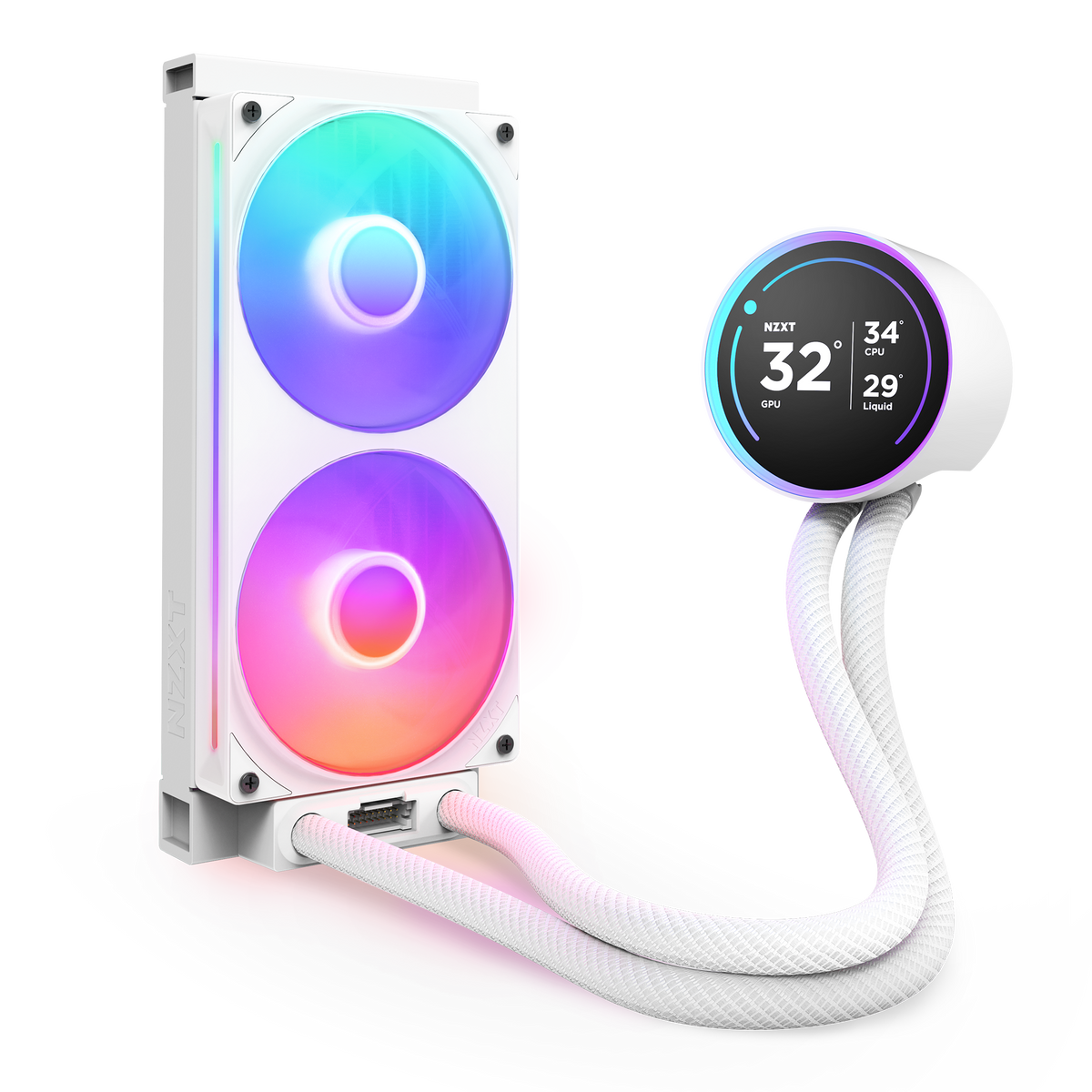
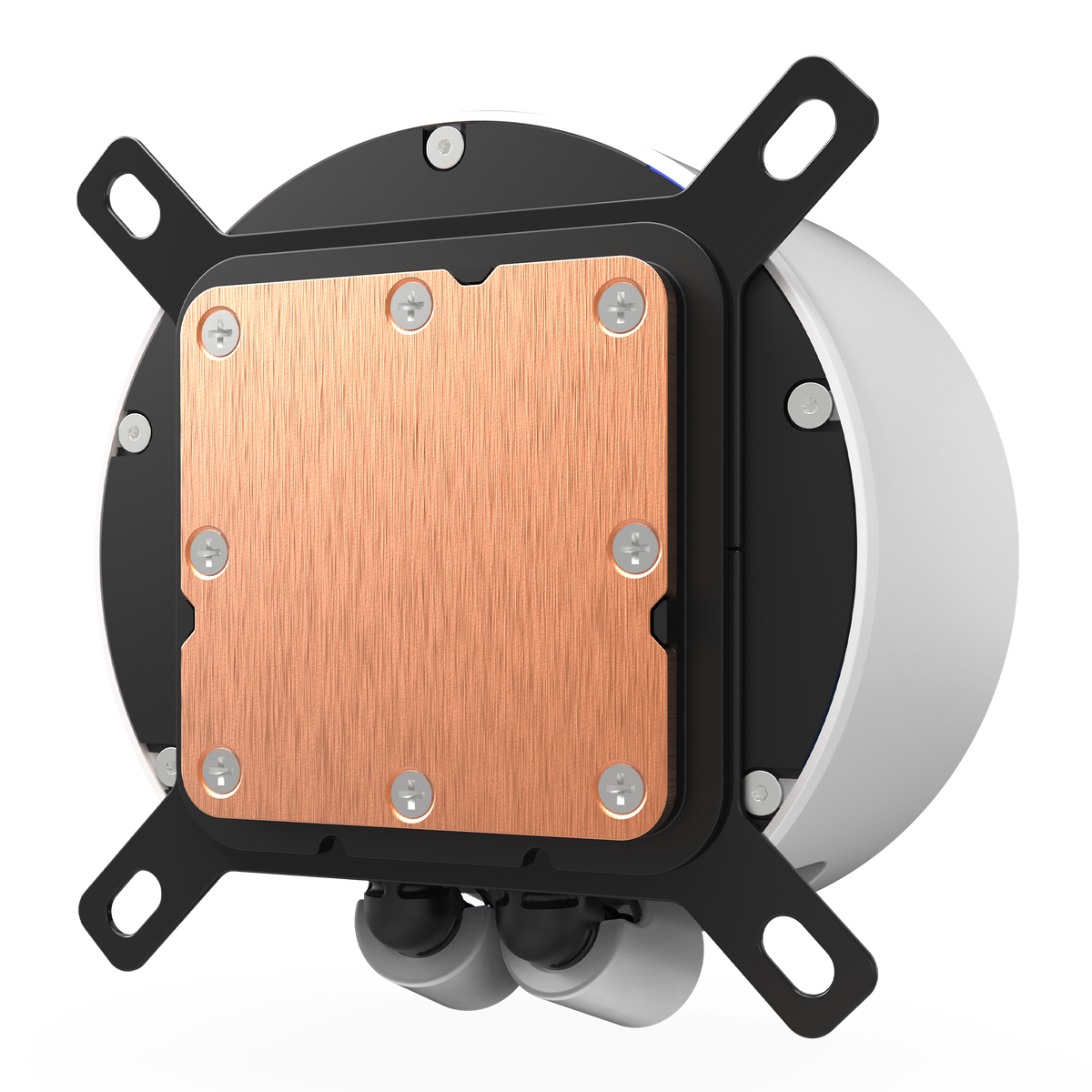
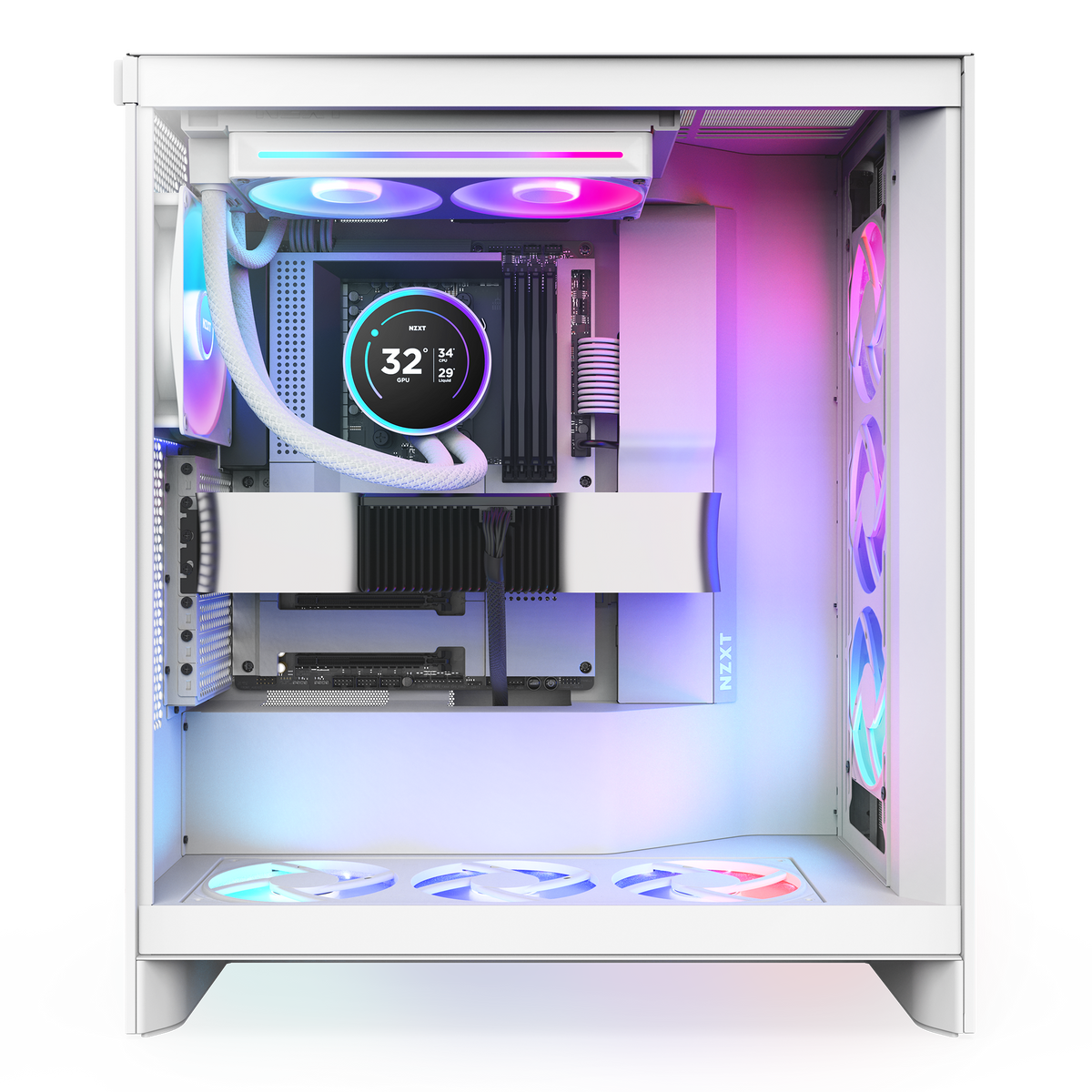
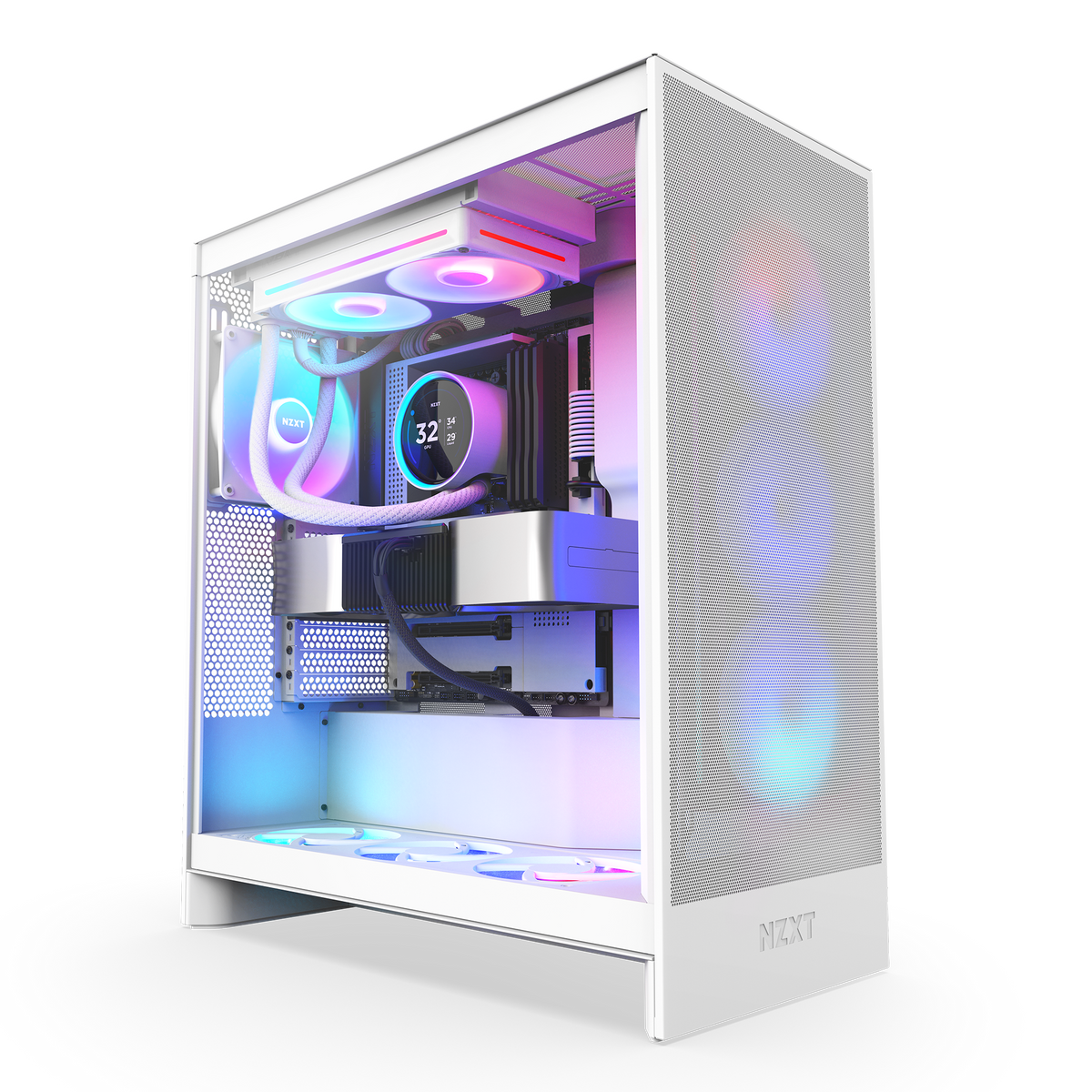
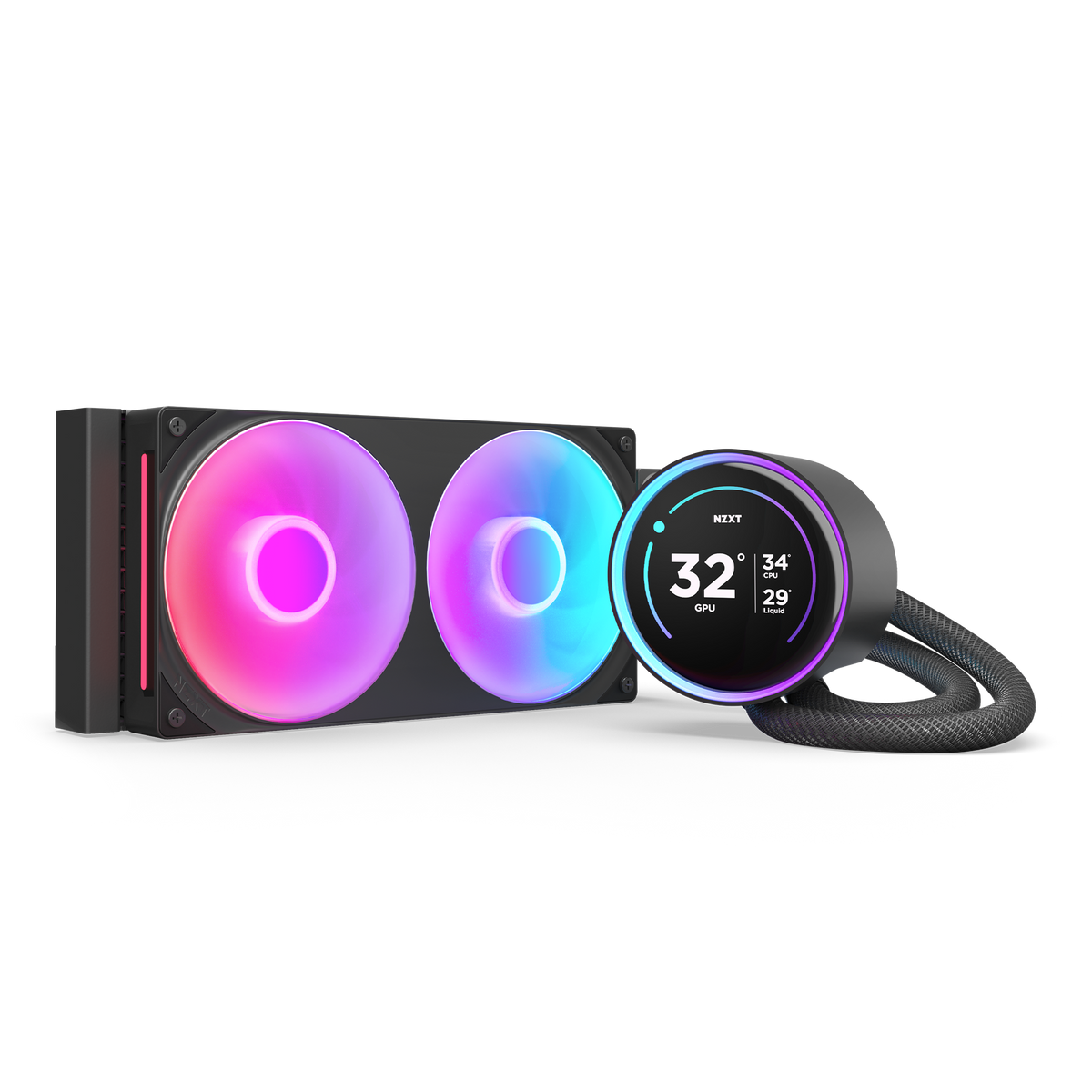
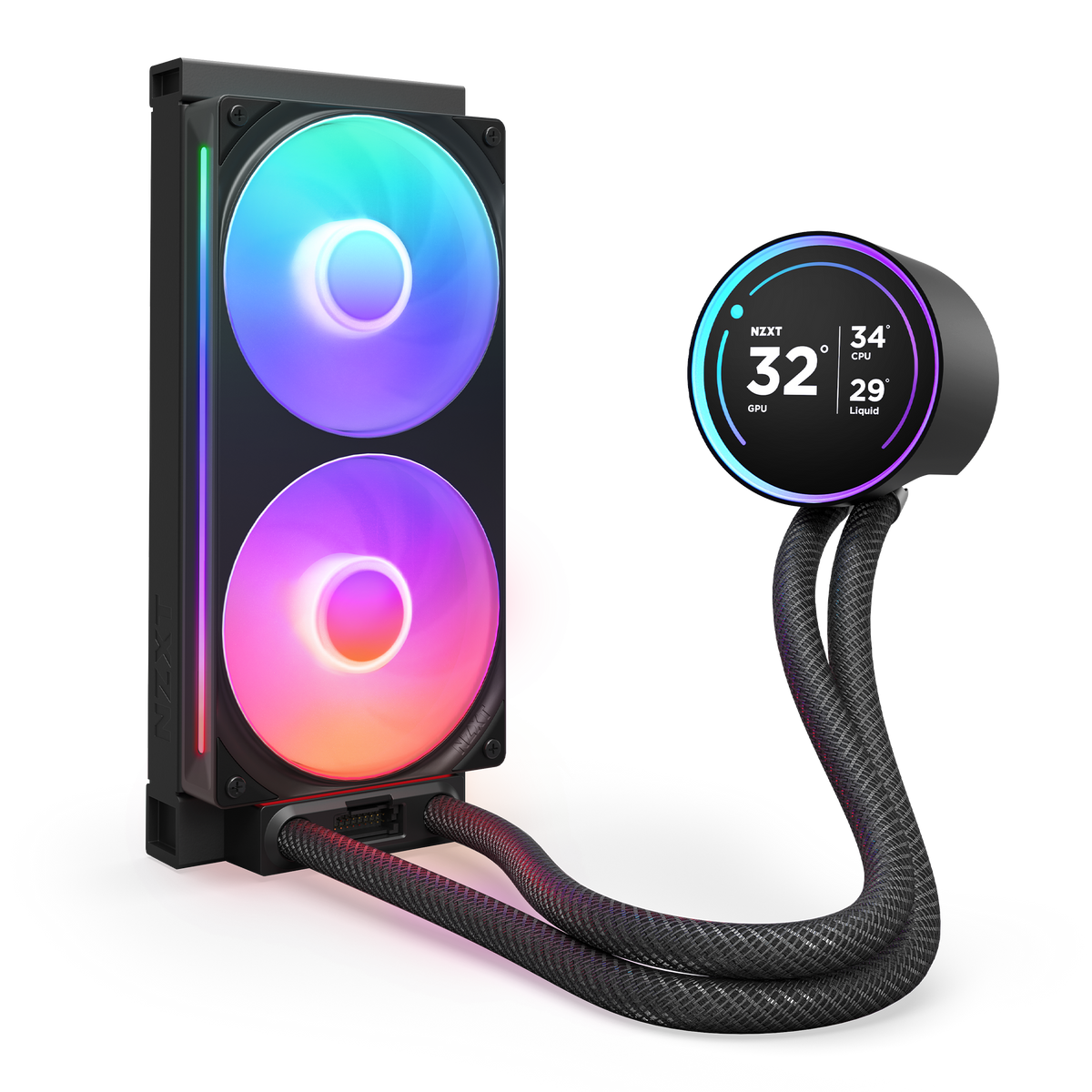
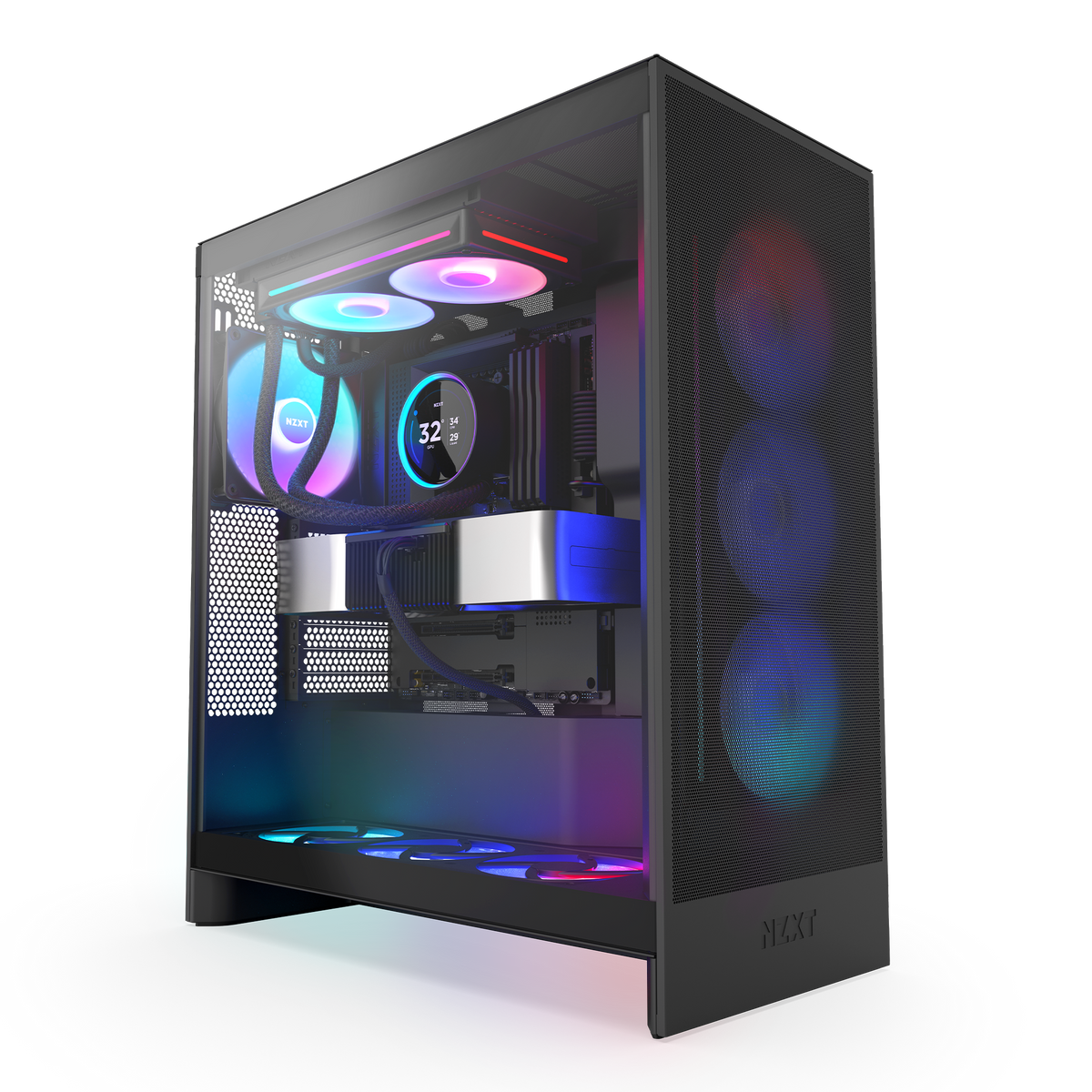
Kraken Elite 240 RGB
240mm AIO Liquid Cooler with 2.72" IPS LCD & RGB
- Warranty coverage — See NZXT warranty terms by product
- Returns & exchanges — NZXT components and accessories are sold through authorized retailers. Start a return or exchange with the retailer you purchased from.
- Warranty service — Submit a request to NZXT Support. Proof of purchase from an authorized NZXT retailer is required.
Choose options
Overview
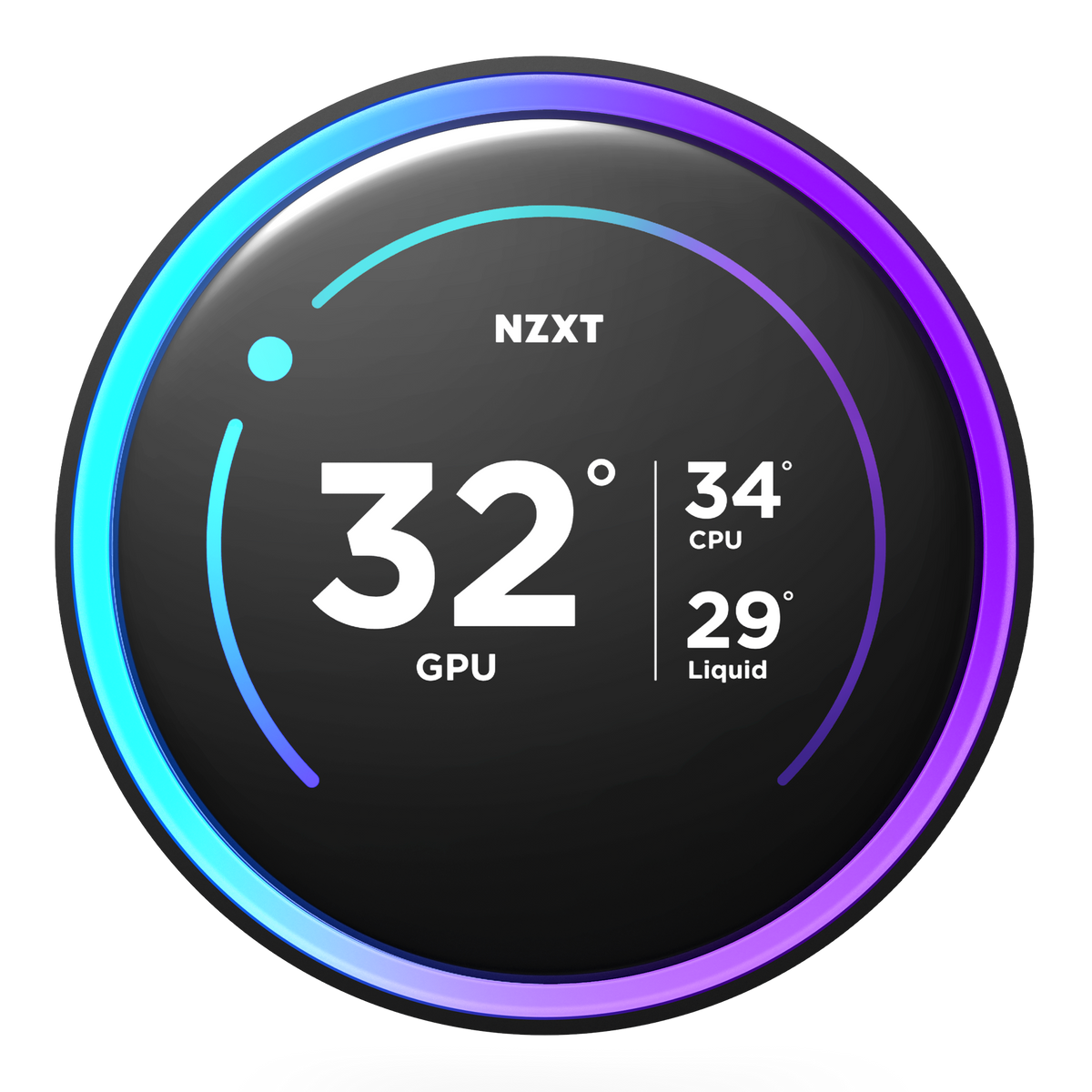
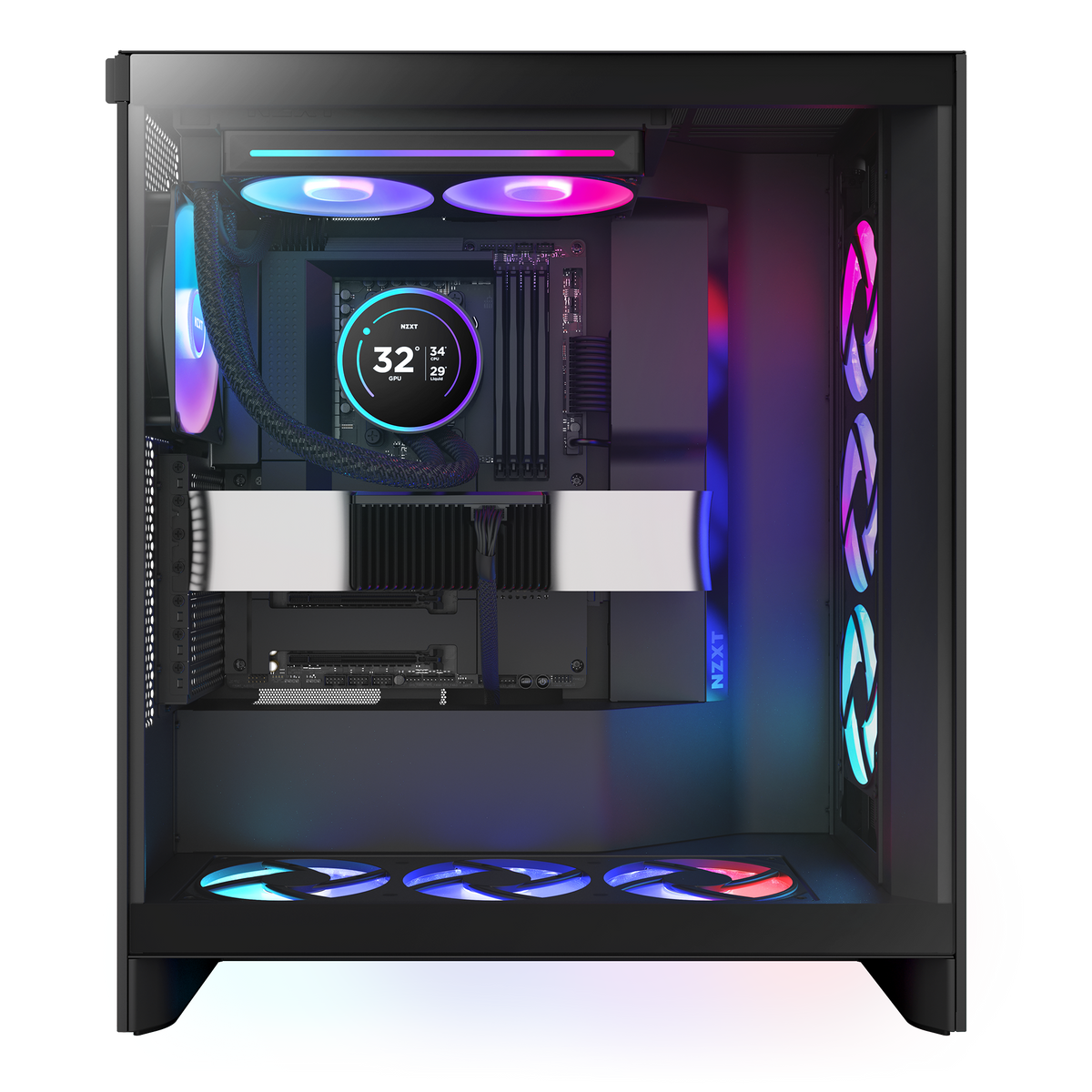
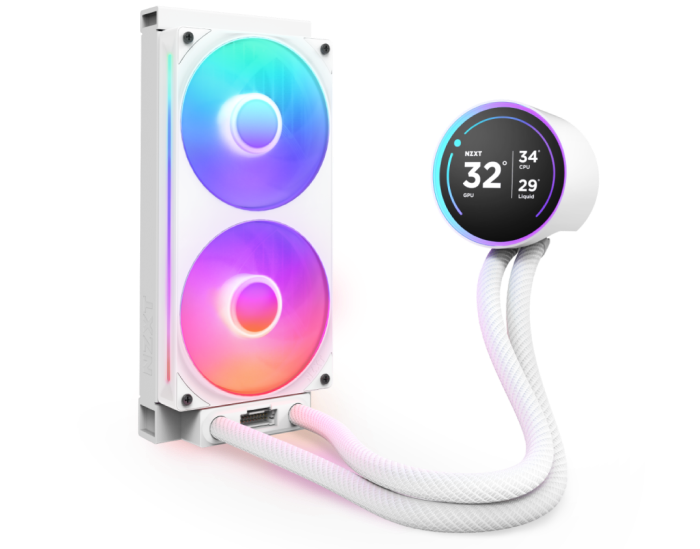
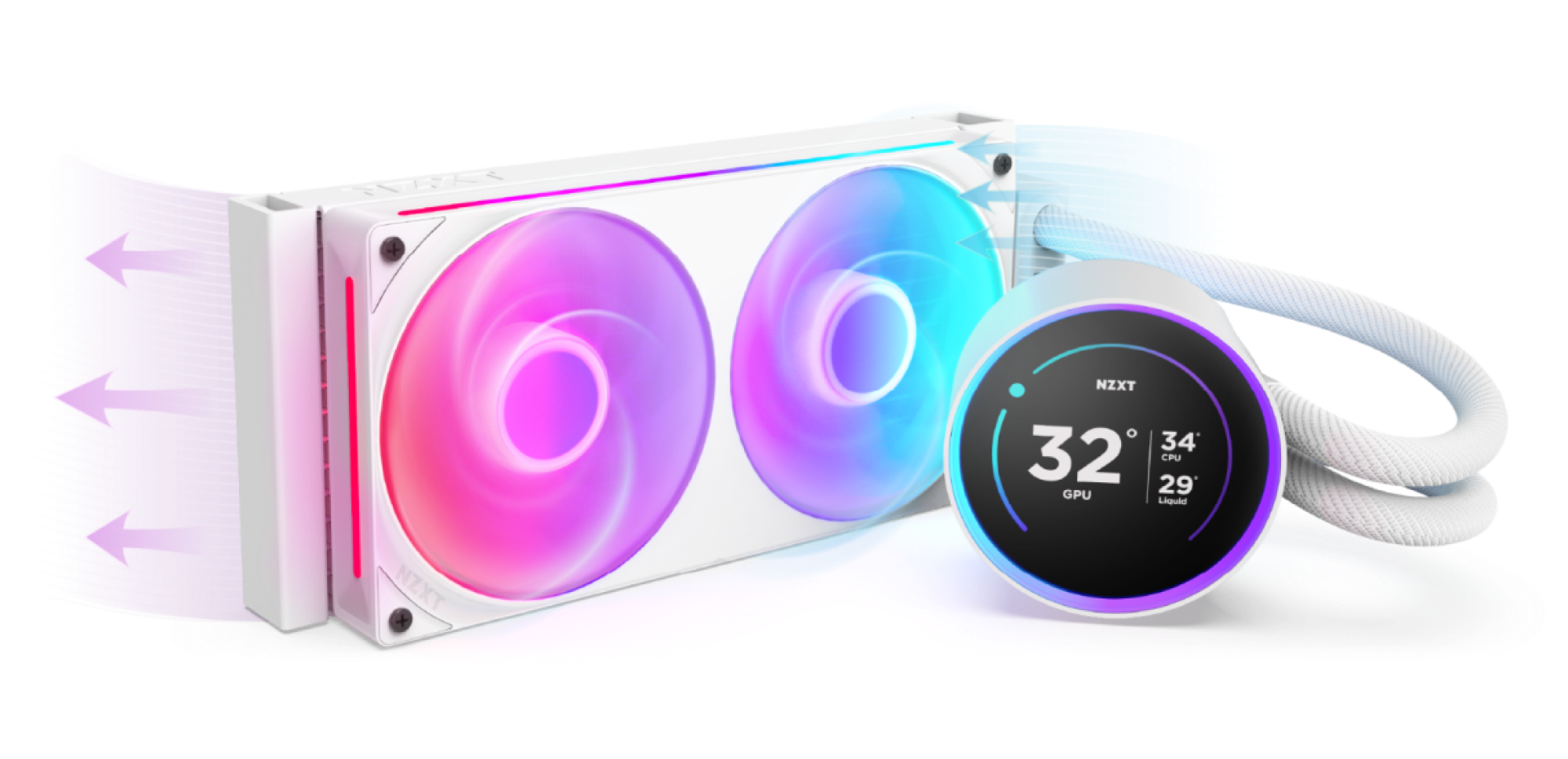
Back and better than ever, the Kraken Elite is powered by the custom-designed NZXT Turbine pump, delivering a remarkable 10%* boost in CPU cooling performance. The stunning 2.72-inch IPS screen with a dynamic RGB ring offers limitless personalization options, making the Kraken Elite an eye-catching focal point for any build.
*Based on thermal resistance testing of Kraken Elite 240 RGB (2024) vs. Kraken Elite 240 RGB (2023) using the Intel Open Bench method.
- Custom-designed NZXT Turbine pump delivers high flow rate and head pressure for powerful yet quiet CPU cooling.
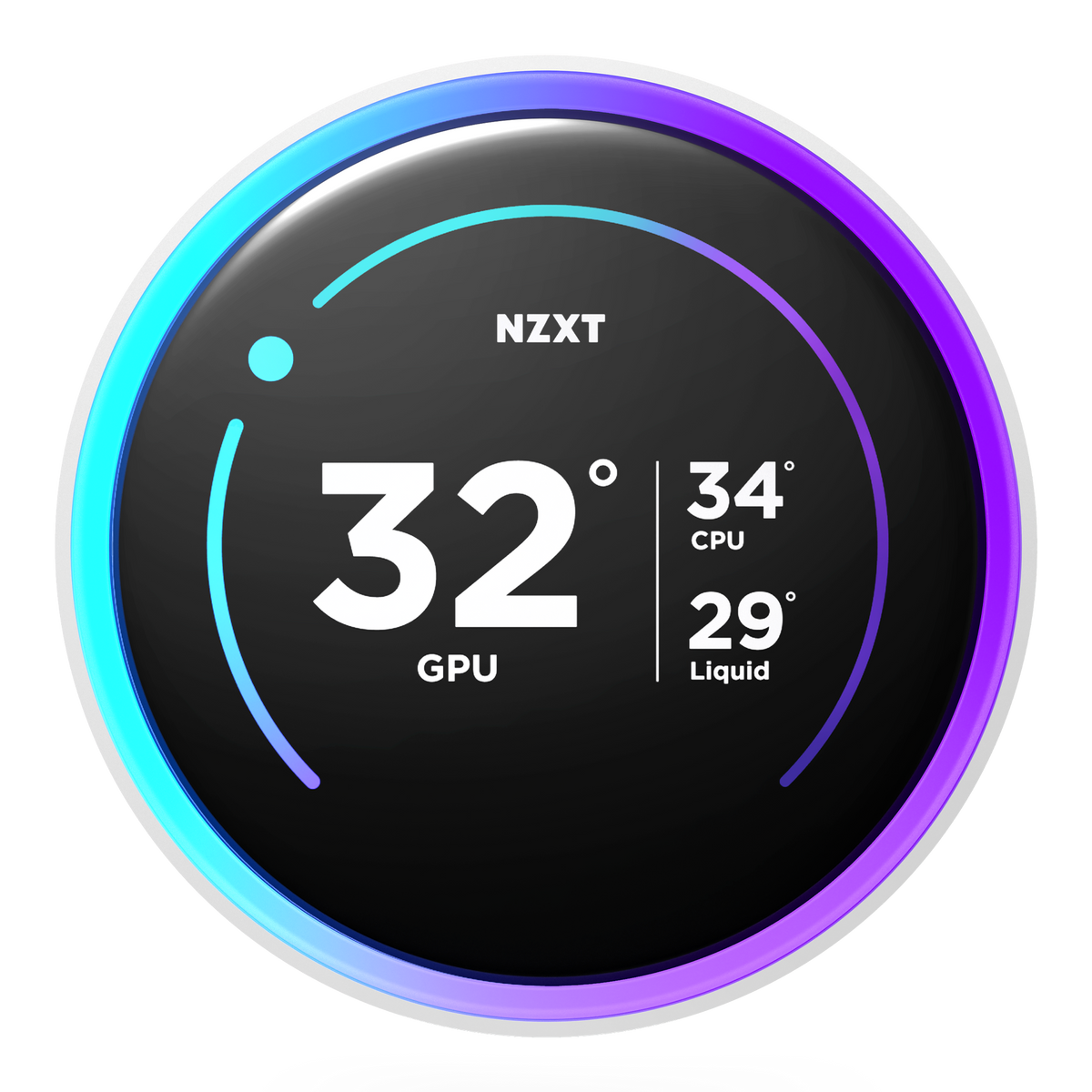
- Enjoy vivid visuals on the 2.72-inch IPS LCD with sharp 640x640 resolution, smooth 60 Hz refresh rate, and wide viewing angles.
- Showcase your favorite GIF or image, track real-time system performance, and integrate with Spotify, YouTube, and more.
- Customize the RGB ring with dynamic lighting effects or synchronize with on-screen content and other RGB devices.
- RGB Core single-frame fan provides optimal airflow and vibrant lighting with streamlined connectivity.
- Install easily with pre-applied thermal paste, a single breakout cable, and tool-free mounting brackets for the latest Intel® and AMD® CPU sockets.
- Extended rubber tubing with braided sleeving ensures worry-free handling and long-term leak protection.
Kraken Elite 240 RGB
Powered by Turbine

A Breathtaking Display

Boundless Possibilities

Radiate Your Style

Brilliantly Simple

Wide Compatibility

Quicker Installation

Flexible & Durable

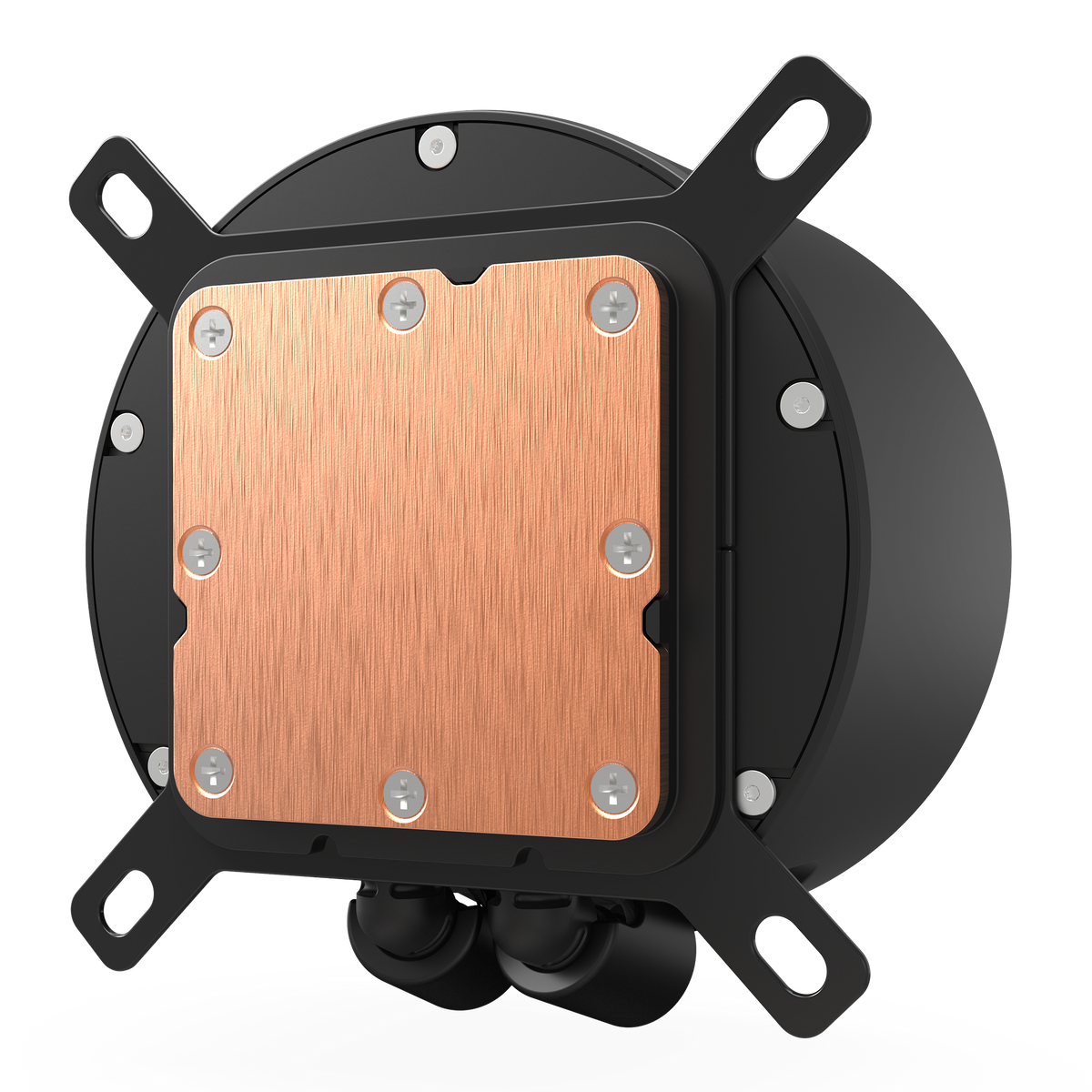
Optimized Cold Plate
- NFNathan F.Verified BuyerReviewingKraken Elite 280 RGBI recommend this productProduct Standouts Design, Great Quality, Value for MoneyRated 5 out of 5 stars2 months agoKraken Elite
I purchased thed AIO for the new H2 Flow in white. However, the white model has not been made availabe for purchase yet so I have not used it yet. Although, I have had good experiences with NZXT products in the past.
- DDrunkensteinVerified ReviewerReviewingKraken Elite 280 RGB (2023)I recommend this productProduct Standouts Great Quality, Performance, Design, Value for Money, Ease of useRated 5 out of 5 stars8 months agoSuperior and Sublime!
If you appreciate a simple design, this is the perfect choice. The pump is very quiet, even at high speed. The display isn't excessively large, but it's also small. The resolution is high, and uploading GIF background images is simple. Various display options are available, so there's something for everyone. I have the pump in white.
- KKevinReviewingKraken Elite 360 RGBI recommend this productRated 5 out of 5 stars8 months ago5 Stars
La mejor inversion que hice para mantener el CPU a una temperatura estable y refrescante, Super silencioso y la pantalla es bastante grande y super comoda de ver, El driver de NZXT CAM es super facil de utilizar, Es una maravilla para poner videos personalizados o poner lo que tu quieras. 100% Recomendado
- MMadelynReviewingKraken Elite 360 RGBI recommend this productRated 5 out of 5 stars8 months ago5 Stars
Beautiful, my pc is finally working correctly! Im so excited to play and ise my pc once more!
- LELAUREN E. R.Verified BuyerReviewingKraken Elite 280 RGBI recommend this productProduct Standouts Great Quality, Performance, Graphics, Ease of use, DesignRated 5 out of 5 stars9 months agoAmazing Product
Makes my pc come to life.