Skip to content

Cart

Your cart is empty

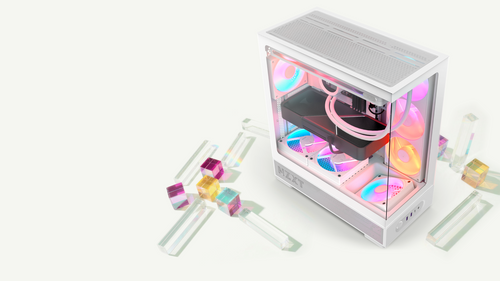
H9 Flow RGB+

Large Dual-Chamber Mid-Tower ATX Airflow Case with RGB and Control Hub

4.3
Rated 4.3 out of 5 stars
4.3 Stars (16 Reviews)
Color:White

Your Prepay and Save Options

Choose the plan that works best for you.

Month-to-Month

Cancel and return anytime with no fees. This option provides maximum flexibility with no long-term obligations.

Prepaid Terms

Prepay for a multi-month term (3, 6, 12 months) and lock in a lower effective monthly rate.


When your term ends, you have simple options:

1

Month-to-Month: By default, your subscription automatically converts to the month to month rate requiring no action from you.

2

Prepay Again: Alternatively, you can choose to prepay for another 3, 6, or 12 month term.

3

End Subscription: Cancel and return with no fees.

Overview

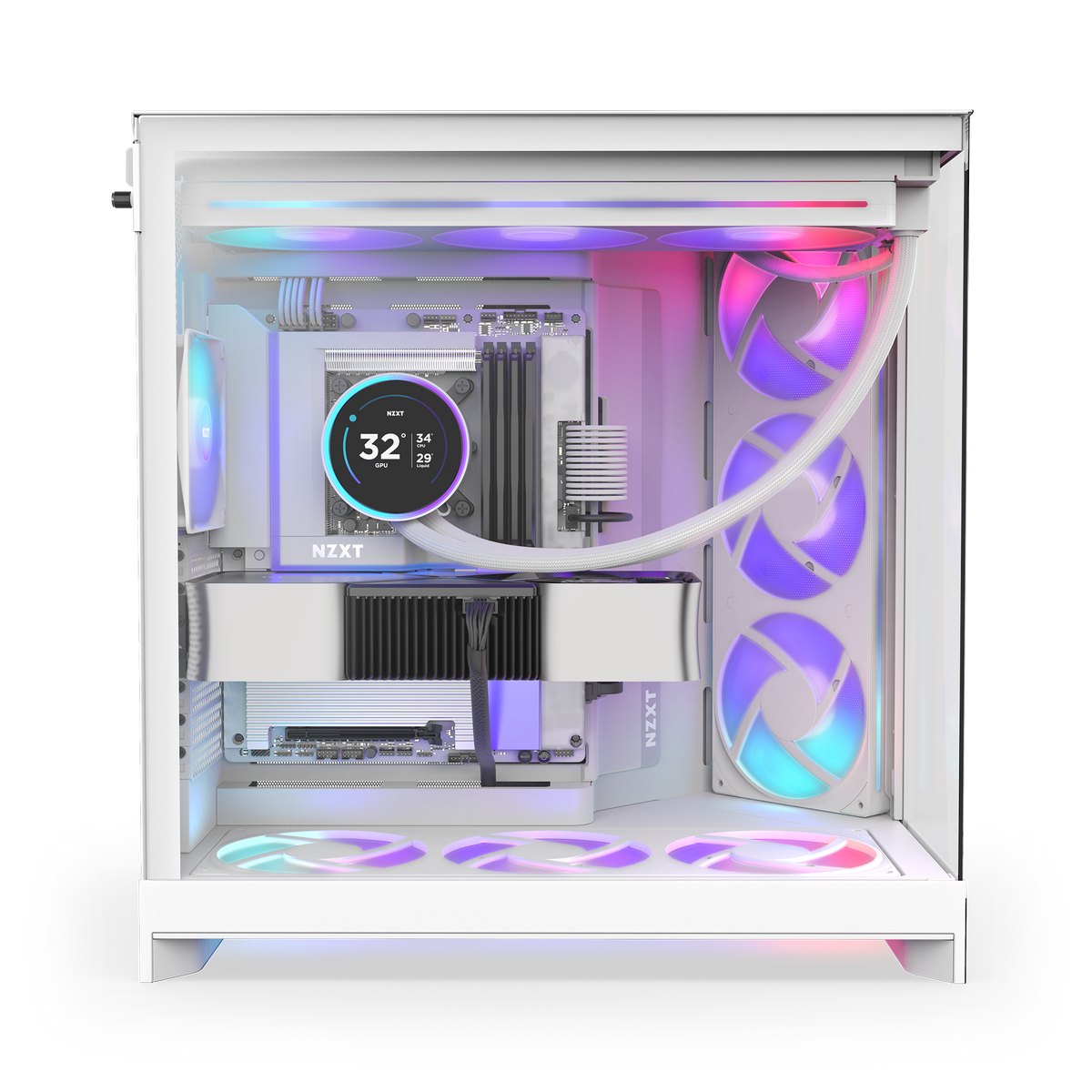
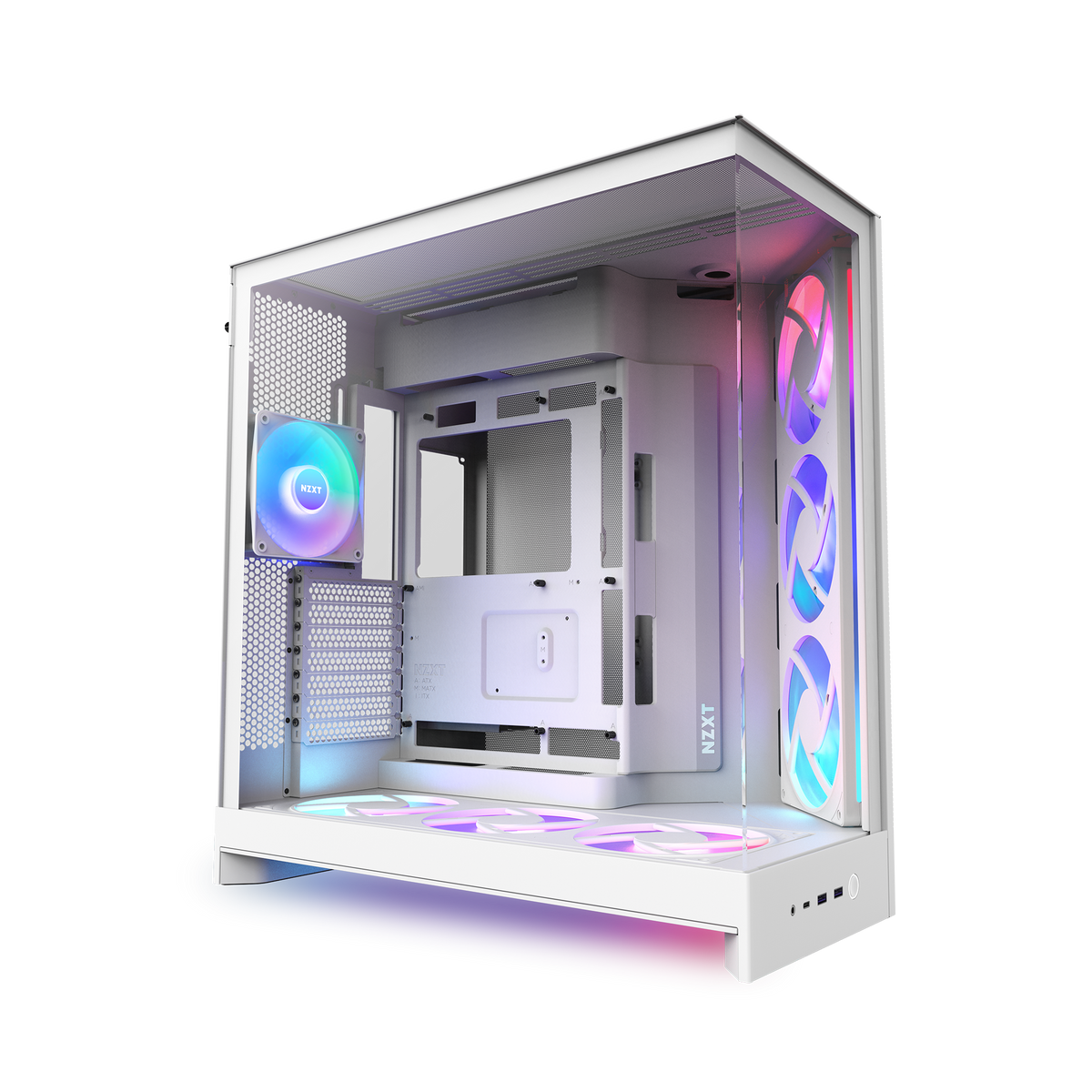
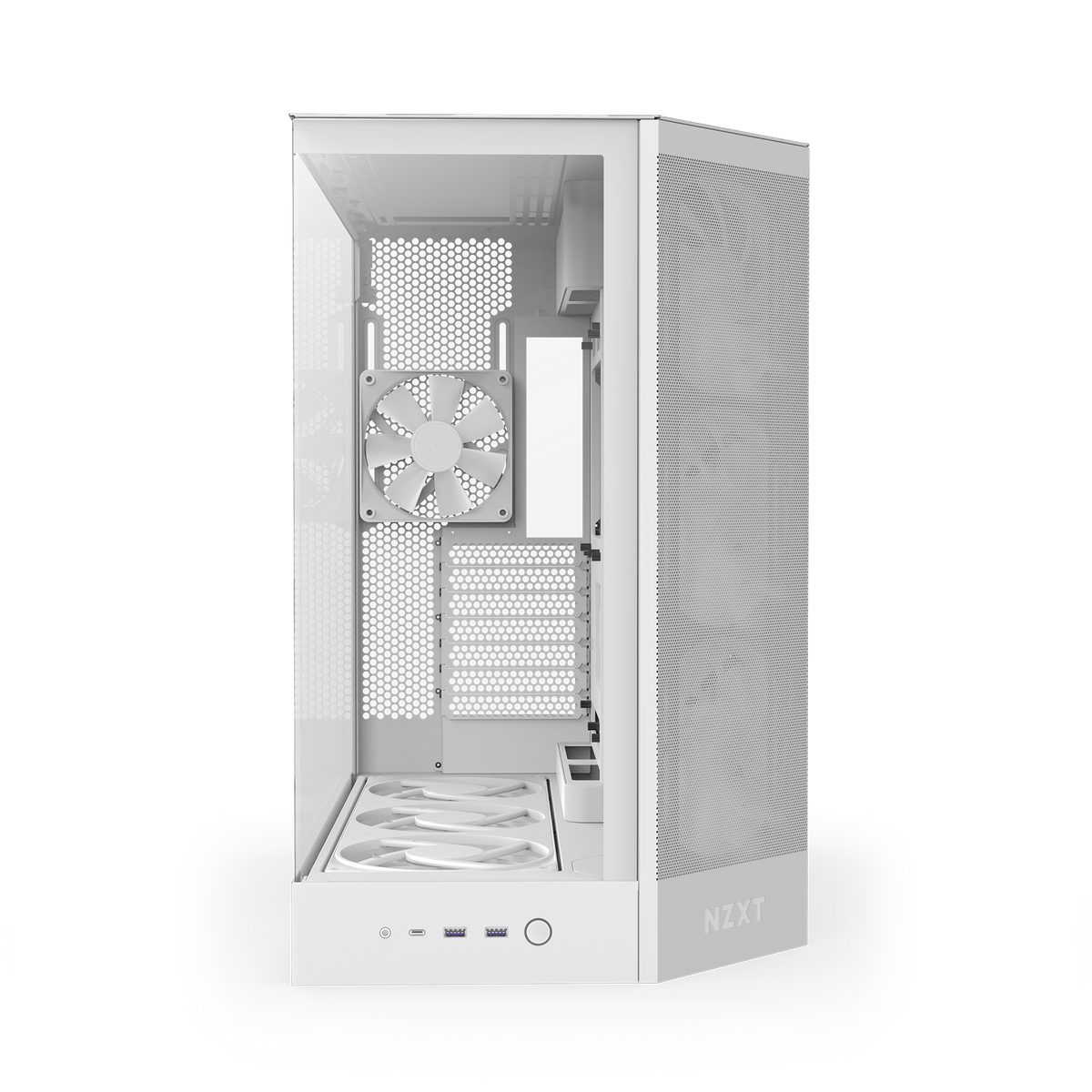
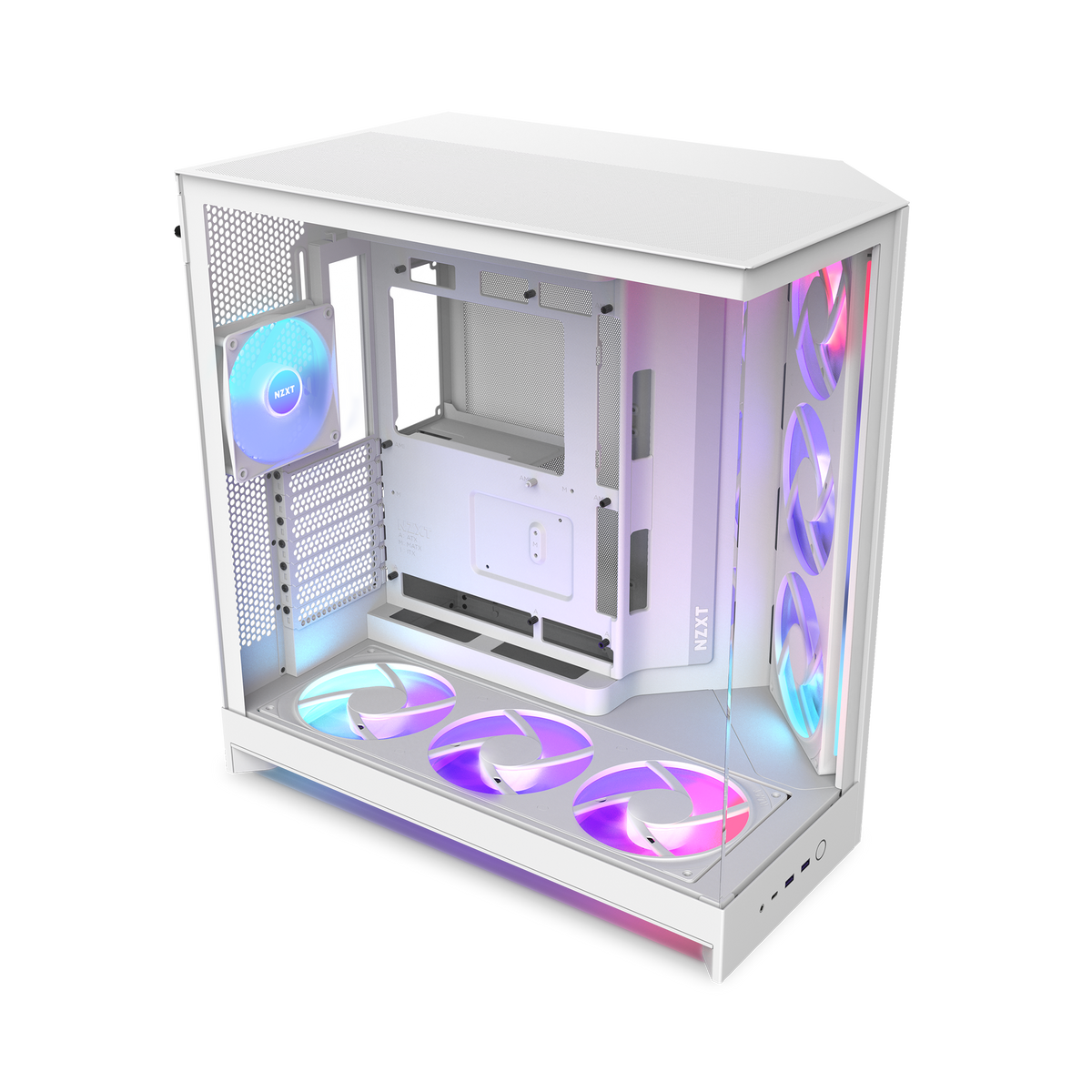
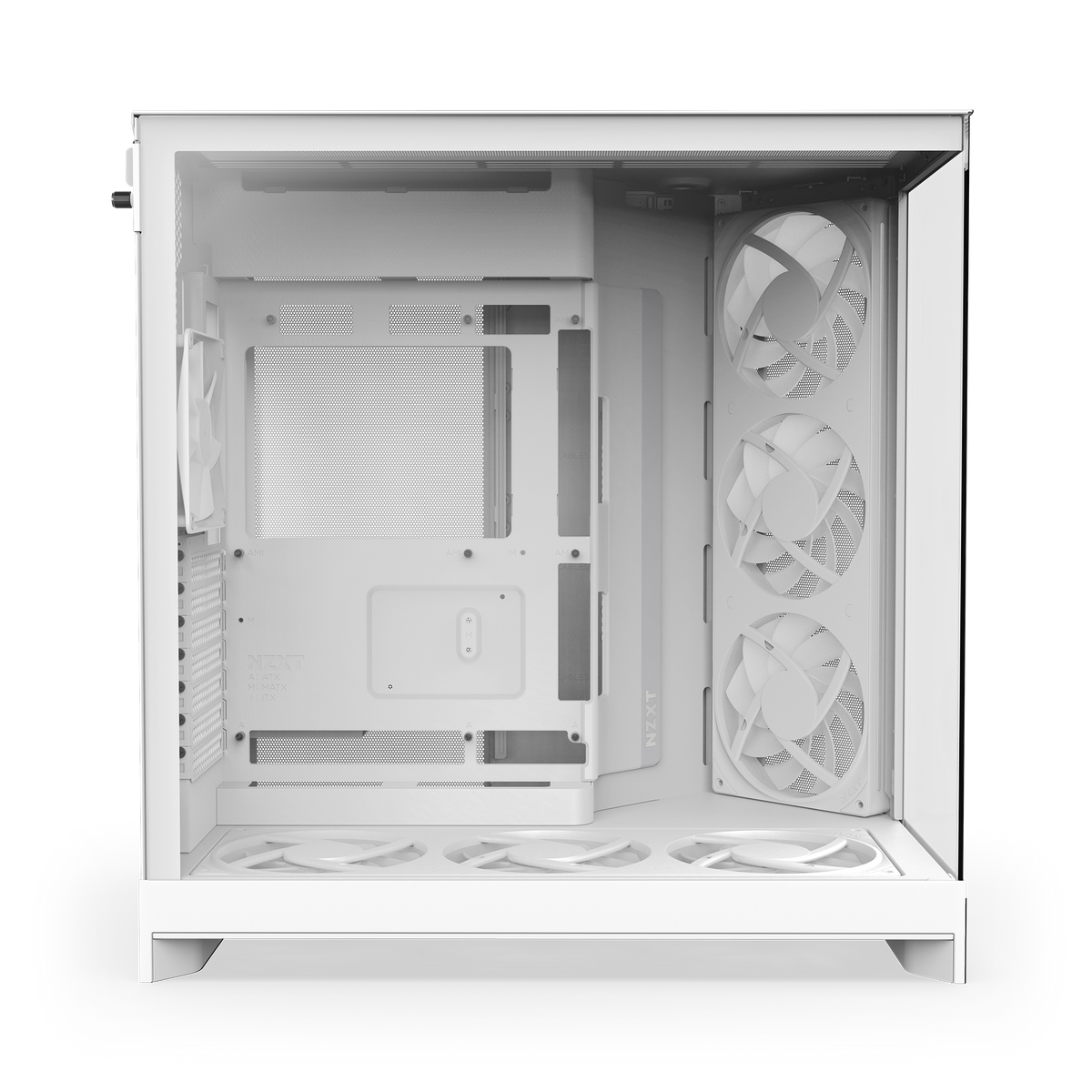
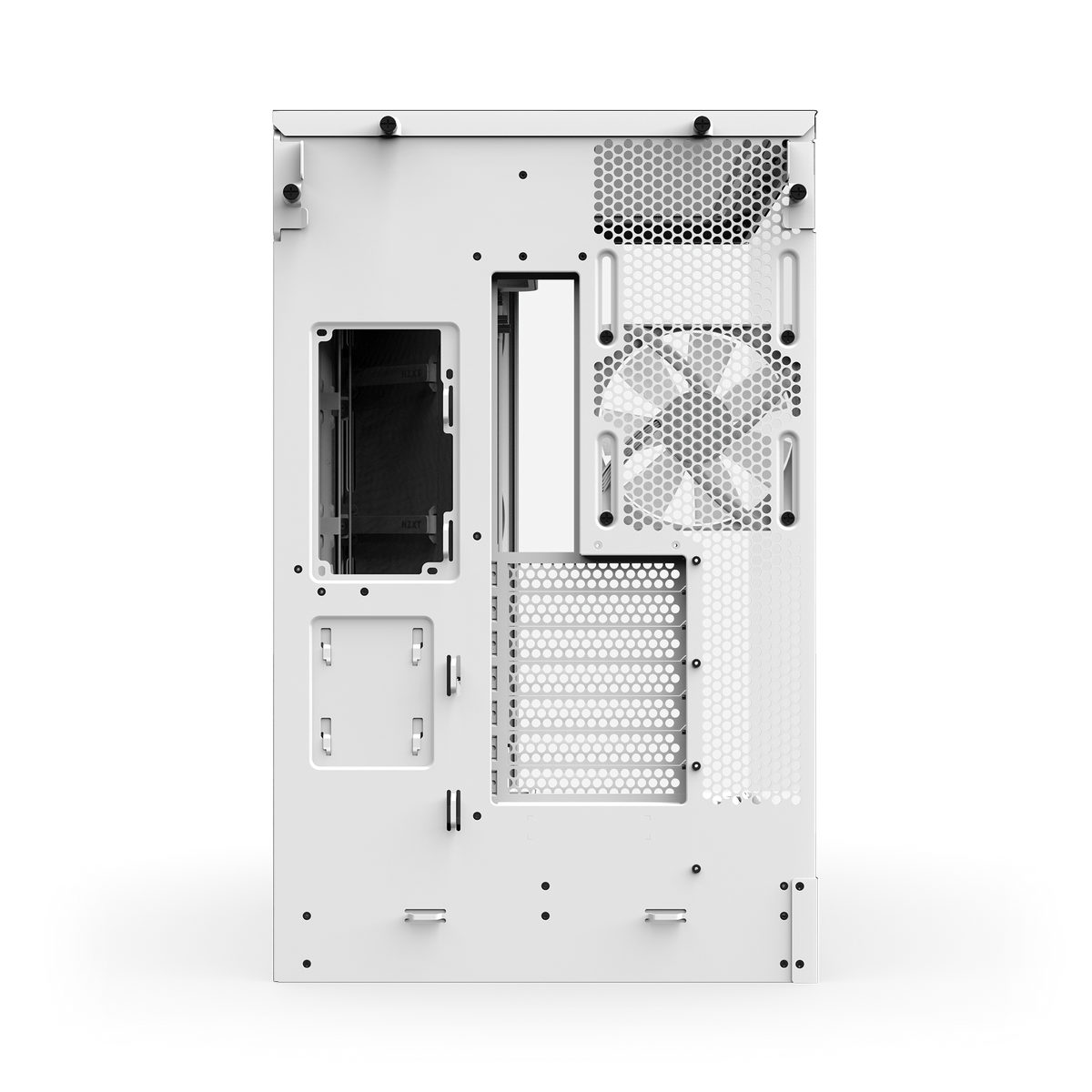
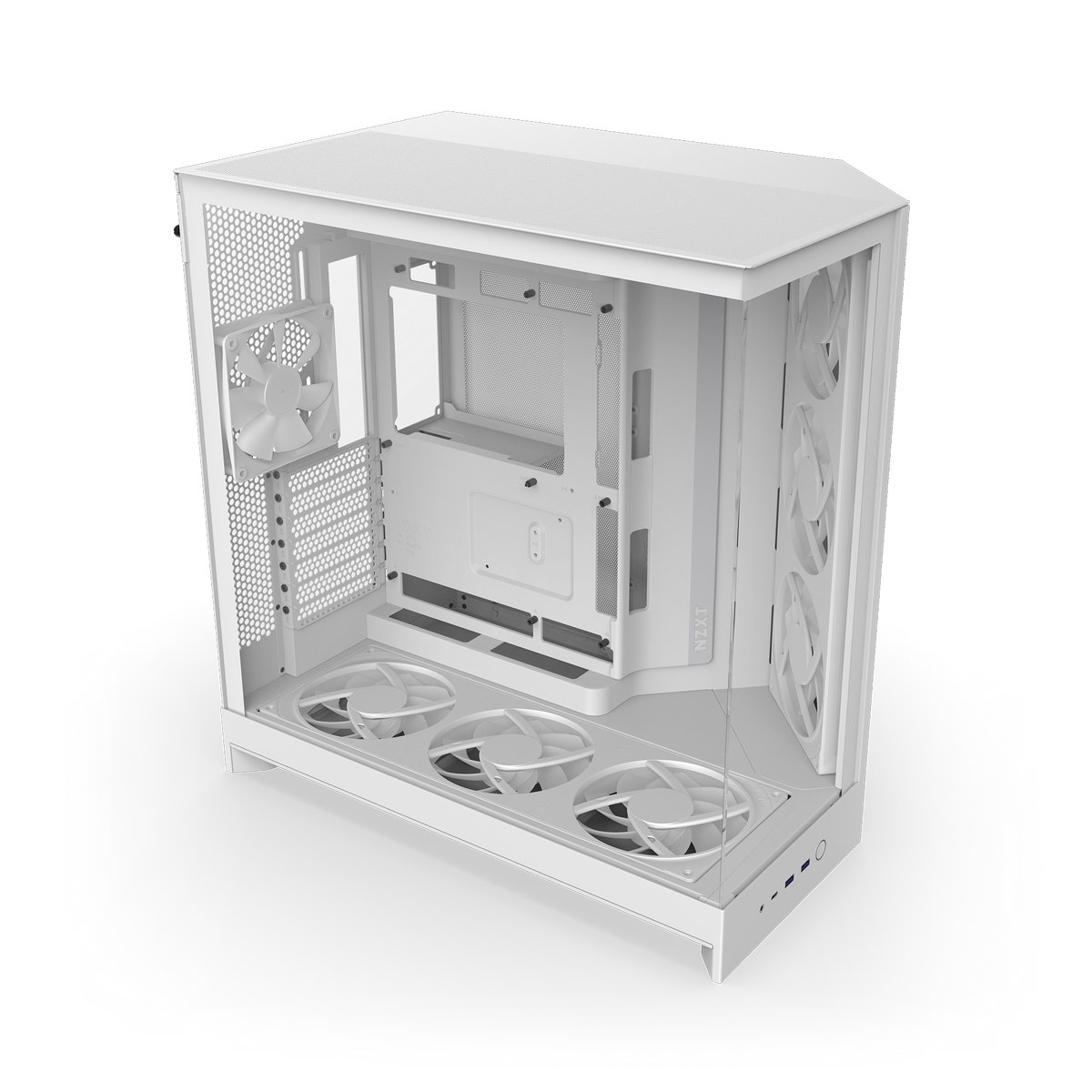
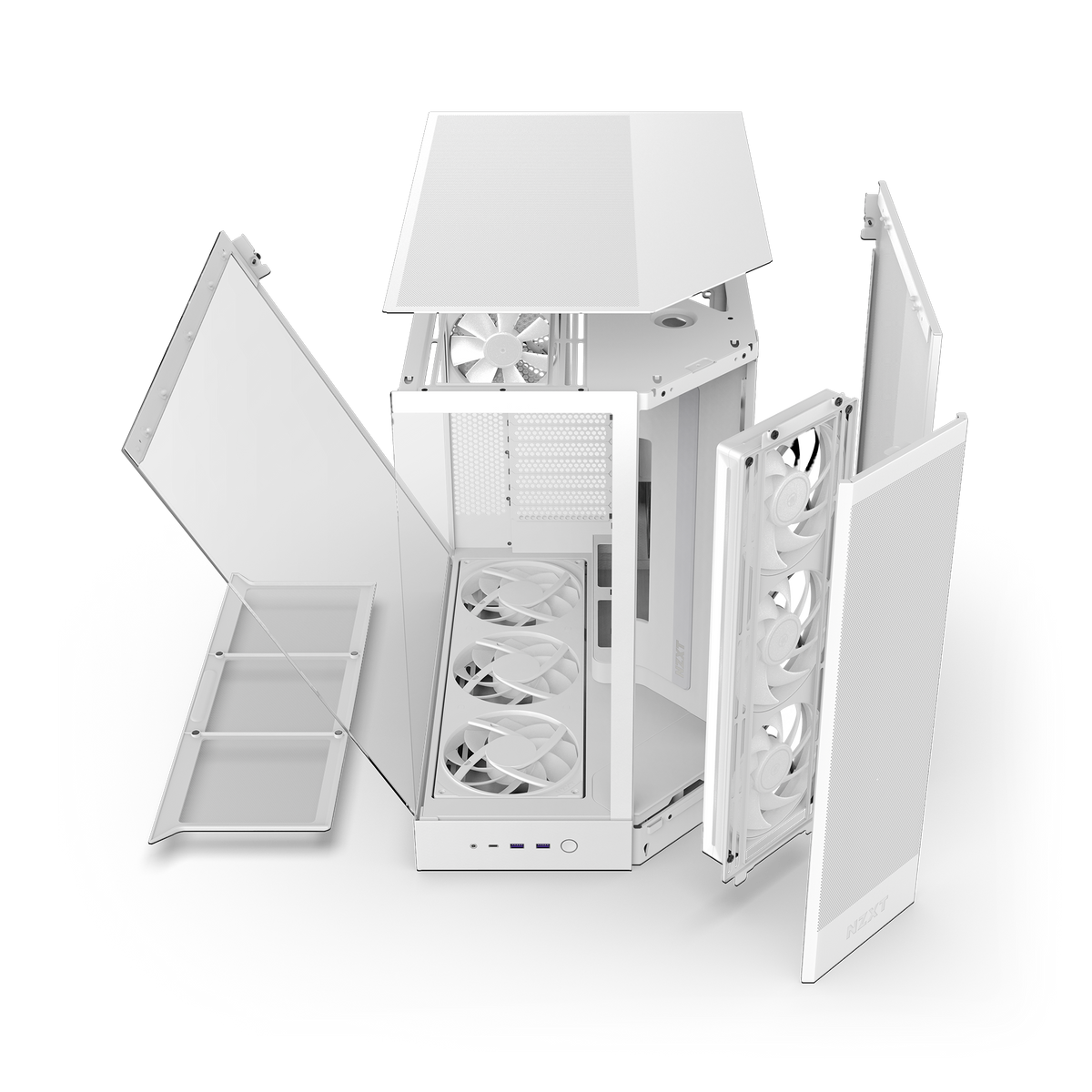
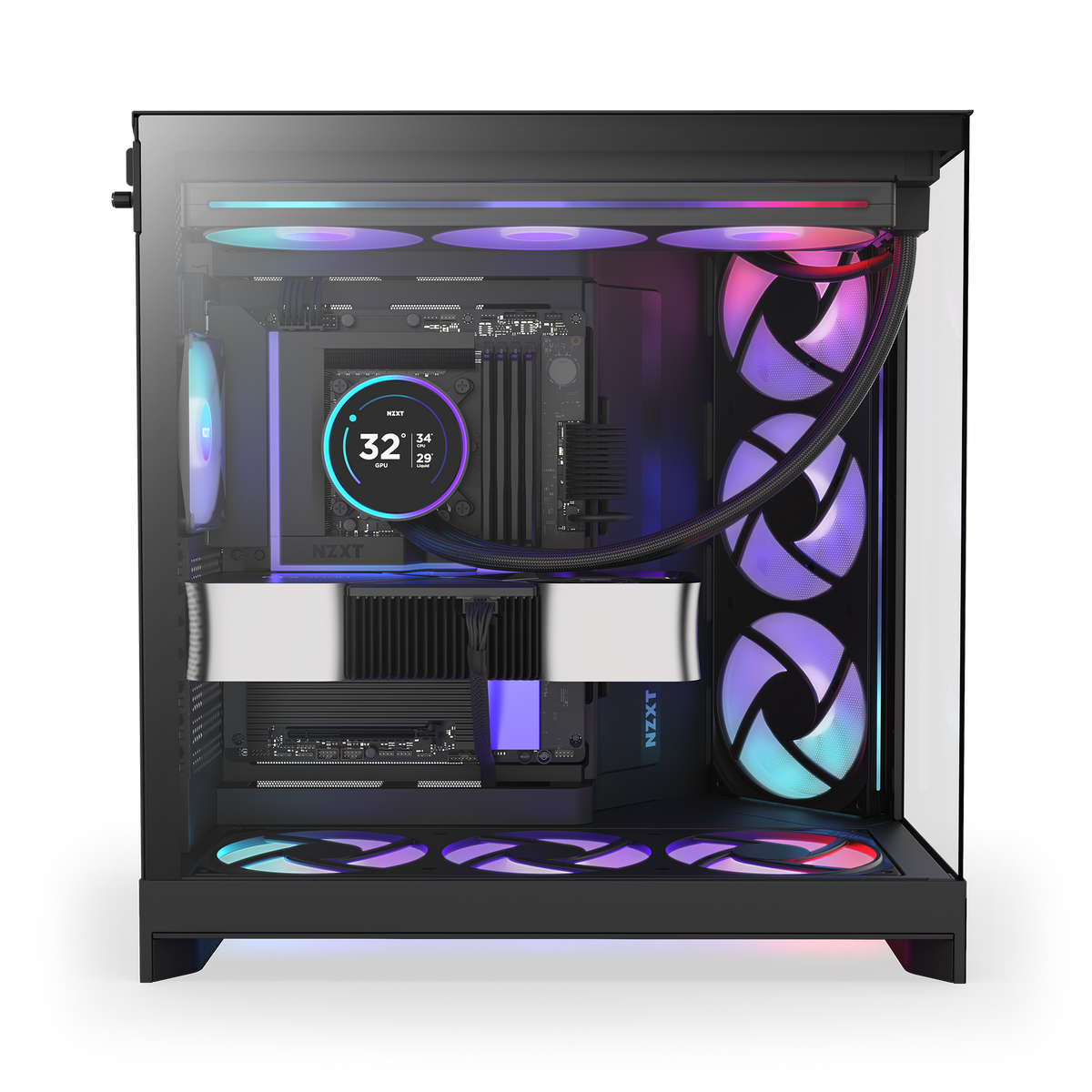
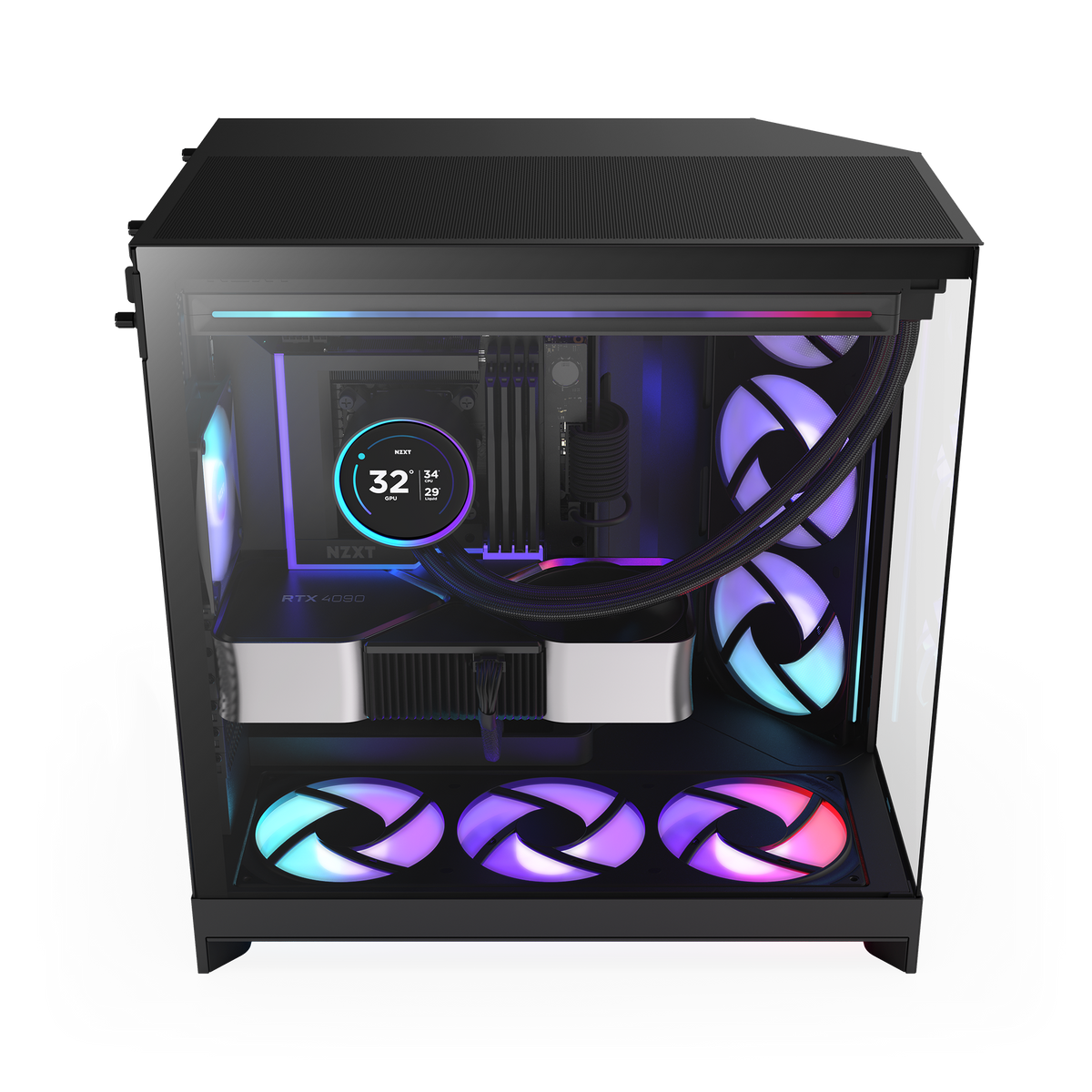
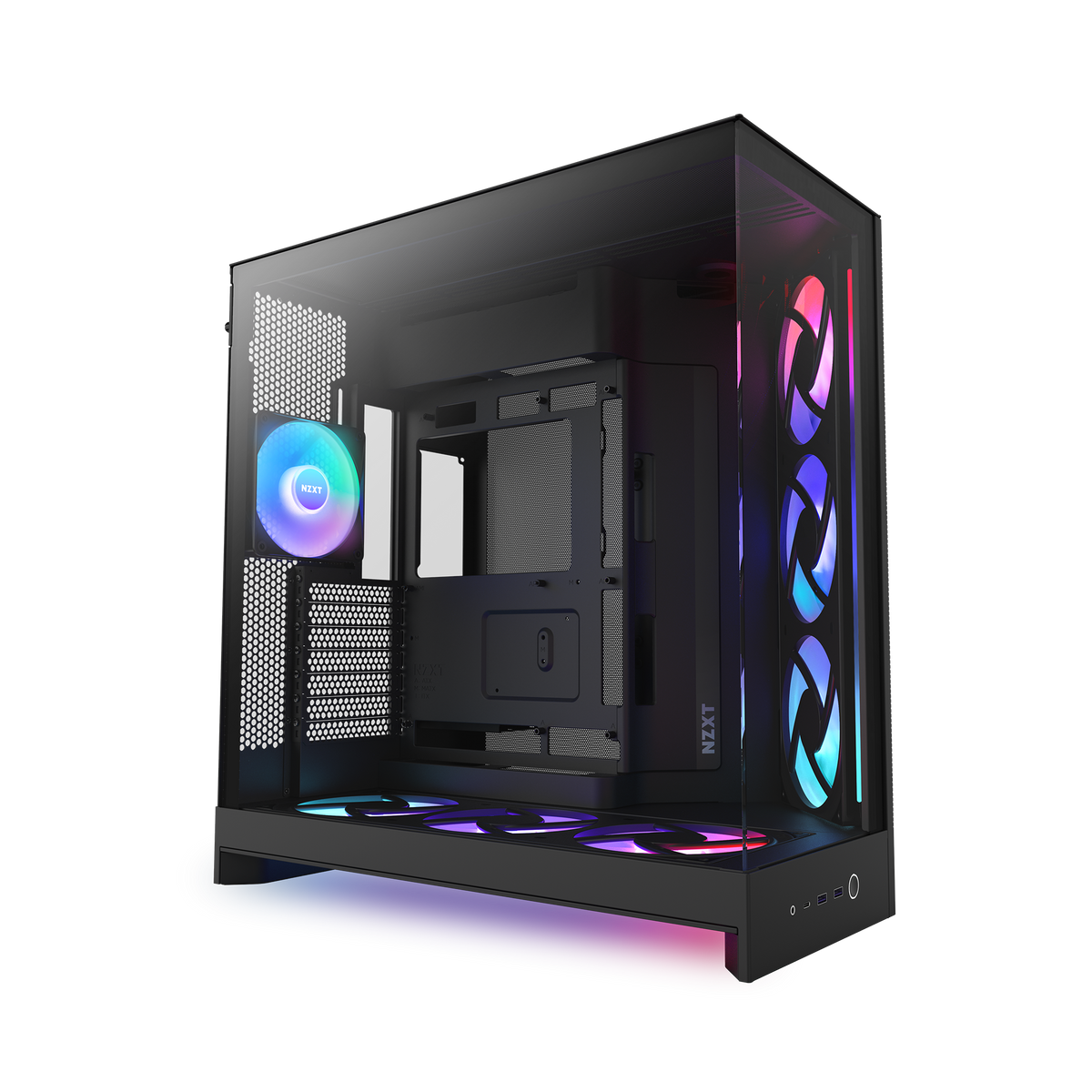
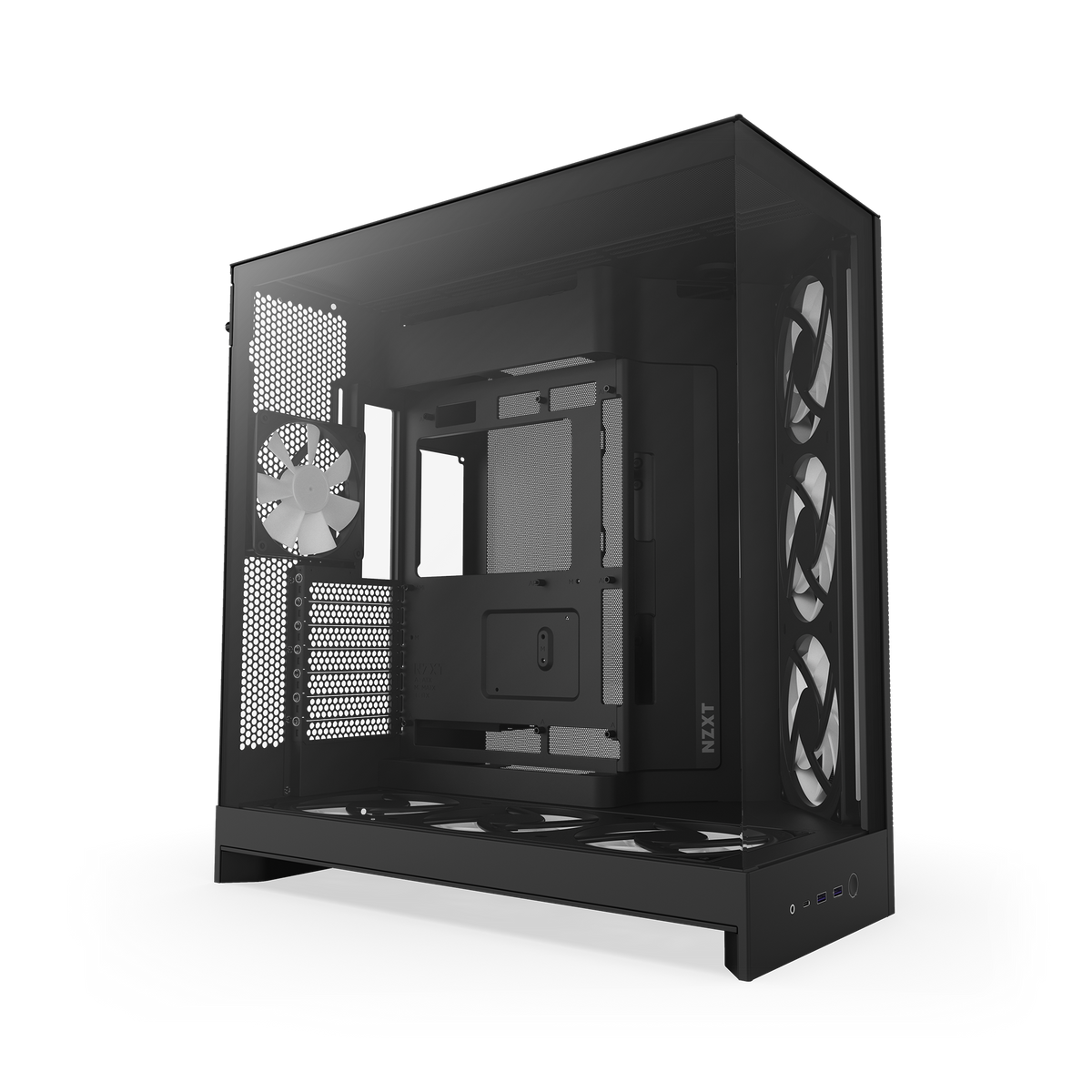
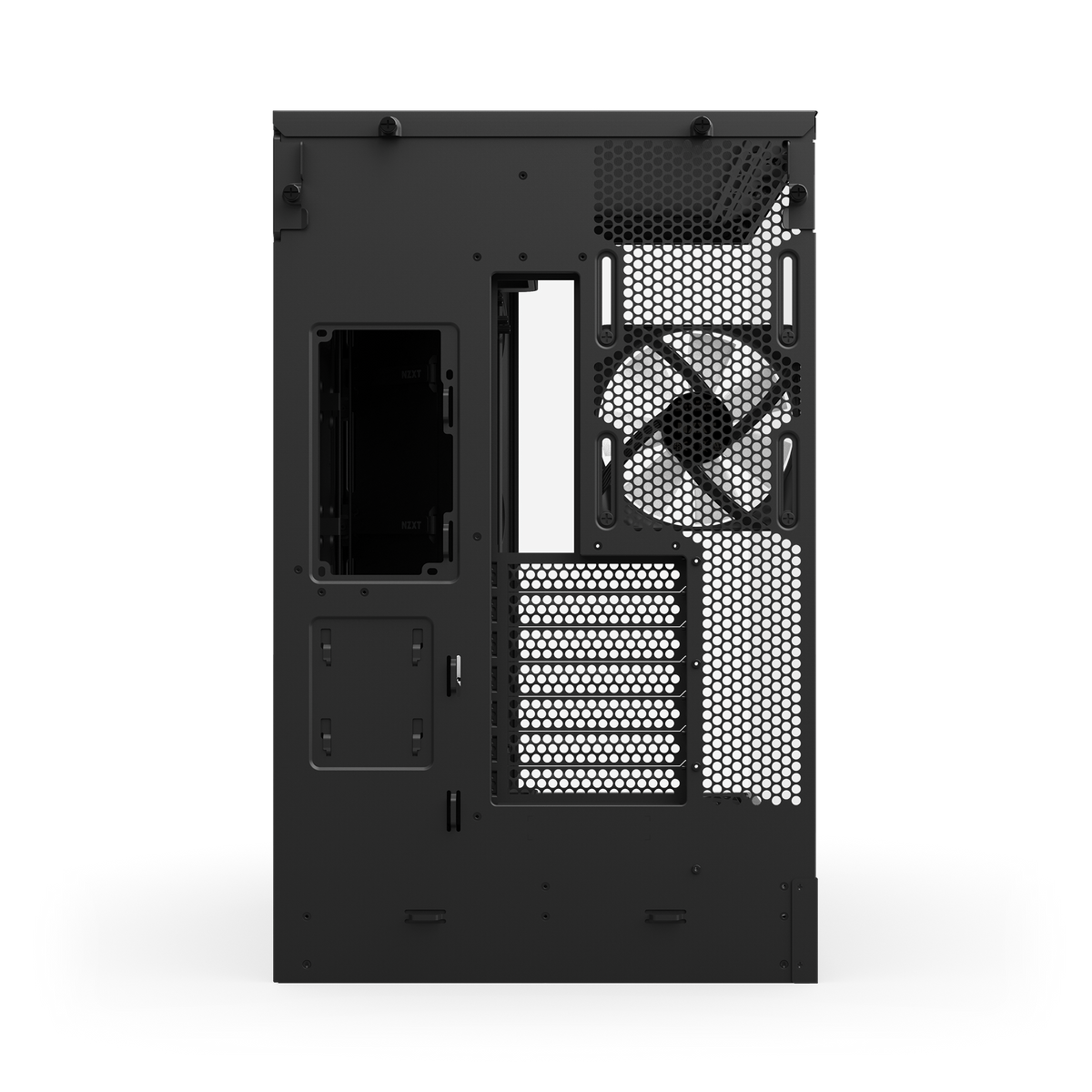
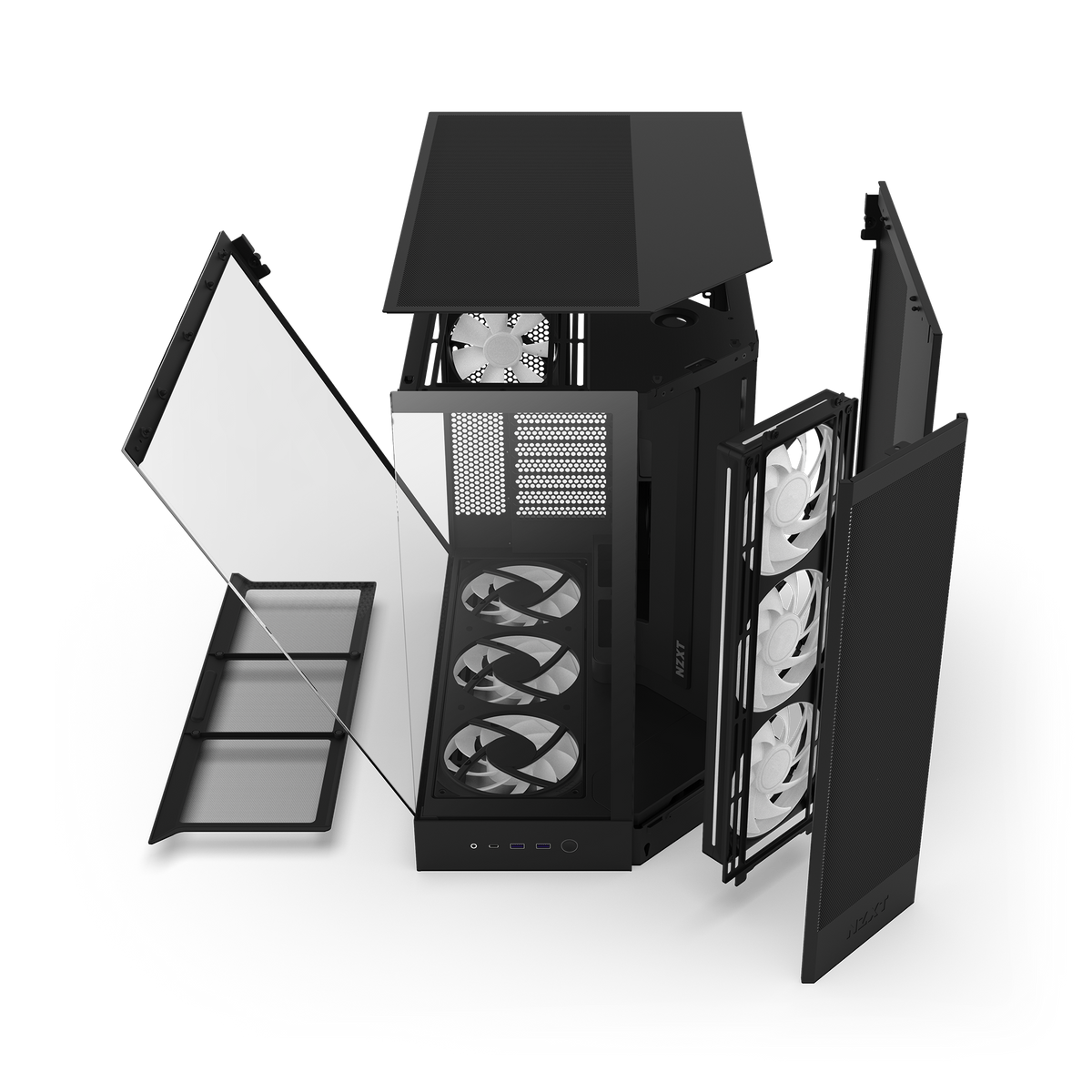
The H9 Flow is a spacious mid-tower ATX case built for high-performance builds, balancing airflow and aesthetics. Its dual-chamber design improves cooling and cable management, while perforated panels, angled fans, and ample fan and radiator support deliver optimal thermal performance.

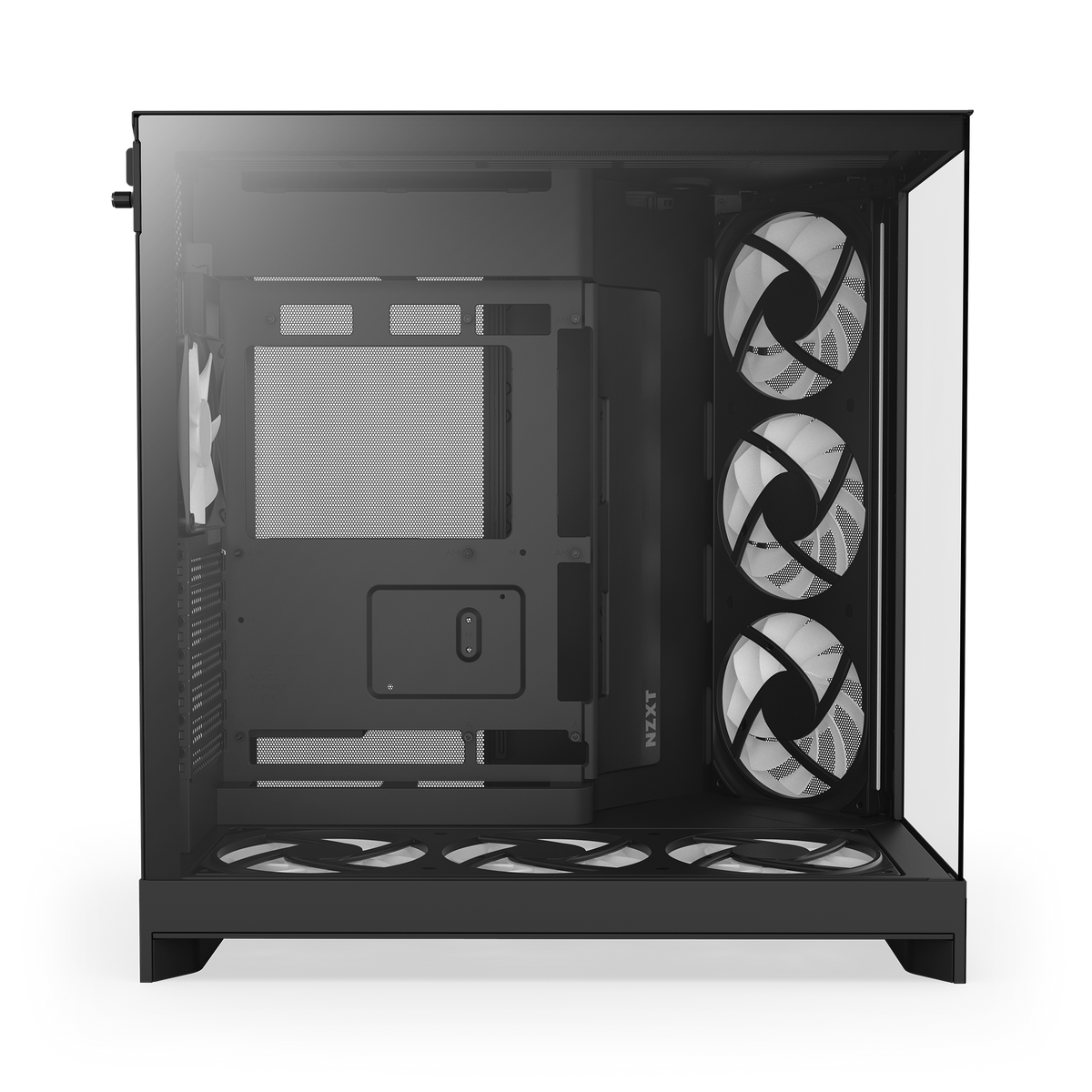
  • Dual-Chamber Design: Separates main components from the PSU and drives for improved thermal performance and cable management.
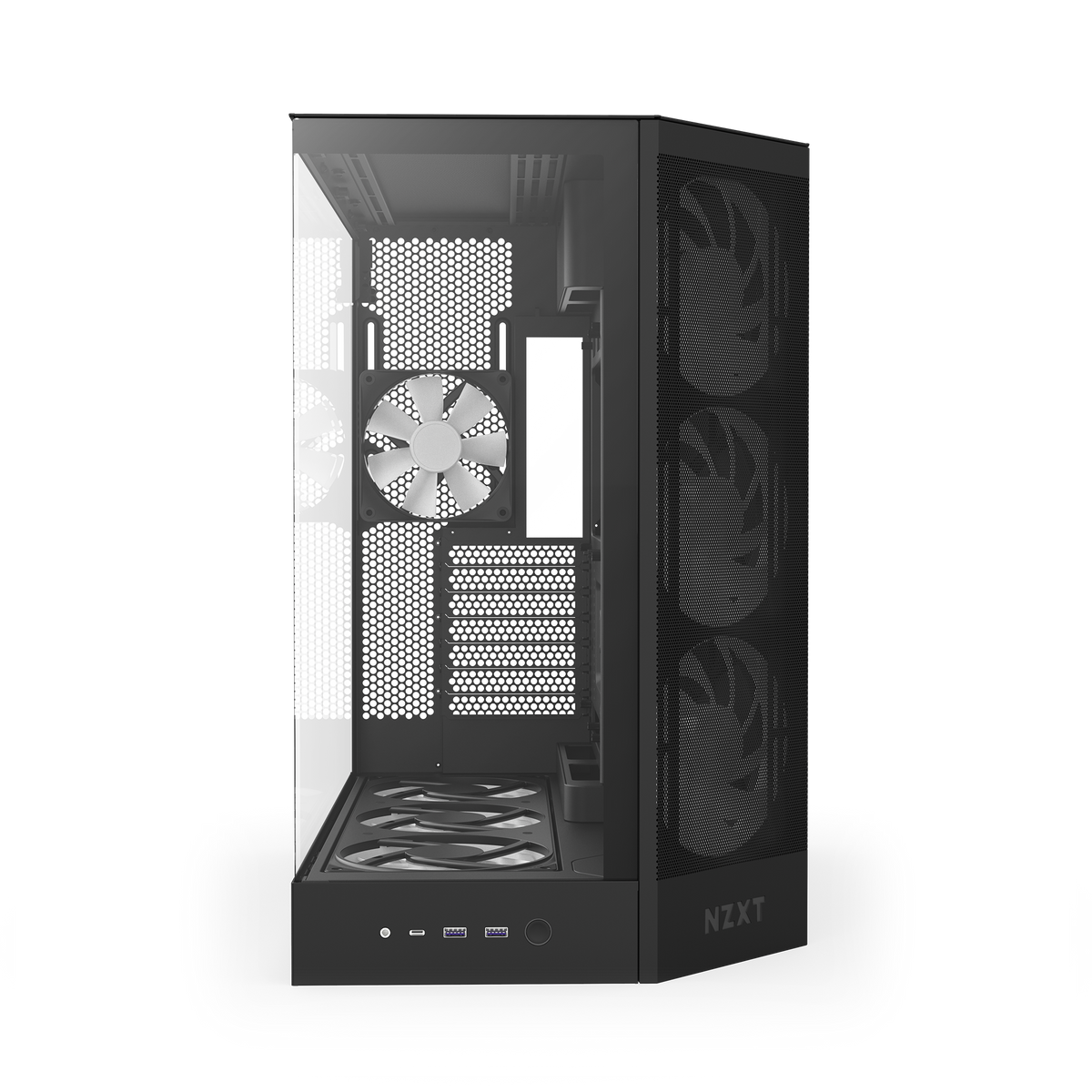
  • Optimized Airflow: Perforated steel panels and angled front-right fans ensure efficient cooling for high-performance builds.
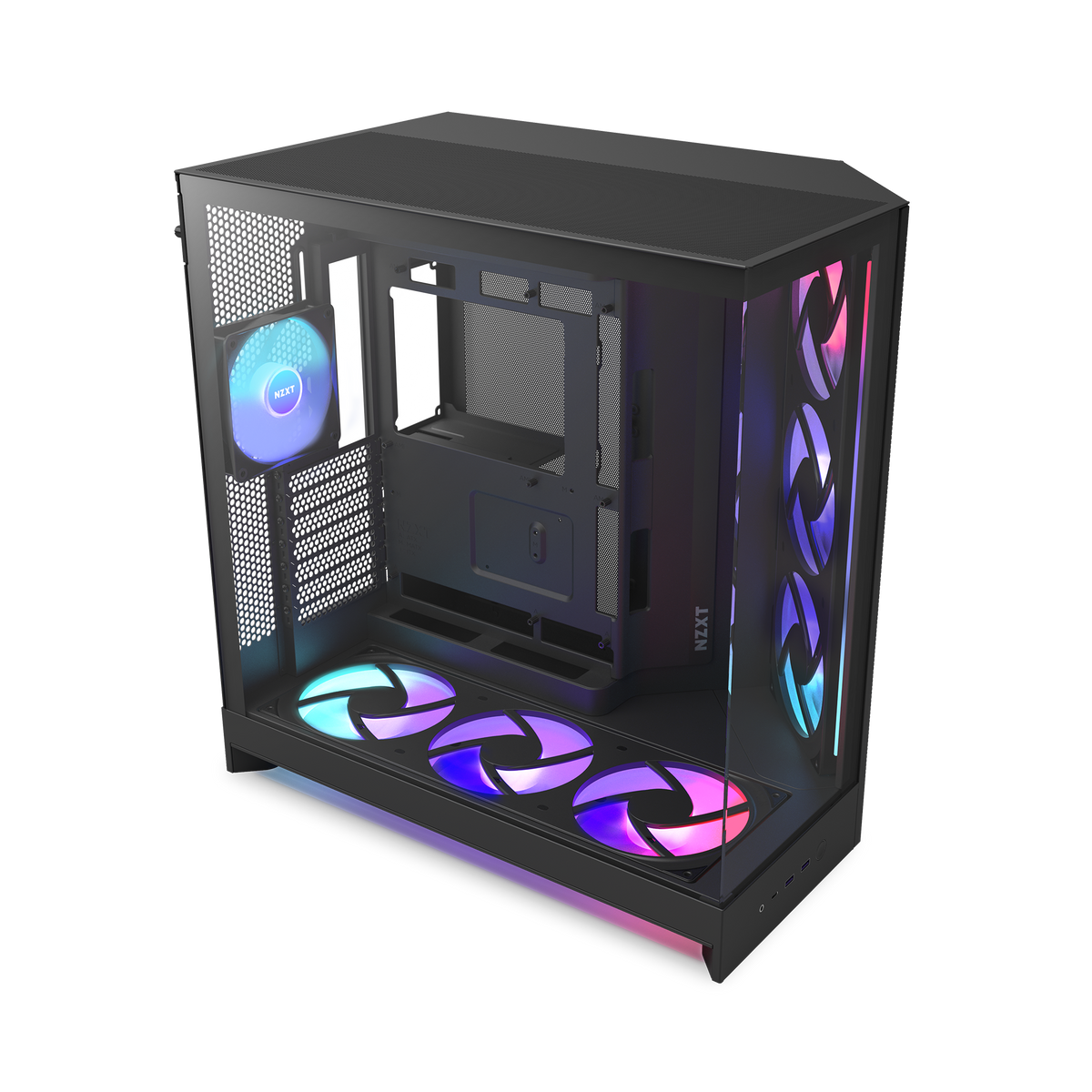
  • RGB Ready: Includes two F420 RGB Core single-frame fans, one F120 RGB Core (CV) fan in the rear, and an NZXT Control Hub. CV = Case Version (3-pin DC)
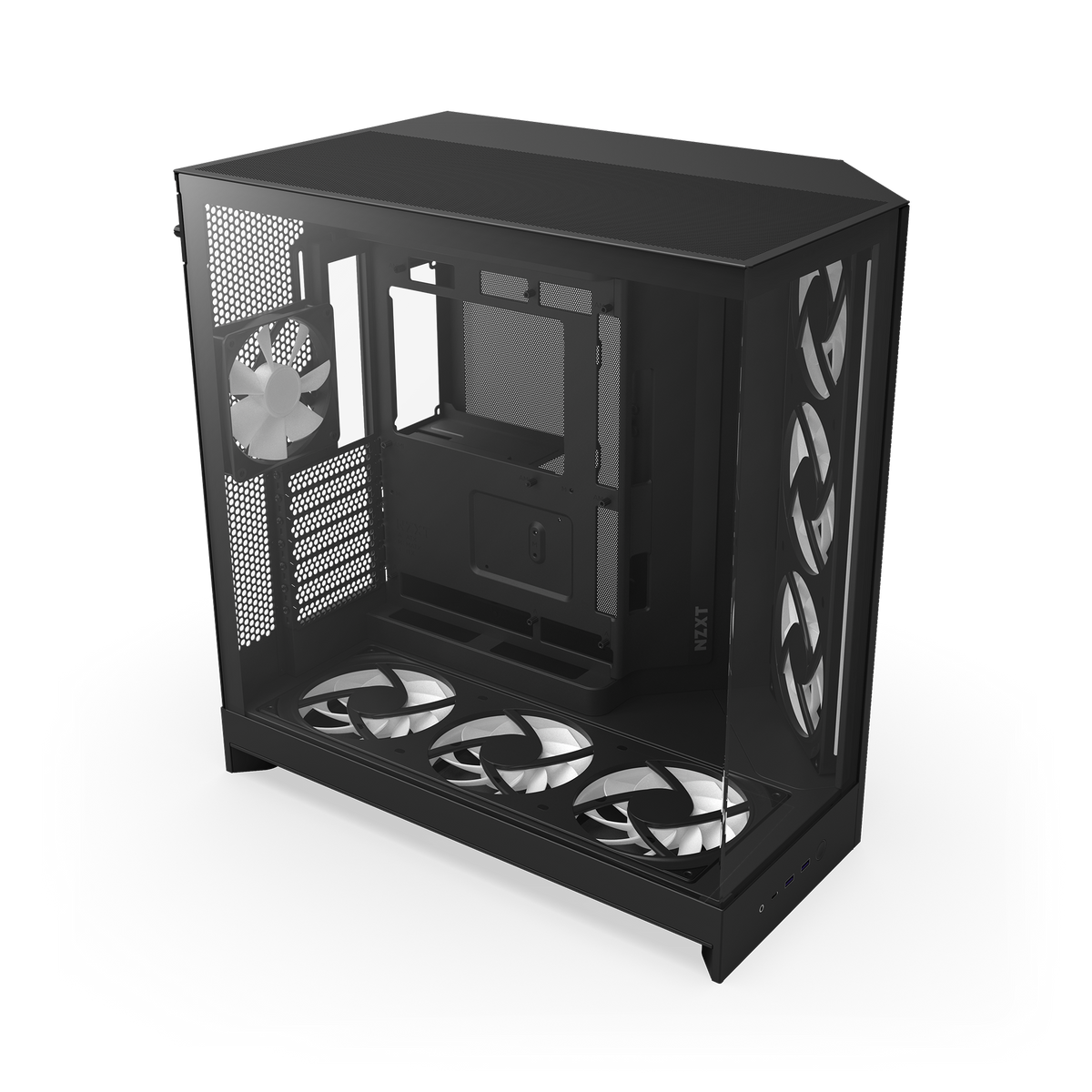
  • Ten-Fan Capacity: Supports up to nine 140mm fans across the top, front-right, and bottom, plus one 120mm fan in the rear.
  • Panoramic View: Showcase every detail of your build with seamless, wraparound tempered glass paneling.
  • Large Radiators & GPUs: Fits up to a 420mm radiator on the top and front-right, with plenty of clearance for high-end graphics cards.
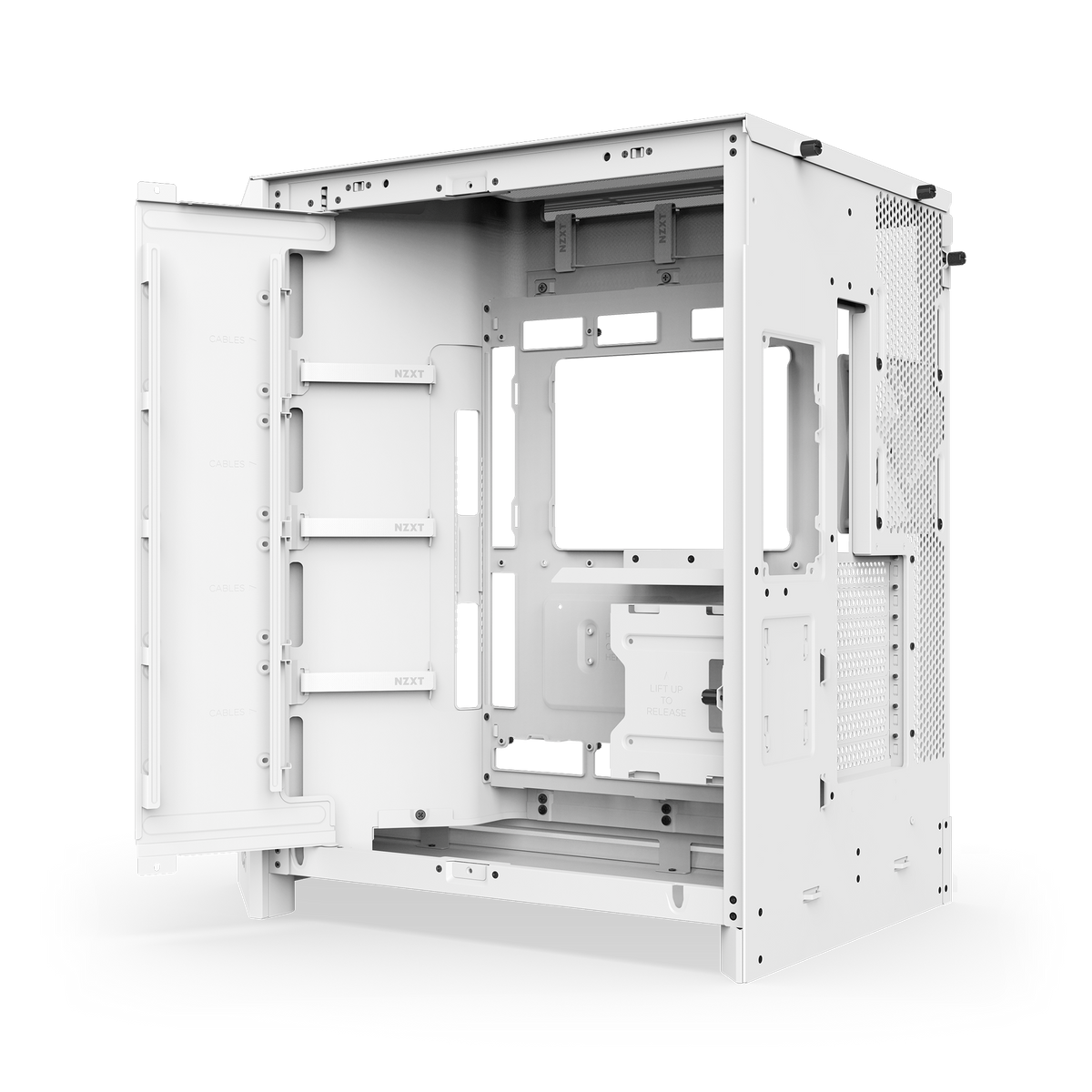
  • Easy Cable Management: Extra-wide channels, built-in Velcro straps, and tie-down points make cable routing effortless.
  • Back-Connect Ready: Compatible with rear-connecting motherboards like ASUS BTF and MSI Project Zero for a cable-free look.

H9 Line up - Built to Flow. Made to Show.

Built to Flow. Made to Show.

The H9 Flow is a spacious, dual-chamber case built for high-performance builds, featuring extensive cooling support and wraparound glass panels for an uninterrupted view of your build.

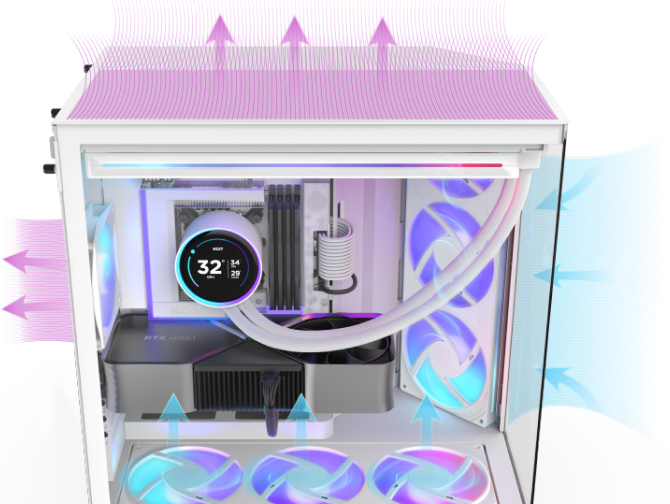
A PC case with RGB lighting, illustrating airflow: blue arrows show cool air entering from the bottom and right, while purple arrows show warm air exiting from the top and left. Temperature display on the CPU cooler reads 32°C.

Optimized Airflow

Angled front-right fans and an airflow-optimized layout keep temps low and performance steady.

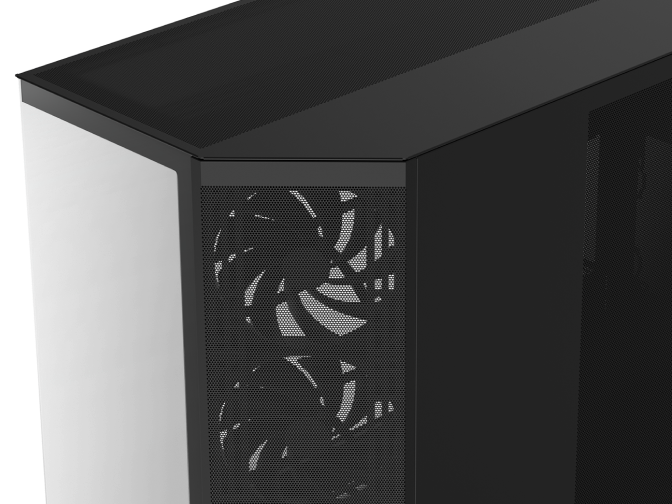
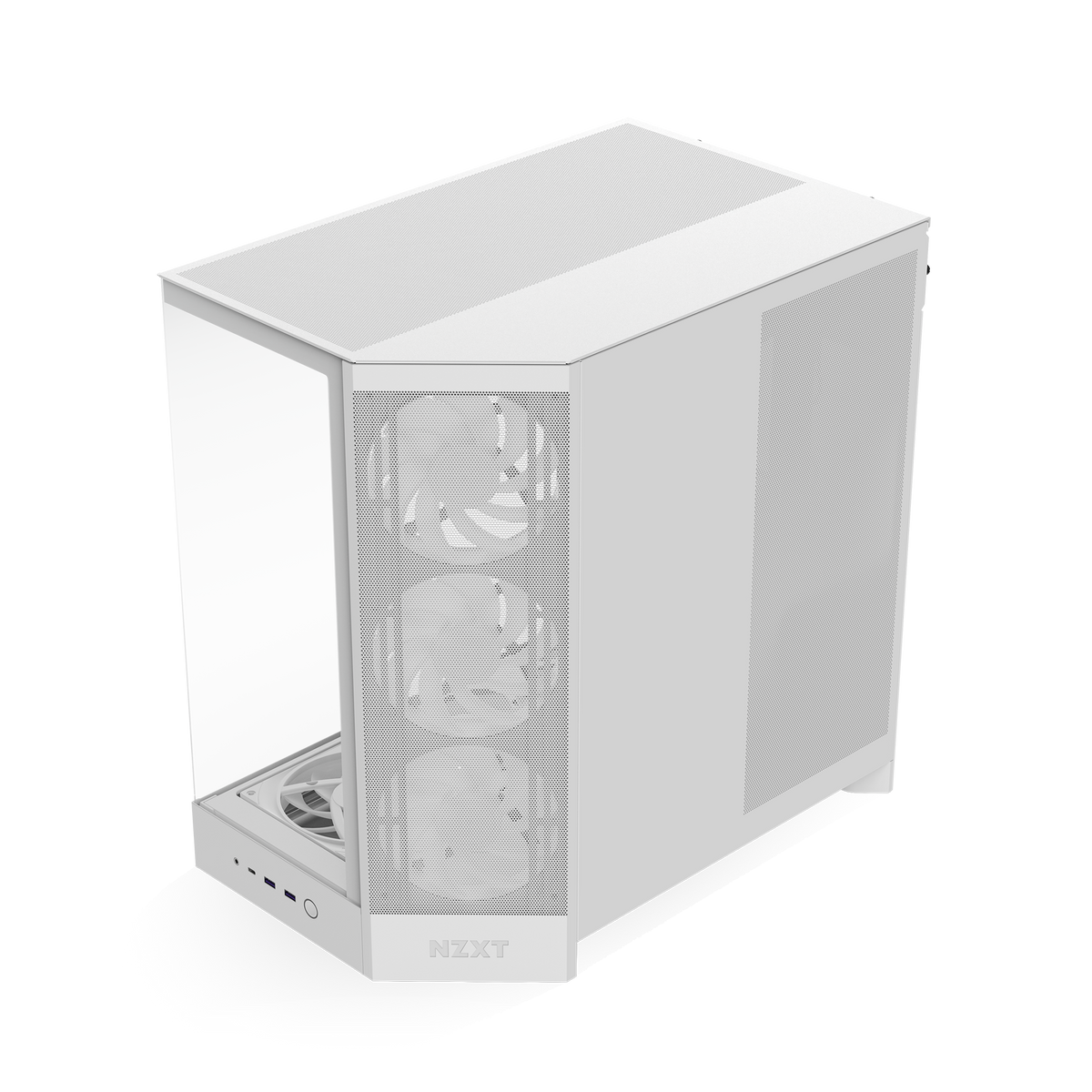
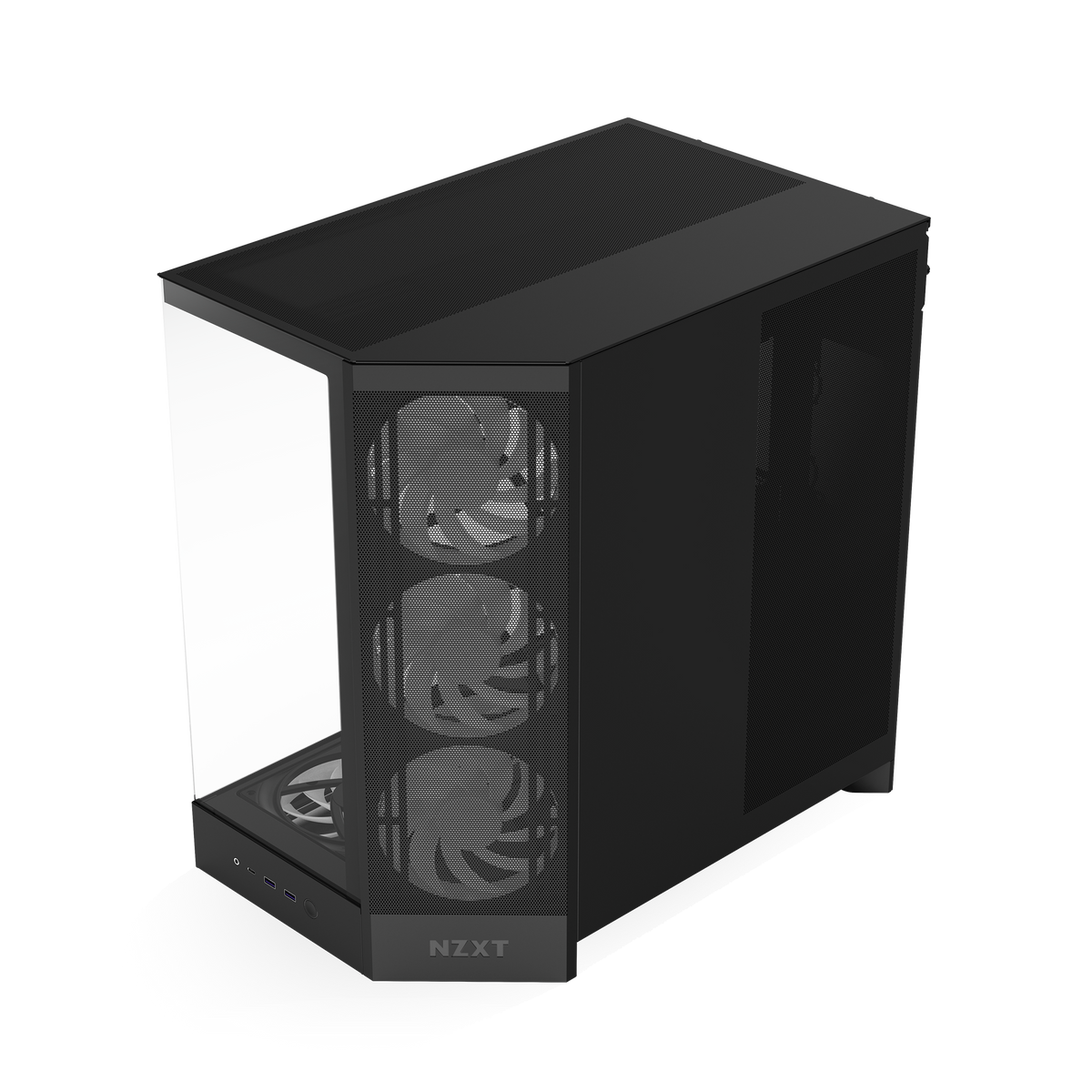
Close-up view of a black computer case with a mesh front panel showing two cooling fans inside. The case has a sleek, modern design with sharp edges and a partially visible glass side panel.

Mesh Panels

Ultra-fine, high-airflow mesh panels maximize airflow while filtering dust.

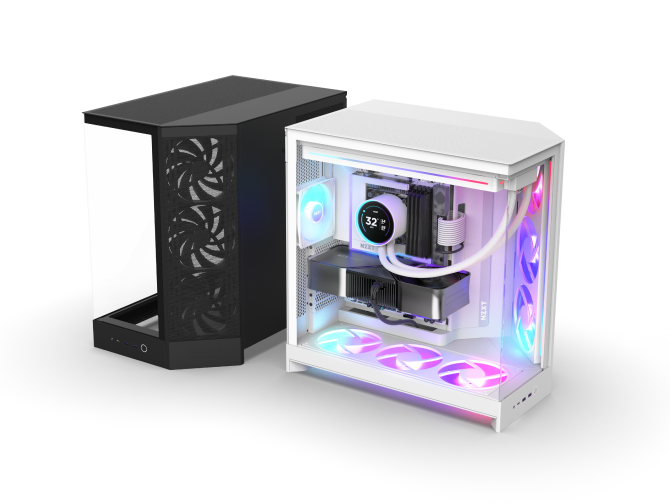
Two computer towers: one black with a transparent side panel showing fans, and one white with a clear panel revealing RGB-lit components, liquid cooling, and a digital display inside.

Spacious Dual-Chamber

Separates heat-generating components for improved airflow and a cleaner build.

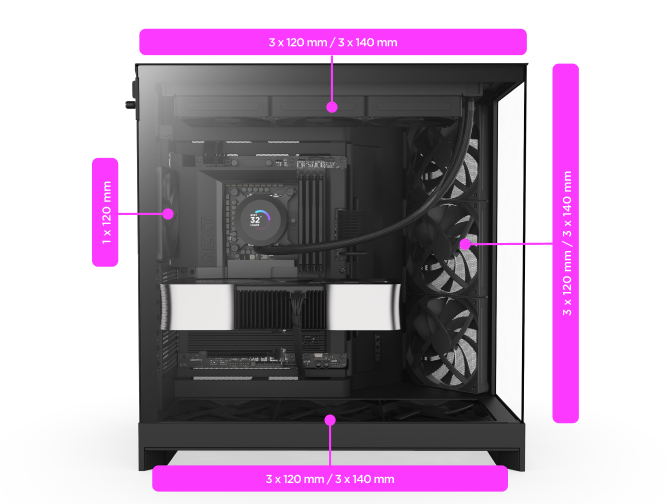
Side view of a PC case with labeled fan/radiator mounting locations: front (3x120mm/3x140mm), top (3x120mm/3x140mm), bottom (3x120mm/3x140mm), and rear (1x120mm/1x140mm).

10-Fan Cooling

Fits up to nine 140 mm fans and one 120 mm rear fan.

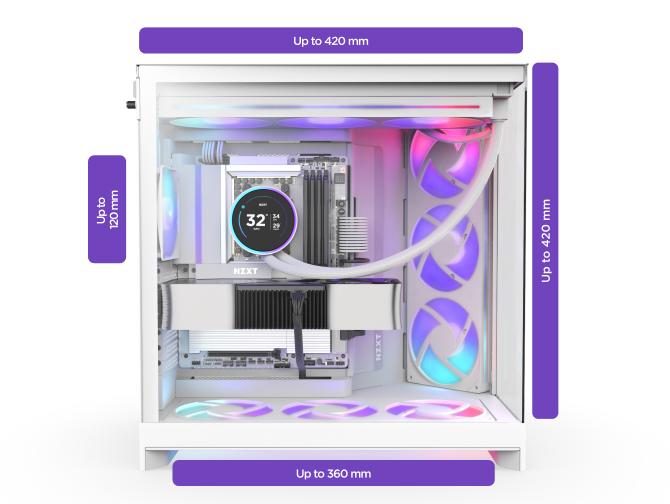
A white gaming PC case with RGB fans and a digital display, showing interior liquid cooling tubes. Purple labels indicate maximum radiator sizes: 420 mm top/right, 120 mm rear, and 360 mm bottom.

Large Radiator Support

Holds up to 420 mm radiators on the top and front-right panels for versatile cooling.

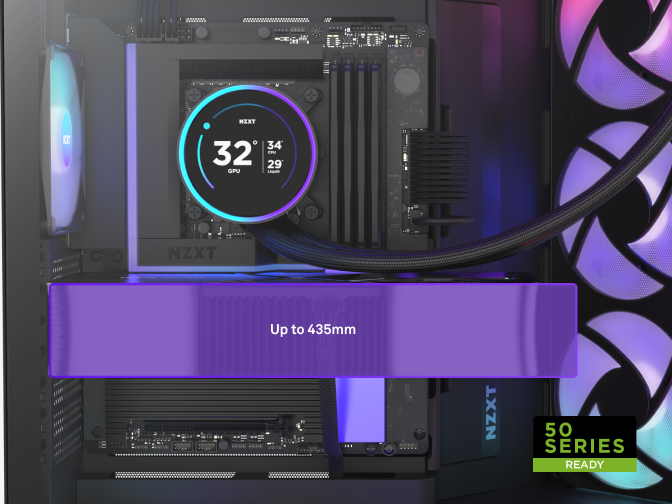
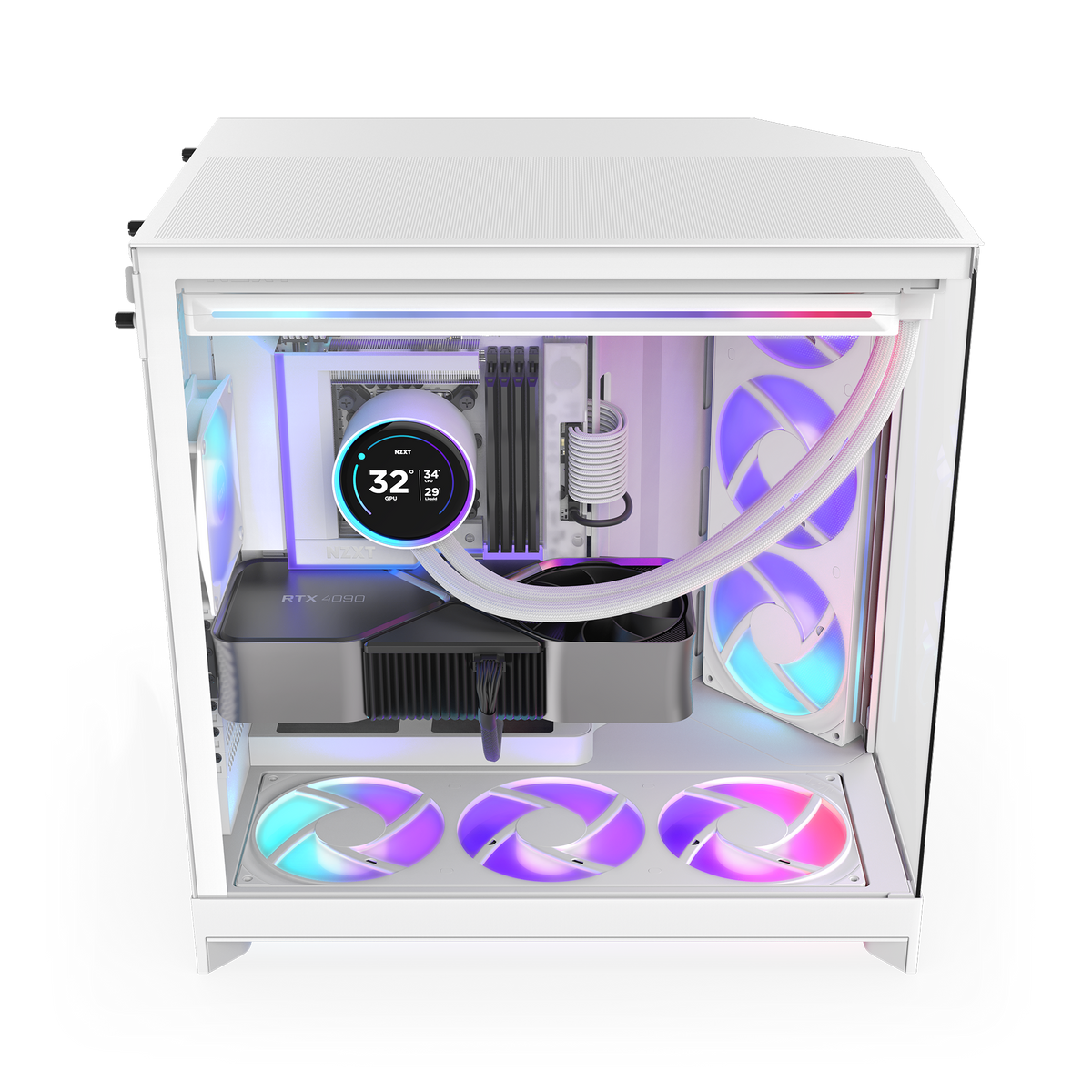
Close-up of a computers interior showing an NZXT-branded cooler with a digital display reading 32°C GPU. Purple overlay text reads Up to 435mm. Bottom right has a green label: 50 Series Ready.

Maximum Graphics

Handles GPUs up to 435 mm, giving plenty of space for top-tier graphics cards.

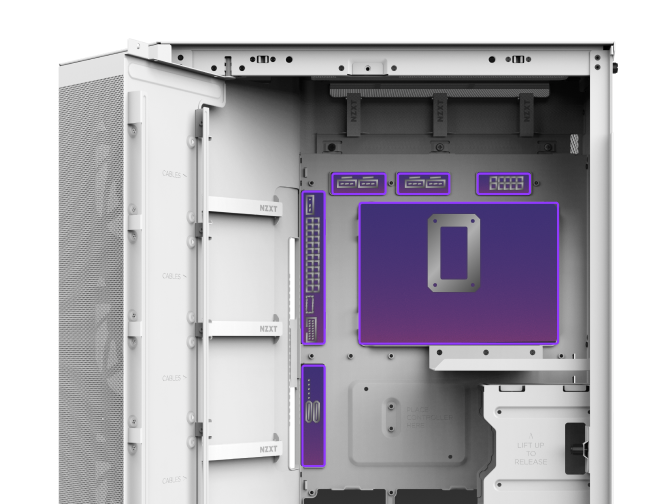
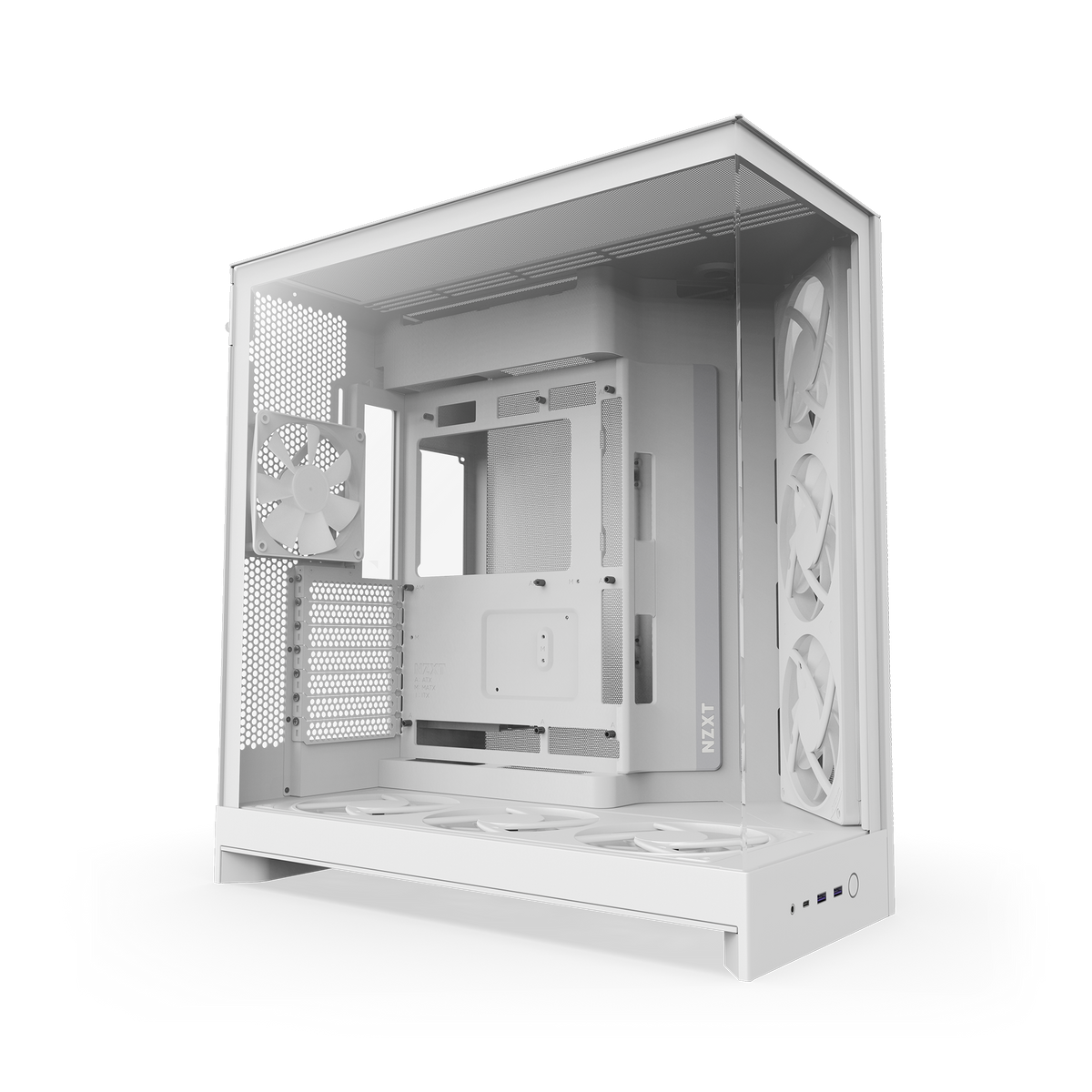
Open white computer case showing interior with highlighted motherboard tray and cable management sections in purple gradient. Multiple cable routing channels and mounting points are visible.

Back-Connect Ready

Compatible with ASUS BTF and MSI Project Zero motherboards for a cable-free look.

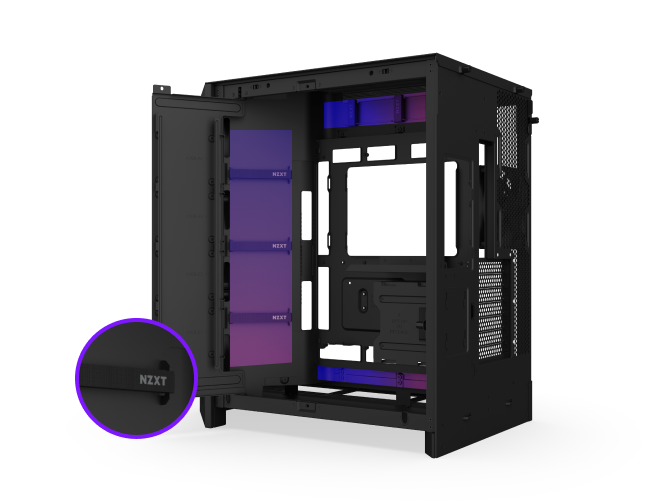
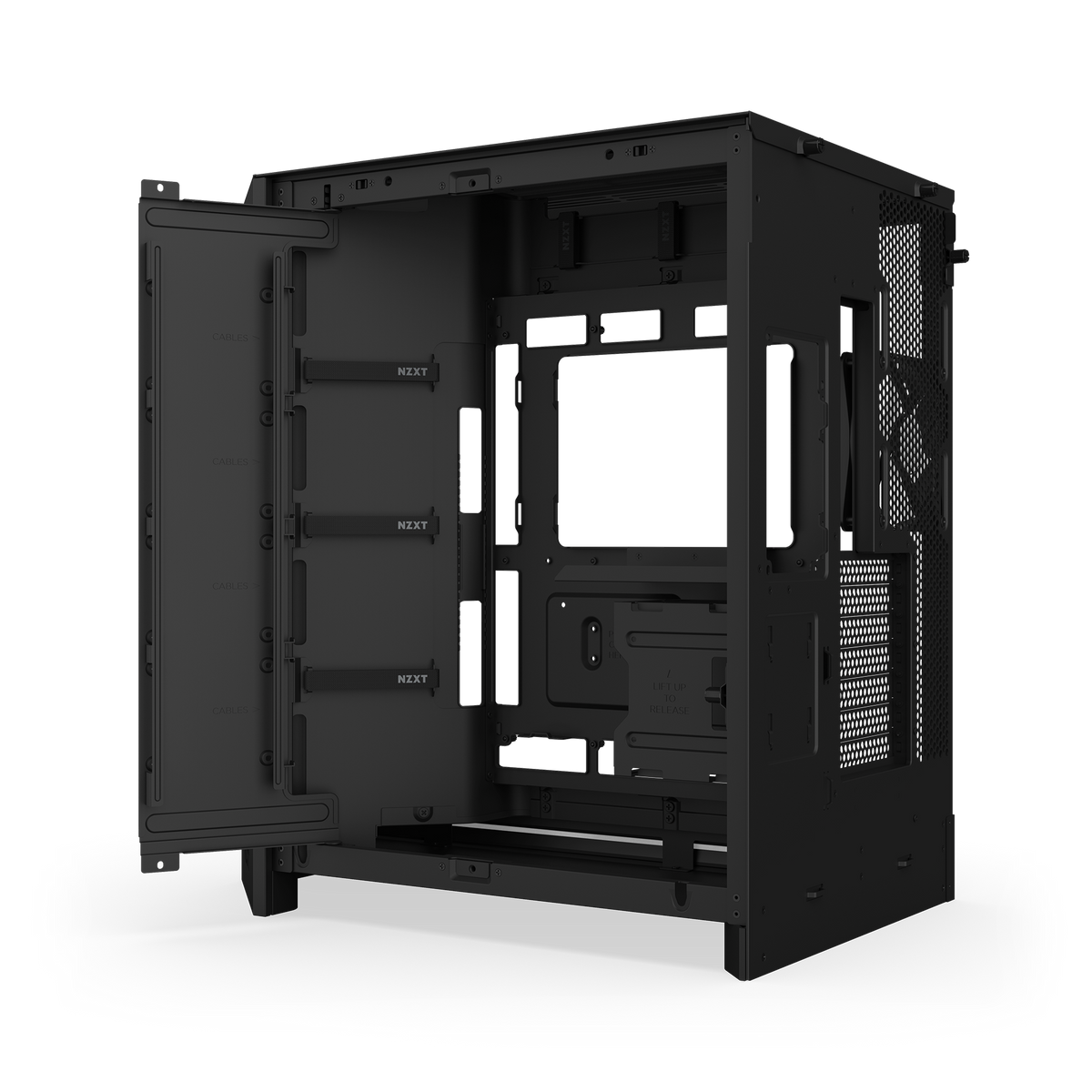
A black NZXT computer case with its side panel open, revealing an empty interior and highlighted mounting areas. A circular inset zooms in on an internal NZXT-branded strap.

Easy Cable Management

Extra-wide channels, Velcro straps, and tie-down points make cable routing simple.

Tech Specs
Height
506 mm (19.9 in)
Width
315 mm (12.4 in)
Depth
481 mm (18.9 in)
Volume
76.7 L
Weight
13.4 kg (29.54 lb)
Enclosure Type
Mid-tower
Motherboard Compatibility
E-ATX (Up to 277 mm), ATX, Micro-ATX, Mini-ITX
Rear-Connecting Motherboard Support (BTF, Project Zero)
Yes (ATX)
Materials
SGCC steel, clear tempered glass (white), tinted tempered glass (black)
CPU Cooler Height
165 mm
GPU Length
Up to 459 mm (with <56 mm thickness fans installed at the front-right) Up to 410 mm (with 56 mm thick 420 mm AIO and fans installed at the front-right)
PSU Length
200 mm
Top Radiator & Fan Thickness
Up to 80 mm (360 mm) Up to 62 mm (420 mm)
USB 3.2 Type-A
2
USB 3.2 Gen2x2 Type-C
1
Headset Jack
1
Standard
7
Vertical
0
2.5"
4+2
3.5"
2
Front-Right
3 x 120 mm / 3 x 140 mm (1 x F420 RGB Core included)
Top
3 x 120 mm / 3 x 140 mm
Bottom
3 x 120 mm / 3 x 140 mm (1 x F420 RGB Core included)
Rear
1 x 120 mm (1 x F120 RGB (CV) included)
Front-Right
Up to 420 mm
Top
Up to 420 mm
Bottom
Up to 360 mm
Rear
Up to 120 mm
Model
F420 RGB Core
Speed
2,000 ± 200 RPM
Airflow
98.61 CFM
Static Pressure
3.2 mmH2O
Noise
34.5 dBA
Fan Connector
8-pin
Model
F120 RGB Core (CV)
Speed
1,300 ± 130 RPM
Airflow
55.17 CFM
Static Pressure
1.27 mmH2O
Noise
26.1 dBA
Fan Connector
3-pin
Fan Channels
3 x NZXT 8-pin (PWM only) / 1 x NZXT 8-pin (DC+PWM control) / 1 x 4-pin PWM (DC+PWM control)
RGB Channels
4 x NZXT 8-pin / 1 x NZXT RGB
Max LED Support
Each NZXT 8-pin channel supports a maximum of 96 LEDs. NZXT RGB channel supports up to 40 LEDs and up to NZXT 5 devices.
System Requirements
USB 2.0 Internal Header 8-pin PCIe Power
Warranty
2 years
Model Number
CM-H92FW-P1 CM-H92FB-P1 CM-H92FW-P2 CM-H92FB-P2
UPC
810074847889 810074847896 815671019530 815671019547
EAN
5056547207674 5056547207681 5056547208886 5056547208893
4.3
Rated 4.3 out of 5 stars
Based on 16 reviews
69%would recommend this product
Total 5 star reviews: 10 Total 4 star reviews: 1 Total 3 star reviews: 5 Total 2 star reviews: 0 Total 1 star reviews: 0
16 reviews
  • JY
    John Y. J.
    Verified Buyer
    I recommend this product
    Product Standouts Great Quality, Value for Money, Ease of use, Design
    Rated 5 out of 5 stars
    3 weeks ago
    Lots Of Space & Just A View To Be Had

    Excellent case build with amazing space for all components and makes building pretty much a breeze. Highly recommended for those with BTF motherboard for an insanely clean stealth looking build. A bit wide so be mindful of desk space. Should have had all fan sizes match throughout the case as one is smaller than the other 6.

  • DW
    Daniel W.
    Product Standouts Great Quality, Performance, Ease of use
    Rated 3 out of 5 stars
    1 month ago
    Overall good case with some flaws!

    I bought it a few weeks ago and I'm really happy except for how the rgb-fan situation is.

    Every fan except the back one is basically the wrong direction, which means you see the backside of it all the time. That wouldn't be the issue but if I sit on my desk and look to the side where my pc stands then I see the leds flickering through the small gap between fan and housing. Its so annoying that I had to turn off the leds that look into my direction. There is still some flickering on the inside but its alot better that way.

    Other than that, its a really solid case. Its easy to build in and the cooling potential is amazing!

  • D
    Daniel
    Product Standouts Performance, Ease of use, Great Quality
    Rated 3 out of 5 stars
    1 month ago
    Great Case with some room for optimization!

    I bought the Case a few weeks ago. Can't complain much but there are some flaws that keep it away from a perfect case.

    Good things are definitely that its really building friendly and has alot of cooling potential.

    What bothers me tho is that the fans are basically all in the wrong direction. Atleast rgb wise. It would have been so much cleaner if they just made reverse fans. If I sit on my desk and look to the side where the pc is then I see all the leds flickering because of the little gap between fan and the housing. Its so bad for me that I had to disable those specific leds that face me to make it bareable.

    Its actually a lil bit sad considering the price but hey. Overall a good case.

  • DP
    David P.
    Verified Reviewer
    Product Standouts Design, Performance
    Rated 3 out of 5 stars
    2 months ago
    No the worst, but not the best either.

    I switched to the NZXT H9 Flow RGB+ about two months ago after several years of using an NZXT H710. While the case is visually stunning, several quality and design decisions make it hard to justify its premium price.

    Pros

    - One of the most visually striking fishtank cases on the market.

    - Angled front fans look great and provide strong airflow.

    - Plenty of space for cable management in the back with cable channels that have Velcro strips to secure the cables.

    - I really like the SSD mount that you can "open" like a door. Also, great to hide not managed cables.

    Cons

    - Visible panel gap

    The gap between the front and side glass panels cheapens the appearance.

    - Poor dust filtration

    Only one dust filter at the bottom of the case, with no front or top filters. It would have been nice to have them as optional accessories. NZXT claims the front and top mesh do not require filters, but in my experience this is not true. The top may be less critical since it is usually for exhaust fans, but the front intake fans should've really had one you could slide in from the side, just like the bottom one has. My top-mounted AIO radiator became heavily clogged with dust after only two months. My previous H710 required deep cleaning only once per year under similar conditions and never accumulated as much dust.

    - Pre-installed 420 millimeter Core fan units

    Suffer from resonance noise at certain RPM ranges. The fans are mounted using only four screws, which is insufficient for their size…

  • JR
    jose r.
    Verified Buyer
    I recommend this product
    Product Standouts Great Quality, Value for Money, Performance, Design, Ease of use
    Rated 5 out of 5 stars
    2 months ago
    First time building a pc

    I bought this case while googling cases and this and fractal came up but I saw it had easy cable management and the lights I wanted without having to deal with all the wires so I was ecstatic when I put everything together it worked like a charm and I am very happy with this product

Frequently Asked Questions