로그인
로그인

Air Cooler vs AIO Liquid Cooler: Which Should You Buy?

Short answer: Both will keep a modern CPU in a safe temperature range. Air coolers are simpler, cheaper and have fewer parts that can fail. AIO liquid coolers hold lower temperatures for longer under sustained load, move heat straight out of the case, and free up space around the socket. If you run heavy multi-core workloads or you care about how the build looks, go liquid. Otherwise air is perfectly sufficient.
This is one of the oldest arguments in PC building and most of the noise around it comes from people defending a purchase rather than answering the question. Here is what actually separates the two.
How an air cooler works
An air cooler is four parts: a mounting system, heat pipes, a heatsink, and one or more fans.
The heat pipes sit directly against the CPU. Inside each pipe is a small amount of liquid that evaporates as it absorbs heat, carries that heat up to the heatsink, then condenses and returns. The heatsink holds the heat in a large array of fins, and the fan blows air across those fins to carry it away.
There is no pump, no coolant loop and no radiator. Fewer moving parts means fewer things that can fail.
How an AIO liquid cooler works
An AIO works on the same principle, just with a longer path between the CPU and the air. It uses a coolant (typically a glycol and water mixture), a cold plate, a pump, tubing, a radiator and fans.
Heat moves from the CPU into the cold plate, which transfers it evenly into the coolant passing through it. The pump pushes that heated coolant along the tubing to the radiator, where the fins hold the heat until the fans carry it away.
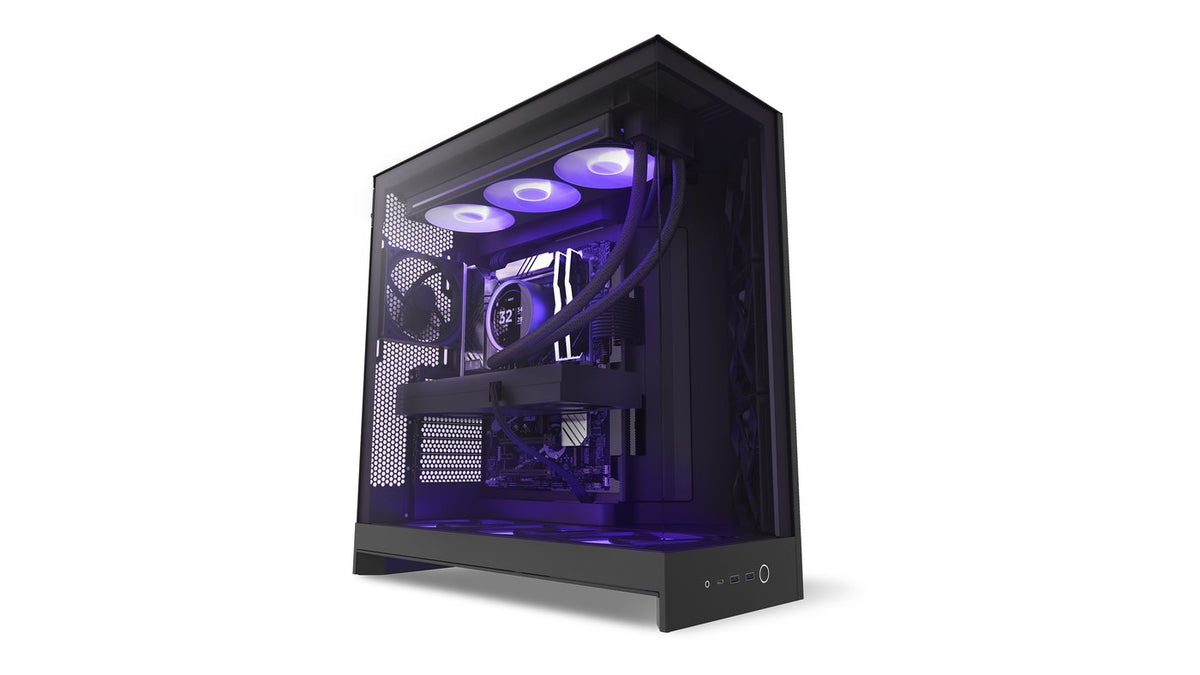
The important difference is where the heat ends up. An air cooler dumps CPU heat into the middle of your case, where your other components have to deal with it. A top-mounted AIO pushes it straight out of the case.
Which one actually cools better?
Both will keep your CPU safe. Modern processors are designed to run at 80 to 90 degrees Celsius during intensive work, and either cooler type will keep a correctly specified build inside that window.
Where liquid pulls ahead is sustained load. A radiator holds more thermal mass and has far more surface area than a heatsink, so an AIO keeps the CPU at lower temperatures for longer periods rather than climbing steadily during a long render, compile or gaming session. Lower temperatures over time are better for the lifespan of the processor.
For short bursts, a good air cooler and an AIO of similar class will land closer together than most people assume. It is sustained heavy load where the gap opens up.
Radiator size matters more than the badge
AIOs come in different sizes for one reason: more radiator surface area means more cooling capacity. A 360mm radiator has more room to shed heat than a 240mm, which has more than a 120mm.
The returns are not infinite. Once the radiator is large enough for your CPU's heat output, going larger mostly buys you quieter operation rather than lower temperatures, because the fans can spin slower to move the same heat. That is a real benefit, just a different one.
| Radiator size | Typically suits | Notes |
|---|---|---|
| 120mm / 240mm | Mainstream CPUs, compact builds | Fits cases where larger radiators will not |
| 280mm / 360mm | Most gaming and creator builds | The sweet spot for cooling per unit of noise |
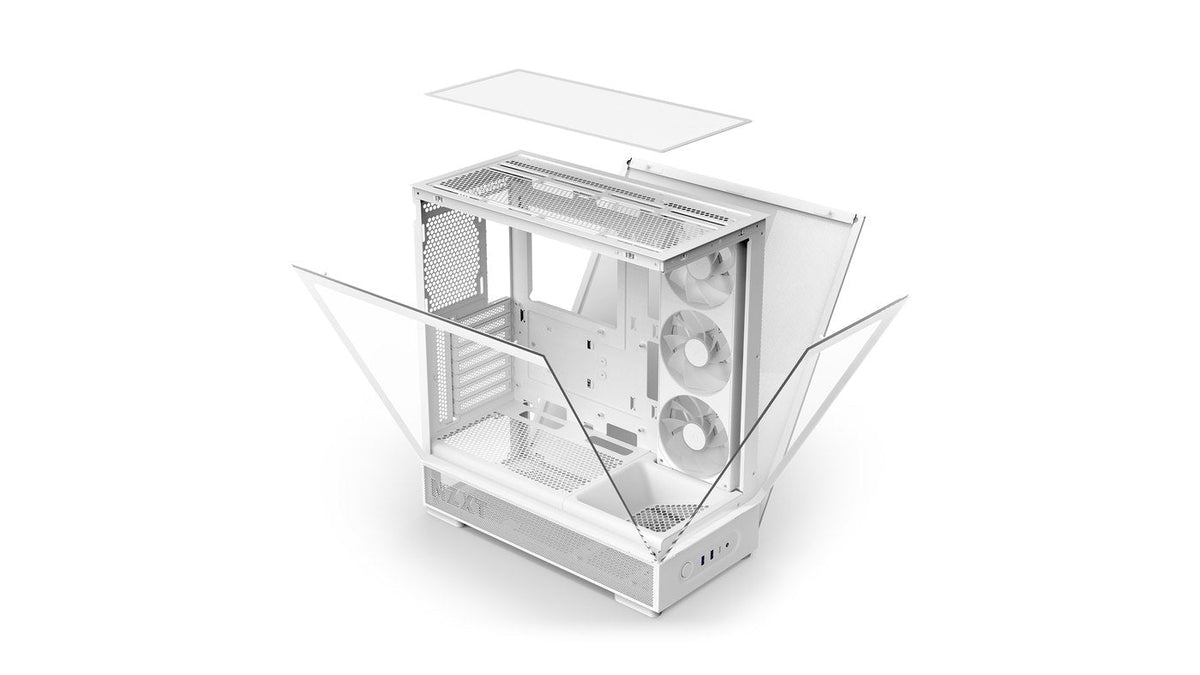
| 420mm | High core count CPUs, sustained heavy load | Needs a case built for it, such as the H9 Flow |
The practical differences nobody mentions
Space around the socket
A large air cooler is a big object sitting over your motherboard. It can block tall RAM, overhang the top PCIe slot, and make getting to nearby headers awkward. An AIO puts a low pump cap on the CPU and moves the bulk to the edge of the case.
Case clearance
Air coolers are limited by the maximum CPU cooler height your case allows. AIOs are limited by which radiator sizes your case supports and where. Both are hard limits worth checking before you buy, not after.
Weight on the motherboard
Large air coolers put significant weight on the CPU socket, which matters if you move your PC often. An AIO distributes that weight to the case.
Looks
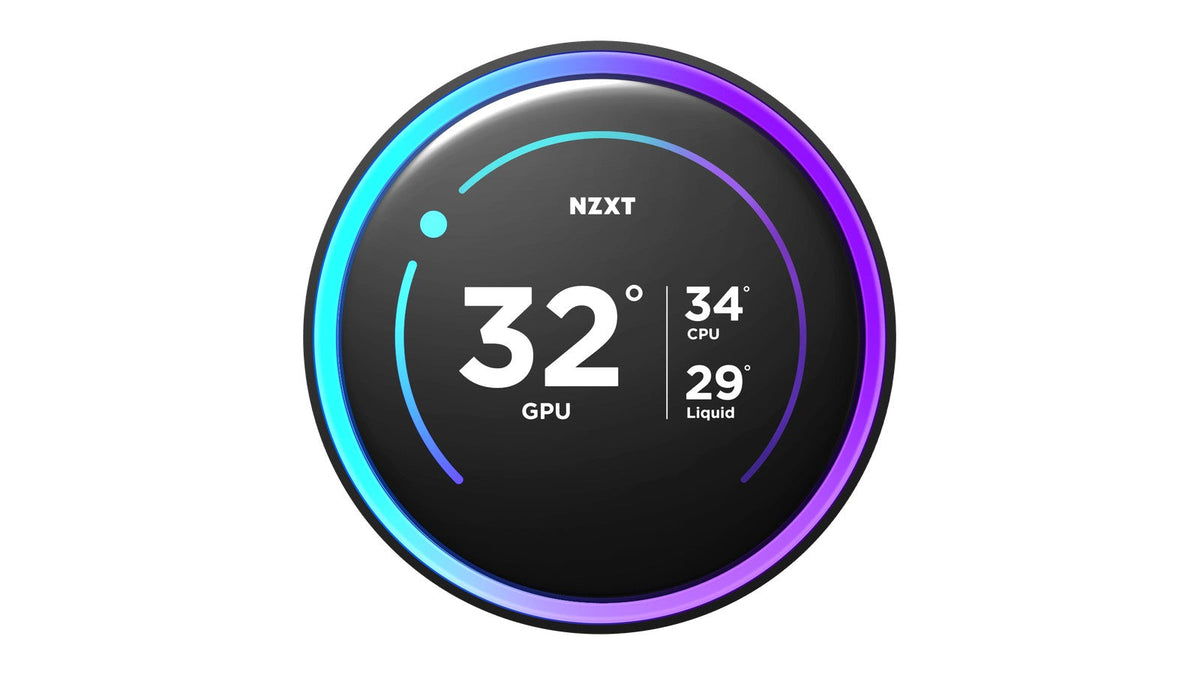
This is a legitimate reason to choose, not a frivolous one. An AIO clears the space above your motherboard and gives you a visible pump cap, and models like the Kraken Elite series put a customisable LCD display right in the centre of the build. If you are building something you want to look at, that is worth something.
Failure modes
An air cooler's only moving part is the fan, and a failed fan is cheap to replace. An AIO adds a pump, which is a sealed unit that cannot be serviced. Pumps are reliable and carry long warranties, but it is one more thing in the loop.
So which should you buy?
Choose an air cooler if you want the simplest possible build, your CPU is mainstream rather than top of the stack, you do not need the space above the socket, and the look of the build is not a priority.
Choose an AIO if you run sustained heavy workloads, you have a high core count CPU, you want CPU heat leaving the case rather than circulating in it, you want the space around the socket back, or you want the build to look a particular way.
NZXT's current Kraken lineup spans that range. The Kraken Core RGB covers 240mm and 360mm without a display for people who want the cooling and not the screen. The Kraken Plus series adds an LCD display. The Kraken Elite series is the premium tier, topping out with the Kraken Elite 420 RGB, our most powerful cooler.
Frequently asked questions
Do I need a liquid cooler for gaming?
No. Gaming rarely loads all CPU cores continuously, so a competent air cooler handles most gaming workloads without trouble. Liquid cooling becomes more compelling for streaming while gaming, video work, rendering or compiling.
Is an AIO risky? Can it leak?
AIO coolers are sealed at the factory and are not designed to be opened. Leaks are rare. Do not attempt to open, refill or top up a Kraken cooler, as it will void the warranty and is very likely to cause a problem rather than solve one.
How long does an AIO last?
The pump is the part with a service life, and NZXT Kraken coolers carry multi-year warranties reflecting that. Mounting the radiator correctly so air cannot collect in the pump is the single biggest thing you can do to extend it. When you are ready to fit one, follow our step-by-step AIO install guide.
Is a 360mm AIO always better than a 240mm?
It has more cooling capacity, yes. Whether you will notice depends on your CPU. On a mainstream processor a 240mm may already keep temperatures comfortably in range, and the larger radiator will mostly buy you quieter fans rather than lower numbers.
Does an air cooler make my case hotter?
It releases CPU heat inside the case rather than exhausting it directly, so yes, slightly. Good case airflow handles this. It is one of the reasons a top-mounted AIO set as exhaust is a tidy solution.
Which is quieter?
It depends on the specific models more than the category. A large radiator with slow fans is generally very quiet. A large air cooler with slow fans is also very quiet. Small radiators with fast fans and small heatsinks with fast fans are both loud.
Do AIOs make noise that air coolers do not?
They can. A pump adds a source of sound that a heatsink does not have, including a faint trickling from coolant and coil whine from the pump motor. Most of it is normal, and the gurgling kind is usually fixable. We cover how to tell them apart in AIO pump noise explained.
Need help choosing?
If you are weighing a specific CPU and case combination, our team can tell you what fits. Get in touch at NZXT Support.