

 Login
Login


N7 Z890
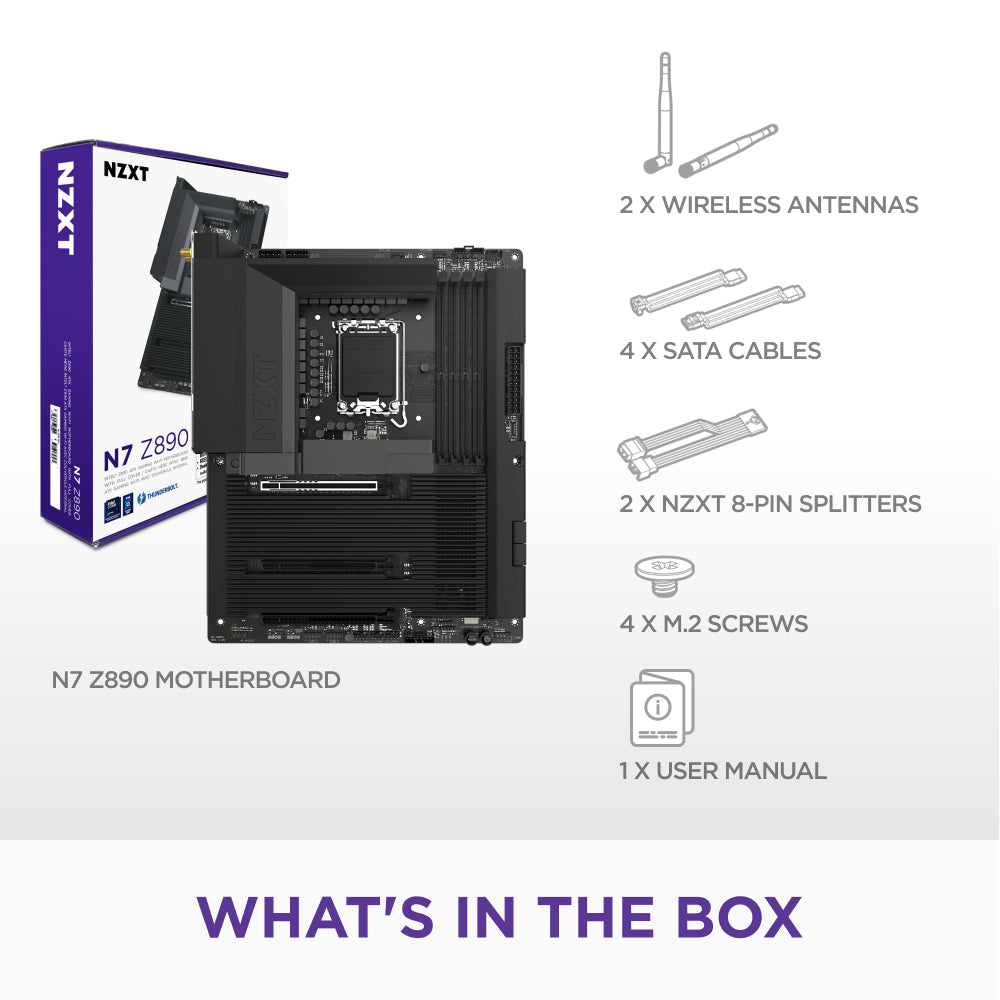
Intel® Z890 ATX Gaming Wi-Fi Motherboard with Full Cover
- Warranty coverage — See NZXT warranty terms by product
- Returns & exchanges — NZXT components and accessories are sold through authorized retailers. Start a return or exchange with the retailer you purchased from.
- Warranty service — Submit a request to NZXT Support. Proof of purchase from an authorized NZXT retailer is required.
Choose options
Overview
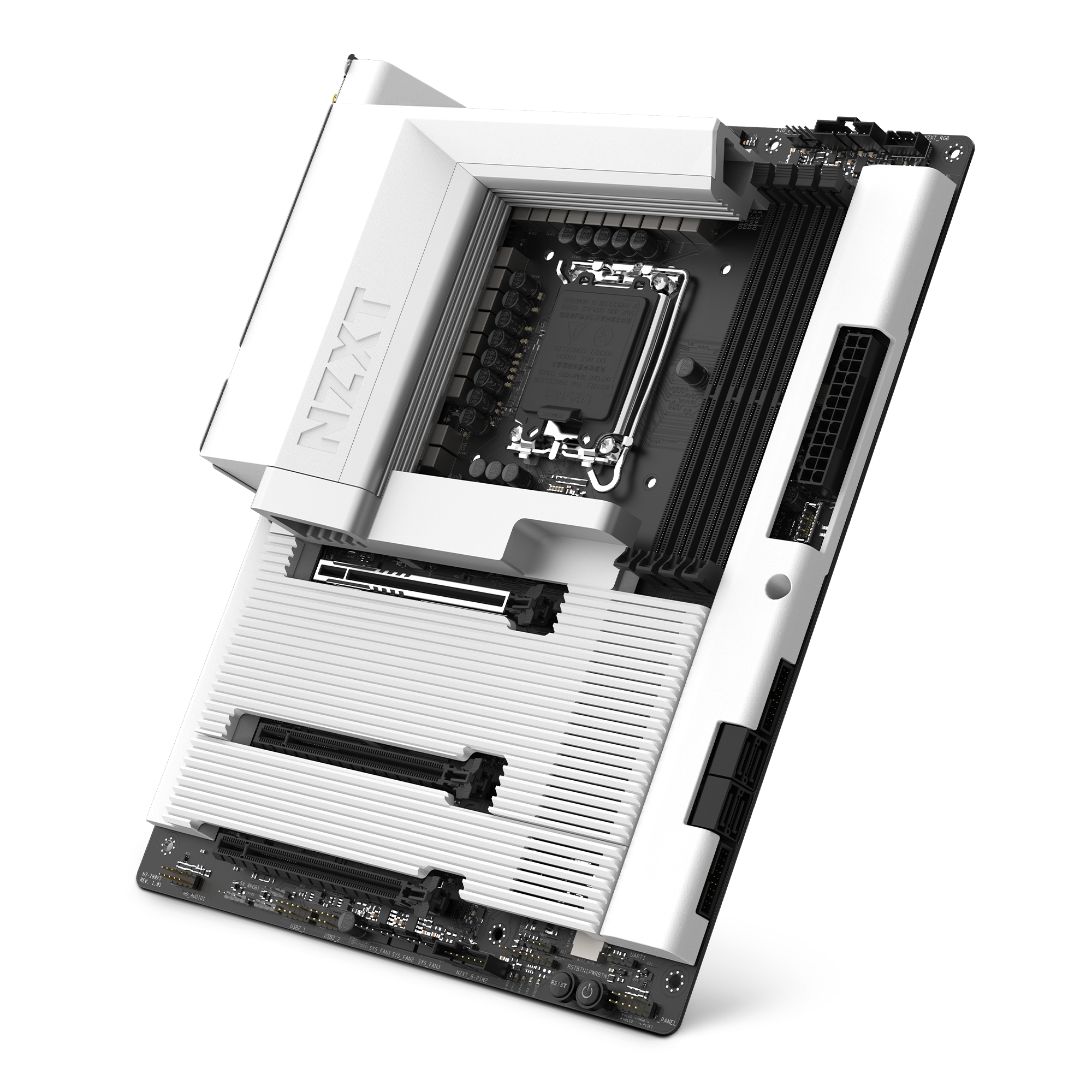
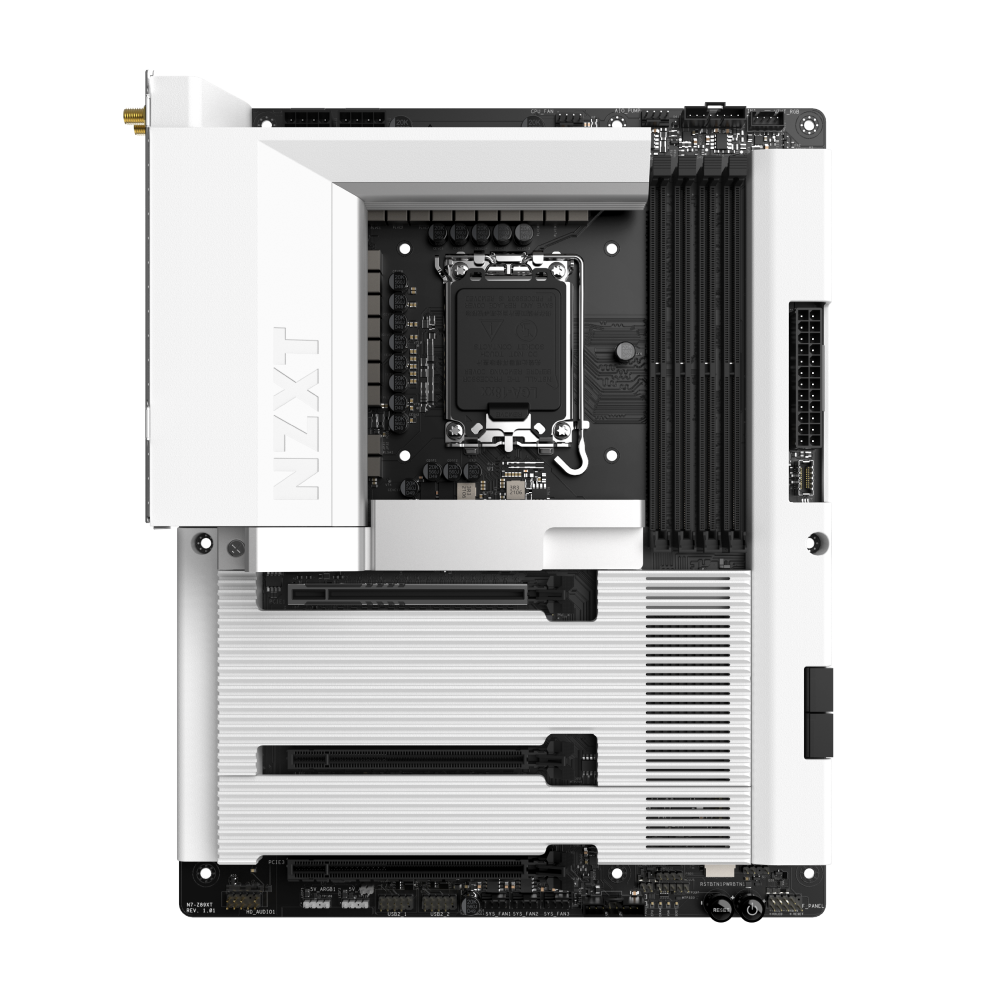
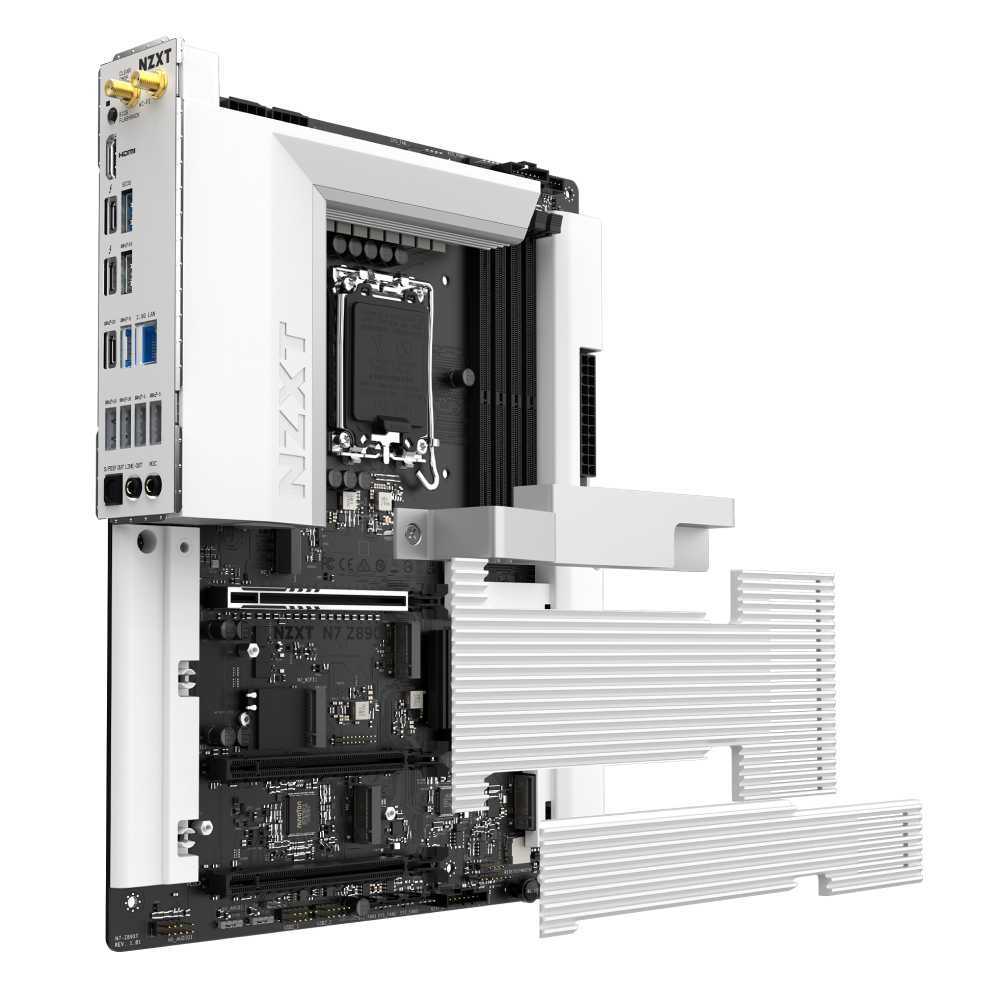
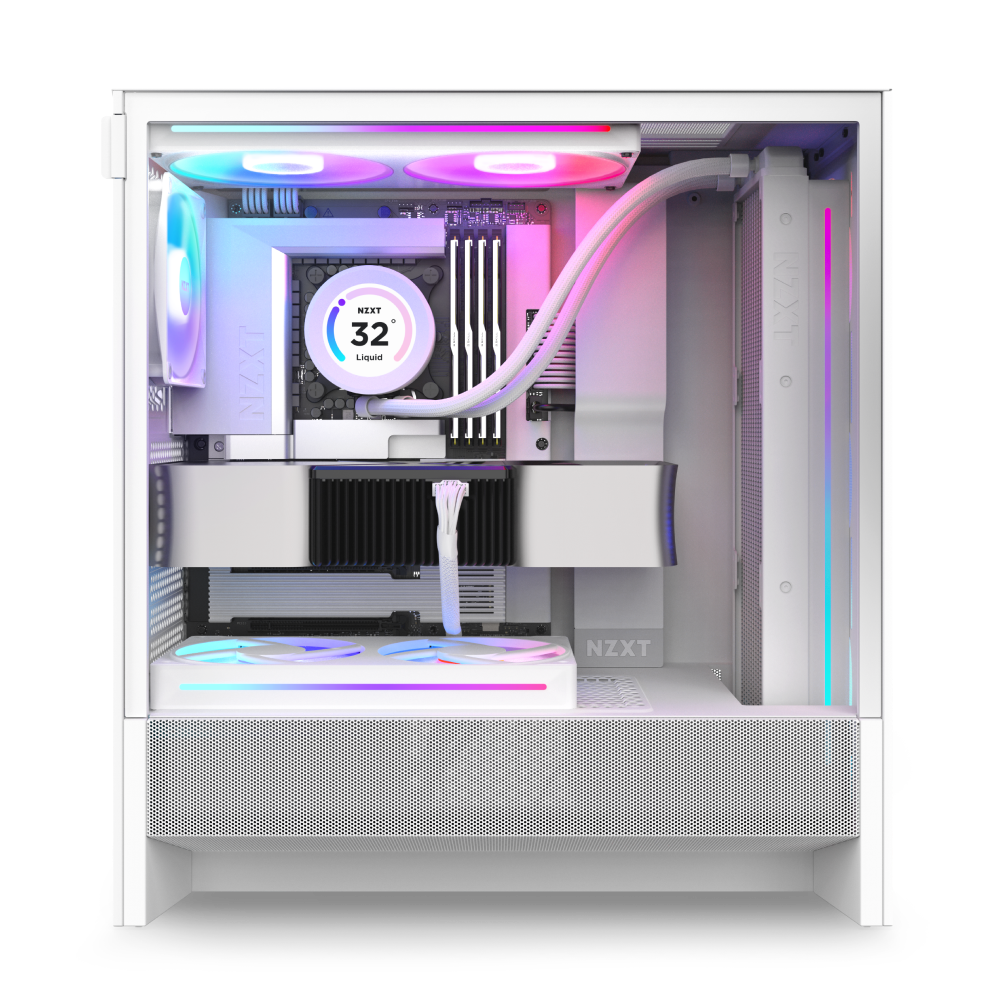
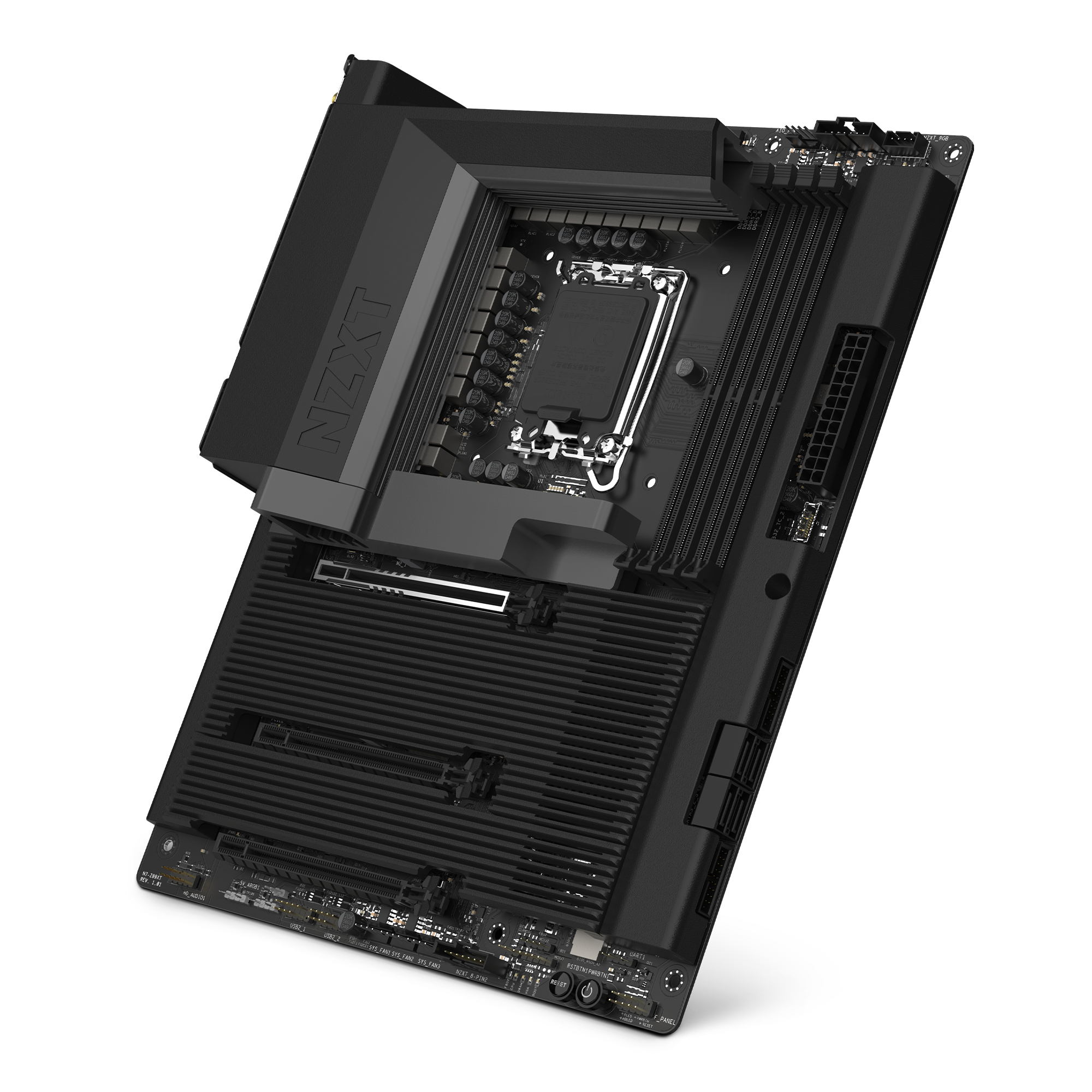
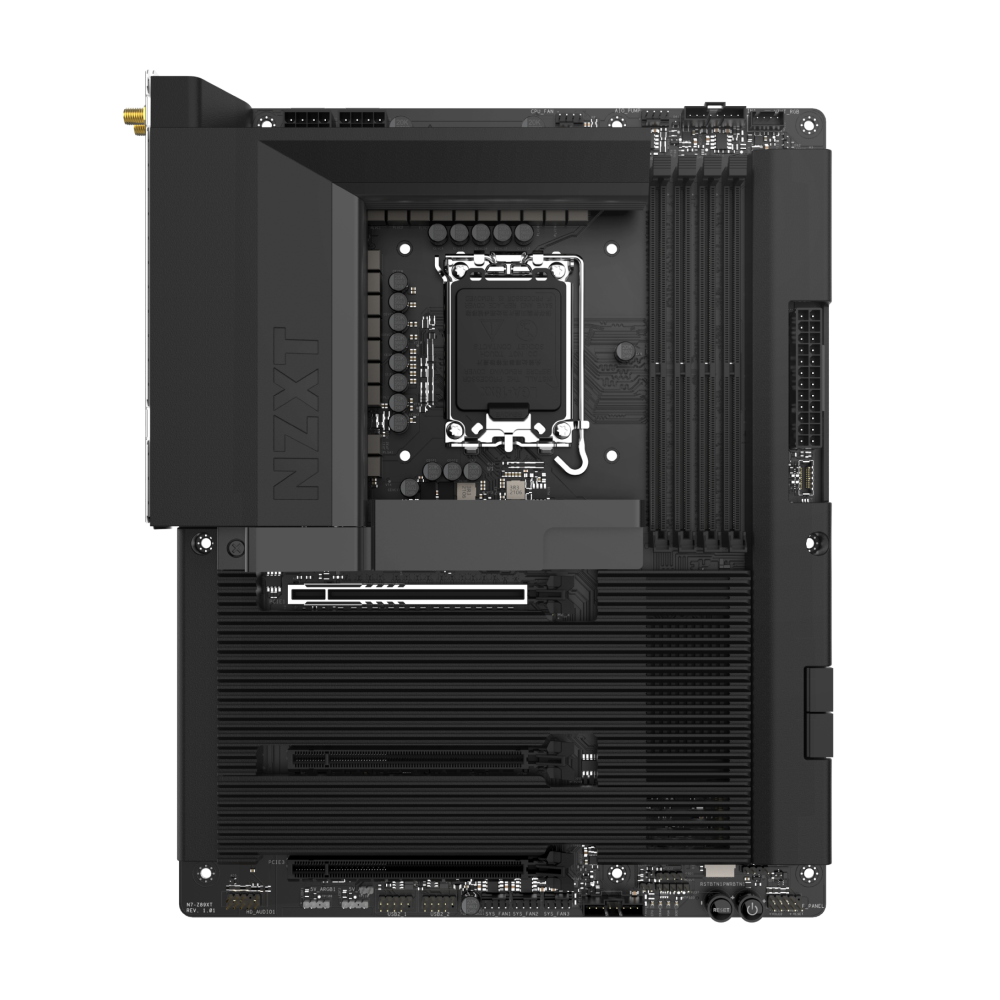
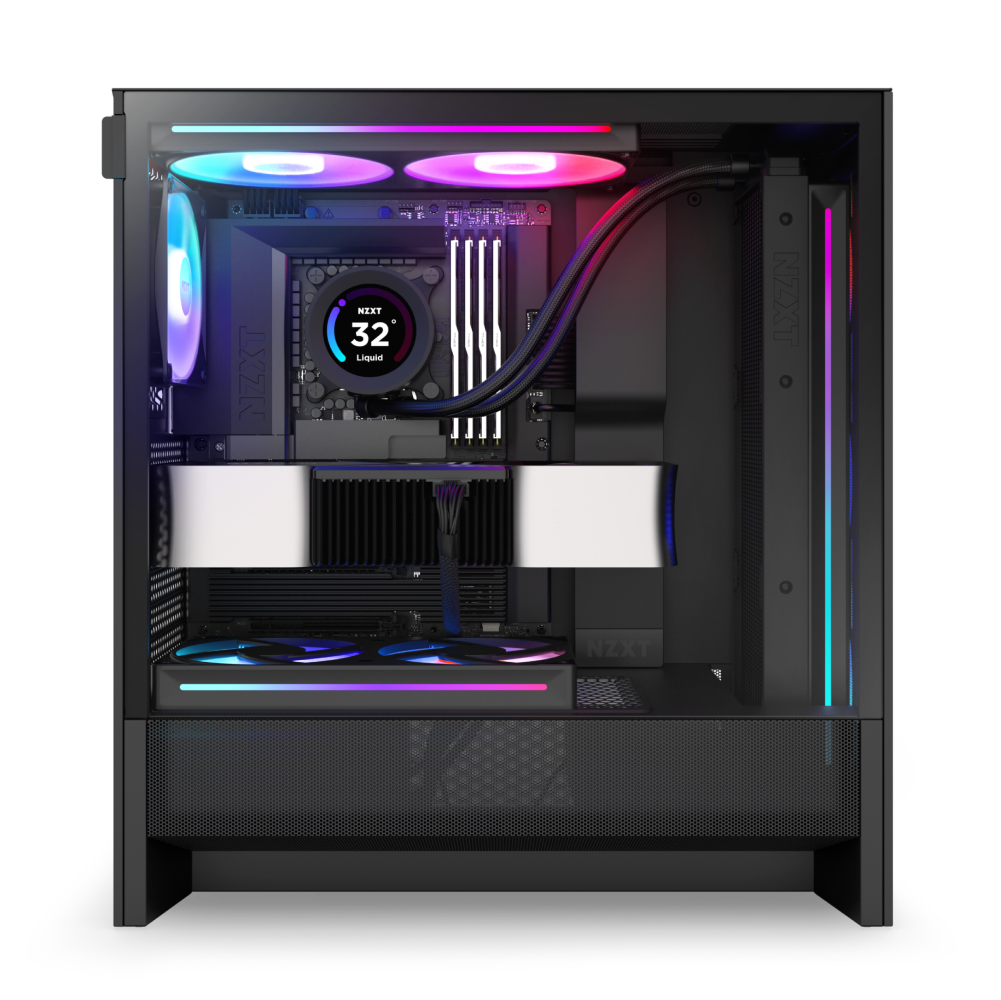
The N7 Z890 pairs advanced gaming performance with a sleek, refined design. Built for Intel® Core™ Ultra (Series 2) processors, it features robust power delivery, optimized thermals, and high-speed connectivity with Thunderbolt™ 4, DDR5, and PCIe 5.0. A full PCB cover enhances aesthetics, creating a clean and modern foundation for any build.
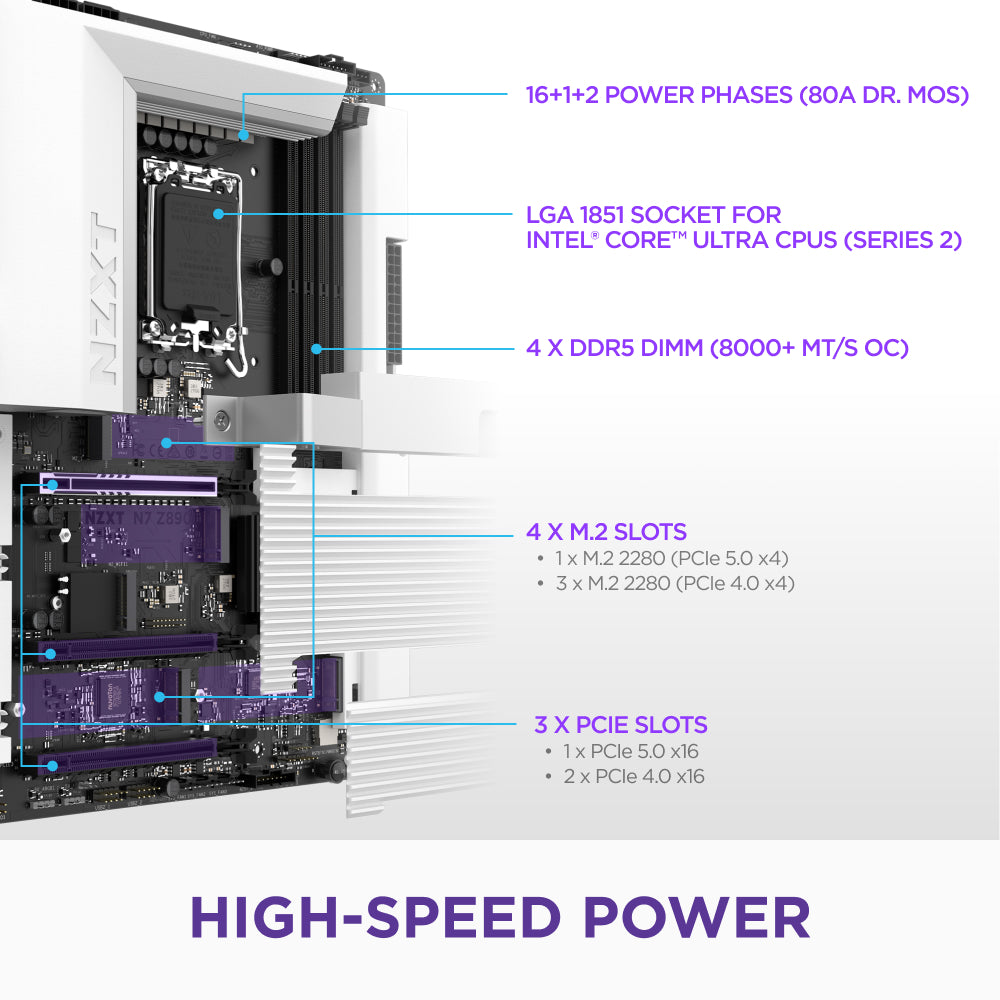
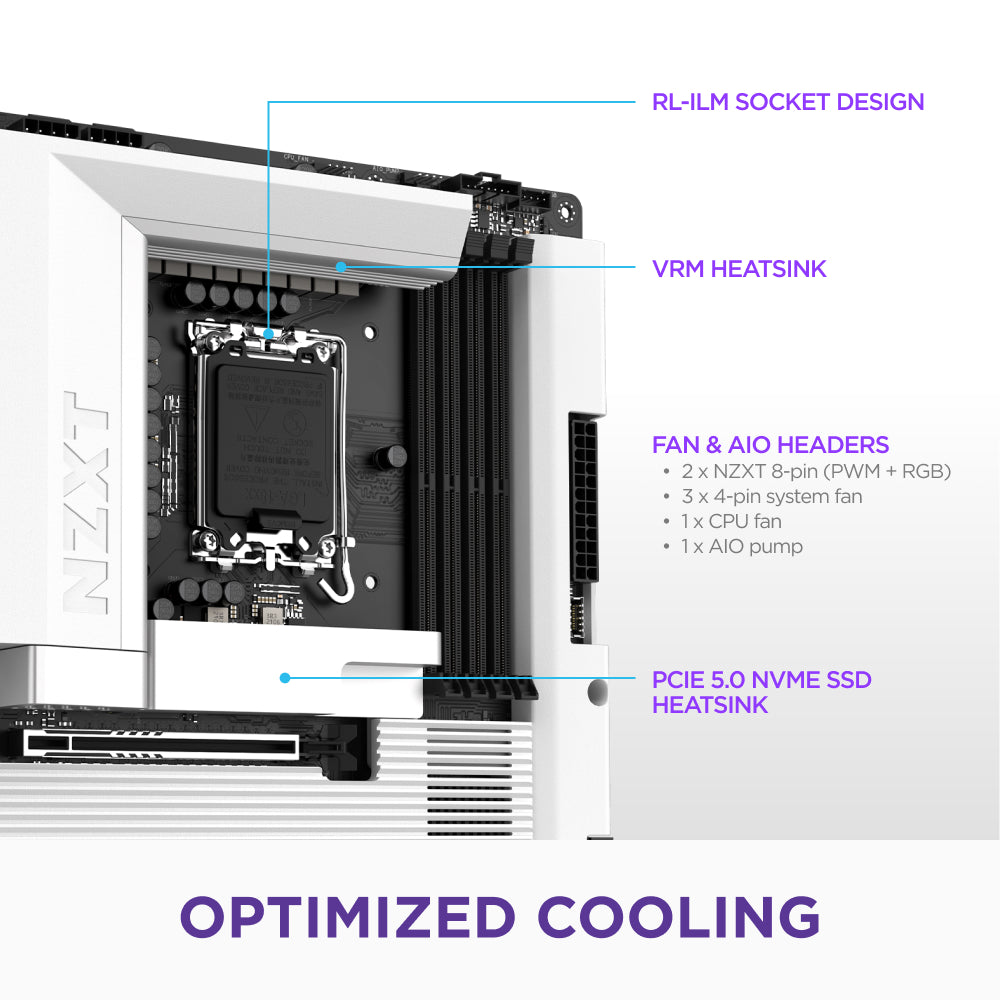
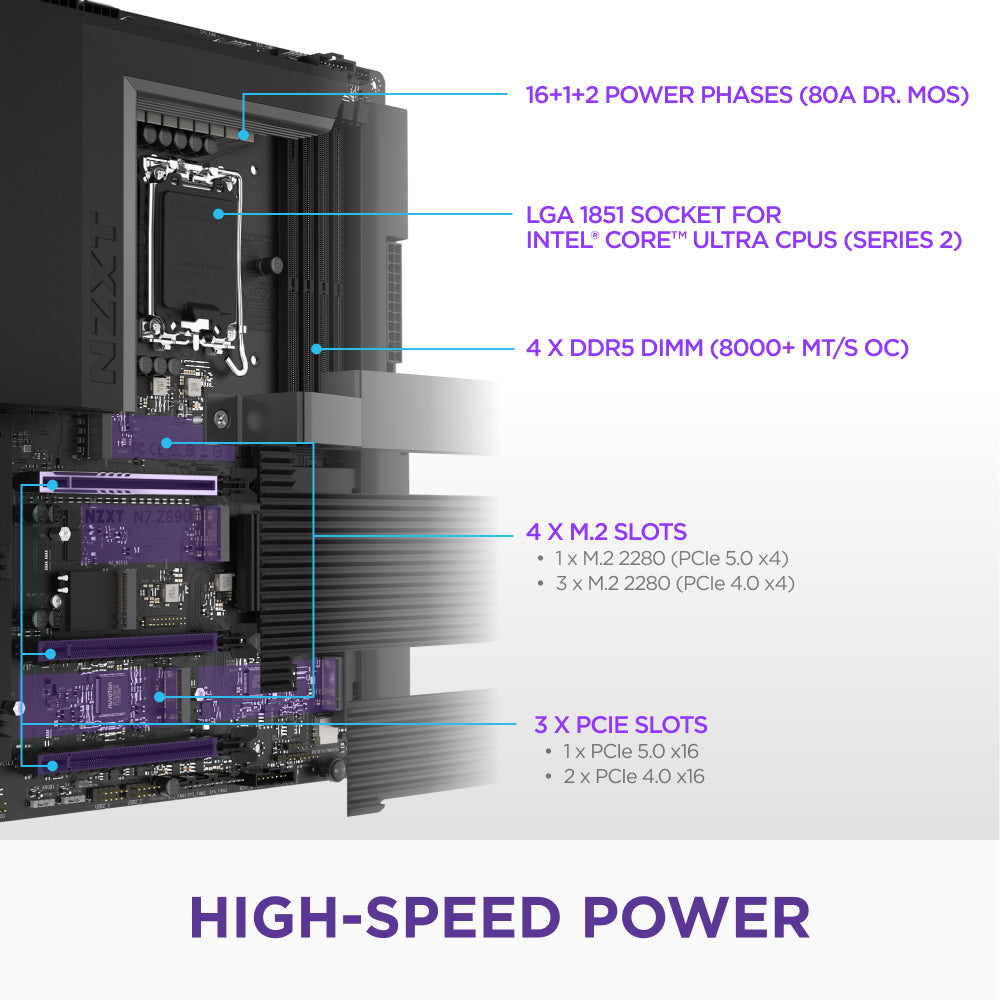
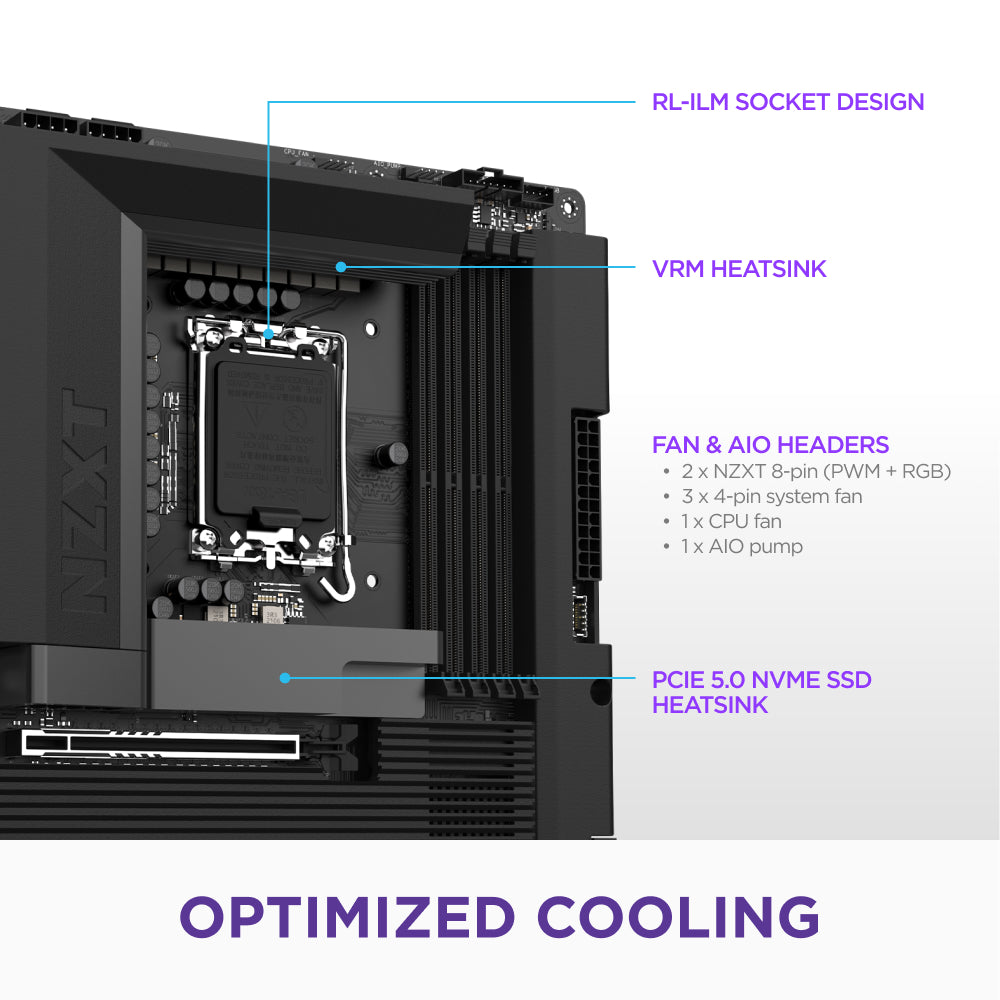
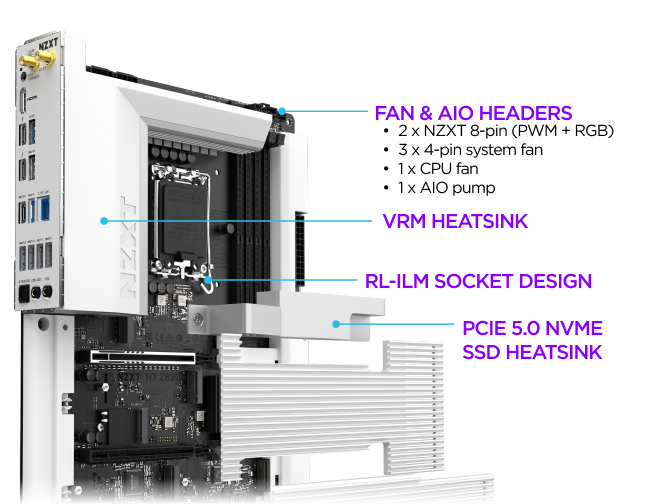
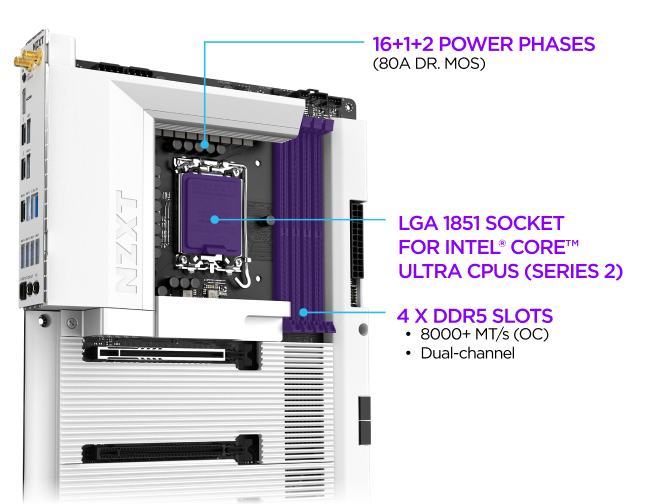
- Intel LGA 1851 Socket: Designed for Intel® Core™ Ultra (Series 2) processors, featuring an RL-ILM socket for reduced mounting pressure and improved thermal contact.
- Optimal Power: 16+1+2 power phase design with 80A DrMOS and a six-layer, low-loss 2-ounce copper PCB ensure stable power delivery.
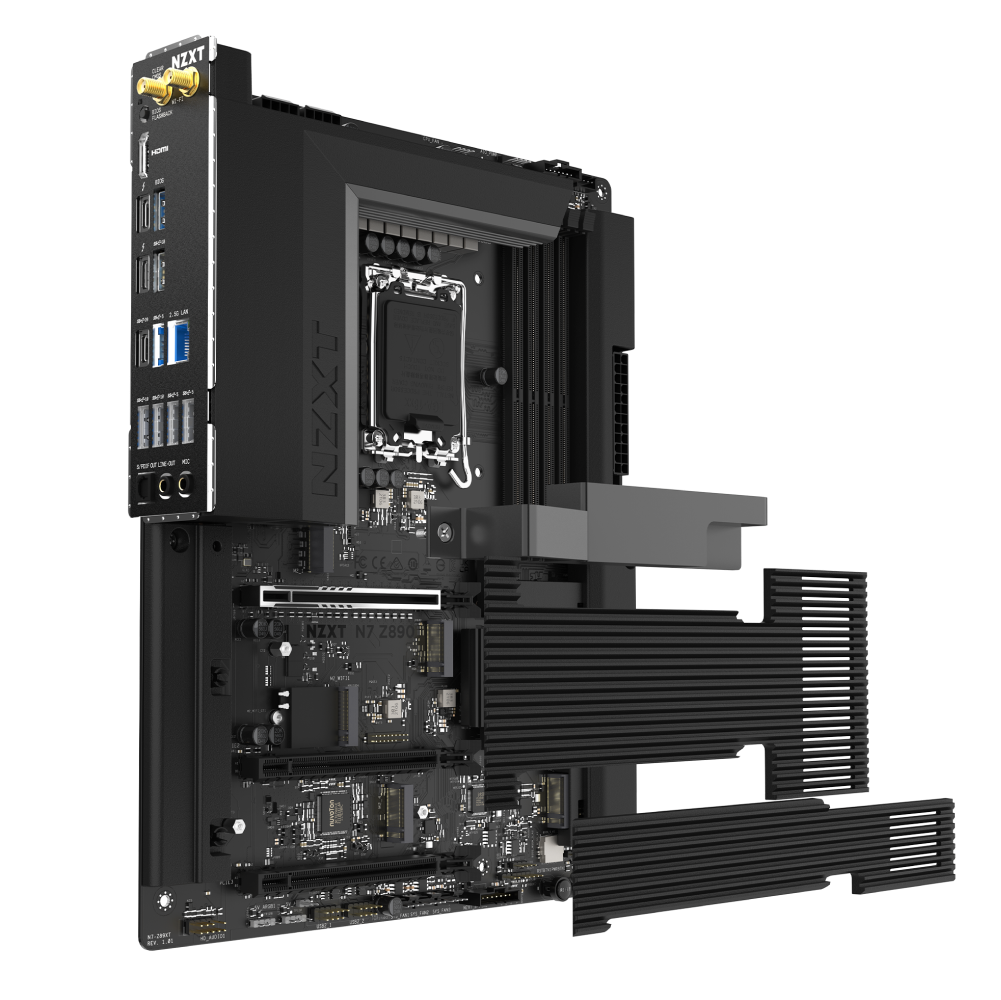
- Thermal Management: VRM and PCIe 5.0 NVMe SSD heatsinks optimize cooling efficiency, keeping temperatures low during intense workloads.
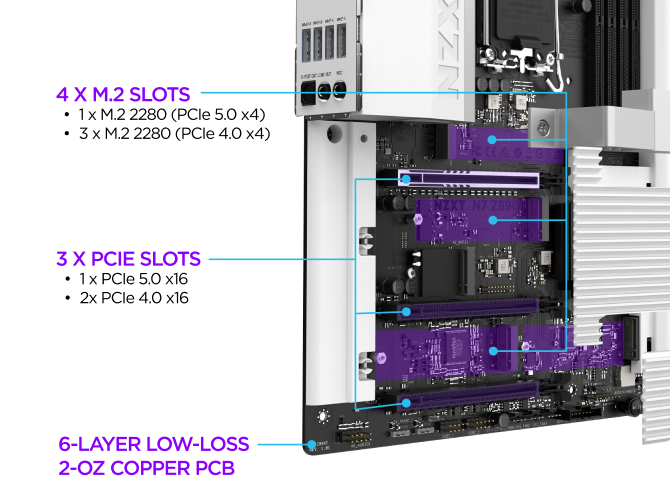
- PCIe 5.0 Expansion: One PCIe® 5.0 x16 slot for GPUs and two PCIe® 4.0 x16 slots for additional high-speed expansion.
- High-Speed Storage: One PCIe® 5.0 and four PCIe® 4.0 M.2 slots deliver ultra-fast storage speeds, reducing load times and maximizing efficiency.
- DDR5 Memory: Four dual-channel DIMM slots support DDR5 RAM speeds of 8000+ MT/s, delivering faster multitasking and improved system responsiveness.
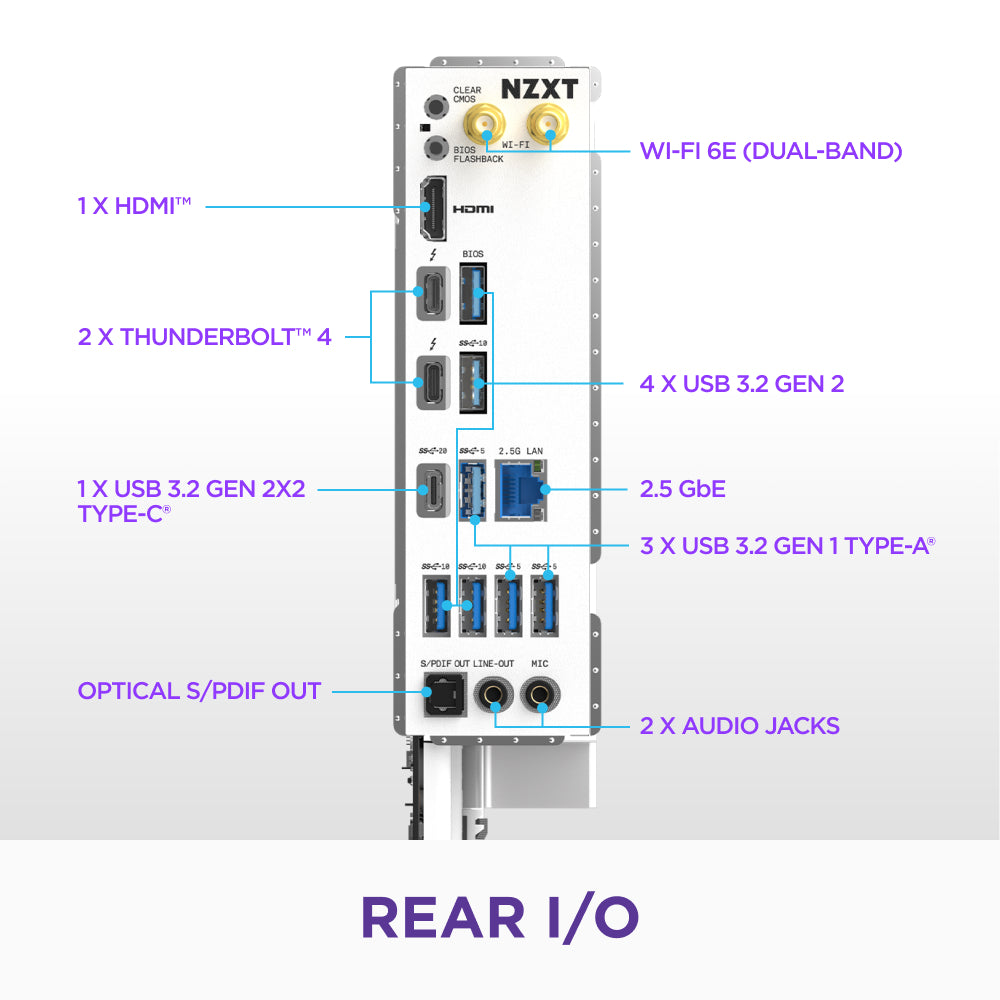
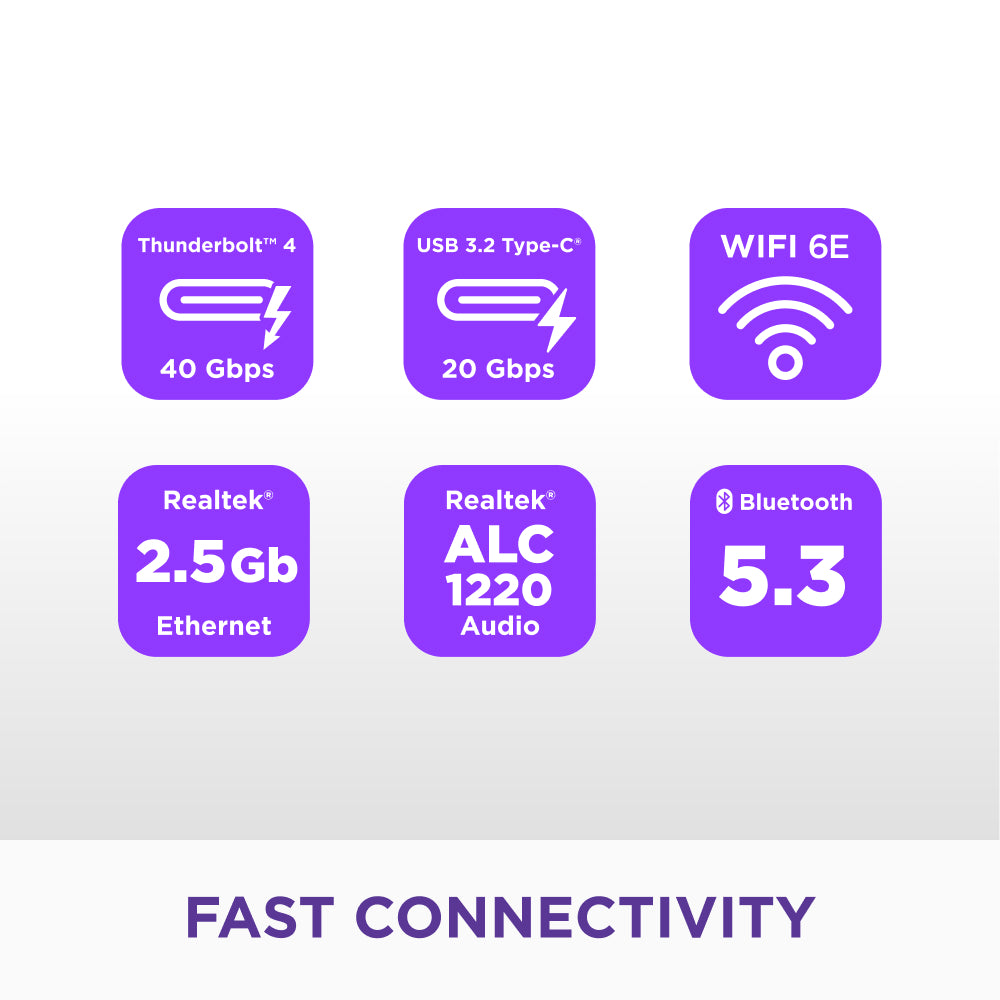
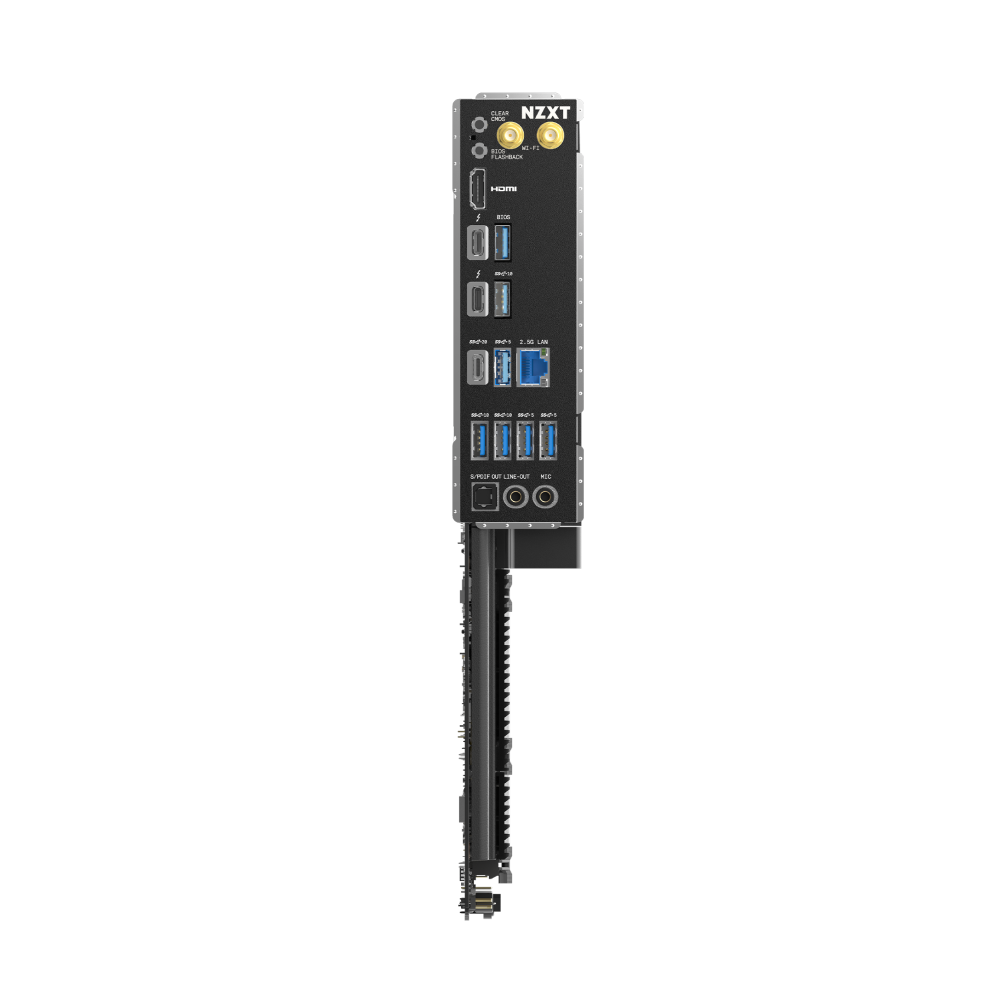
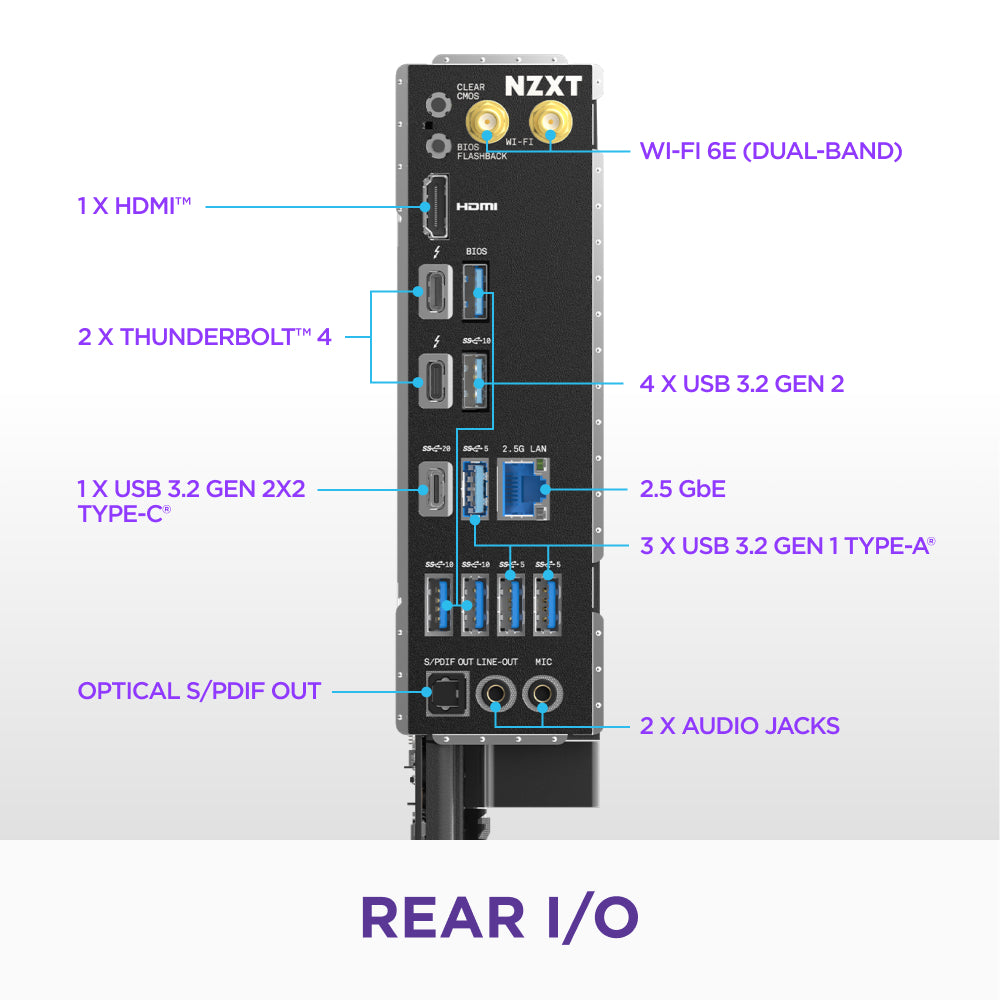
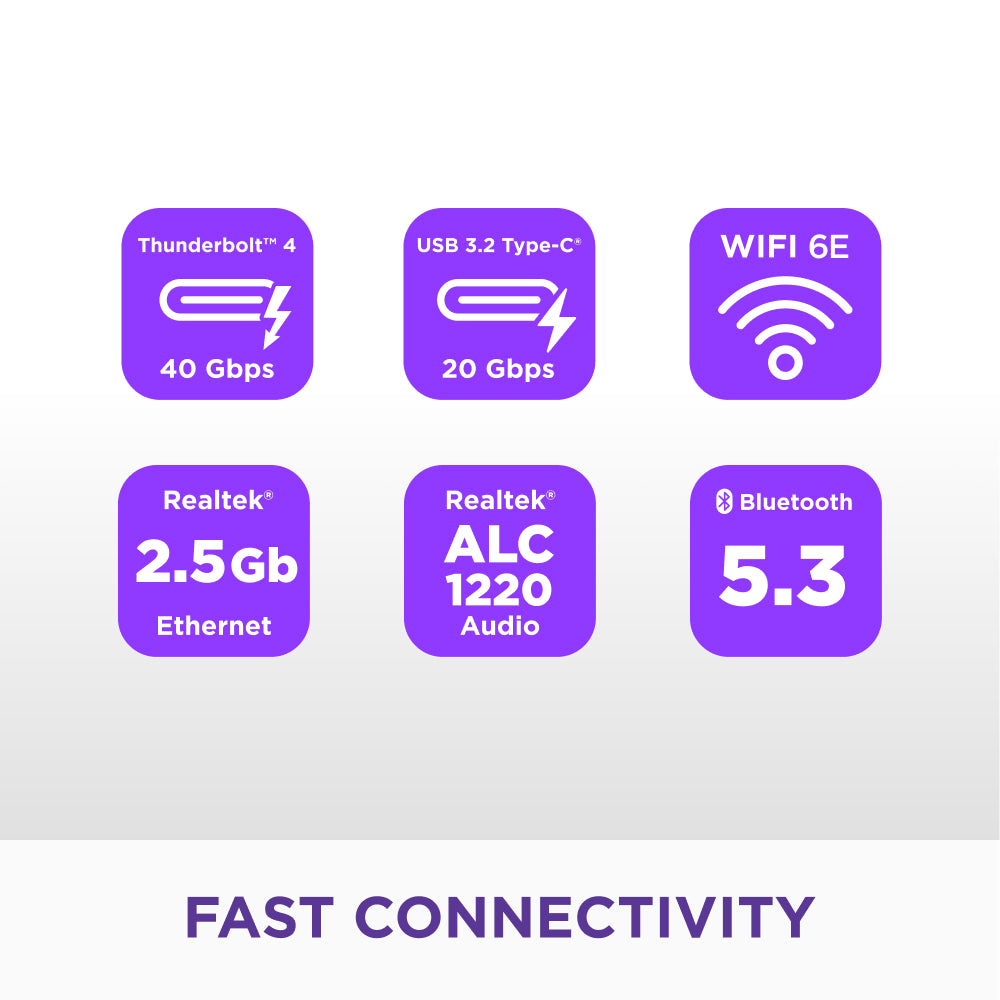
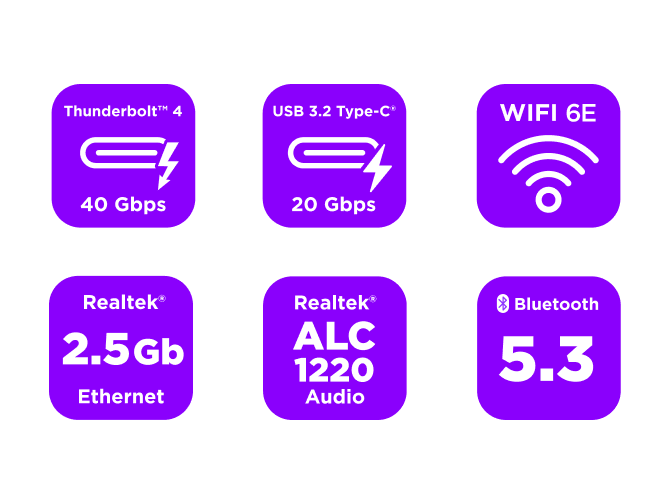
- Fast Connectivity: Thunderbolt™ 4, Wi-Fi 6E, and 2.5GbE enable high-speed data transfers and low-latency networking.
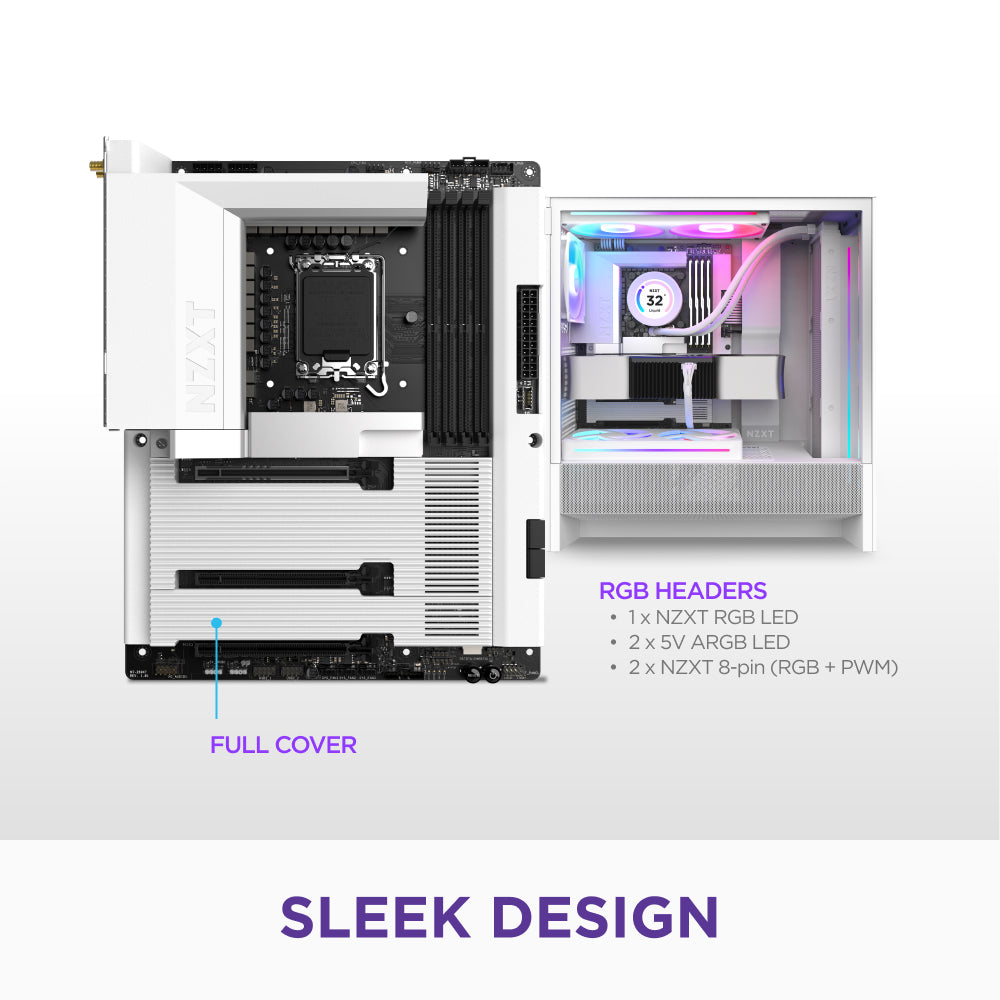
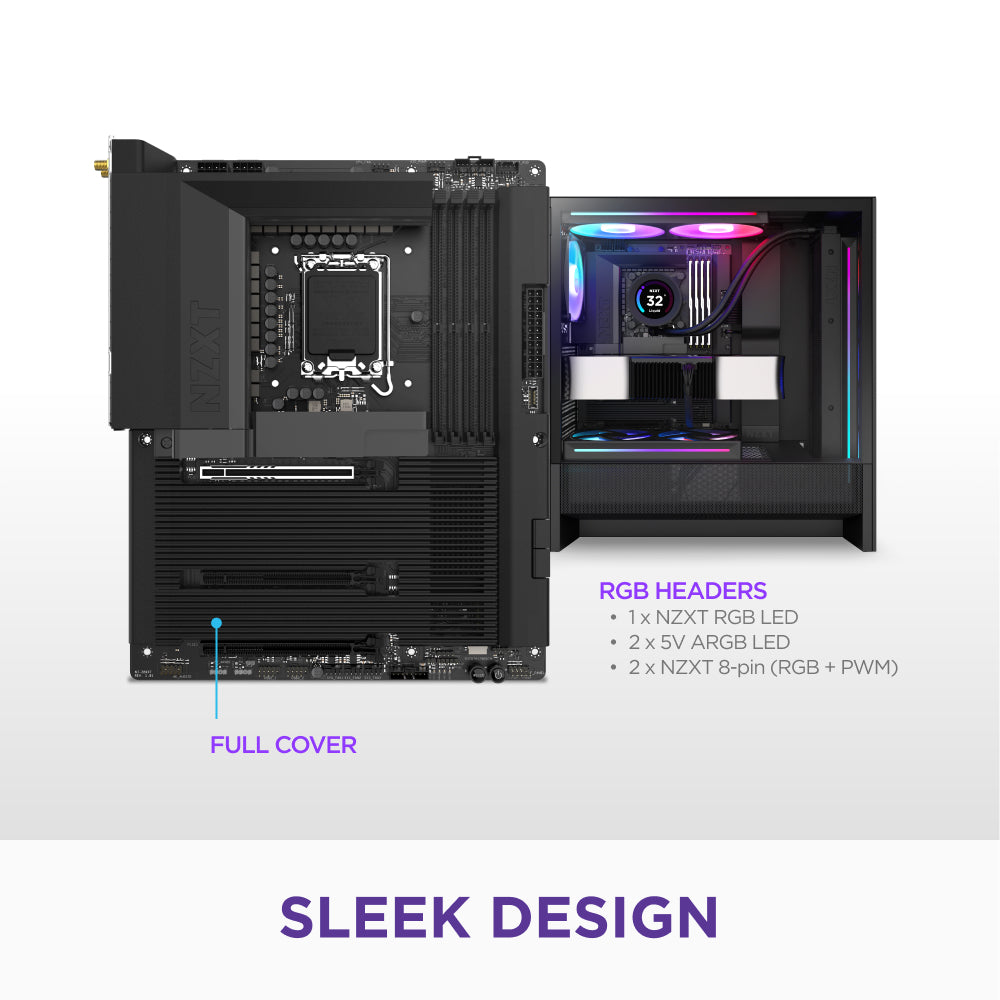
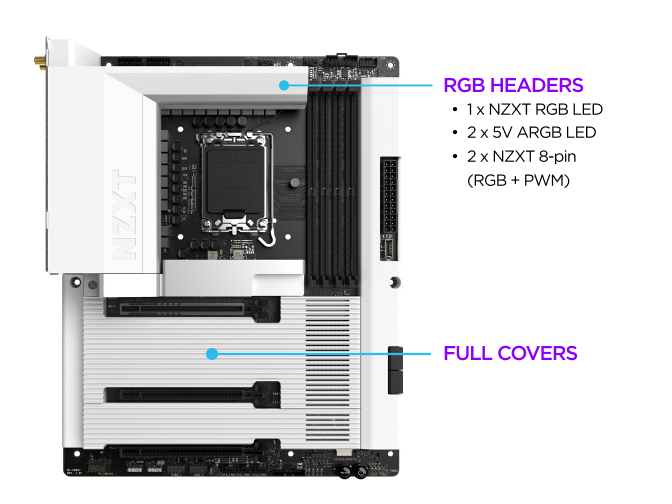
- Sleek, Minimal Design: A full PCB cover provides a clean, modern aesthetic that integrates seamlessly into any build.
IMPORTANT: BIOS & Driver Updates Required
Update your BIOS and drivers for the best compatibility, stability, and performance.
- BIOS: Ensure your motherboard is running the latest BIOS version for optimal system stability and hardware compatibility. You can check your BIOS version in NZXT CAM.
- Drivers: Keep your chipset and system drivers up to date for peak performance and reliability.

Polished & Powerful
Tech Specs
Dimensions (L x W x H)
304.8 x 246.9 x 49.4 mm
Weight
1.5 kg (3.3 lb)
CPU
Intel® Socket LGA 1851 for Intel® Core™ Ultra Processors (Series 2)
Chipset
Intel® Z890
DIMM Slots
4 x DDR5 only
Memory Architecture
Dual-Channel
Intel® Extreme Memory Profile (XMP) 3.0
Supported
OC Frequency
Please refer to Memory QVL on NZXT’s website (www.nzxt.com) for more information.
PCIe 5.0 x16 slot (PCIEX16_1)
1
PCIe 4.0 x16 slots (PCIEX16_2 & PCIEX16_3)
2
M.2 Socket (Key E)
1 (Type 2230 Wi-Fi/BT PCIe Wi-Fi module and Intel® CNVio/CNVio2)
M.2_1
Type 2280 (PCIe 5.0 x4 mode)
M.2_2
Type 2280 (PCIe 4.0 x4 mode)
M.2_3
Type 2280 (PCIe 4.0 x4 mode)
M.2_4
Type 2280 (PCIe 4.0 x4 and SATA 6Gb/s mode)
SATA 6Gb/s ports
4
LAN
Realtek® 2.5G LAN
Dual-Band Wi-Fi 6E
Supported
Bluetooth
v5.3
Audio
Realtek® ALC1220 Audio Codec
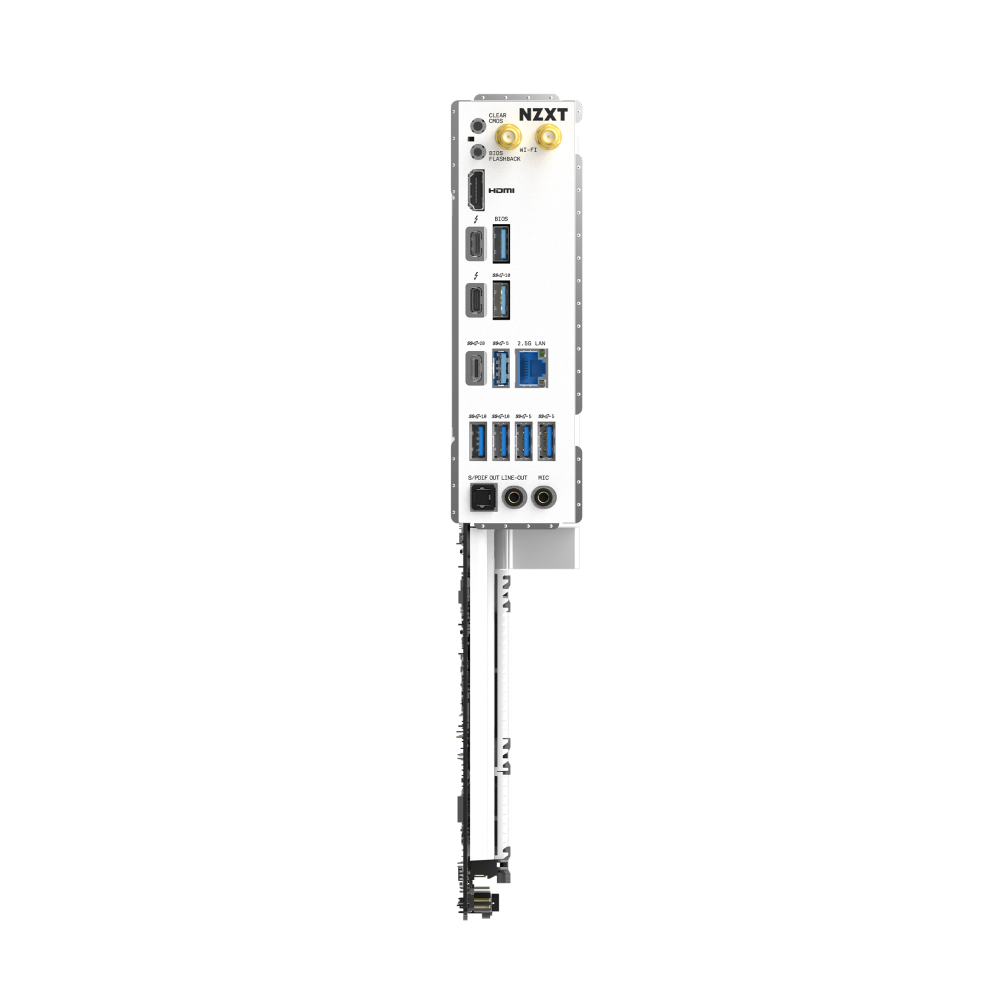
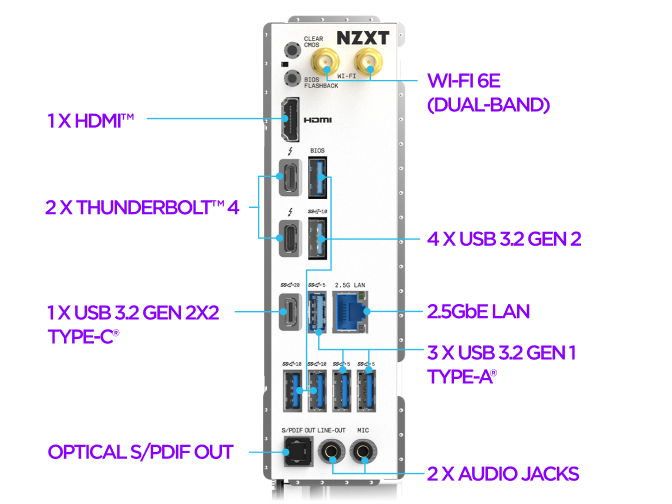
Wireless antenna SMA connectors
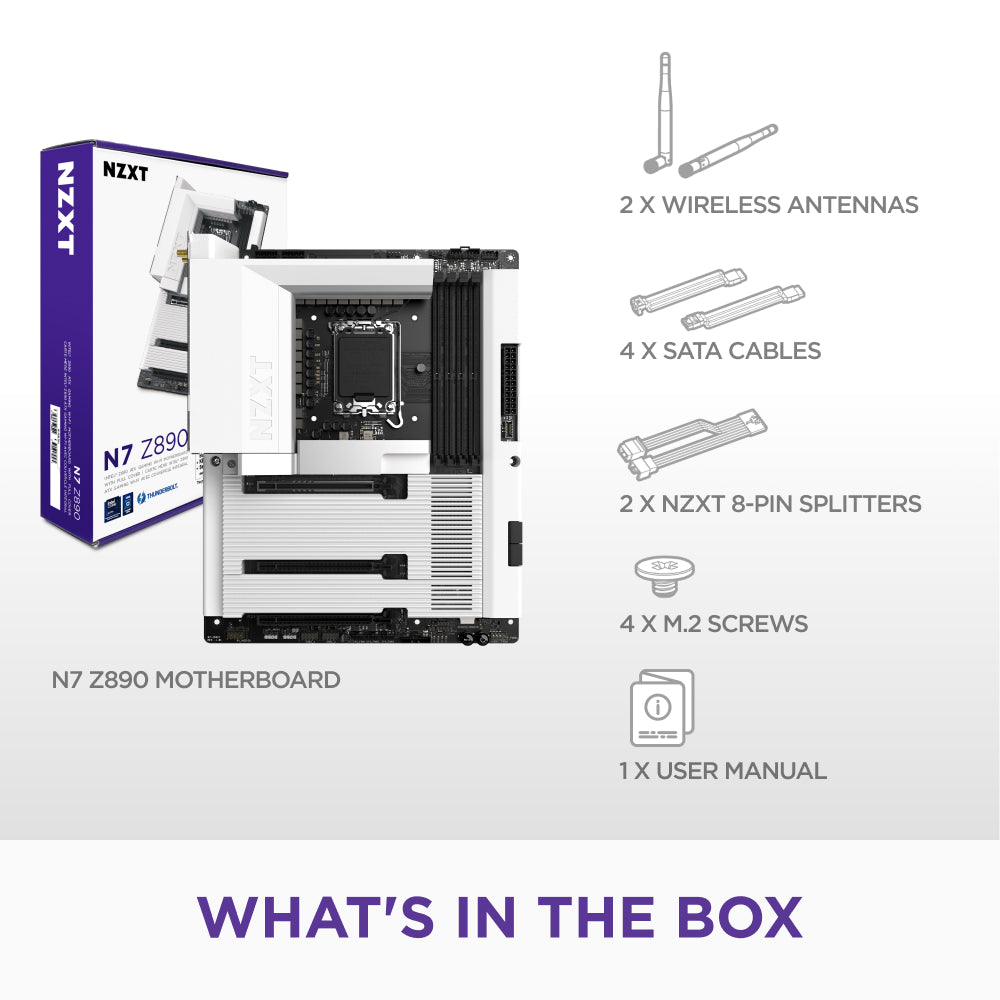
2
HDMI™ port
1
Thunderbolt™ 4 ports
2
USB 3.2 Gen 2x2 Type-C port
1
USB 3.2 Gen 2 ports
4
USB 3.2 Gen 1 Type-A ports
3
Clear CMOS button
1
LAN (RJ45) port
1
Audio jacks
2
Optical S/PDIF Out port
1
24-pin ATX power connector
1
8-pin ATX 12V power connector
2
4-pin CPU_FAN connector
1
4-pin AIO_PUMP connector
1
4-pin SYS_FAN connectors
3
NZXT RGB LED connector
1
5V ARGB LED connectors
2
NZXT 8-pin PWM connectors
2
USB 2.0 header
2 (Up to 4 USB 2.0 ports)
USB 3.2 Gen1 header
2 (Up to 4 USB 3.2 Gen 1 ports)
USB 3.2 Gen2x2 front panel header
1 (For USB Type-C)
Front panel audio connector
1
Power button
1
Reset button
1
POST LEDs
1
Operating System
Windows® 11/10 64-bit
Form Factor
ATX
Warranty
3 years
Model Number
N7-Z89XT-W1 (White) / N7-Z89XT-B1 (Black)
UPC
810074846264 (White) / 810074846271 (Black)
EAN
5056547206202 (White) / 5056547206219 (Black)