
跳至內容

購物車

您的購物車為空

N7 B650E

支援 Wi-Fi 與 NZXT CAM 功能的 AMD 主機板

3.6
Rated 3.6 out of 5 stars
3.6 Stars (21 Reviews)
Where to Buy

Your Prepay and Save Options

Choose the plan that works best for you.

Month-to-Month

Cancel and return anytime with no fees. This option provides maximum flexibility with no long-term obligations.

Prepaid Terms

Prepay for a multi-month term (3, 6, 12 months) and lock in a lower effective monthly rate.


When your term ends, you have simple options:

1

Month-to-Month: By default, your subscription automatically converts to the month to month rate requiring no action from you.

2

Prepay Again: Alternatively, you can choose to prepay for another 3, 6, or 12 month term.

3

End Subscription: Cancel and return with no fees.

概覽

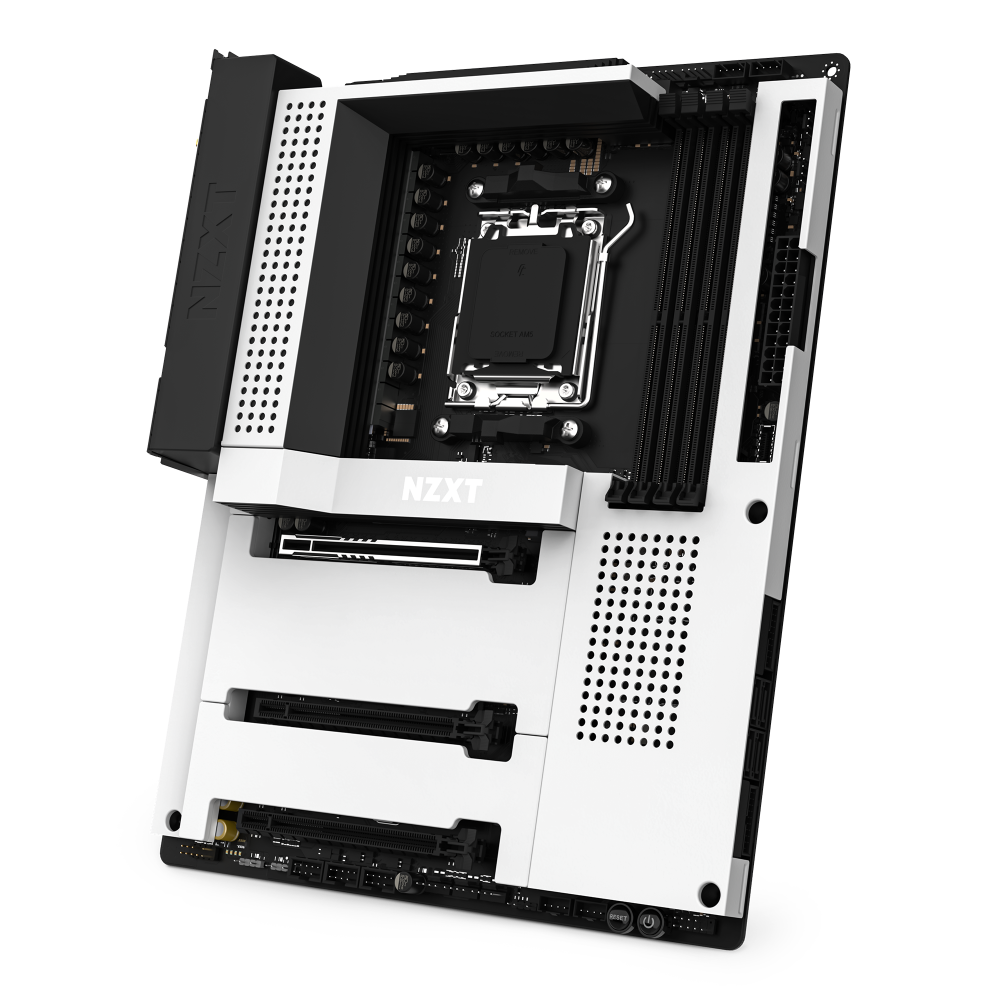
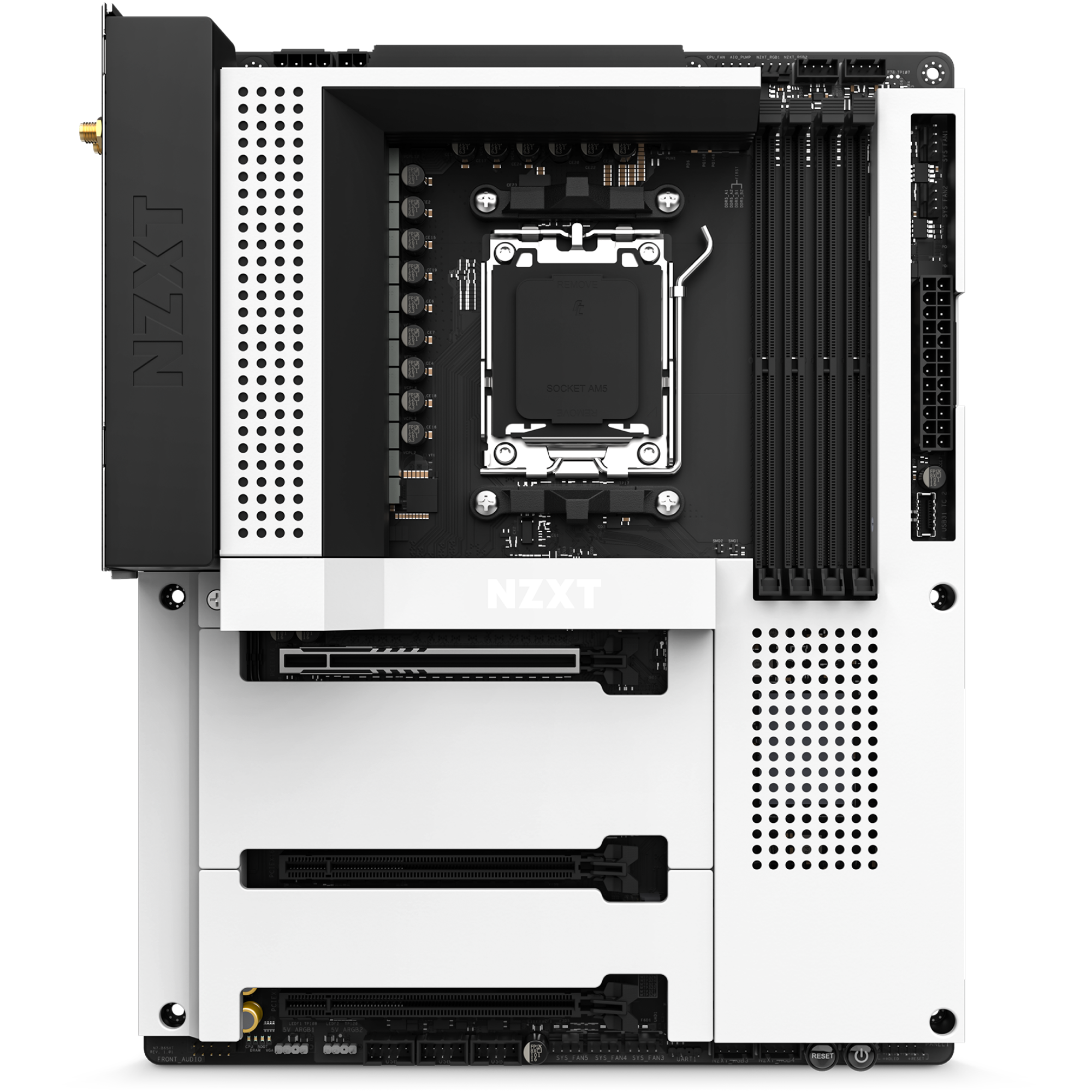
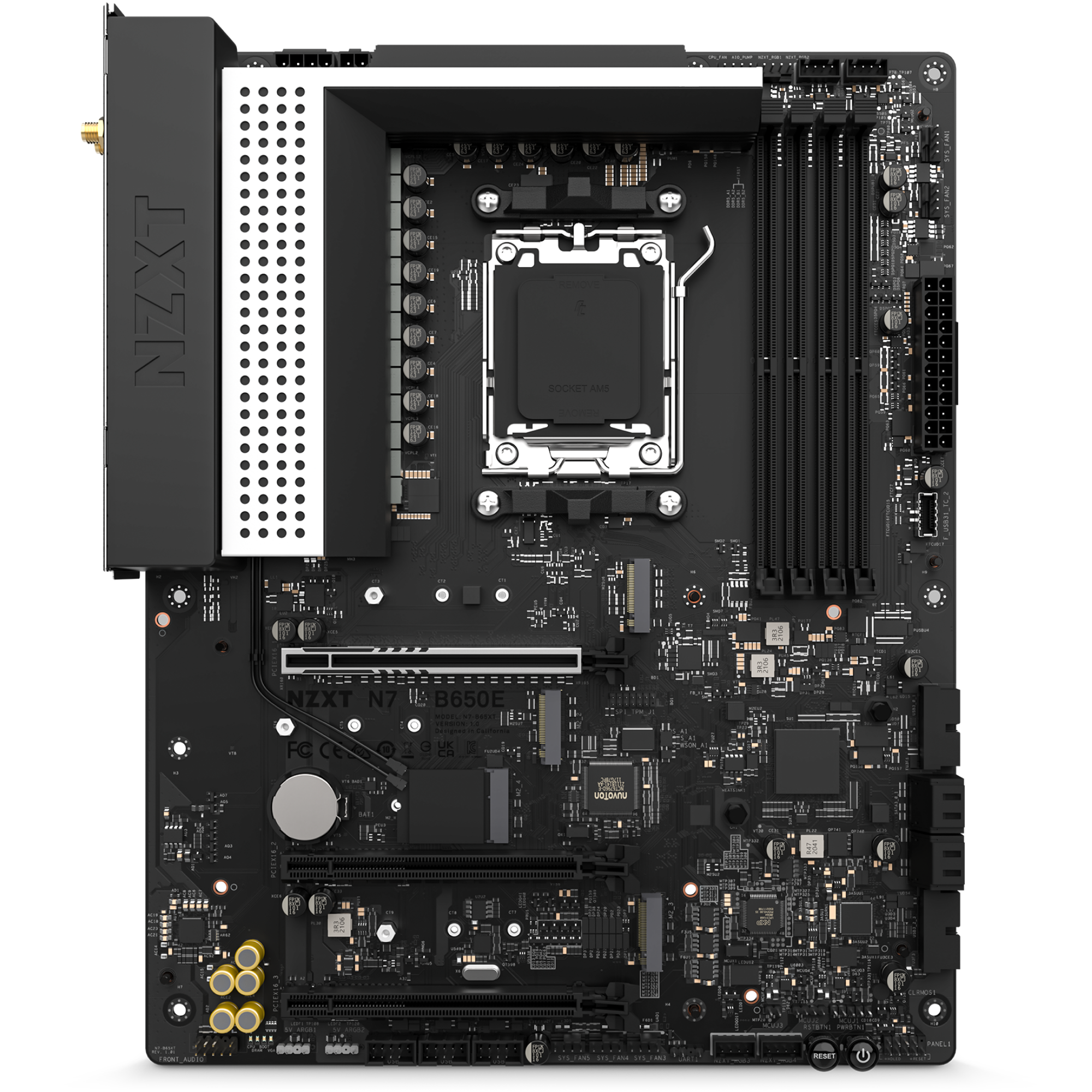
藉由 AMD B650 晶片組,充分釋放 AMD Ryzen® 9000、8000 與 7000 系列處理器的價值。N7 B650E 具備升級的相容性,以及數位 RGB、風扇控制、Wi-Fi 6E 等 N7 招牌功能。

盡在掌控:
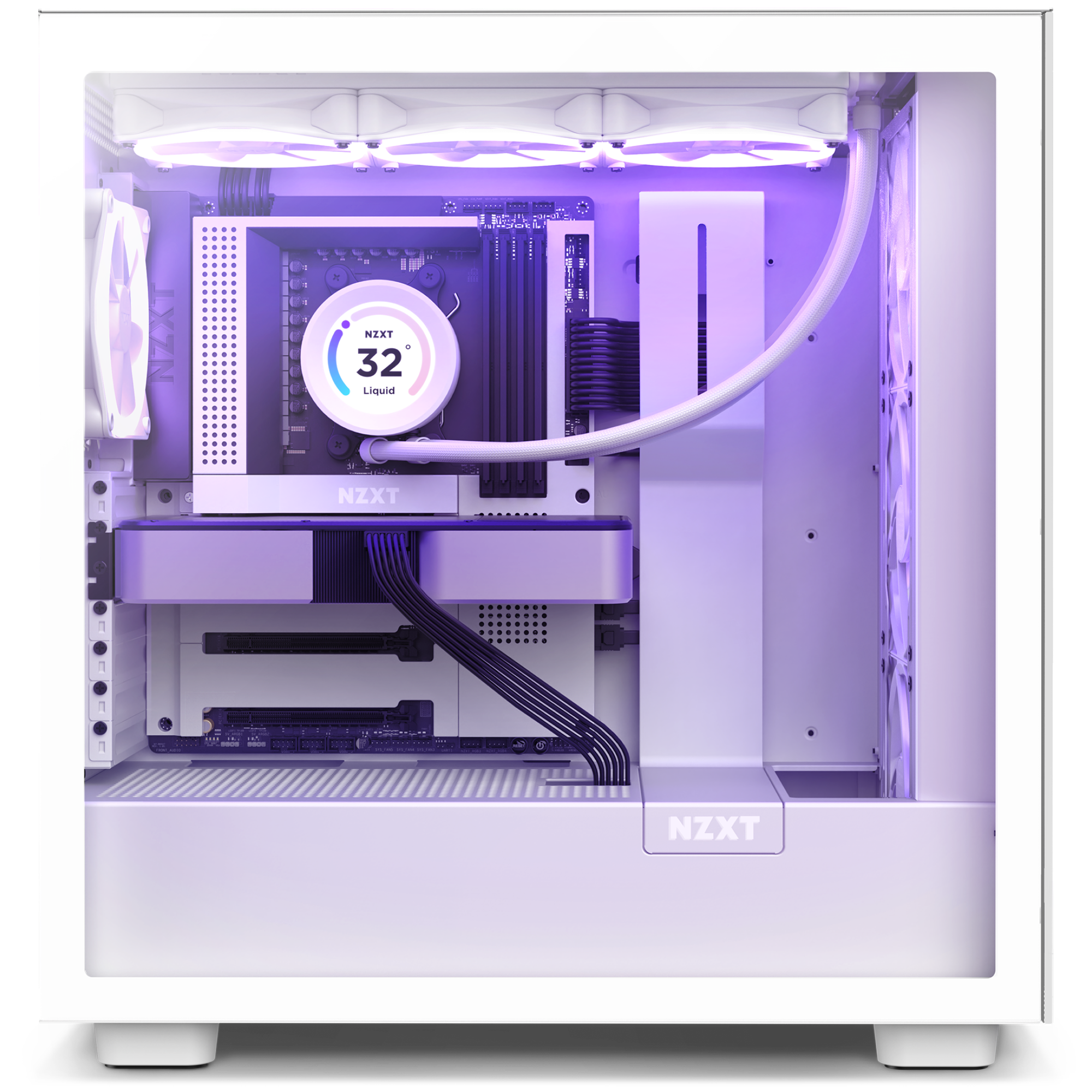
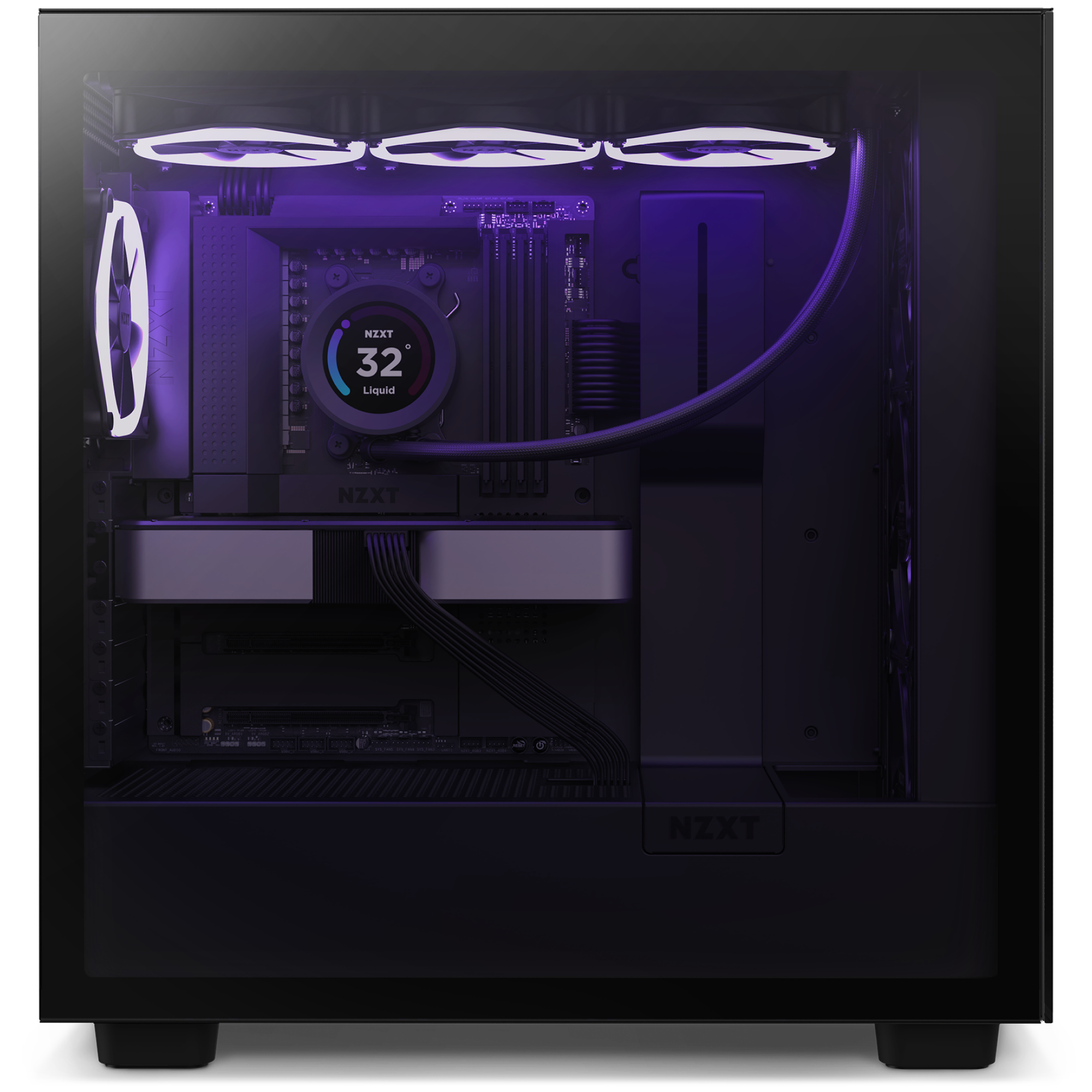
透過 NZXT CAM 輕鬆自訂燈光和散熱模式,可存取六個 RGB 燈光通道。可設定任何品牌的燈光和風扇。
點睛之筆:
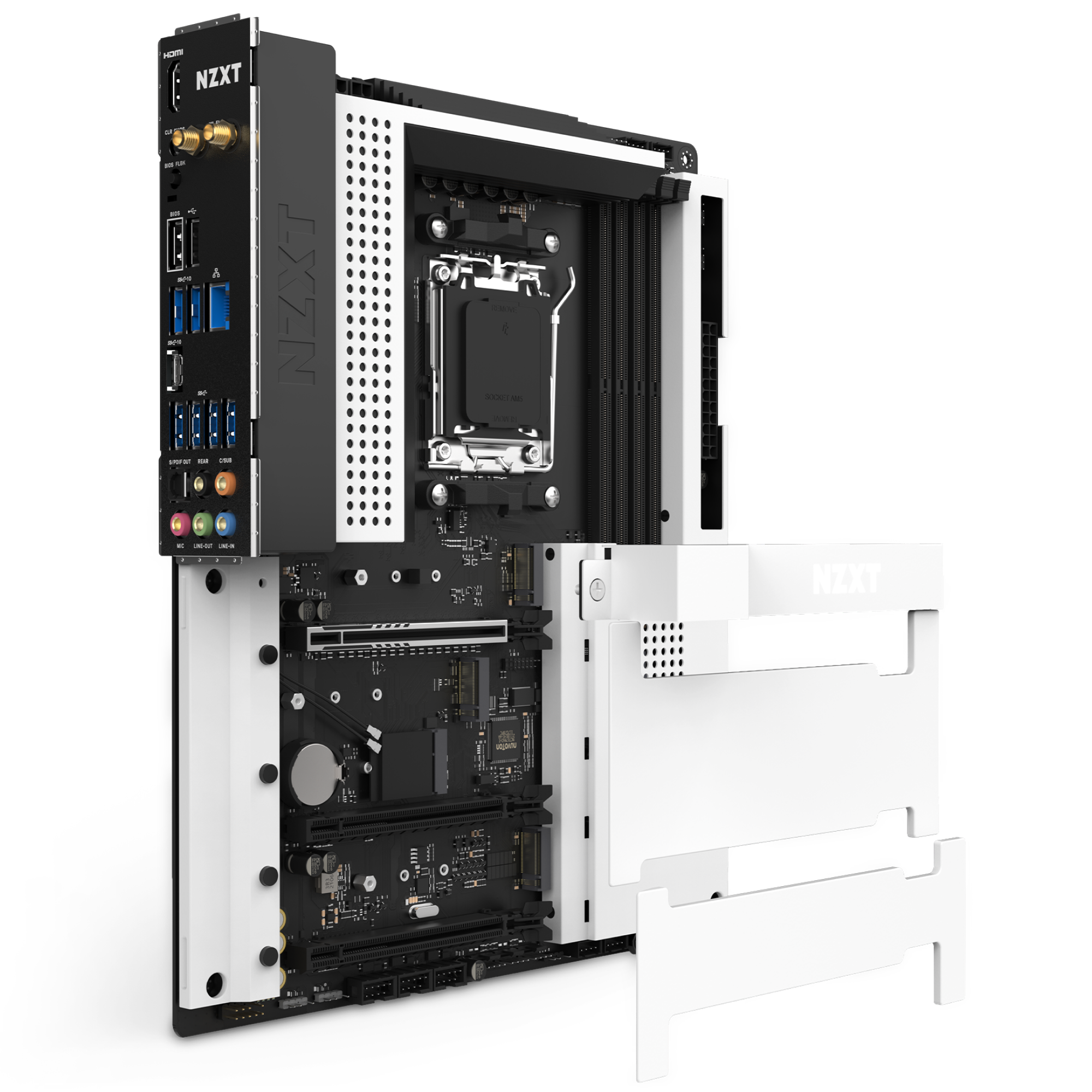
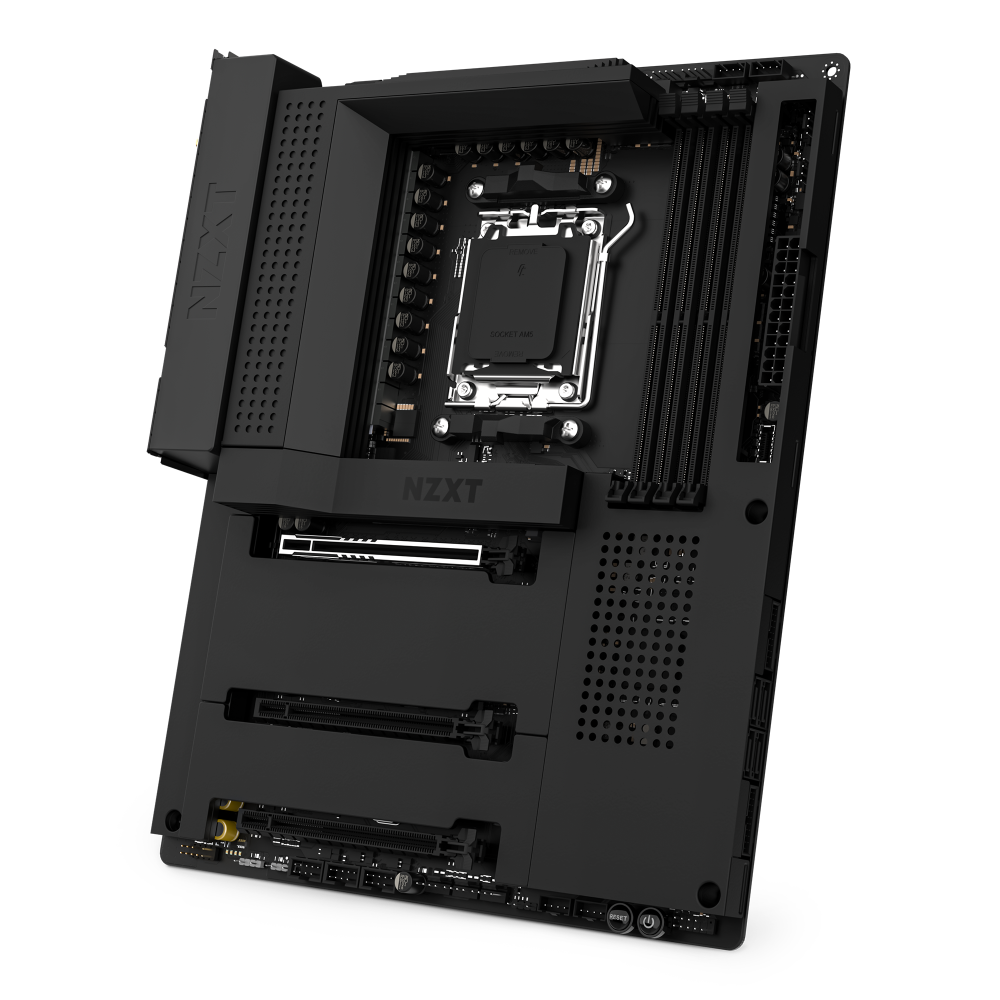
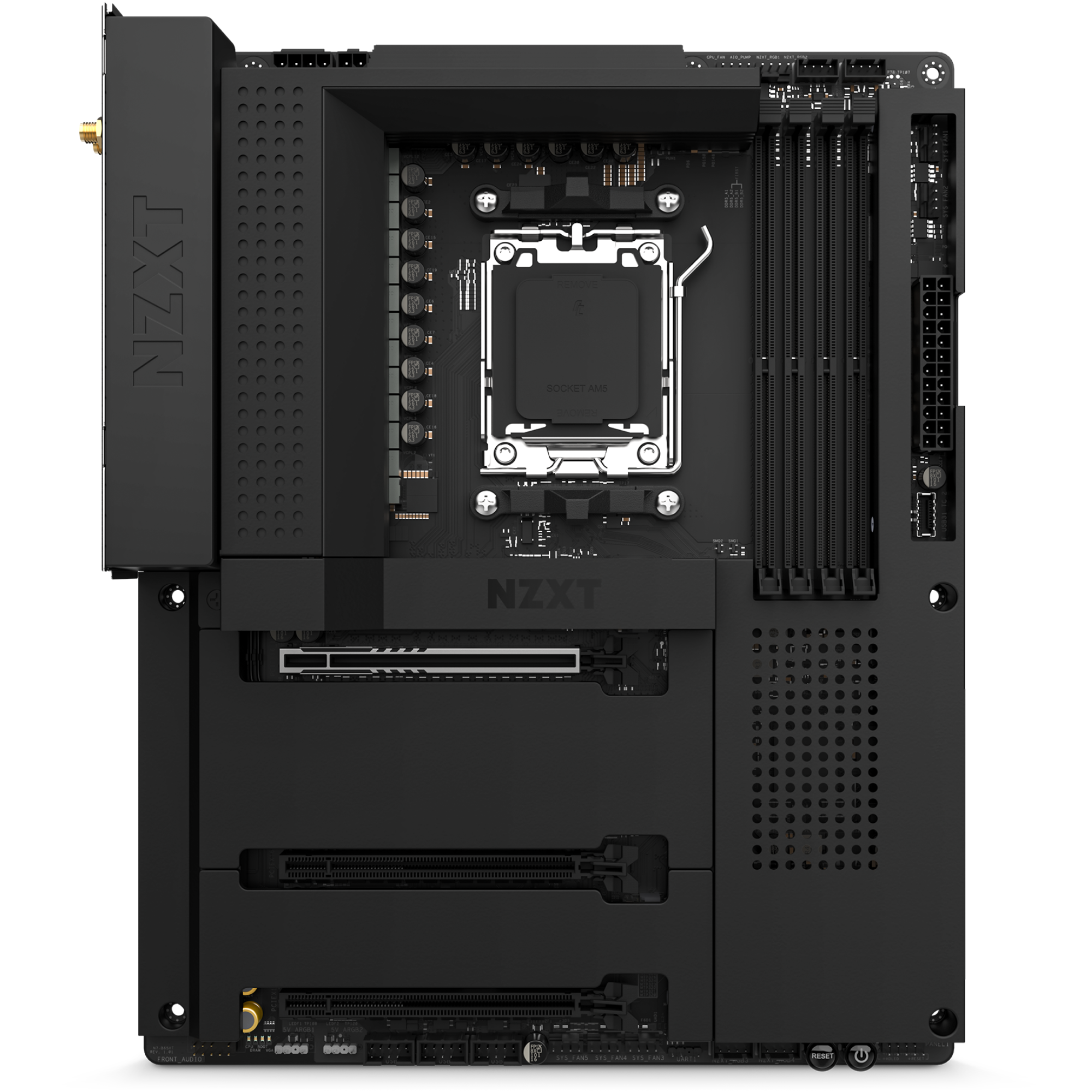
白色或黑色金屬護甲遮蓋內部結構,與機殼渾然一體。散熱鰭片經過擴大,可為支援 PCIe Gen 5 的 NVMe 硬碟插槽散熱。
蓄勢待發:
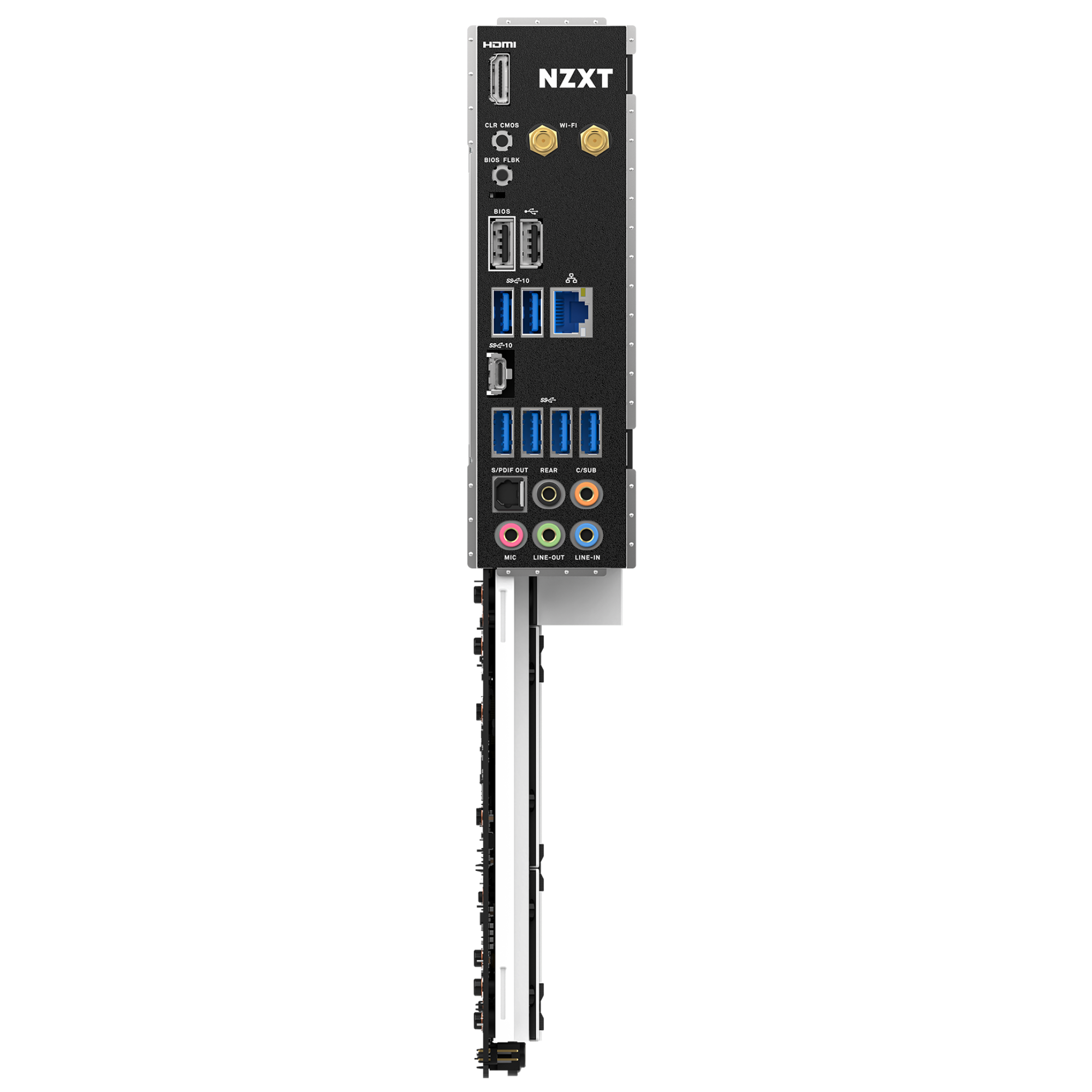
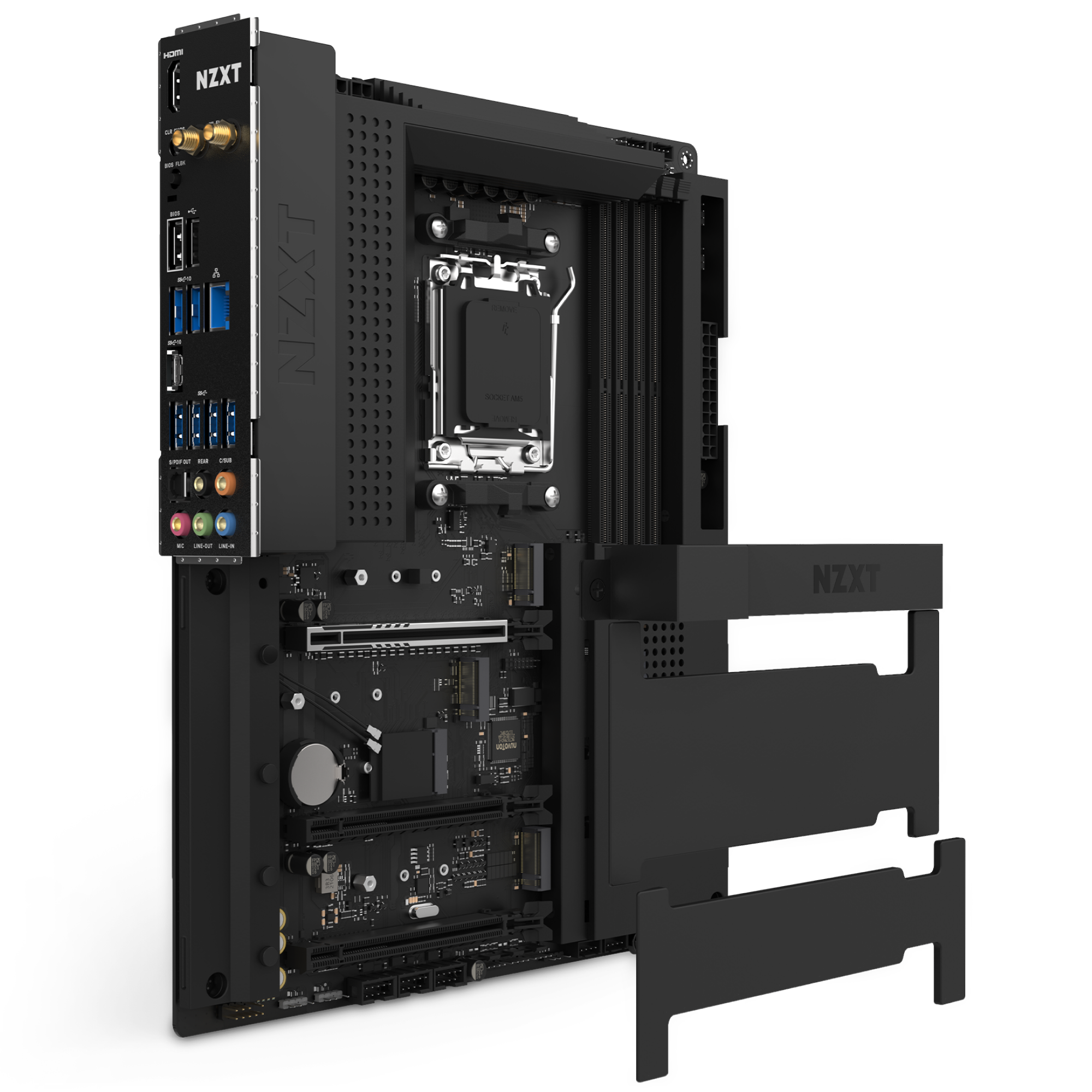
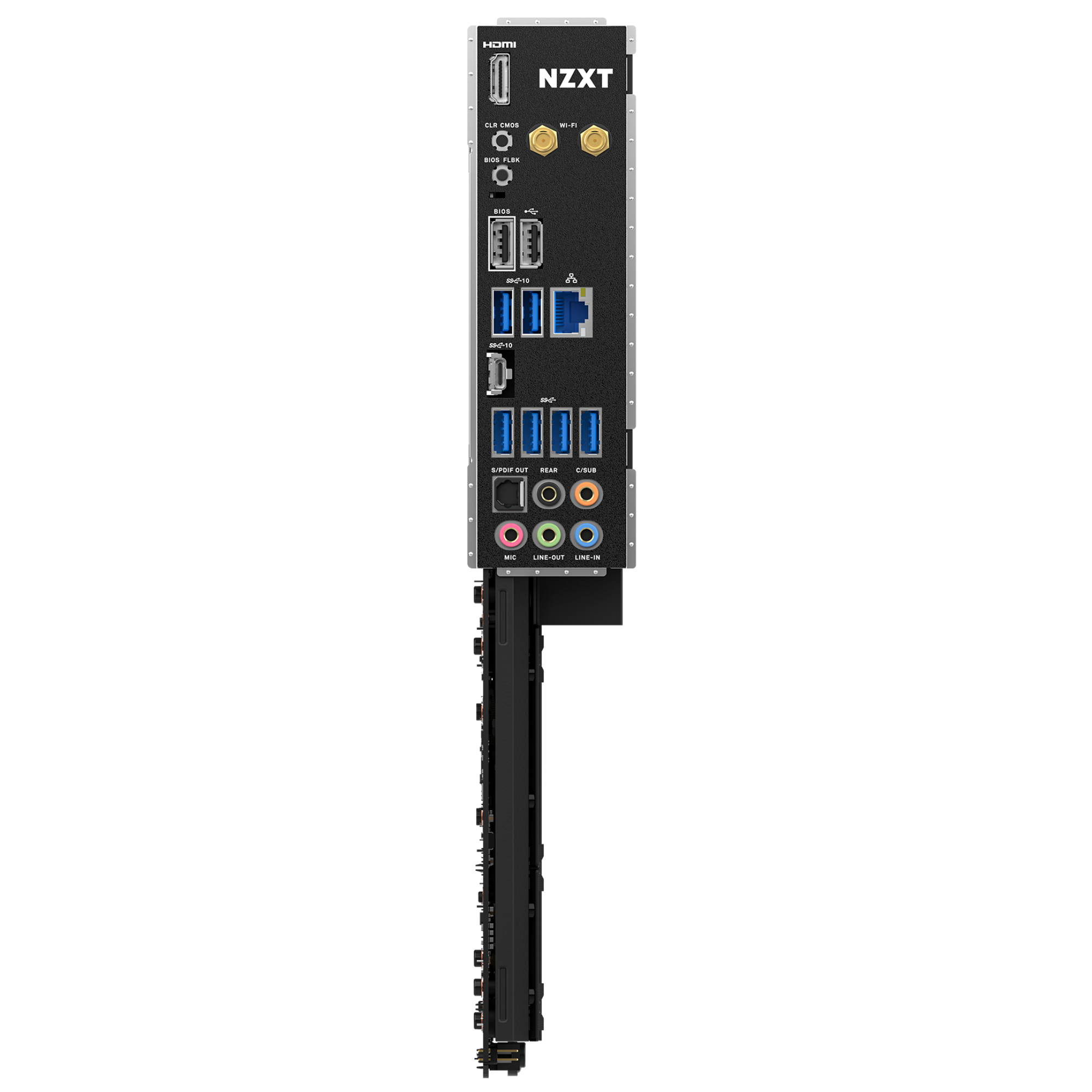
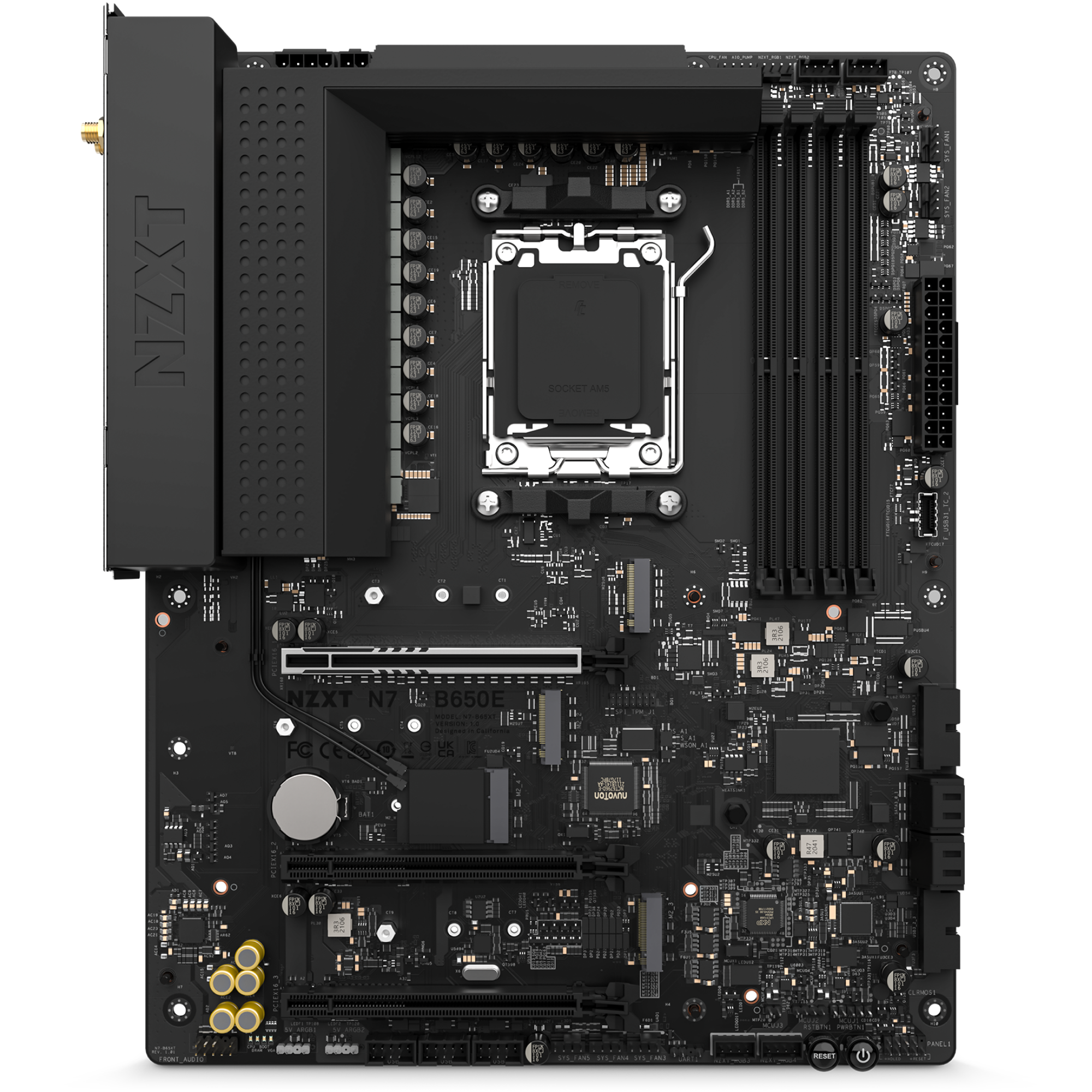
整合 Wi-Fi 6E、後置 I/O 擋板和巧妙的接口佈局讓裝機更輕鬆,板上還預留了充足空間以便日後升級。
精湛工藝:
採用與黑色或白色機殼美學契合的全金屬護甲,為組件打造無縫背景,打造你的夢想系統。
CPU 與插槽:
支援適用於 AMD Ryzen® 9000、8000 與 7000 系列處理器的 AMD Socket AM5。

  • 採用 90A Smart Power Stage 的 16+2+1 供電相設計
  • 整合均熱板的一體式護甲
  • 透過 CAM 進行數位 RGB 燈光控制
  • 數位風扇控制,配備七個獨立風扇通道,可輕鬆設定風扇曲線
技術規格
Supports AMD Socket AM5 for AMD Ryzen™ 9000, 8000, and 7000 Series Processors
Supported
AMD
B650E
DIMM Slots
4, DDR5 only
Max Memory Support
128GB
Memory Architecture
Dual-Channel
OC Frequency
DDR5 Non-ECC, Un-buffered Memory up to 7200+ (OC)
Extreme Memory Profile (XMP)
Supported
EXTended Profiles for Overclocking (EXPO)
Supported
PCIe 5.0 ×16 slot (PCIEX16_1)
1 (Supports NVMe SSD as boot disks)
PCIe 4.0 ×16 slots (PCIEX16_2 and PCIEX16_3)
2 (Supports NVMe SSD as boot disks)
M.2 Socket (Key E)
1 (supports Type 2230 Wi-Fi/BT PCIe Wi-Fi module)
Integrated AMD RDNA™ 2 graphics
Supported
HDMI 2.1 TMD Compatible
1
HDR
Supported
HDCP 2.3
max. resolution up to 4K 60Hz
M.2_1
Type 2242/2260/2280 (PCIe 5.0 ×4 mode)
M.2_2
Type 2242/2260/2280 (PCIe 4.0 ×4 mode)
M.2_3
Type 2242/2260/2280 (PCIe 4.0 ×2 mode)
SATA 6Gb/s ports
4
RAID for SATA
0/1/10
RAID for M.2 NVMe
0/1/10
NVMe SSD as boot disks
Supported
Realtek®
RTL8125BG 2.5G LAN
802.11ax Wi-Fi 6E Module
Supported
Bluetooth
V5.2
Realtek®
ALC1220 Codec
Wireless antenna SMA connectors
2
HDMI™ port
1
USB 2.0
2
USB 3.2 Gen 2 Type-C port
1
USB 3.2 Gen 2 ports
2
USB 3.2 Gen 1 ports
4
Clear CMOS button
1
BIOS Flashback button
1
LAN (RJ45) port
1
Audio jacks
5
Optical S/PDIF Out port
1
24-pin ATX power connector
1
8+4-pin ATX 12V power connector
1
4-pin CPU_FAN connector
1
4-pin AIO_PUMP connector
1
4-pin SYS_FAN connectors
5
NZXT RGB LED connectors
4
5V ARGB LED connector
2
USB 2.0 header
3 (Up to 6 USB 2.0 ports)
USB 3.2 Gen1 header
2 (Up to 4 USB 3.2 Gen 1 ports)
USB 3.2 Gen2x2 front panel header
1 (For USB Type-C)
Front panel audio connector
1
Power button
1
Reset button
1
POST LEDs
4
System Requirements
NZXT CAM software requires Microsoft Windows® 11/10 operating system.
Form Factor
ATX
Warranty
3 years
Certifications
FCC, CE, WHQL, ErP/EuP Ready
Model Number (White)
N7-B65XT-W1
Model Number (Black)
N7-B65XT-B1
UPC (White)
810074842877
UPC (Black)
810074842884
EAN (White)
5056547202815
EAN (Black)
5056547202822
3.6
Rated 3.6 out of 5 stars
Based on 21 reviews
67%would recommend this product
Total 5 star reviews: 11 Total 4 star reviews: 3 Total 3 star reviews: 0 Total 2 star reviews: 2 Total 1 star reviews: 5
21 reviews
  • R
    Risto
    Verified Reviewer
    I recommend this product
    Product Standouts Great Quality, Value for Money, Design, Ease of use, Graphics
    Rated 5 out of 5 stars
    1 month ago
    Most beautiful

    100% satisfied with this. Yes proper RAM setup took few updates but everything worked like a charm after first switch on. I have built many comps but nowdays i dont see point of overclocking so BIOS menus are enough , temps are good ,its easy to clean. Only problem i must point out are PCI-e slots are deeper in cover and some GPU-s wont go in without modifying ,which i had to do(for me it wasnt problem but for some sure is)

  • SN
    Sixten N.
    I do not recommend this product
    Rated 1 out of 5 stars
    3 months ago
    Please don’t buy this.

    This is the absolute worst motherboard in existence. First, the gpu retention is so awfully placed that you need to stick in a flathead screwdriver to remove the gpu. I got the gpu out one time but the next time it broke and my gpu was stuck and still is to that board, mind you that’s a 5070 ti that I bought second hand so I can’t get a replacement. Also, the ssd cover is placed so close to the socket that any aio except NZXTs must sitt over the ram with the tubes covering slot 1.

    And finally we have the absolute worst bios on a so high end board. There is no easy way to change fan curves unless you have more of nzxts products so you have to download atleast 20 different softwares. And this is supposed to give you better performance by overclocking your cpu. This is just wrong, the only thing this board does is taking more power.

    Do not buy any of this company’s products, it’s for the most part just over priced.

    N Profile picture for NZXT
    NZXT
    3 months ago

    Hi Sixten,

    Thank you for sharing your feedback on the NZXT N7 B650E. We're sorry to hear about the difficulties you experienced with the PCIe latch, cooler clearance, and BIOS controls.

    The board does support fan curve adjustments directly in the BIOS using the onboard PWM headers, and additional control through NZXT CAM is optional when using NZXT devices. Cooler fitment and GPU latch access can also vary depending on the case and GPU size.

    We appreciate you taking the time to share your experience, and our support team would be happy to help review the GPU latch situation if you’d like further assistance.

  • S
    Scott
    I do not recommend this product
    Rated 1 out of 5 stars
    4 months ago
    Don't buy this one - Poor Quality

    I purchased this motherboard a few years back. I'm using it with a AMD Ryzen 9 7950X3D. It would work great for about 8 months to a year, and then fail to power on. Totally dead. I isolated it to the MB. NZXT, to their credit, replaced the motherboard no problem. The replacement fixed it. 8 months to a year later, same thing. Fails to power on. NZXT replaced it again. All is well. 8 months to a year later, it happened a third time. I'm just buying a different brand at this point. Ultimately, this motherboard doesn't have good power management. I love my NZXT case and AIO cooler. Do not buy an NZXT motherboard.

  • S
    Scott
    Verified Reviewer
    I do not recommend this product
    Rated 1 out of 5 stars
    4 months ago
    This motherboard may not last with certain CPUs

    I purchased this motherboard a few years back. I'm using it with a AMD Ryzen 9 7950X3D. It would work great for about 8 months to a year, and then fail to power on. Totally dead. I isolated it to the MB. NZXT, to their credit, replaced the motherboard no problem. The replacement fixed it. 8 months to a year later, same thing. Fails to power on. NZXT replaced it again. All is well. 8 months to a year later, it happened a third time. I'm just buying a different brand at this point. Ultimately, this motherboard doesn't have good power management. I love my NZXT case and AIO cooler. Do not buy an NZXT motherboard.

  • J
    jordan
    I recommend this product
    Product Standouts Great Quality, Value for Money, Performance, Graphics, Design
    Rated 5 out of 5 stars
    5 months ago
    good motherbord

    it works fine just the bios menu is a little outdated

常見問題