Login
Login



Newsroom & Blog

Is My PC Overheating? Safe CPU Temperatures and How to Check
High temps under load can be normal. High temps at idle aren't. Here's how to read your CPU temperature, what's safe and what to fix when it runs hot.
Read more
How to Install an AIO Liquid Cooler, Step by Step
An AIO install comes down to the same six steps every time. Here's each one, from the backplate to the BIOS setting that keeps your pump healthy.
Read more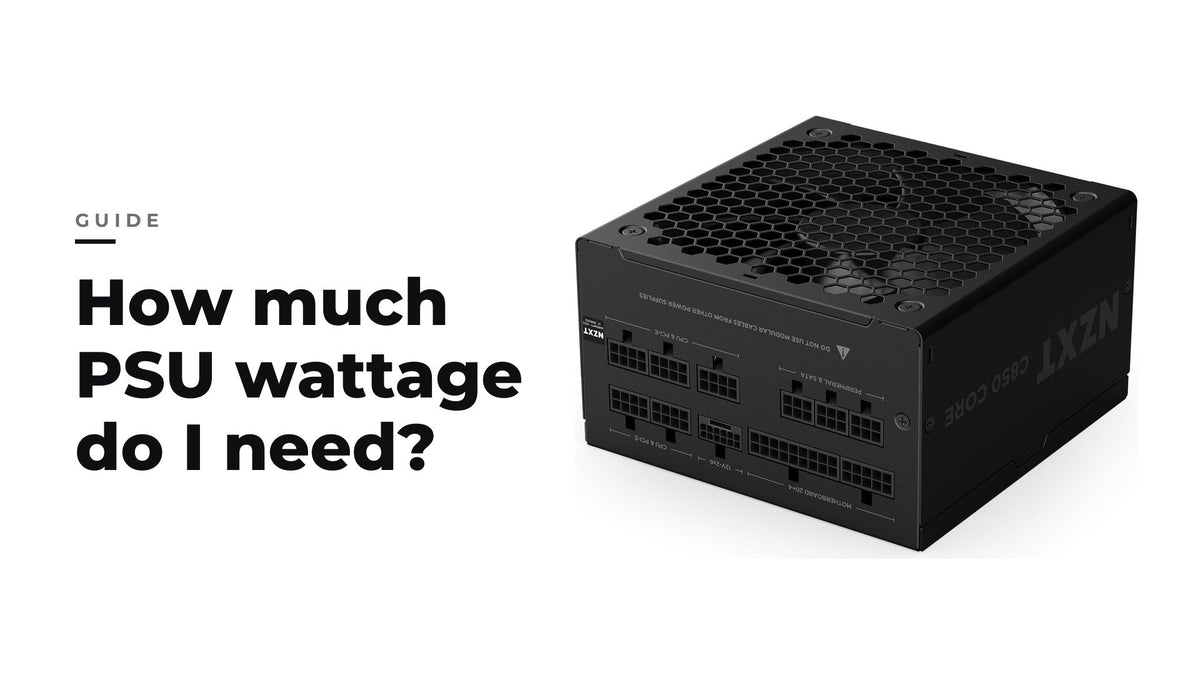
How much PSU wattage do I need?
Add your CPU and GPU ratings plus an allowance for the rest of the system, then choose a PSU that runs your typical load near the middle of its range.
Read more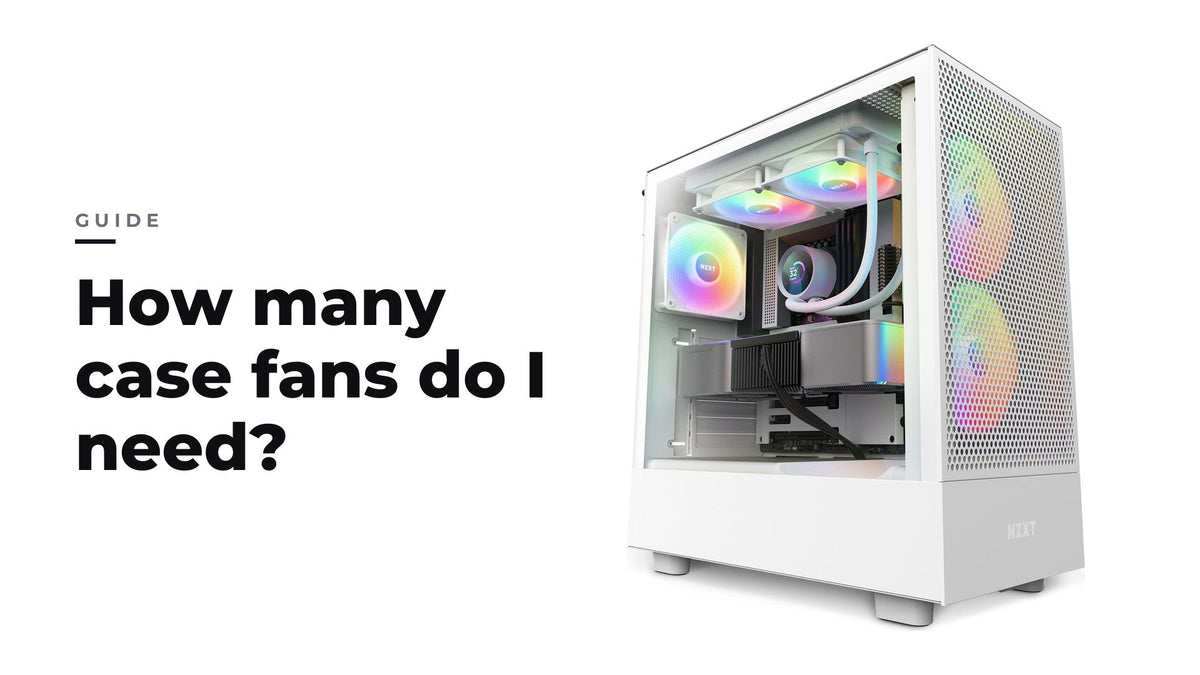
Three to four well-placed fans with slightly more intake than exhaust cover most gaming builds, and placement matters more than count.
Read more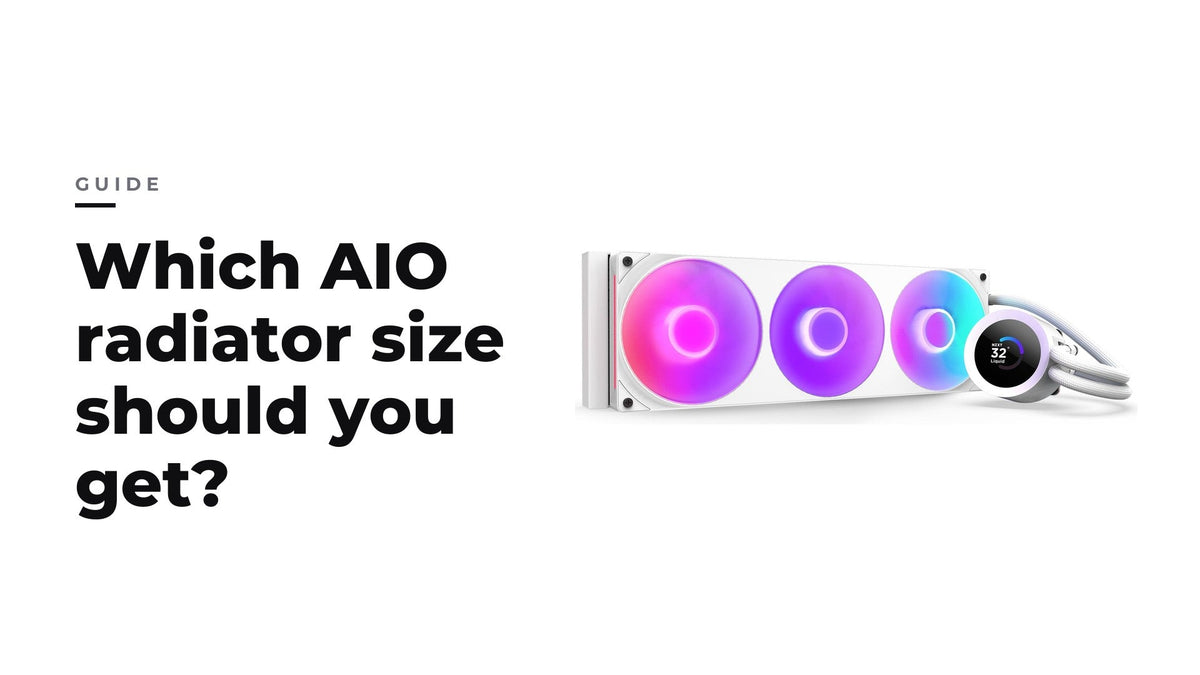
240 vs 280 vs 360 vs 420 mm AIO: which radiator size should you get?
Most gaming builds are best served by a 280 or 360 mm AIO, with 240 mm for compact builds and 420 mm when the case has room.
Read more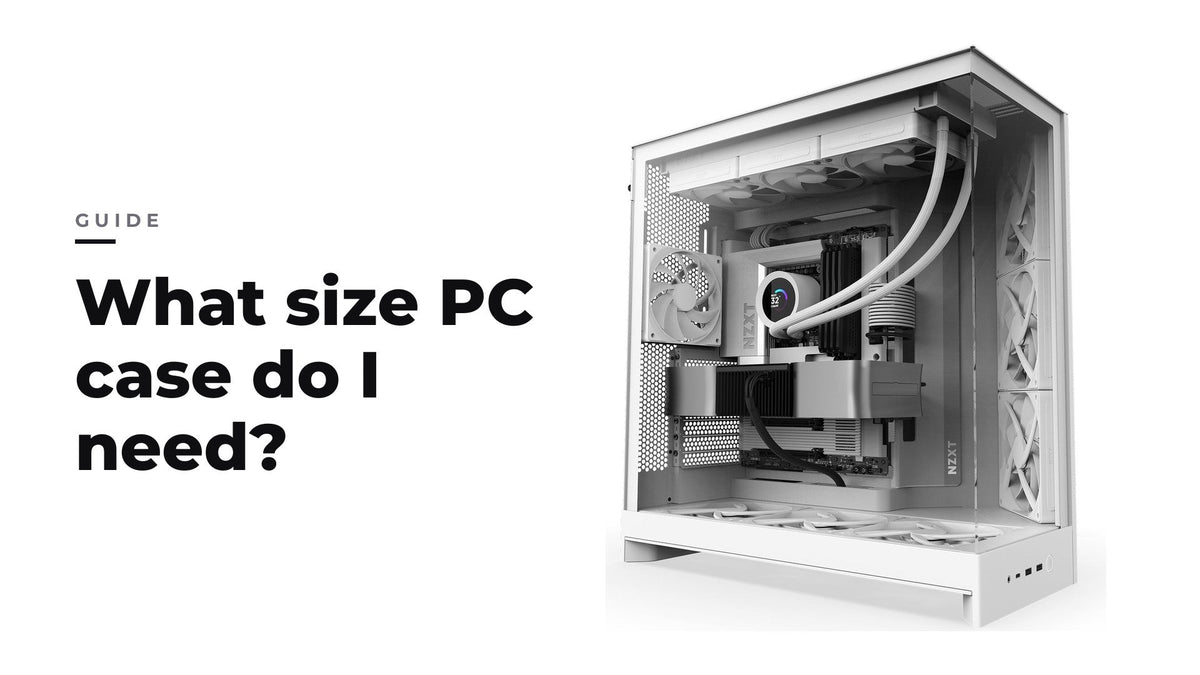
Your motherboard form factor sets the minimum case size, and GPU length, cooler height and radiator support decide the rest.
Read more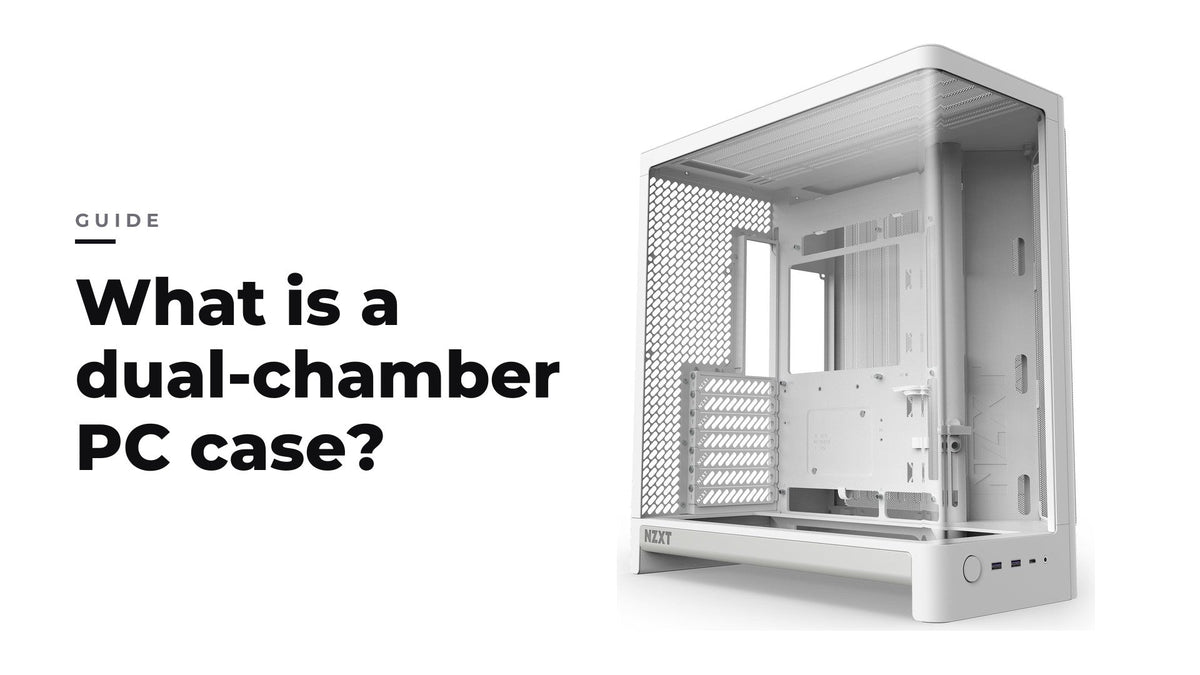
What is a dual-chamber PC case?
A dual-chamber case moves the power supply and cables into a rear compartment, trading desk width for easier cable management and a cleaner main chamber.
Read more
NZXT x Intel Club October 2026 Giveaway
This month’s giveaway rewards Club members who jump in, complete quests, and stack Pucci Points for bonus entries toward an Intel-powered NZXT Gaming PC, plus exclusive NZXT and Intel merch.
Read more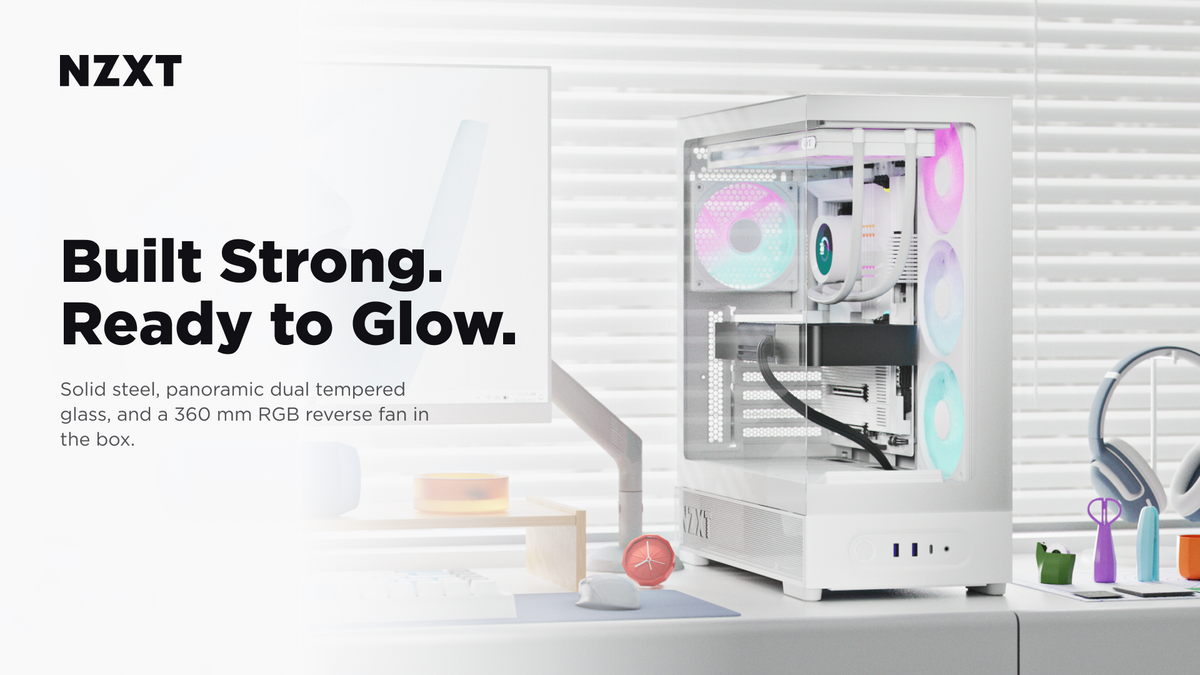
NZXT Introduces the S5 RGB and S5 RGB Deluxe — the Return of the S Series
Real steel and panoramic dual glass, in two pre-installed RGB cooling configurations.
Read more
Meet the S5 RGB and S5 RGB Deluxe: Real Steel, Real Glass, Lit Out of the Box
The S series is back, in two versions of the same steel ATX mid-tower. The S5 RGB arrives with a 360 mm RGB reverse fan already pointed at the glass. The S5 RGB Deluxe arrives with the whole fan la...
Read more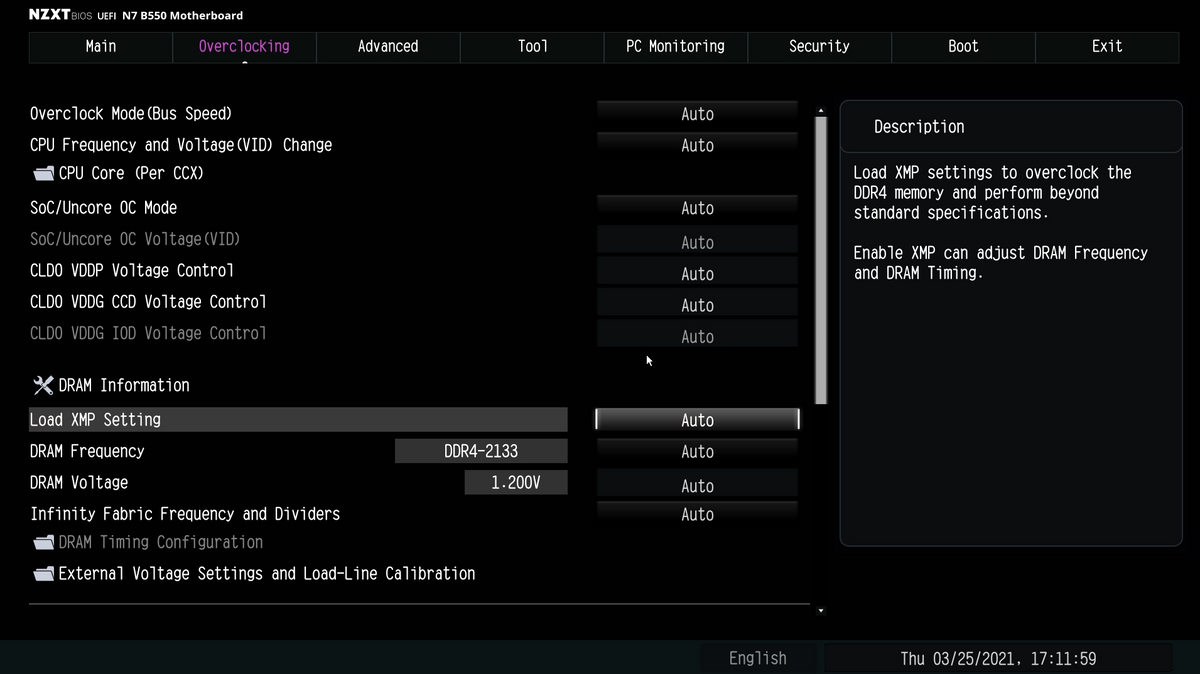
How to Enable XMP or EXPO (and Whether You Should)
Most memory does not run at its advertised speed out of the box. Turning on the profile takes about a minute. Here is what you gain and what it costs.
Read more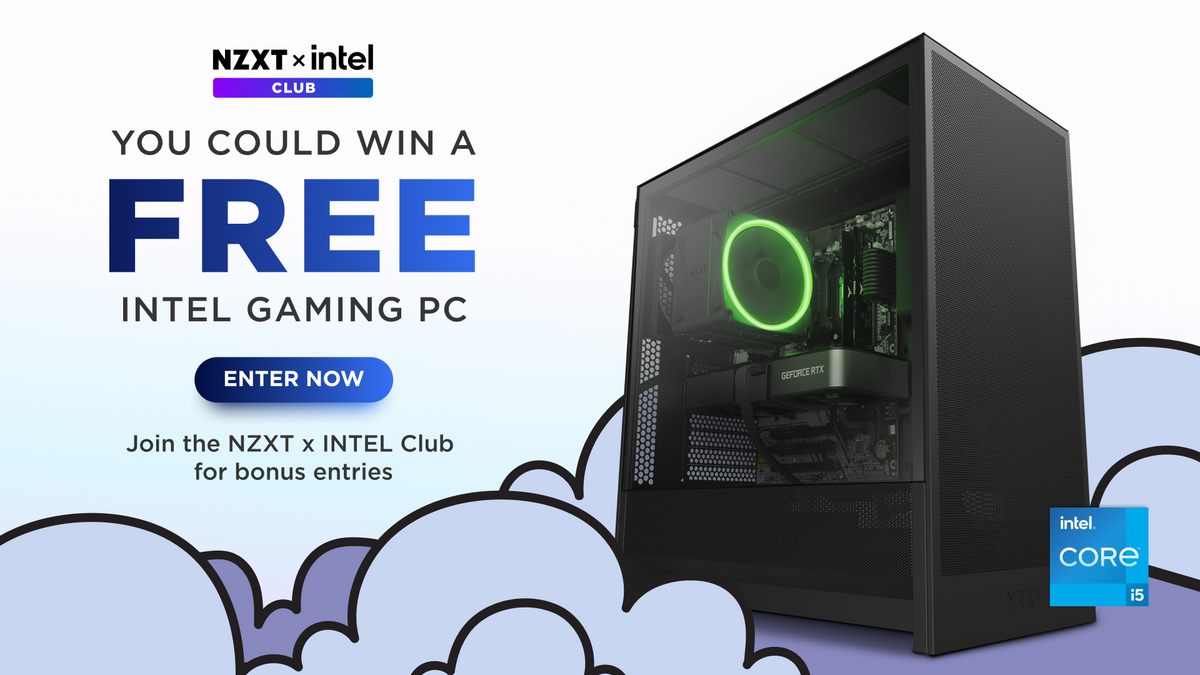
NZXT x Intel Club September 2026 Giveaway
This month’s giveaway rewards Club members who jump in, complete quests, and stack Pucci Points for bonus entries toward an Intel-powered NZXT Gaming PC, plus exclusive NZXT and Intel merch.
Read moreRecently viewed products