

 Login

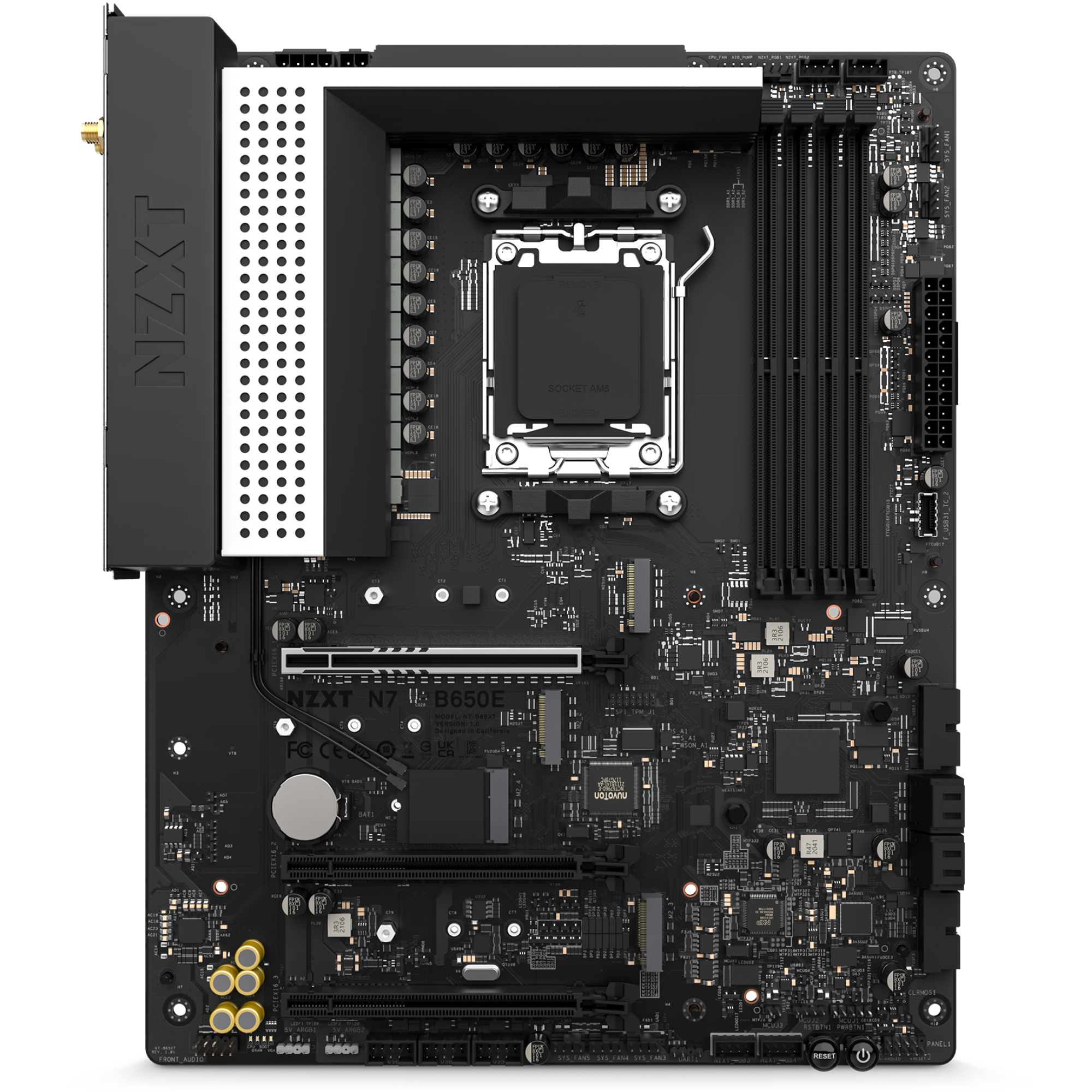
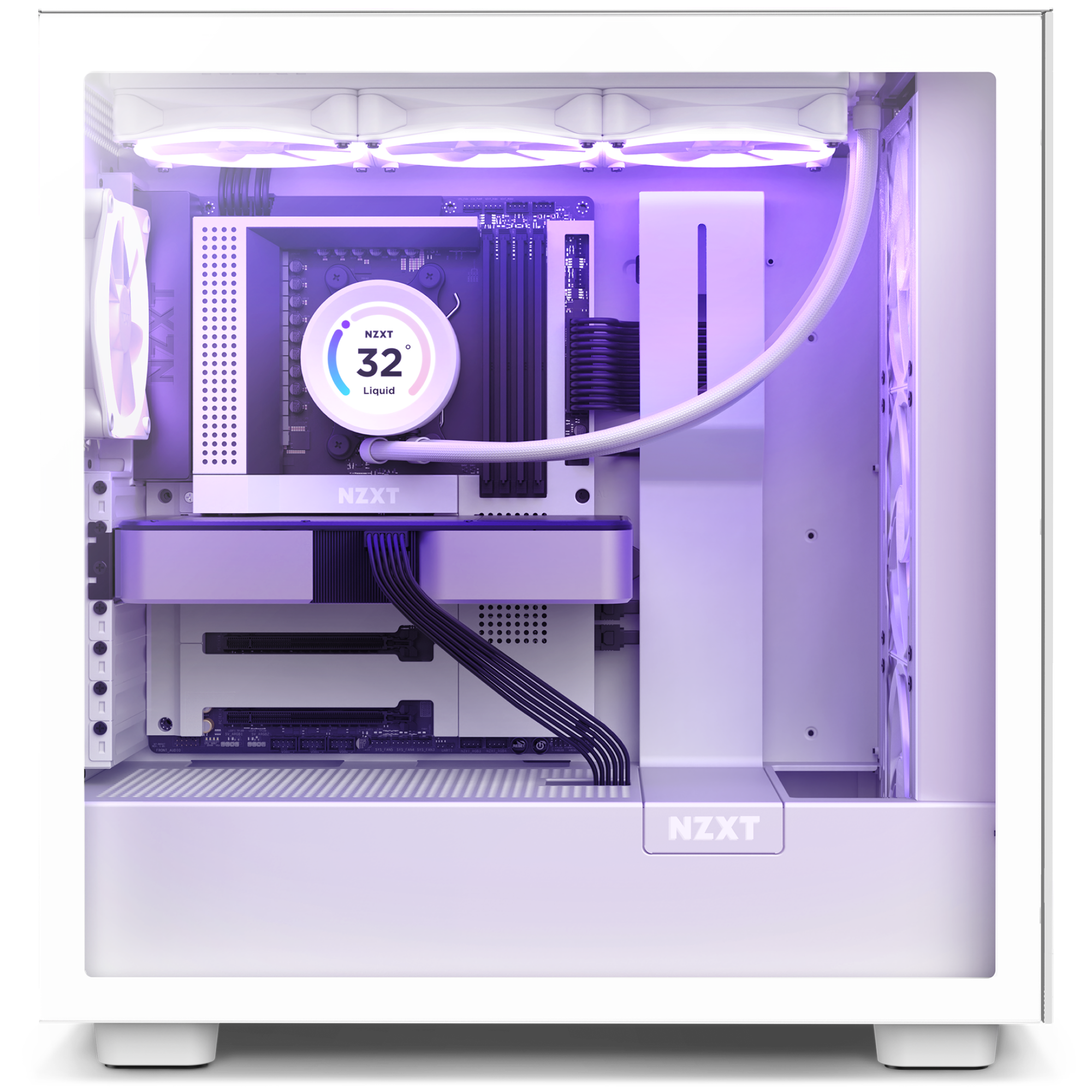
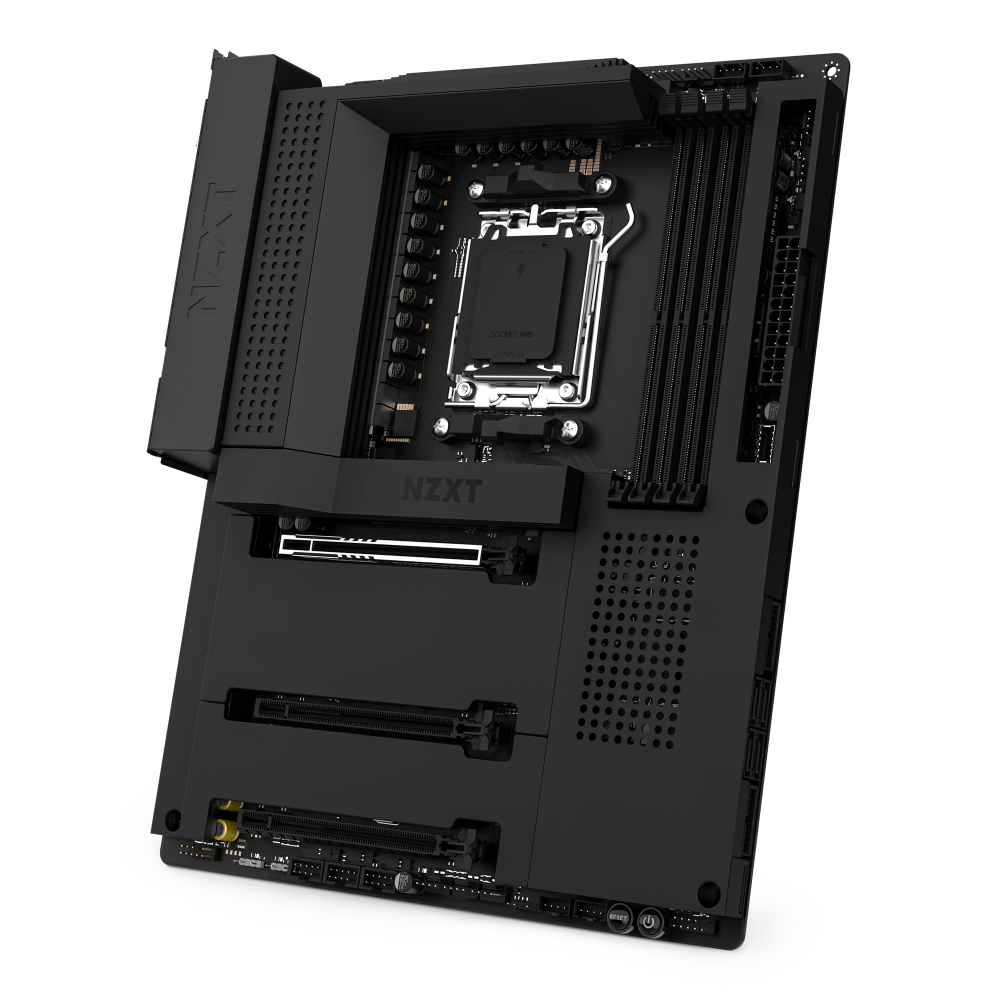
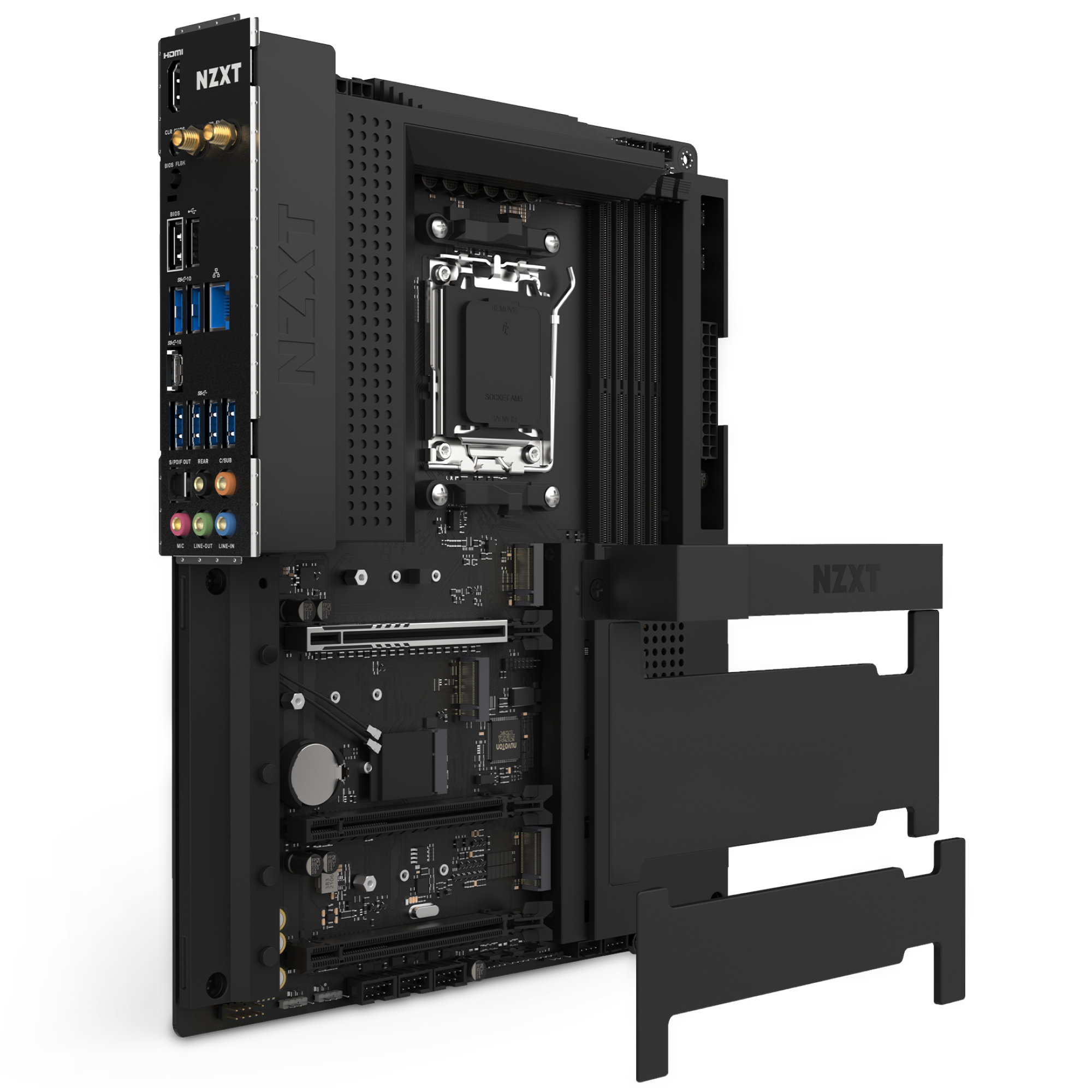
N7 B650E
AMD Motherboard with Wi-Fi and NZXT CAM Features
Key Specs
Chipset: AMD® B650E
CPU Socket: AMD Socket AM5 (AMD® Ryzen™ 9000 / 8000 / 7000)
Form Factor: ATX
Memory: 4 x DDR5, dual-channel, up to 128GB, DDR5-6000+ (OC)
Storage: 3 x M.2, 4 x SATA 6Gb/s
Networking: Realtek® RTL8125BG 2.5G LAN, Dual-Band Wi-Fi 6E, Bluetooth v5.2
Warranty: 3 years
Inside the Box
N7 B650E
SATA Cables (2 x 90°, 2 x 180°) x4
M.2 Screws x2
Wireless Antenna x2
Warranty & Return Policy
Warranty coverage — See NZXT warranty terms by product
Returns & exchanges — NZXT components and accessories are sold through authorized retailers. Start a return or exchange with the retailer you purchased from.
Warranty service — Submit a request to NZXT Support. Proof of purchase from an authorized NZXT retailer is required.
Resources
Overview
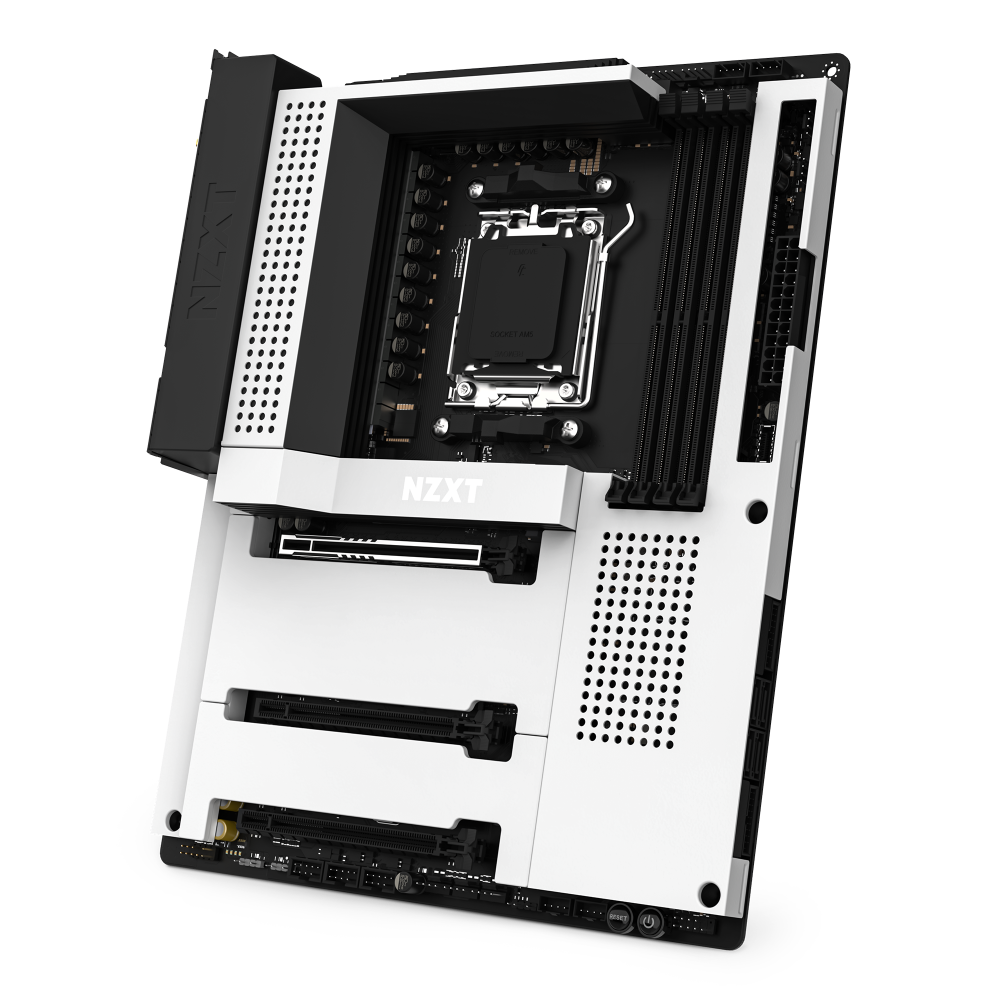
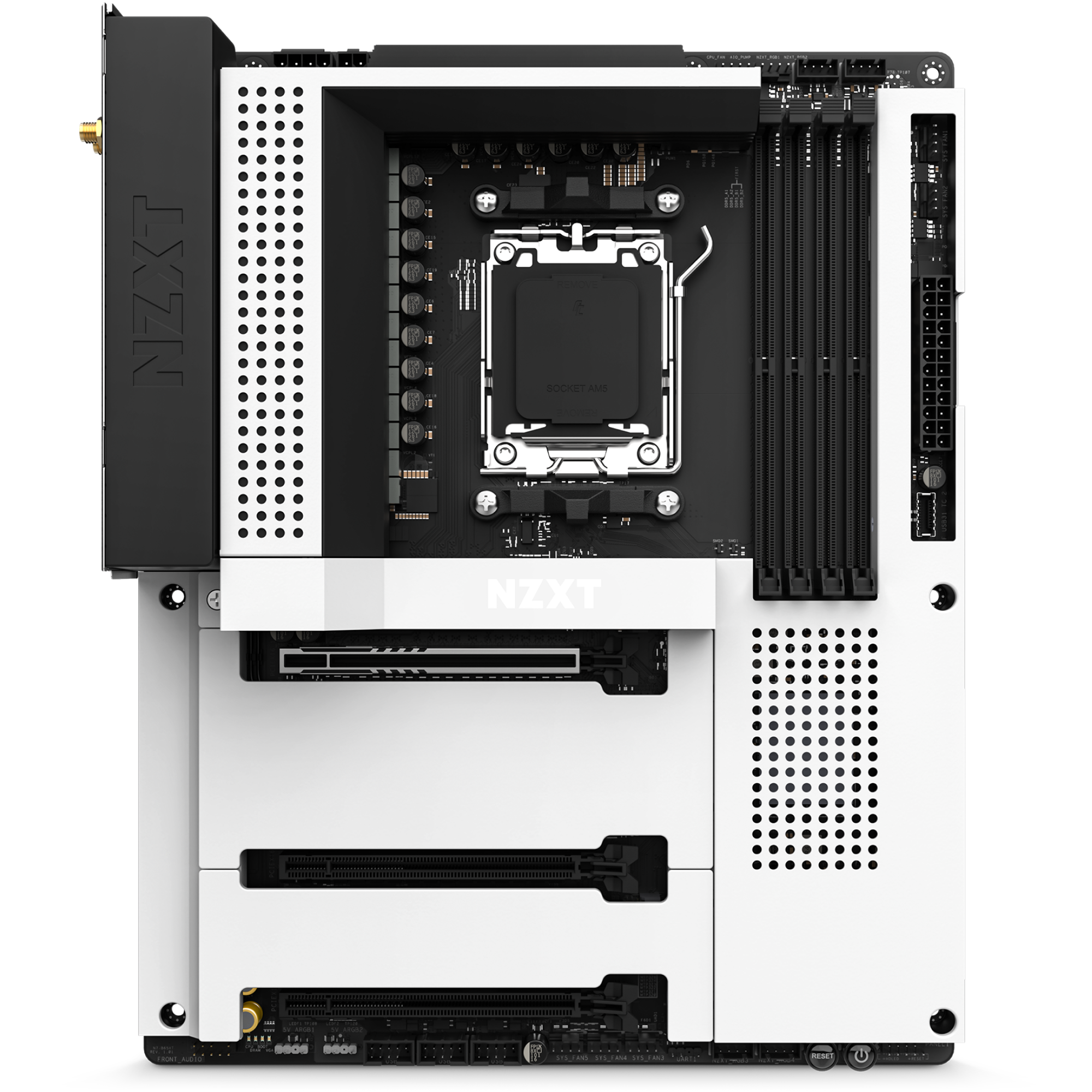
Leverage the full value of your AMD Ryzen™ 9000, 8000, and 7000 Series Processors with the AMD B650E chipset. The N7 B650E features upgraded compatibility as well as N7 favorites, such as digital RGB and fan control, Wi-Fi 6e, and more.
Maximum Control:
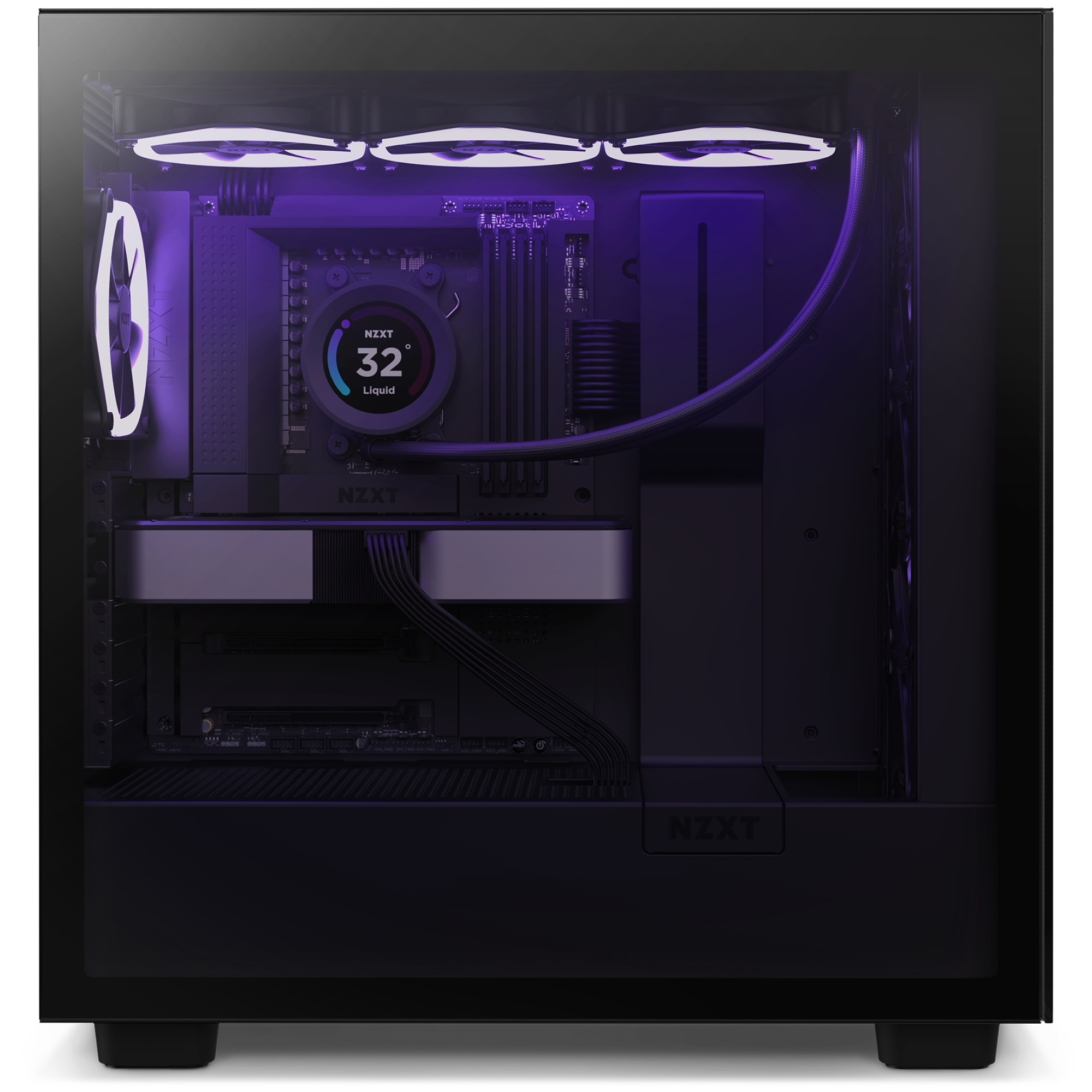
Easily customize lighting and cooling modes via NZXT CAM, with access to six RGB lighting channels. Configure lights and fans from any manufacturer.
Finishing Touch:
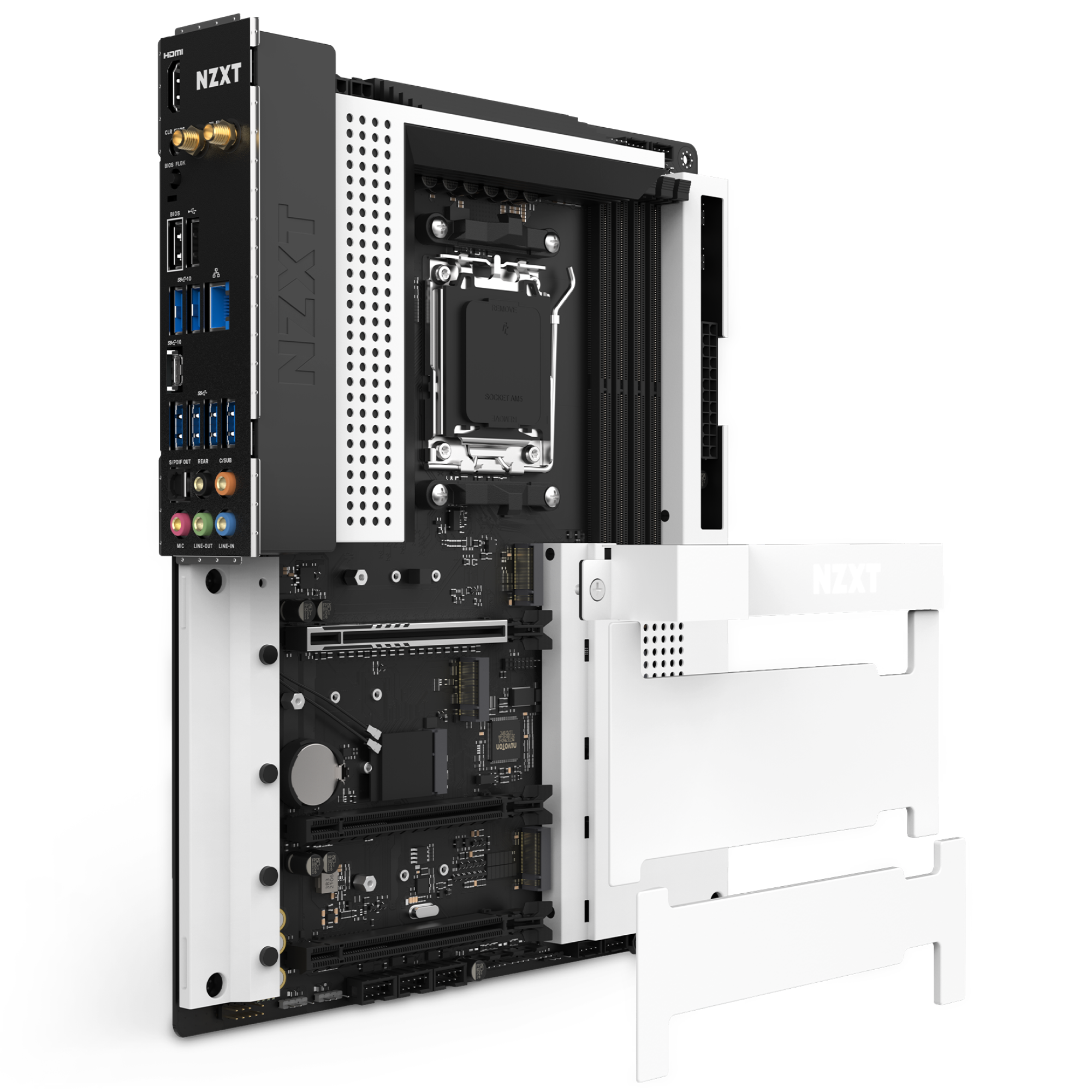
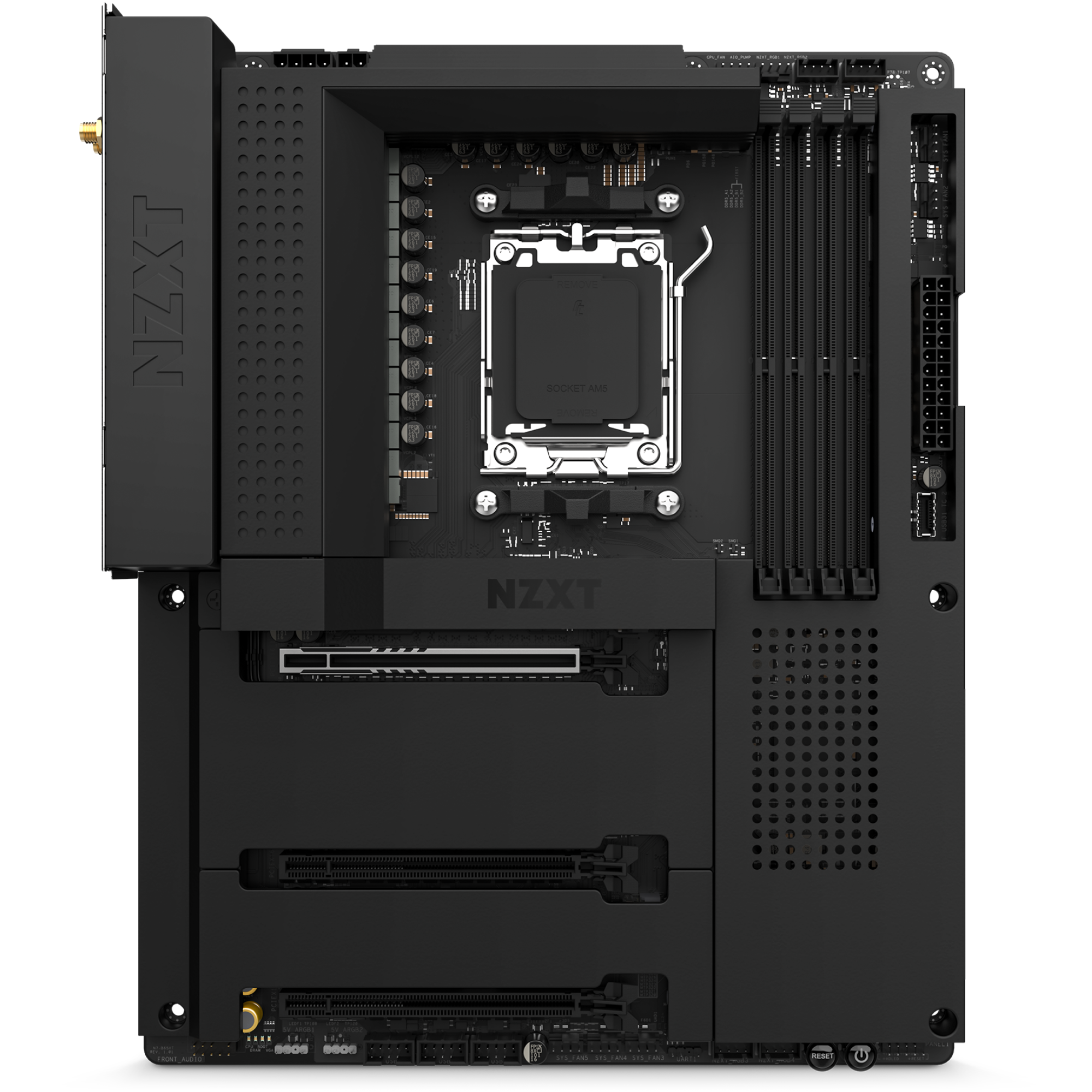
A white or black metal cover conceals the inner workings, blending seamlessly with your case. The heat fins have been expanded to cool the PCIe Gen 5 enabled NVMe drive slot.
Ready To Rock:
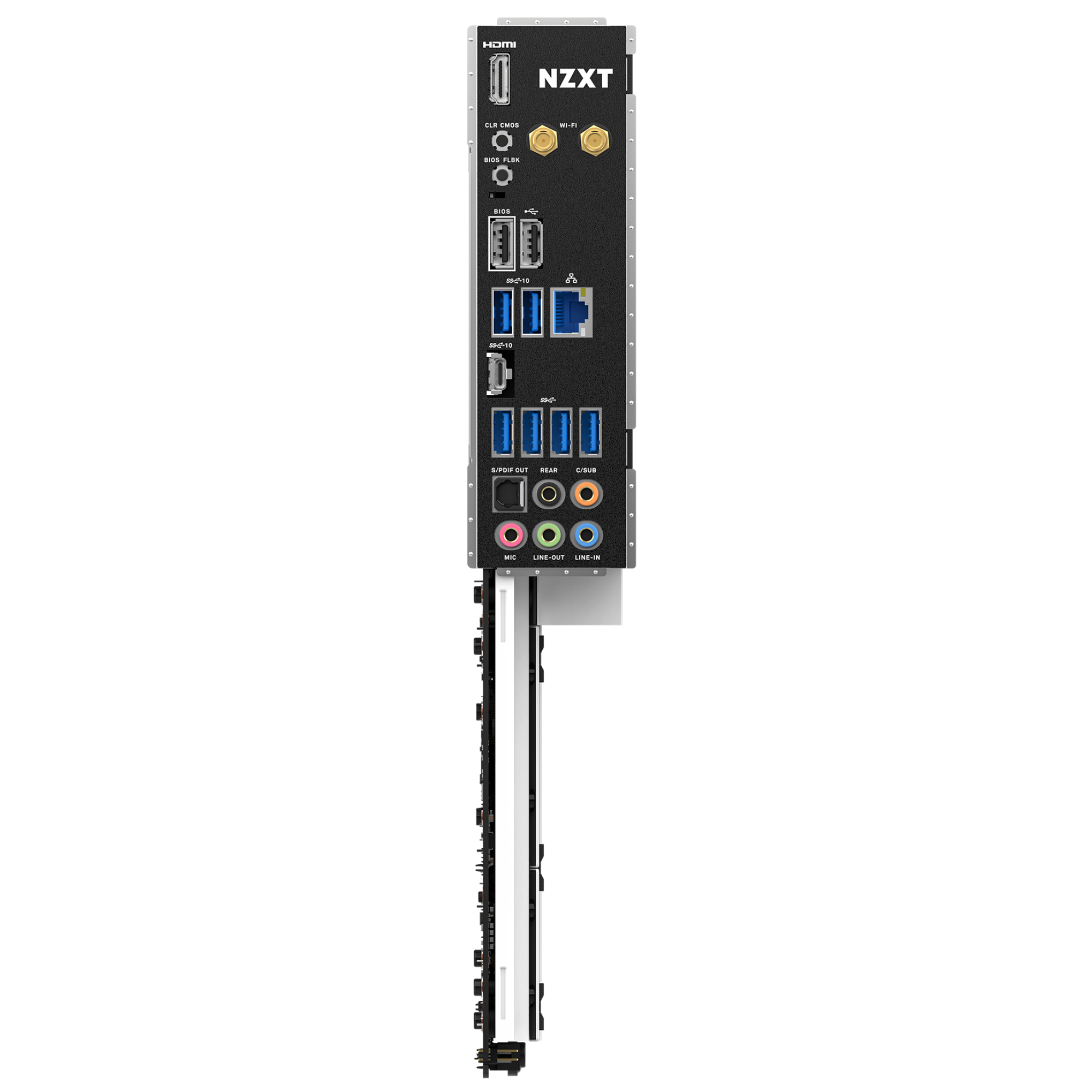
Integrated Wi-Fi 6E, rear I/O shield, and clever port placement makes the build process easy—plenty of room on board for upgrades down the line.
Stunning Craftsmanship:
Build your dream system with a full metal cover that blends aesthetically with black or white cases for a seamless backdrop for your components.
CPU and Socket:
Supports AMD Socket AM5 for AMD Ryzen™ 9000, 8000, and 7000 Series Processors.
- 16+2+1 Power phase design with 90A Smart Power Stage
- Seamless cover with integrated heat spreader
- Digital RGB lighting control through CAM
- Digital fan control for convenient fan profiles with seven independent fan channels
Tech Specs
CPU
- CPU
- AMD Socket AM5 for AMD® Ryzen™ 9000, 8000, and 7000 series processors
Chipset
- Chipset
- AMD® B650E
Memory
- DIMM Slots
- 4 x DDR5 only
- Max Memory Support
- 128GB
- Memory Architecture
- Dual-Channel
- OC Frequency
- DDR5 Non-ECC, Un-buffered Memory up to 6000+ (OC)
- Extreme Memory Profile (XMP)
- Supported
- EXTended Profiles for Overclocking (EXPO)
- Supported
Expansion Slots
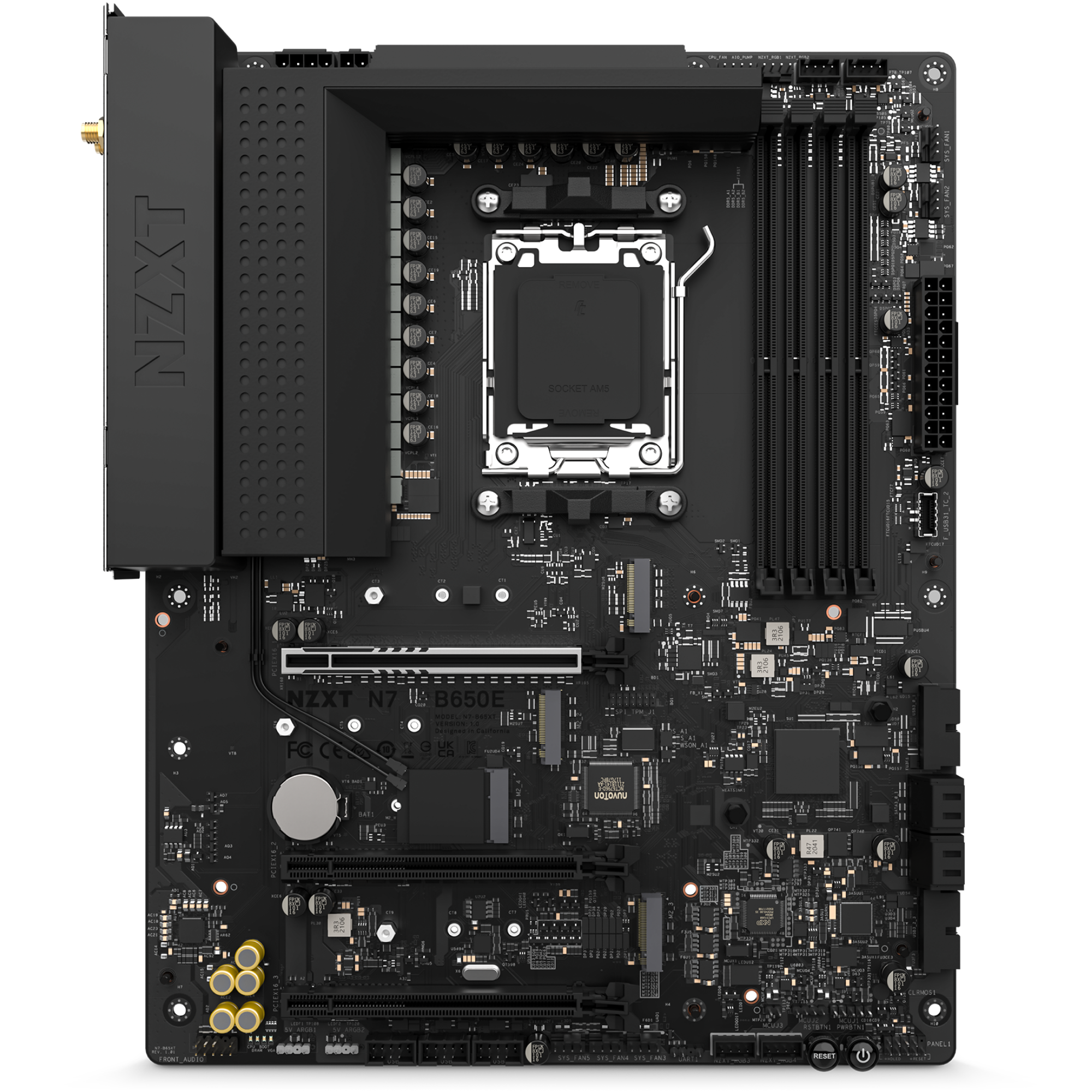
- PCIe 5.0 x16 slot (PCIEX16_1)
- 1
- PCIe 4.0 x16 slots (PCIEX16_2 and PCIEX16_3)
- 2
- M.2 Socket (Key E)
- 1 (Type 2230 Wi-Fi/BT PCIe Wi-Fi module)
Storage
- M.2_1
- Type 2242/2260/2280 (PCIe 5.0 x4 mode)
- M.2_2
- Type 2242/2260/2280 (PCIe 4.0 x4 mode)
- M.2_3
- Type 2242/2260/2280 (PCIe 4.0 x2 mode)
- SATA 6Gb/s ports
- 4
- RAID for SATA
- 0/1/10
- RAID for M.2 NVMe
- 0/1/10
- NVMe SSD as boot disks
- Supported
LAN
- LAN
- Realtek® RTL8125BG 2.5G LAN
Wireless
- Dual-Band Wi-Fi 6E
- Supported
- Bluetooth
- v5.2
Audio
- Audio
- Realtek® ALC1220 Audio Codec
Rear I/O
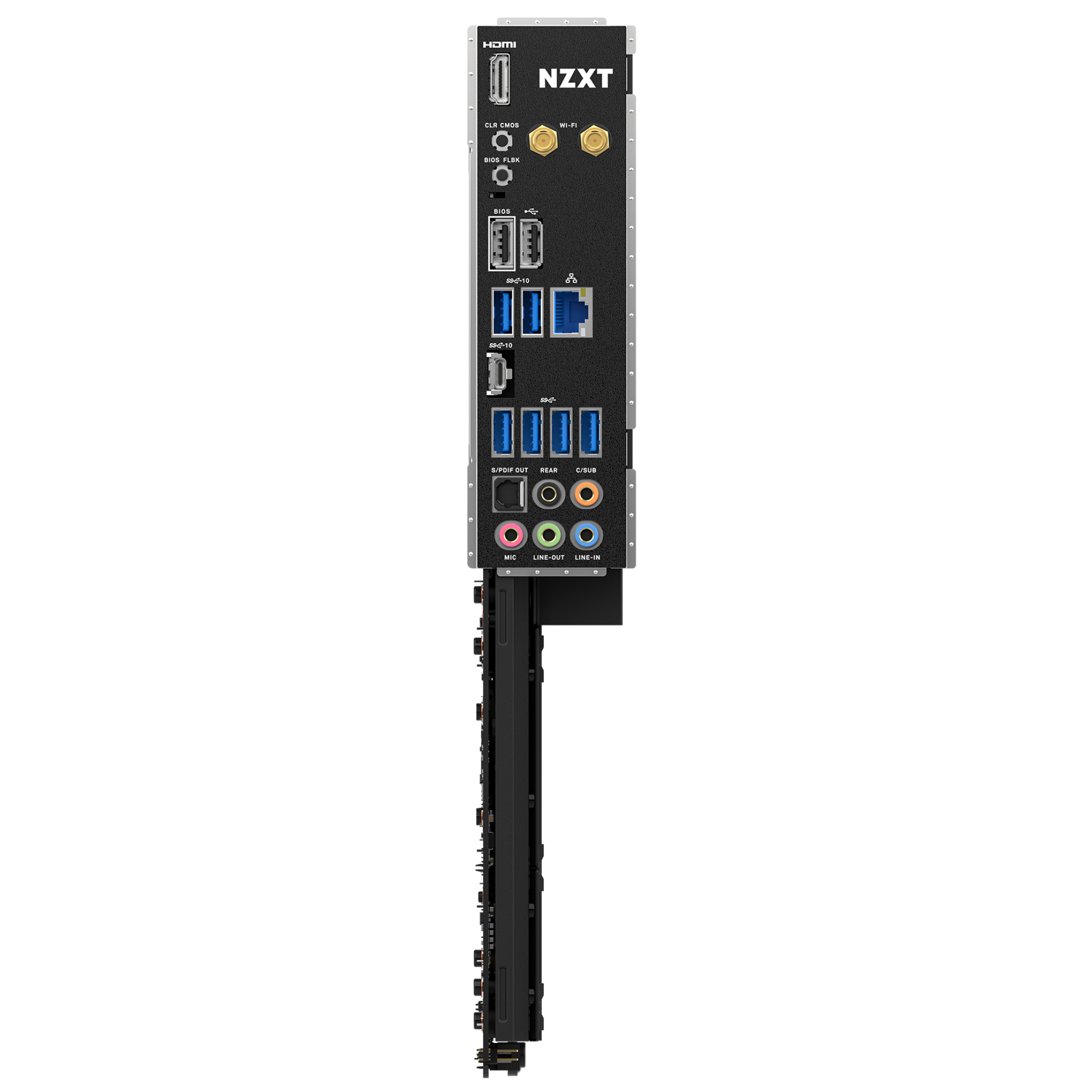
- Wireless antenna SMA connectors
- 2
- HDMI™ port
- 1
- USB 2.0 ports
- 2
- USB 3.2 Gen 2 Type-C port
- 1
- USB 3.2 Gen 2 ports
- 2
- USB 3.2 Gen 1 ports
- 4
- Clear CMOS button
- 1
- BIOS Flashback button
- 1
- LAN (RJ45) port
- 1
- Audio jacks
- 5
- Optical S/PDIF Out port
- 1
Internal I/O
- 24-pin ATX power connector
- 1
- 8+4-pin ATX 12V power connector
- 1
- 4-pin CPU_FAN connector
- 1
- 4-pin AIO_PUMP connector
- 1
- 4-pin SYS_FAN connectors
- 5
- NZXT RGB LED connectors
- 4
- 5V ARGB LED connectors
- 2
- USB 2.0 header
- 3 (Up to 6 USB 2.0 ports)
- USB 3.2 Gen1 header
- 2 (Up to 4 USB 3.2 Gen 1 ports)
- USB 3.2 Gen2x2 front panel header
- 1 (For USB Type-C)
- Front panel audio connector
- 1
- Power button
- 1
- Reset button
- 1
- POST LEDs
- 4
General
- Operating System
- Windows® 11/10 64-bit
- Form Factor
- ATX
- Warranty
- 3 years
- Certifications
- FCC, CE, WHQL, ErP/EuP Ready
- Model Number
- N7-B65XT-W1 (White) / N7-B65XT-B1 (Black)
- UPC
- 810074842877 (White) / 810074842884 (Black)
- EAN
- 5056547202815 (White) / 5056547202822 (Black)
Frequently Asked Questions
What is a motherboard and why is it important?
A motherboard is the backbone of your computer, providing the connections and pathways for all your other hardware components. It's kind of like the central nervous system of your PC, except it doesn't have the ability to feel pain (unfortunately). Without a motherboard, your computer would be a bunch of expensive parts sitting on a desk, doing nothing. So, you know, it's pretty important.
What should I look for when choosing a motherboard?
There are a few key things to consider when choosing a motherboard. First, you need to make sure it's compatible with your CPU. Otherwise, you'll be stuck with a really expensive paperweight. You'll also want to consider the number and type of expansion slots, as well as the number of USB ports and other connectivity options. And of course, don't forget about the all-important RGB lighting. You want your motherboard to look as flashy as possible, right?
Are all motherboards the same size?
Nope! Motherboards come in a variety of sizes, also known as form factors. The most common form factors are ATX and Micro-ATX, but there are also smaller ones like Mini-ITX and even larger ones like Extended-ATX. You'll need to choose a motherboard that fits in your computer case, so make sure to measure your case and check the motherboard's dimensions before making a purchase.
Is it worth getting a high-end motherboard?
That depends on how much money you have burning a hole in your pocket. High-end motherboards often come with design consideration, extra features and more robust components, but they also come with a higher price tag. If you're a hardcore PC enthusiast then yes, go for it. But if you're on a budget, you can still get a perfectly capable motherboard without breaking the bank.
Can I upgrade my motherboard?
In theory, yes, you can upgrade your motherboard. But in practice, it's not always a good idea. Upgrading your motherboard means replacing the entire backbone of your computer, which can be a complex and expensive process. Unless you're an experienced PC builder and you have a really good reason for upgrading your motherboard, you're probably better off reaching out to a friend (like our PC Building Experts!) for help, sticking with what you have or upgrading your PC.
Can I overclock my CPU with any motherboard?
Well, technically you can, but you probably shouldn't. Overclocking is a delicate art that requires a lot of knowledge and experience to do safely. And even then, there's no guarantee that it will work. So unless you're a seasoned overclocking pro, you're probably better off leaving it to the professionals (or just leaving it alone altogether).
N7 B650E - What is the latest BIOS version?
For the latest BIOS version, please check the "Drivers" section of the Downloads list below for the highest version number, or check the latest patch notes for this motherboard at the link below: