Connexion

Guides
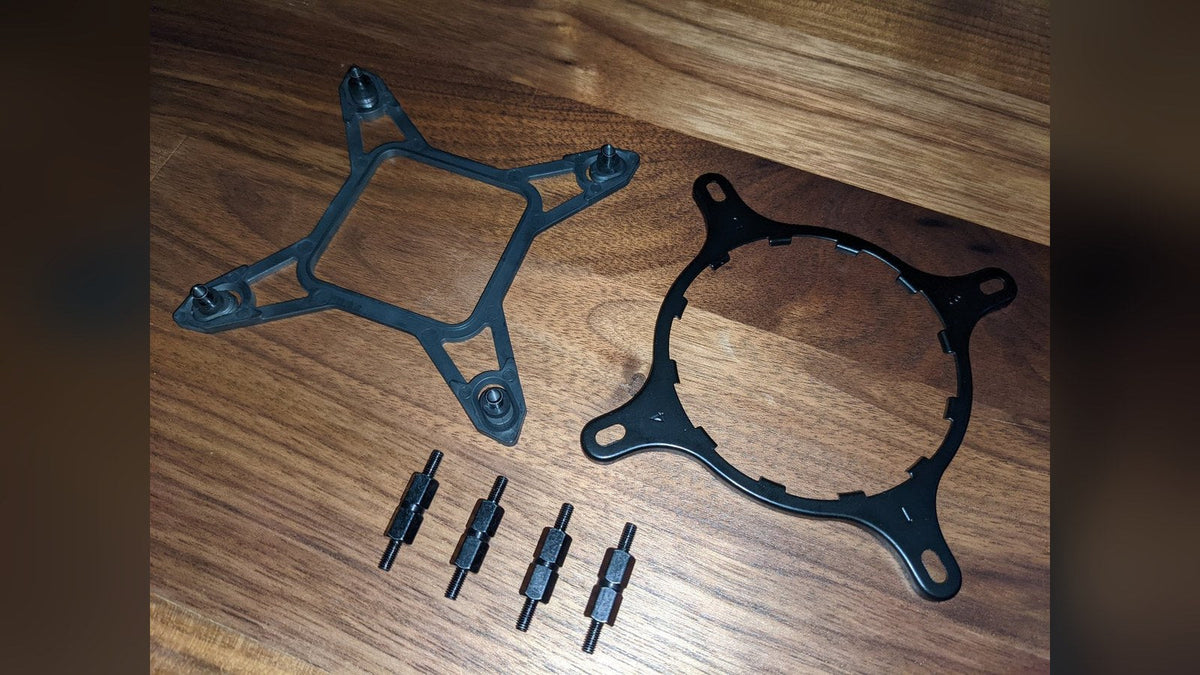
Will My Cooler Fit LGA 1851? NZXT Kraken Socket Compatibility
Your LGA 1700 bracket already fits LGA 1851. Here's which NZXT coolers support the socket and what older Kraken X and Z owners need.
En savoir plus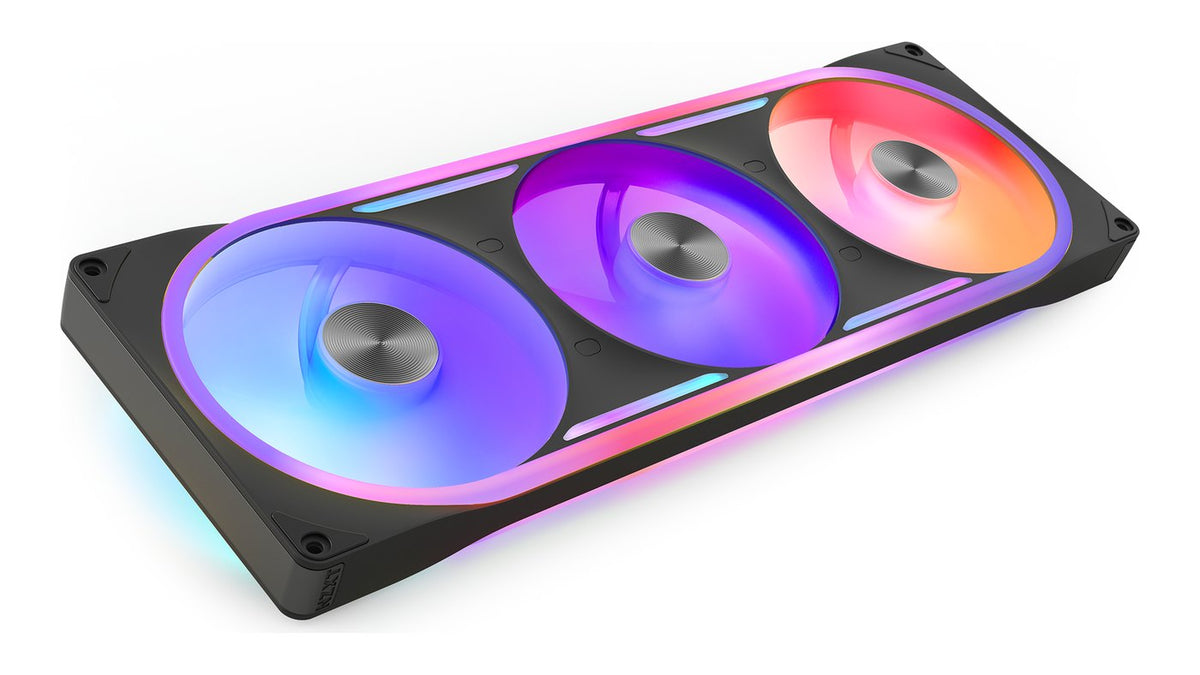
How to Connect RGB Fans: Motherboard, Controller or Control Hub
Motherboard header, controller or Control Hub? Here's how every current NZXT RGB fan connects, what the 8-pin cable does and the one wiring mistake to avoid.
En savoir plus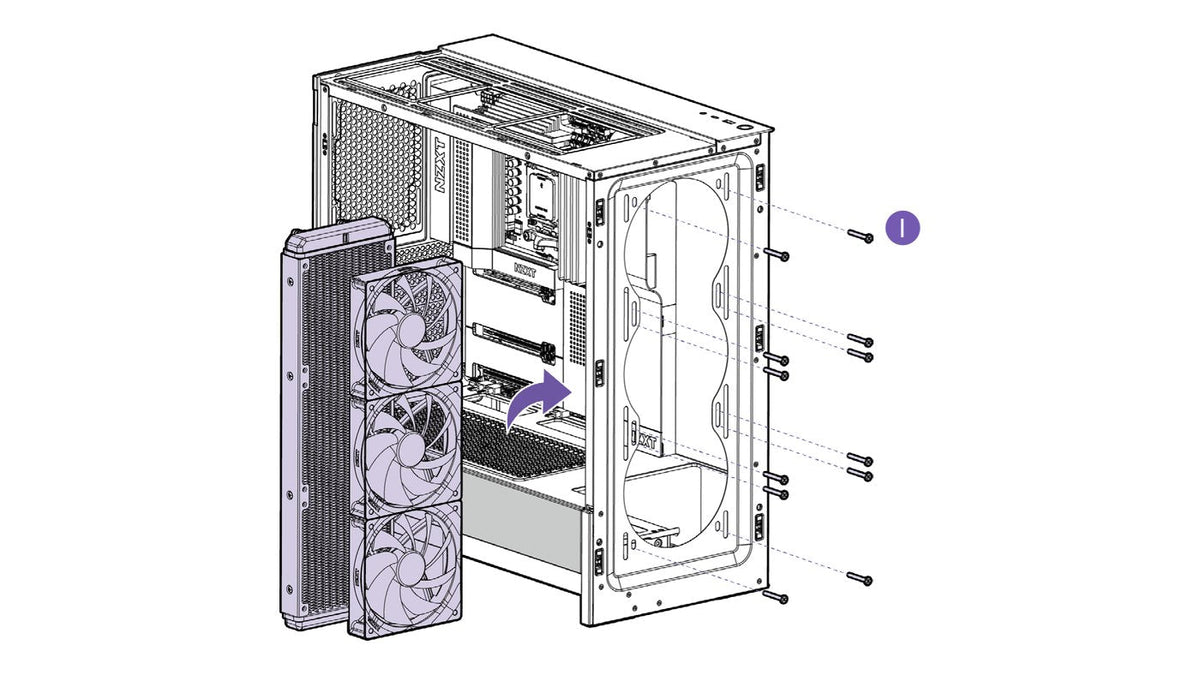
Is a Push-Pull Radiator Setup Worth It?
A second row of radiator fans sounds like free cooling. Here's what push-pull gains, how much space it needs and when a bigger radiator does more.
En savoir plus
How to Put a GIF on Your NZXT Kraken Screen
Your Kraken screen can show any GIF you like. Here's how to set one up in NZXT CAM, make it fit the screen and pair it with live temps.
En savoir plus
NZXT CAM Not Detecting Your Kraken or RGB Controller? How to Fix It
If CAM cannot see your Kraken or RGB controller, the cause is usually one of a few things. Work through these seven steps in order to find which one.
En savoir plus
How to Install a Graphics Card: Remove, Seat and Power It
Check it fits, power down the right way, swap the card and connect power without mixing PSU cables. A step-by-step graphics card install.
En savoir plus
Should Your AIO Pump Go on CPU_FAN or AIO_PUMP?
The right header depends on whether that 3-pin cable powers your pump or just reports its speed. Here's where every Kraken's pump and fans should plug in.
En savoir plus
Is My PC Overheating? Safe CPU Temperatures and How to Check
High temps under load can be normal. High temps at idle aren't. Here's how to read your CPU temperature, what's safe and what to fix when it runs hot.
En savoir plus
How to Install an AIO Liquid Cooler, Step by Step
An AIO install comes down to the same six steps every time. Here's each one, from the backplate to the BIOS setting that keeps your pump healthy.
En savoir plus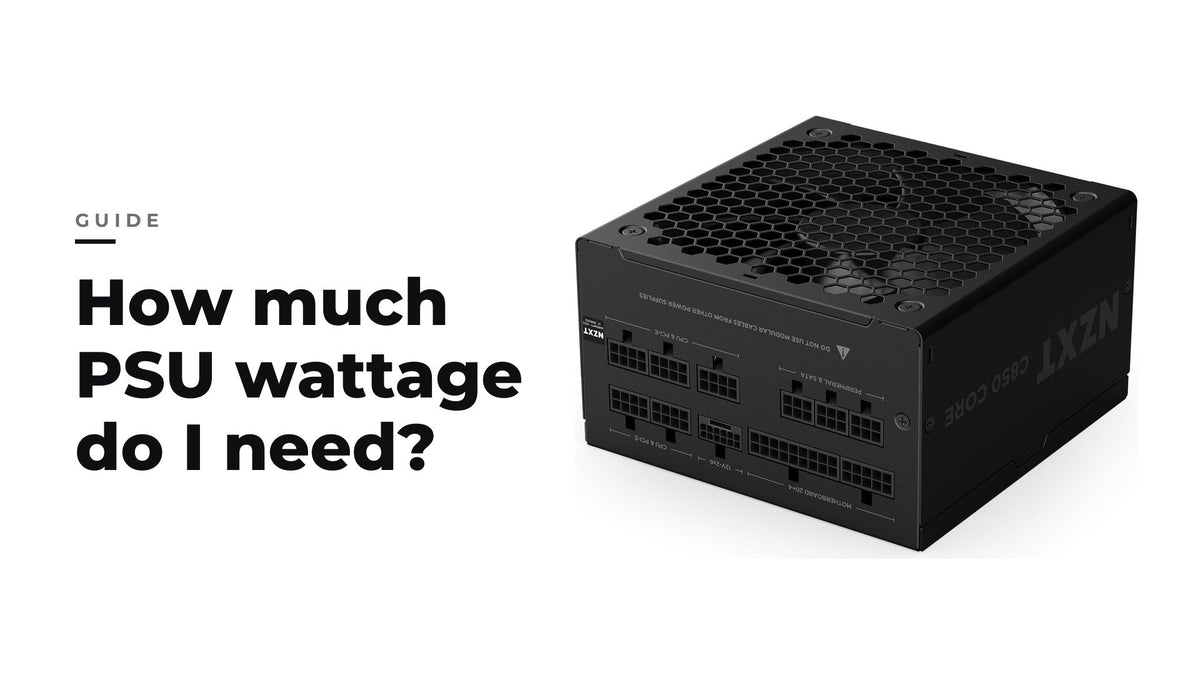
De quelle puissance d'alimentation ai-je besoin ?
Additionnez la puissance nominale de votre CPU et de votre GPU, ajoutez une réserve pour le reste du système, puis choisissez une alimentation qui fait tourner votre charge habituelle vers le milie...
En savoir plus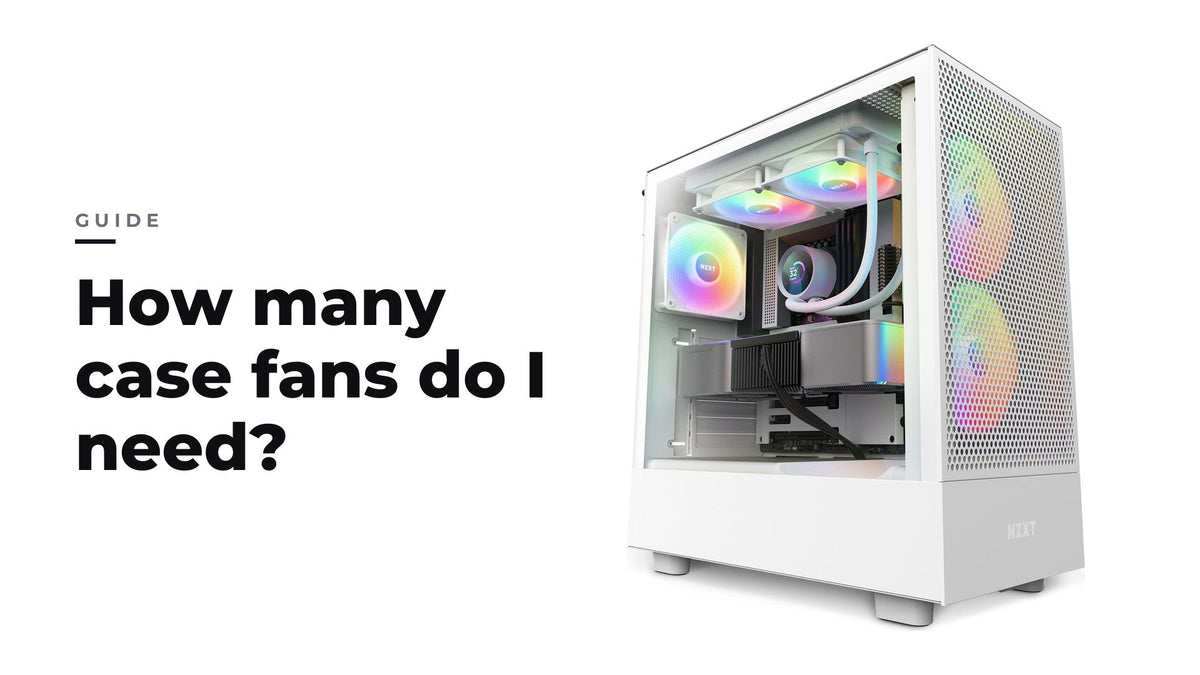
Combien de ventilateurs de boîtier me faut-il ?
Trois à quatre ventilateurs bien placés, avec un peu plus d'admission que d'extraction, suffisent pour la plupart des configs gaming ; le placement compte plus que le nombre.
En savoir plus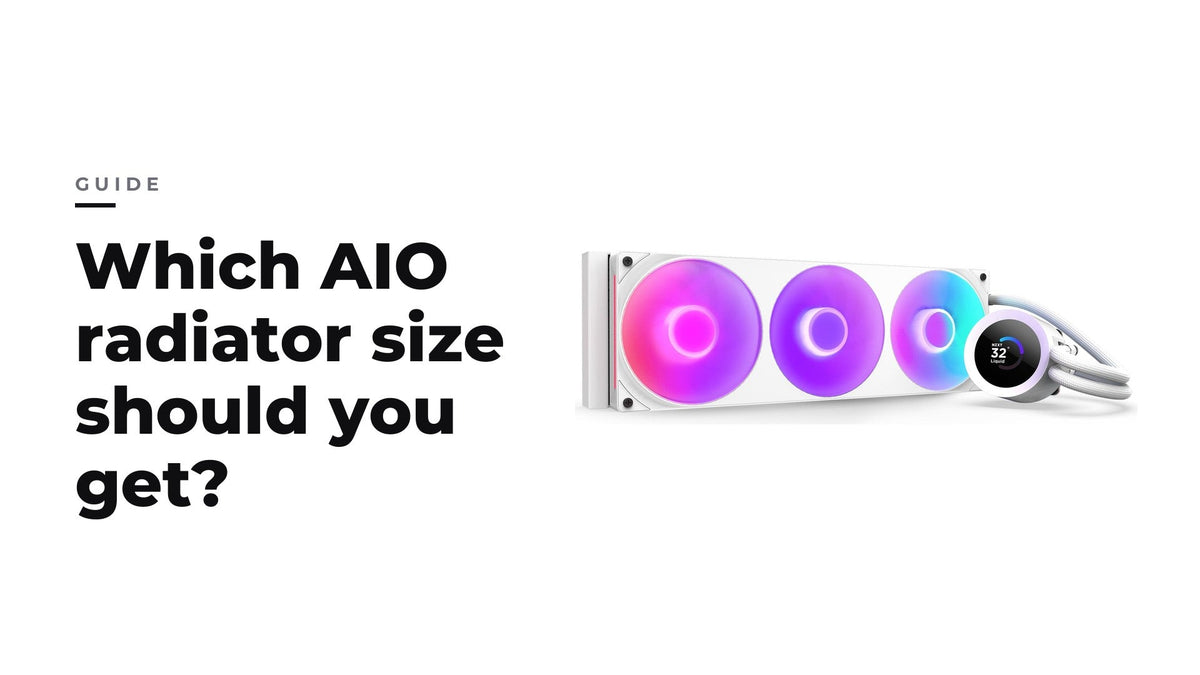
AIO 240, 280, 360 ou 420 mm : quelle taille de radiateur choisir ?
Pour la plupart des configs gaming, un AIO de 280 ou 360 mm est le meilleur choix ; le 240 mm convient aux configs compactes et le 420 mm aux boîtiers qui ont la place.
En savoir plusRecently viewed products